


Solo - Fretboard Visualization

4.50

Information

Category:

Music & Audio

Price:

$ 9.99

Rank:

51

Rating:

4.50

Overview

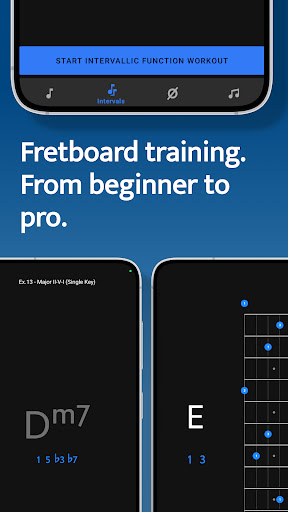
Solo is a comprehensive practice tool designed to help guitarists and bassists master fretboard visualization. Developed by renowned guitarists Tom Quayle and David Beebee, this app offers four specialized trainers that target different aspects of fretboard mastery.

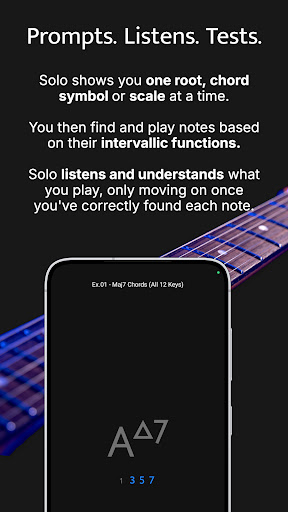
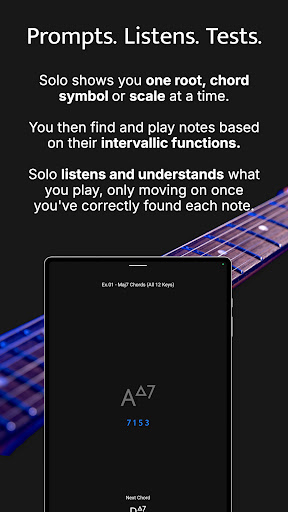
The app's core functionality lies in its ability to train users on note names, interval shapes, chord changes, and scales through interactive exercises. Solo listens to the notes you play and ensures you find each note correctly by its intervallic function before progressing. This methodical approach helps musicians build confidence and fluency on their instruments.

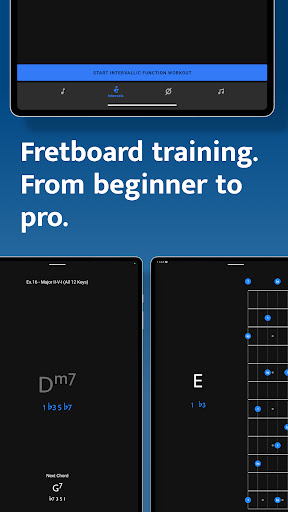
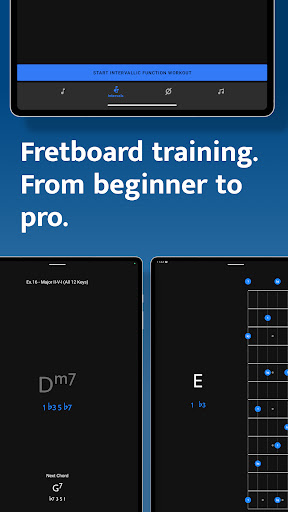
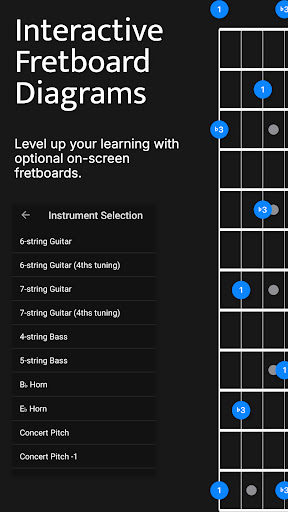
Whether you're a beginner learning basic notes or an advanced player working on complex melodic structures, Solo provides customizable practice sessions tailored to your skill level. The app supports various string configurations including 6-string guitars, 7-string guitars, and 4/5-string basses, making it suitable for a wide range of players.

Features

Solo stands out with its four powerful training modules: Note Trainer, Interval Trainer, Changes Trainer, and Scale Trainer. Each module focuses on a specific aspect of fretboard visualization and offers unique features to enhance learning.

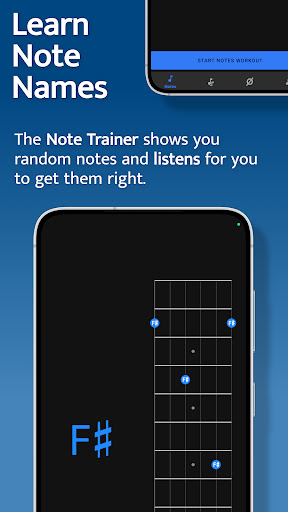
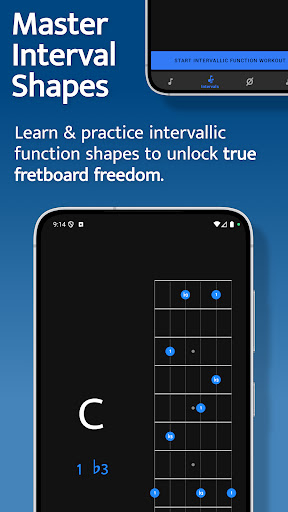
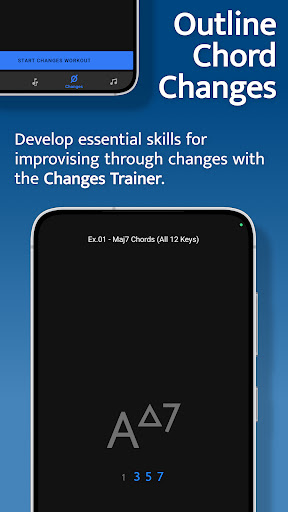
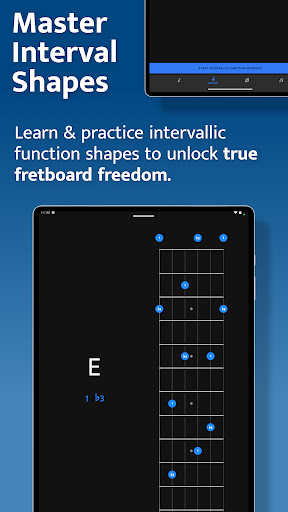
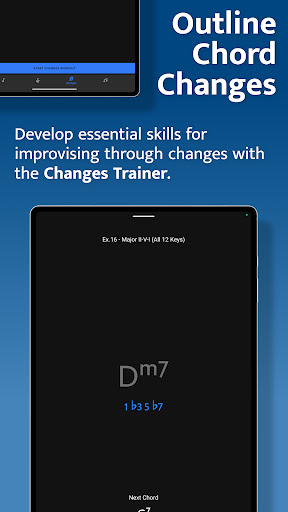
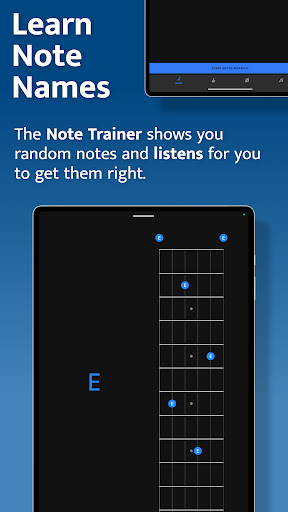
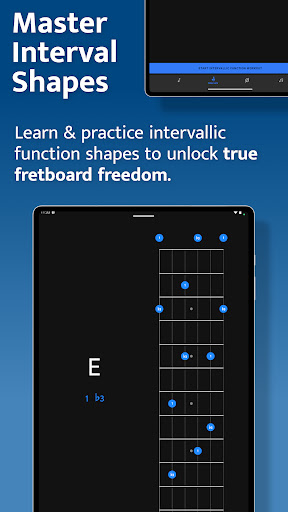
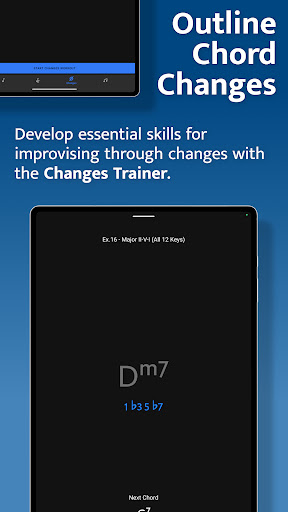
The Note Trainer helps beginners and intermediates learn note names across the fretboard using interactive diagrams and duration-based workouts. The Interval Trainer allows users to practice interval shapes against fixed or random root notes, with options for custom interval groups and various tunings. The Changes Trainer focuses on outlining chord progressions through single-note lines, featuring over 100 common progressions and 50 intervallic function levels.

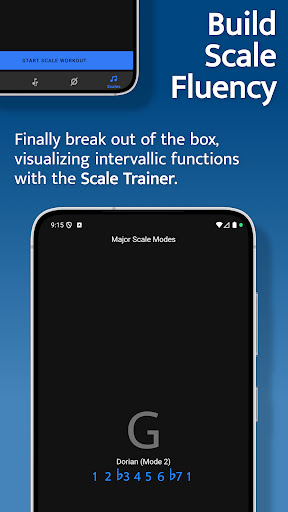
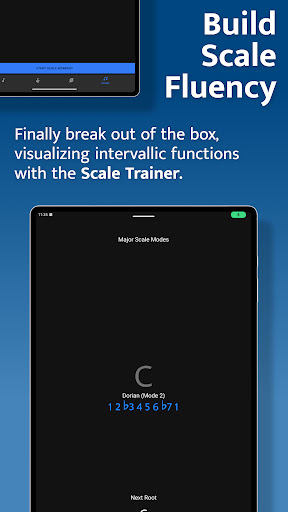
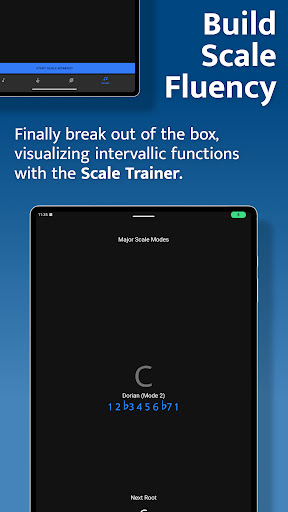
The Scale Trainer offers an extensive library of over 50 scales and modes, complete with melodic sequence options and voice leading practice. All trainers feature interactive fretboards, customizable workout durations, and support for multiple instrument configurations, providing a comprehensive learning experience.

Music library size & copyright authenticity

The music library size and copyright authenticity are crucial aspects of any music-related application as they ensure both the breadth of content available to users and the legitimacy of the material provided. For Solo - Fretboard Visualization, while it is not a traditional music streaming service, its equivalent lies in the extensive array of scales, modes, and chord progressions that it offers to users for practice and mastery. The app boasts over 50 scales and modes within its Scale Trainer feature, alongside more than 100 common chord progressions and single chord exercises in the Changes Trainer. This vast collection ensures that musicians at all levels have sufficient resources to develop their skills comprehensively. Moreover, since Solo is designed by world-renowned guitarists Tom Quayle and David Beebee, there is an inherent assurance of the content's credibility and expert validation. These professionals bring with them years of experience and knowledge, which translates into accurate and authoritative instructional material within the app. Users benefit from this combination of a wide-ranging library and trustworthy content by gaining access to high-quality learning tools that cover various aspects of fretboard visualization, such as note names, interval shapes, chord changes, and scale structures. As a result, musicians can confidently practice and improve their playing with the assurance that they are learning from reliable sources.

Audio quality options

Audio quality options play a significant role in enhancing the user experience within music applications by providing clear sound reproduction that is essential for critical listening tasks. In the case of Solo - Fretboard Visualization, audio quality manifests through its ability to accurately listen to and assess notes played by users during practice sessions. The app employs sophisticated audio processing technology that allows it to recognize when users correctly play notes or intervals on their instruments. This functionality supports four powerful fretboard trainersu2014Note Trainer, Interval Trainer, Changes Trainer, and Scale Traineru2014each requiring precise audio input to validate user performance against specified musical tasks. Furthermore, Solo offers flexibility in practice with features like duration-based workouts and transposition options across different keys and chord types without compromising audio clarity. This means musicians can engage in tailored practice routines that suit their individual needs while receiving consistent auditory feedback. The value proposition for users lies in the app's capacity to deliver an immersive learning environment where they can trust the accuracy of audio responses during their practice sessions. By ensuring high-quality audio assessment capabilities, Solo empowers musicians to focus on improving their technical proficiency without being hindered by concerns about sound fidelity or response precision.

Props

Comprehensive training modules

Interactive fretboard diagrams

Customizable practice sessions

Wide instrument compatibility

Developed by expert musicians

Cons

Steep learning curve

Interface may feel complex

Requires dedicated practice time

Limited visual customization

No built-in metronome

Features and Functions

What is this app and what can I use it for?

Solo is a fretboard visualization app for guitarists and bassists, helping master notes, intervals, chords, and scales

How do I download and install this app on my device?

Search 'Solo Fretboard Visualization' on Google Play Store and tap install

How do I get started after opening the app for the first time?

Select trainer module and follow interactive on-screen instructions to begin practice

What are the main features and capabilities of this app?

Offers four specialized trainers for notes, intervals, chord changes, and scales with interactive feedback

How can I customize my experience and adjust preferences?

Adjust practice duration, select instrument type, and choose specific training modules in settings

How do I save or bookmark my favorite content for later access?

Save progress automatically when completing exercises within each training module

How can I share content with friends or on social media?

Share progress through social media integration feature after completing practice milestones

How do I access detailed information and explore more content?

Access detailed information about intervals and scales through interactive fretboard diagrams

What permissions does this app need and how do I manage them?

Requires microphone access for listening to played notes and storage permission for saving progress

How do I check for updates and keep the app running smoothly?

Check Google Play Store regularly for updates and maintain stable internet connection for smooth operation
Show more

User Reveiws

{{ comment.reviewer_name }}
{{ comment.review_date_formatted}}
{{ comment.review_content }}
{{ tab.name }}
{{ comment.reviewer_name }}
{{ comment.review_date_formatted}}
{{ comment.review_content }}
No reviews with this rating