Baby Phone & Kids Games

3.80

Information

Category:

Educational

Price:

Free

Rank:

N/A

Rating:

3.80

Overview

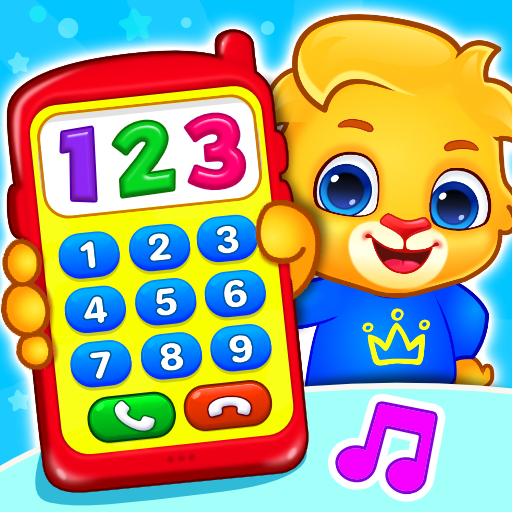
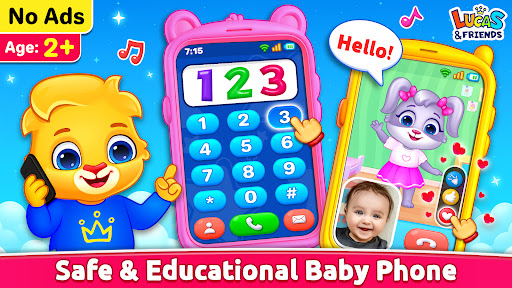
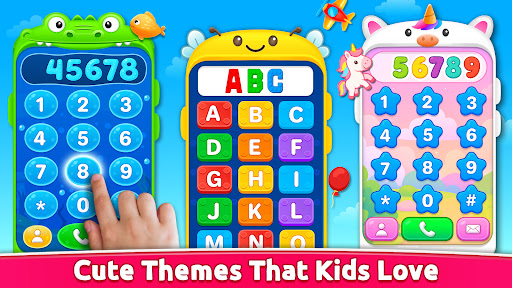
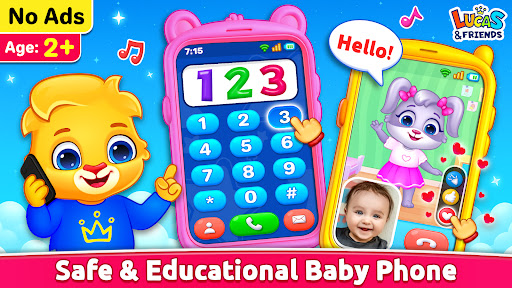
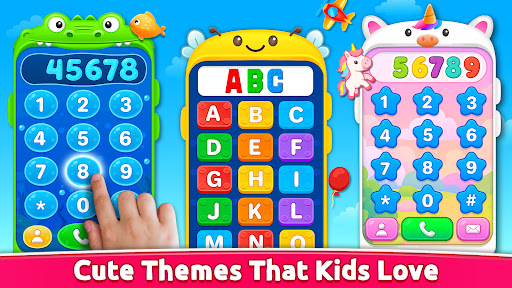
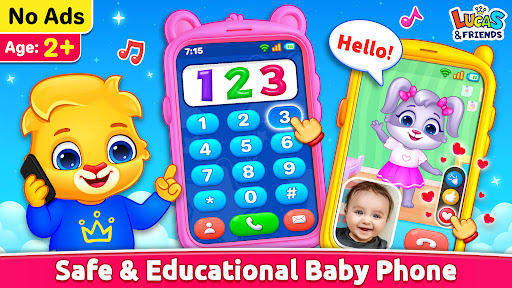
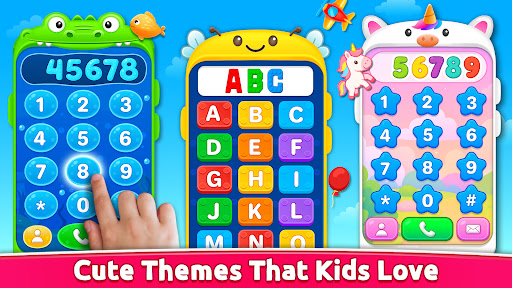
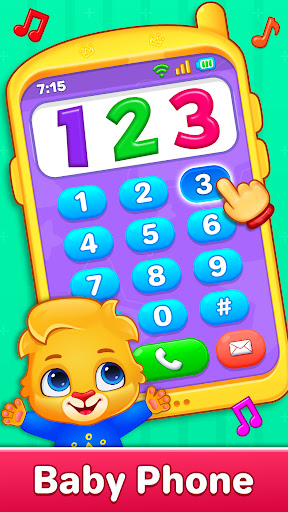
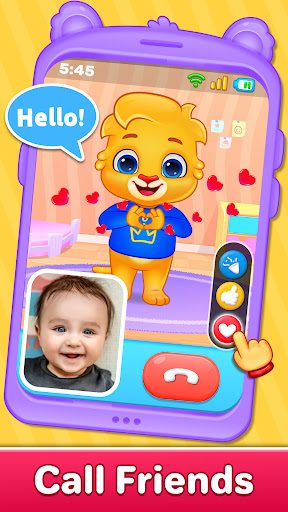
Baby Phone & Kids Games is an educational app designed to transform screen time into a meaningful learning experience for toddlers aged 1 to 5. The app features interactive activities with Lucas and Friends, including pretend phone calls, video chats, coloring, ABCs, and number learning.

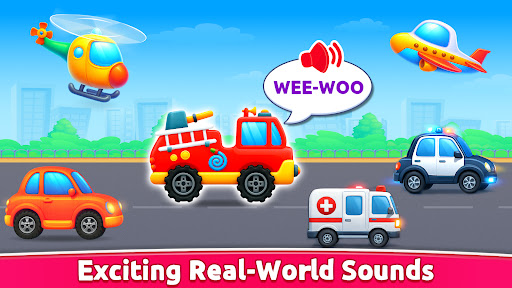
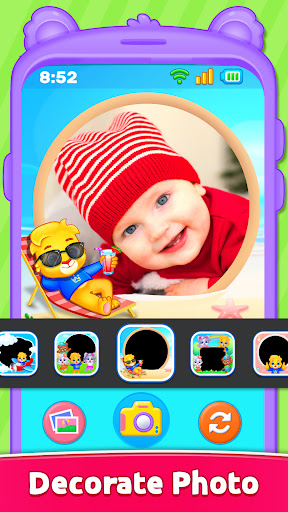
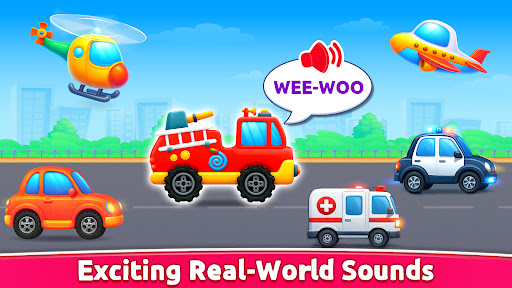
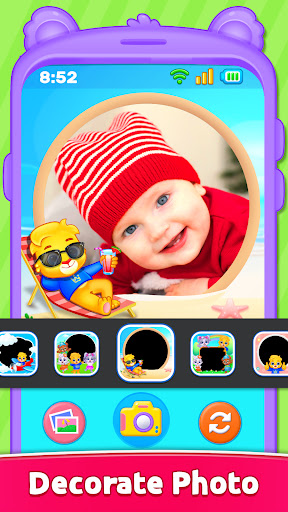
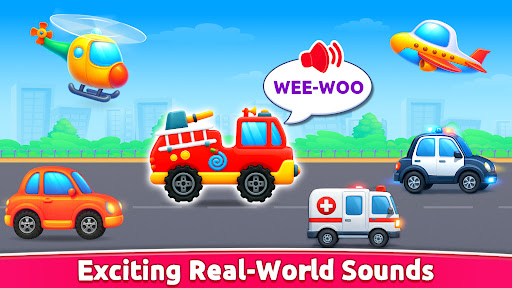
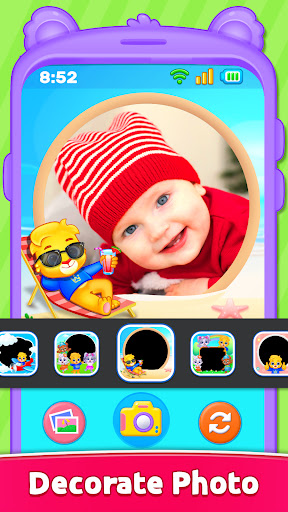
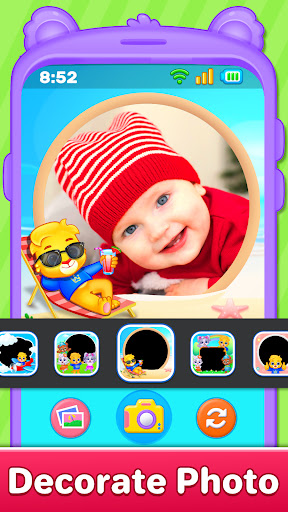
Children can engage in creative play through features like virtual sticker exchanges, vehicle sound exploration, and photo decoration. With its ad-free, offline functionality and toddler-friendly interface, the app provides a safe digital environment that promotes cognitive development while entertaining young minds.

This versatile learning tool serves as both a playful diversion and an educational platform, making it perfect for parents seeking to introduce their children to technology in a constructive way. Each activity is crafted to stimulate imagination, improve motor skills, and teach essential concepts through enjoyable interactions.

Features

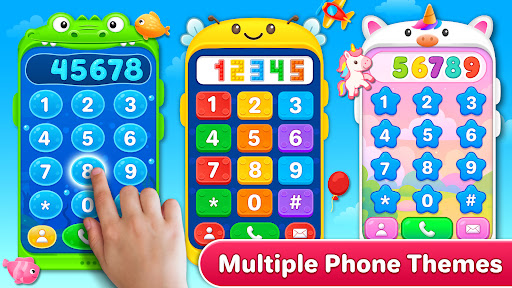
The app boasts an impressive range of features tailored specifically for young learners. Its hallmark is the interactive phone call function where kids can 'talk' to animated characters Lucas, Ruby, Lilly, and Brody, creating an imaginative social experience.

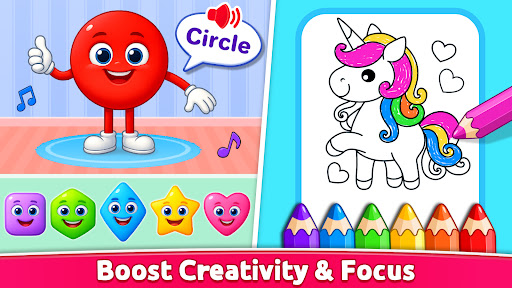
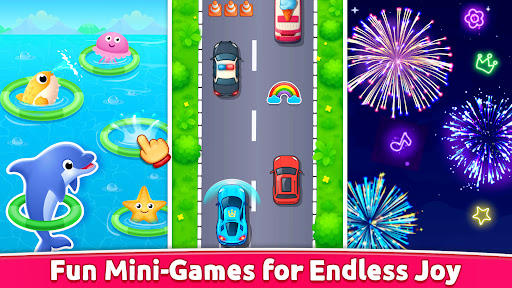
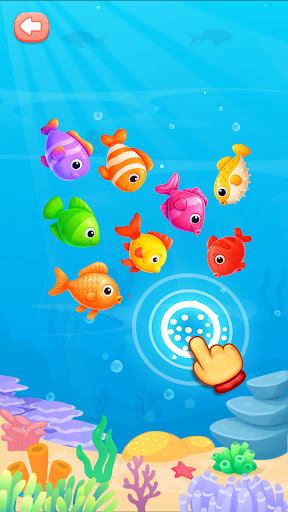
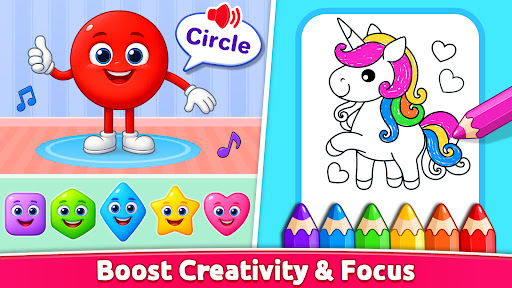
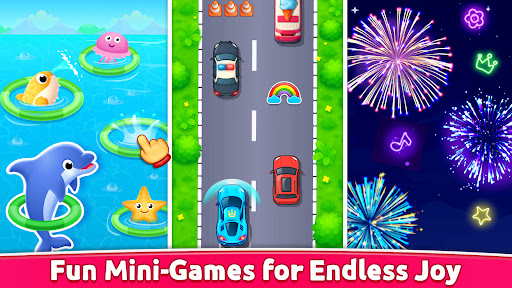
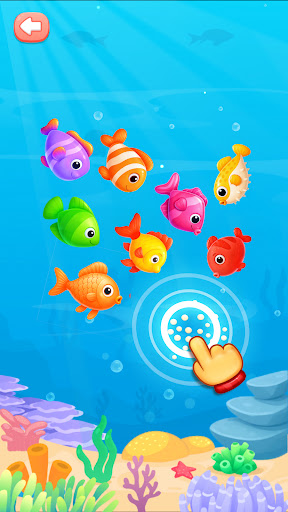
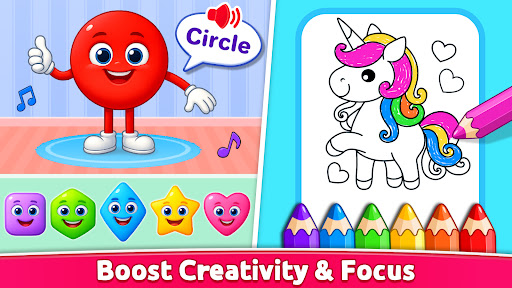
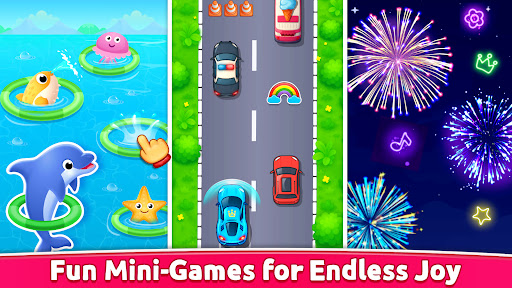
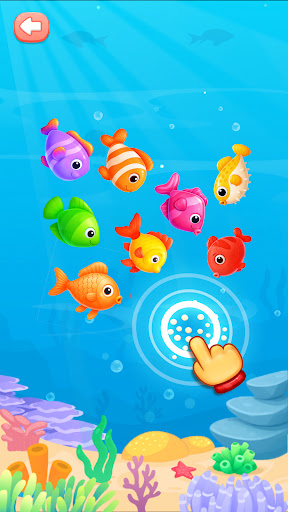
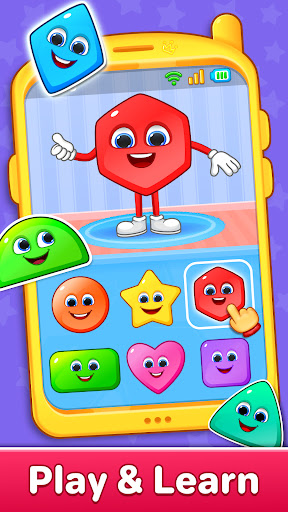
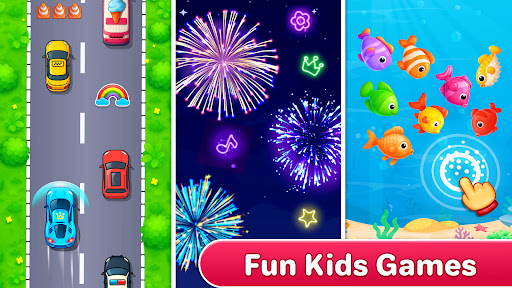
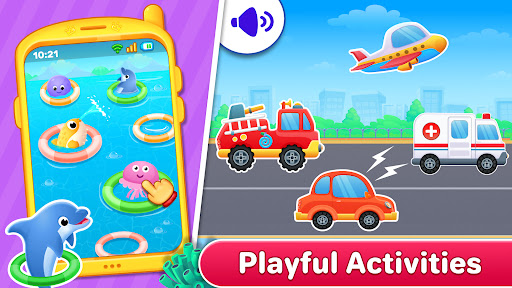
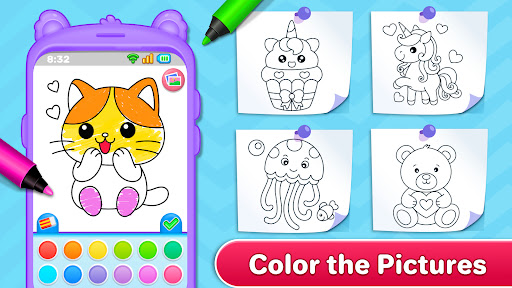
Beyond communication play, the app includes a coloring section with various shapes and animals, a phonics learning module for ABCs and 123s, and sensory activities like vehicle sounds and fireworks. These hands-on features are designed to enhance color and shape recognition, foster creativity, and develop fine motor skills.

Parents will appreciate the app's commitment to safety with its ad-free environment, easy navigation for small fingers, and curated toddler videos ensuring age-appropriate content. This combination of fun and education makes Baby Phone & Kids Games stand out in the Educational category.

Content authority & curriculum alignment

In the realm of educational applications, content authority and curriculum alignment stand as pillars of credibility and effectiveness. For Baby Phone & Kids Games, this translates into a meticulously crafted experience that not only entertains but also educates toddlers aged 1 to 5. The app's curriculum is designed by experts in early childhood education, ensuring that each activity aligns with developmental milestones and learning objectives for young children. Activities such as ABC & 123 Phonics Learning and Learn Colors & Shapes Through Play are prime examples where content authority is demonstrated through scientifically-backed teaching methods. These activities employ sound pedagogical techniques, using interactive elements like phonics sounds and shape identification tasks that cater to the cognitive development stages of toddlers. By integrating Lucas and Friends characters into these educational scenarios, the app creates an engaging narrative that keeps children invested in their learning journey. Furthermore, the appu2019s alignment with educational standards ensures that the skills acquired through play are relevant and beneficial for preschool preparedness. Parents can trust that their child's interaction with Baby Phone & Kids Games contributes positively to their foundational knowledge, setting a solid base for future academic success.

Gamification-learning integration

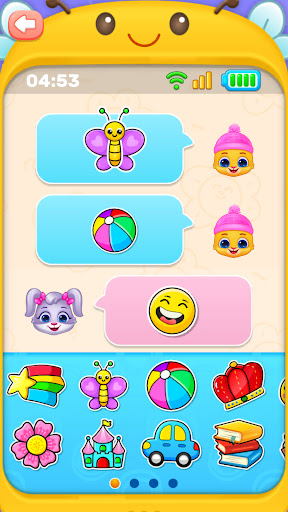
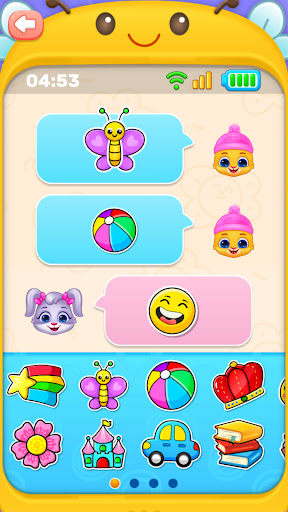
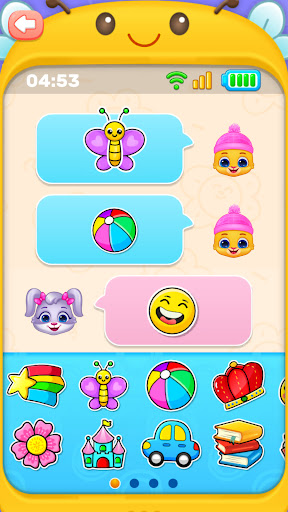
The integration of gamification within the learning process has revolutionized how educational content is delivered to young learners. Baby Phone & Kids Games exemplifies this approach by embedding educational objectives within playful interactions facilitated by beloved characters like Lucas and Friends. This seamless blend of entertainment and education manifests in features such as Tap-to-Chat with Emojis & Stickers and Toddler Coloring Fun. In the former, toddlers engage in pretend digital communication using emojis and stickers, which not only fosters creativity but also introduces them to basic concepts of social interaction and emotional expression. Meanwhile, Toddler Coloring Fun transforms artistic exploration into an opportunity for learning about colors, shapes, and spatial relationships. Each coloring page is themed around educational topics, subtly reinforcing knowledge while children immerse themselves in creative expression. Moreover, the app's Interactive Video Call Mode adds another layer of gamified learning by simulating real-life conversations with animated characters who respond with giggles and expressions. This feature enhances language acquisition and social skills development in a fun, low-pressure environment. By surrounding these educational experiences with vibrant visuals, cheerful music, and intuitive controls tailored for tiny hands, Baby Phone & Kids Games achieves an impressive balance between maintaining engagement and delivering meaningful educational outcomes. The result is an application that doesn't just teach but inspires a love for learning through play.

Props

Ad-free environment

Offline functionality

Toddler-friendly controls

Variety of learning games

Creative play options

Cons

Limited to young children

No multi-language support

Simple graphics only

Requires parental setup

Less engaging for older kids
Features and Functions

What is this app and what can I use it for?

An educational app for toddlers with interactive learning games and pretend play features

How do I download and install this app on my device?

Search Baby Phone & Kids Games on Google Play Store and tap Install to download and install the app

How do I get started after opening the app for the first time?

Tap the app icon, select a game or feature, and follow on-screen instructions to begin playing and learning

What are the main features and capabilities of this app?

Interactive phone calls, coloring, phonics learning, vehicle sounds, and toddler-friendly videos are main features

How can I customize my experience and adjust preferences?

Adjust volume, choose different games, or customize learning levels through the app's simple settings menu

How do I save or bookmark my favorite content for later access?

Save favorite coloring pages or photos by tapping the save button within each respective feature

How can I share content with friends or on social media?

Share drawings or decorated photos directly from the app via social media or messaging apps

How do I access detailed information and explore more content?

Tap on different sections like ABCs or vehicle sounds to explore detailed content and new activities

What permissions does this app need and how do I manage them?

The app needs basic device permissions; manage them in your phone's app settings if needed

How do I check for updates and keep the app running smoothly?

Enable automatic updates in Google Play Store settings to keep the app updated and running smoothly
Show more

User Reveiws

{{ comment.reviewer_name }}
{{ comment.review_date_formatted}}
{{ comment.review_content }}
{{ tab.name }}
{{ comment.reviewer_name }}
{{ comment.review_date_formatted}}
{{ comment.review_content }}
No reviews with this rating