
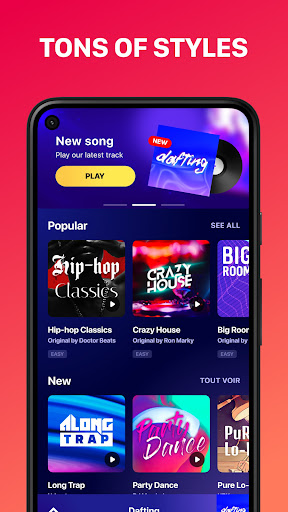


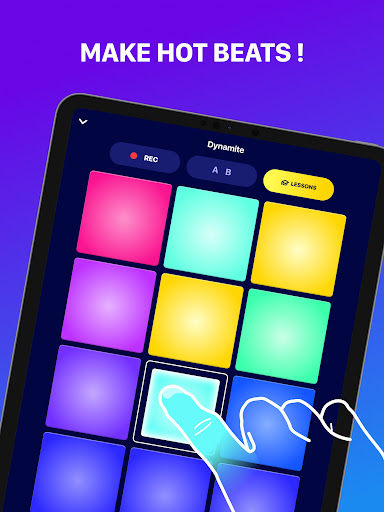
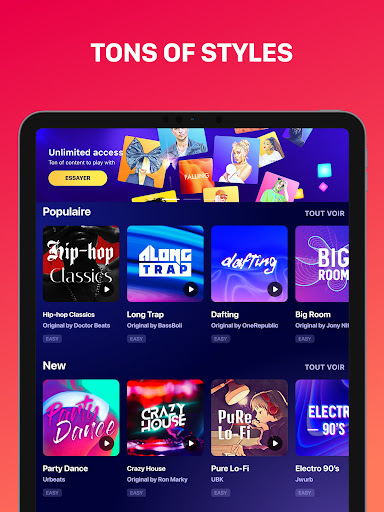
Beat Maker Pro is a powerful music creation tool that allows users to produce professional-quality beats and melodies. This drum pad app provides an intuitive interface for mixing loops, recording tracks, and experimenting with various music genres including dubstep, trap, EDM, and hip-hop.
The app features a 24-pad layout that enables users to create complex rhythms and grooves. Whether you're a beginner learning the basics of beat-making or an experienced producer looking for a portable studio solution, Beat Maker Pro offers the tools needed to craft unique musical compositions on the go.
With its comprehensive feature set and user-friendly design, this application serves as an ideal mobile production suite for aspiring DJs and musicians who want to create professional-sounding tracks from their mobile devices.
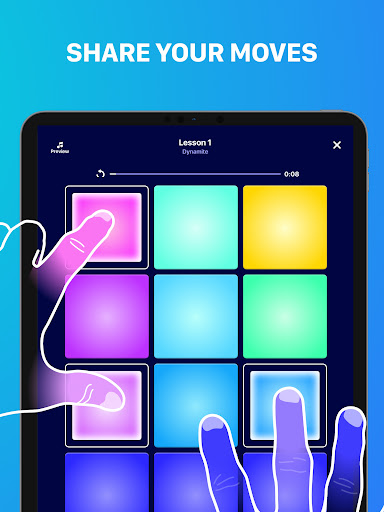
Beat Maker Pro stands out with its versatile feature set designed for both amateur and professional music producers. The app's 24-pad drum machine interface provides instant access to a wide range of sounds and samples, allowing users to create intricate beats with ease.
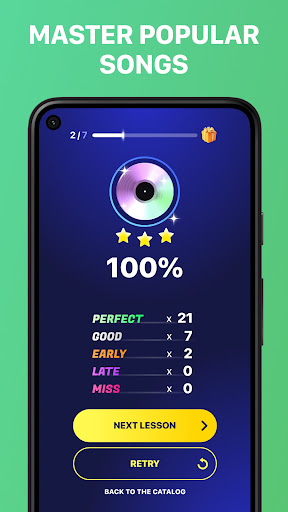
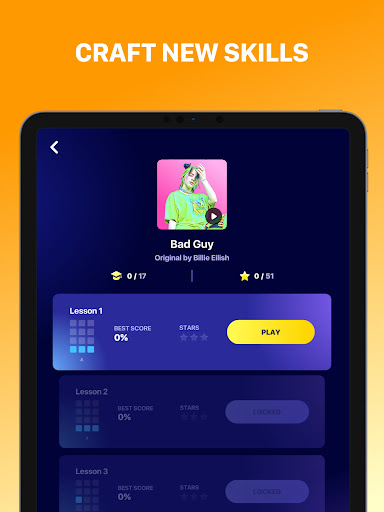
Advanced functionality includes multi-touch support, tempo adjustment, and real-time effects processing. Users can experiment with different music genres and styles while learning fundamental DJ techniques through interactive lessons. The app also supports audio recording and exporting, enabling seamless integration with other music production software.
Additional features include customizable sound banks, automatic rhythm synchronization, and high-quality audio output. These capabilities ensure that users can achieve professional-grade results while maintaining creative control over their musical projects.
User-friendly interface
Wide genre compatibility
Professional sound quality
Comprehensive learning tools
Portable music studio
Limited free content
Occasional performance issues
Steep learning curve
In-app purchases required
Interface may feel cramped
Your HD audio recorder on the go for music, meetings, ambience, animal sounds…
 4.30
4.30
Control your MIDI USB or Bluetooth devices in app and avoid some trampling
3.30
Powerful beat maker & DJ mixer to remix tracks, make music, & perform DJ mix
3.70
The ultimate media player for Android devices
3.90
Guzheng Master supports many playing techniques as an acoustic Guzheng
4.50
The official Sonos app
4.10
Learn the notes on the guitar fretboard fast with this easy and fun app
4.60
Ringtone Maker is free app create ringtone from music files or your recording.
4.40
Travel To The Music Universe
3.40
Responsive piano with great sounds, graphics, and songs
4.80
Offline Music Player & MP3 Player.Powerful equalizer, Lyrics, Themes, Tag Editor
4.80
Pay Once, no monthly payment
4.60
Super Sound Editor, Song Maker & Mixer, Vocal Remover, Voice Recorder & Changer!
4.60
Recording studio w/ 10k beats, pro vocal FX and a network of 20M rappers & fans!
4.60
Visualize the guitar fretboard, master scales & play through changes like a pro!
4.50
10-Band Audio Equalizer, Sound / Bass Booster for Spotify Users & Music Players
4.40
Play KORG’s revolutionary touch-based instrument on a variety of devices.
4.40
Background pads for your band
3.80
Turn Every Moment into Music
3.60


User Reveiws