
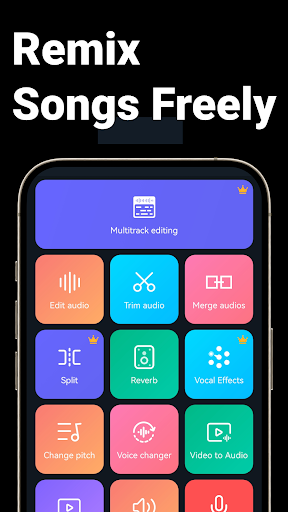


Music Audio Editor, MP3 Cutter is a comprehensive audio editing tool designed for both casual users and professionals on Android. This powerful app allows you to cut, splice, mix, and convert audio formats with precision and ease. Whether you're looking to create custom ringtones, adjust music tempo, or even remove vocals from songs, this app provides the necessary tools to achieve high-quality results.
The application supports a wide range of audio formats including MP3, AAC, WAV, FLAC, and more. It also features advanced functions such as changing pitch, adding fade-in and fade-out effects, and converting videos to audio. With its intuitive interface and rich feature set, Music Audio Editor, MP3 Cutter is suitable for various audio editing needs, making it an essential tool for anyone interested in music production or simple audio modifications.
One of the standout features of Music Audio Editor, MP3 Cutter is its ability to perform precise audio cuts in milliseconds, ensuring accuracy and speed. Users can cut audio multiple times and choose to save either the middle part or the beginning and end portions of the track. The app also supports renaming audio files, providing flexibility in file management.
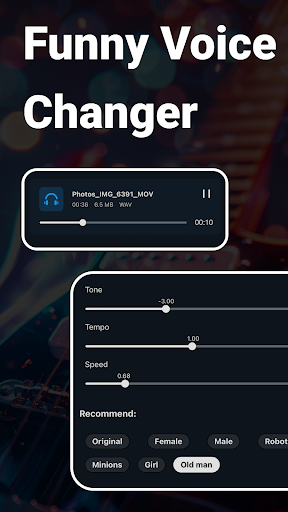
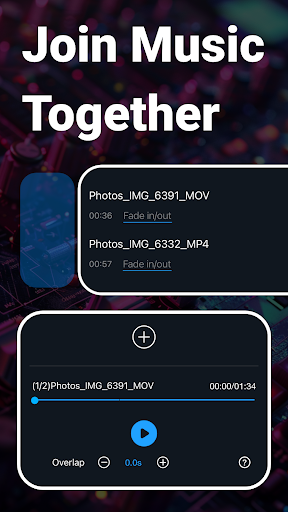
In addition to basic cutting, the app offers rich audio editing capabilities such as mixing tracks, adjusting volume, and applying fade-in and fade-out effects. Advanced options include changing the playback speed, tone, and tempo of the audio, allowing for creative experimentation. The multitrack editing feature enables users to split audio into multiple tracks and add background music to voice recordings, enhancing the depth of audio projects.
Other notable features include a voice changer, vocal remover, and video-to-audio converter. These tools expand the app's utility beyond traditional audio editing, catering to diverse user needs. Whether you want to create unique sound effects, extract audio from videos, or batch convert files, Music Audio Editor, MP3 Cutter delivers robust performance and versatility.
User-friendly interface
Wide format support
Advanced editing tools
Vocal removal feature
Batch processing options
Occasional bugs reported
Ads may interrupt workflow
Some features require premium
Complex for beginners
Limited customer support

Your song collections with lyrics and chords on Android smartphones and tablets.
 4.80
4.80
The alternative folder based music player.
4.20
Unleash your creativity! Turn simple prompts into full fledged songs.
4.70
Play your hearts out on TouchTunes jukeboxes & connect with fellow music lovers.
4.80
Help you quickly get started with Shokz headphones
4.40
The official Sonos app
4.10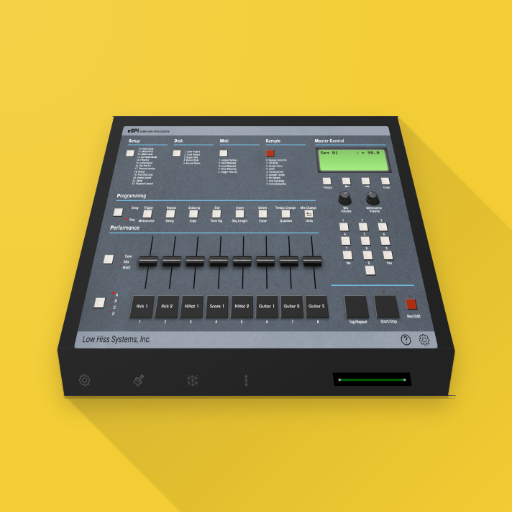
The original SP-1200 experience on your iPad
4.20
Travel To The Music Universe
3.40
Uninterrupted Tunes, Unmatched Vibes
3.90
Walkout Song DJ is the most intuitive app to manage your sports music.
4.70
Simple & Intuitive Metronome
4.70
Listen radio AM / FM Stations. Live AM / FM Radio App Station. Radio Com.
4.70
A synth that really lets you shape your sounds!
4.50
Let your Android device with the sound effects you want
4.50
10-Band Audio Equalizer, Sound / Bass Booster for Spotify Users & Music Players
4.40
DJ Music Mixer Pro is a real DJ controllers and DJ Music Studio to remix DJ.
4.40
Full featured mp3 and audio player with Chromecast and Android Auto support.
4.40
Background pads for your band
3.80
Turn Every Moment into Music
3.60


User Reveiws