
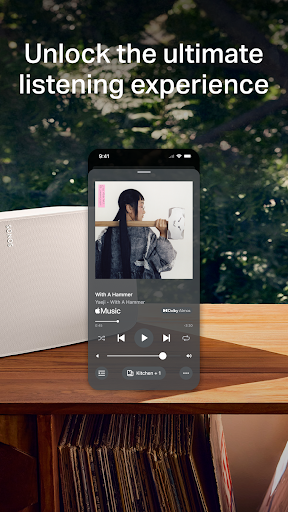
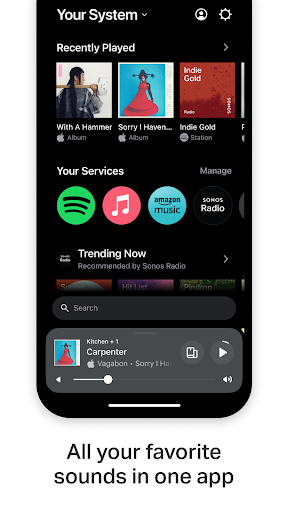
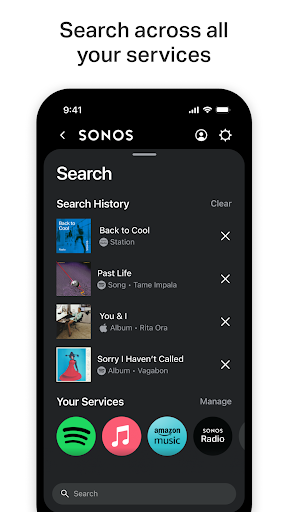

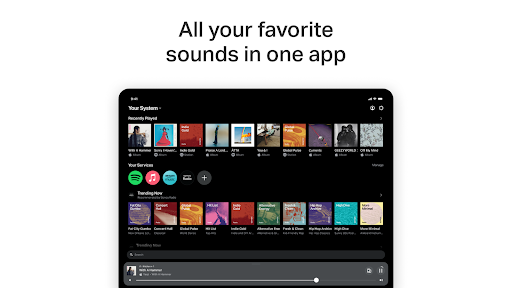
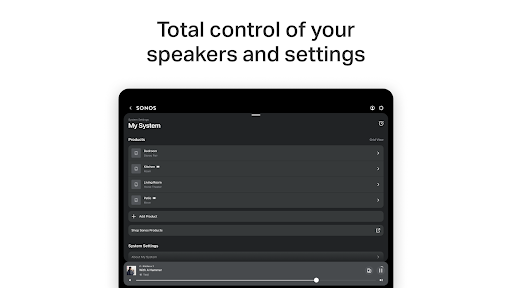

Sonos is the ultimate music and audio control application that brings all your content and settings together in one place. With this app, you can effortlessly control your Sonos products and enjoy a seamless listening experience. The Home screen provides quick access to your recent favorites, new discoveries, and the ability to fill your home with Sonos sound.
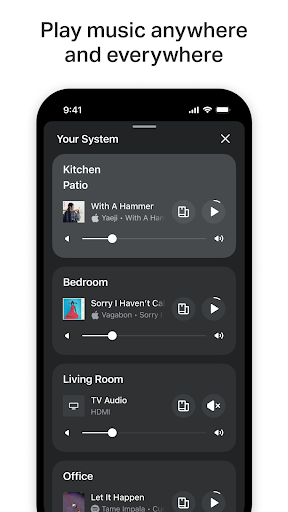
The app allows you to browse, search, and play content from various streaming services such as Spotify, Apple Music, Amazon Music, Pandora, TIDAL, Audible, Deezer, iHeartRadio, and SiriusXM. You have complete control over your Sonos products and can play different sounds in each part of your home or synchronize the same sound everywhere. Additionally, the app offers personalized listening options, easy setup, and features like Sonos Voice Control for hands-free ease.
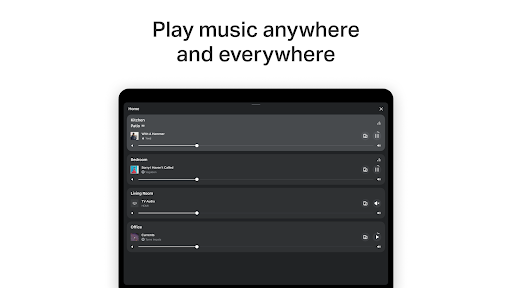
Sonos app offers a range of impressive features that enhance your music and audio experience. With Whole-Home Control, you can play different sounds in each room or synchronize the same sound throughout your home. The app also supports Personalized Listening, allowing you to save favorite artists, albums, playlists, and stations to Sonos Favorites.
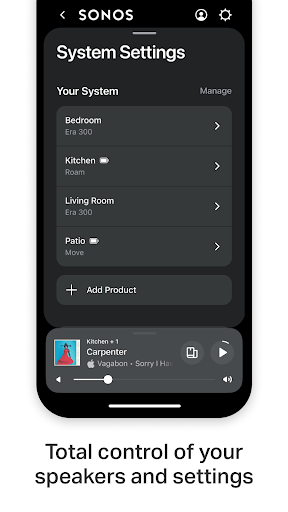
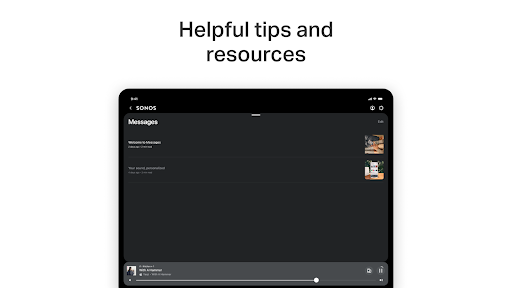
Setting up your Sonos products is a breeze with the Easy Setup feature. The app automatically detects your Sonos products and guides you through setting up stereo pairs, creating surround sound systems, and adding speakers to more rooms. Furthermore, Sonos Voice Control enables hands-free operation, while the Message Center provides helpful tips and recommendations to optimize your Sonos experience.
User-friendly interface
Wide range of streaming services
Whole-home audio control
Personalized listening options
Easy setup process
Limited voice control availability
Requires compatible Sonos products
Some advanced features may require additional setup
Occasional connectivity issues reported
Subscription required for certain streaming services

Offline and always ad-free - stream in the highest quality available.
 4.10
4.10
Tune in to the greatest hits on UK Radio | The home of Capital, Smooth & Heart.
4.90
Network/Cloud Streaming, Visualization, Graphic Equalizer and Sound Effects.
4.20
Visualize the guitar fretboard, master scales & play through changes like a pro!
4.50
Music Streaming suite for Ampache, Nextcloud Music and compatible backends.
4.2
Learn the notes on the guitar fretboard fast with this easy and fun app
4.60
Manage your Sonos system directly from your home-screen!
4.40
Sheet music reader, piano & music note player. Play music score & learn to read.
3.90
Extra volume booster to boost volume & max sound of speaker and headphone.
4.70
Full-featured, High-Quality Groovebox Workstation, perfect for Live Performance!
4.80
JBL PartyBox APP works with 110/310/710/120/320/520/Encore/Encore 2/Encore Ess 2
4.80
Offline Music Player & MP3 Player.Powerful equalizer, Lyrics, Themes, Tag Editor
4.80
Responsive piano with great sounds, graphics, and songs
4.80
Enhance the sound quality of your devices, listen to what you want
4.50
Help you quickly get started with Shokz headphones
4.40
Time Guru will strengthen your internal sense of musical time via random muting.
4.30
Equalizer, Bass Booster and Volume Booster (Eq & Bass) improve sound quality
4.30
Bass Booster Pro takes auto-equalizing to the next level!
4.30
The Skullcandy App Experience
3.20


User Reveiws