Blood Pressure App

4.30

Information

Category:

Health & Fitness

Price:

Free

Rank:

63

Rating:

4.30

Overview

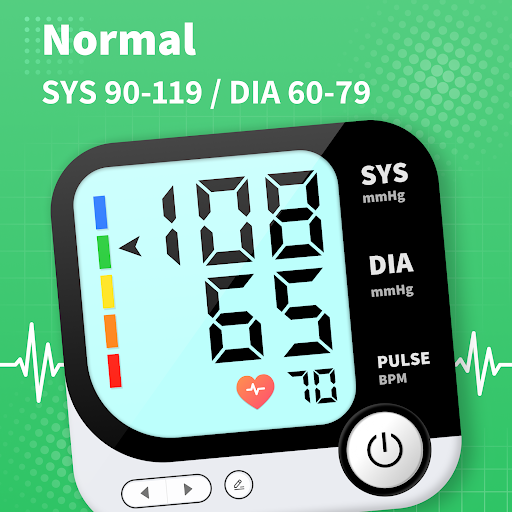
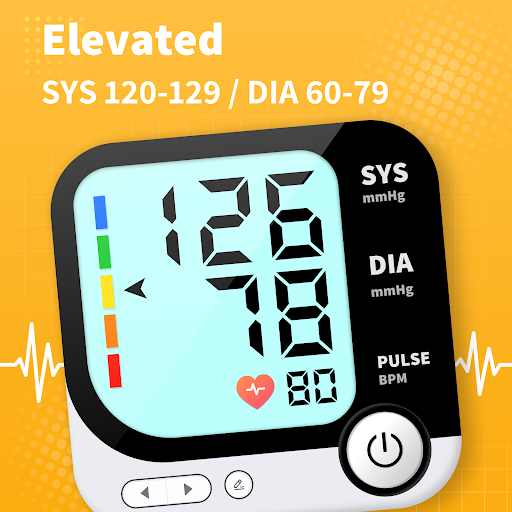
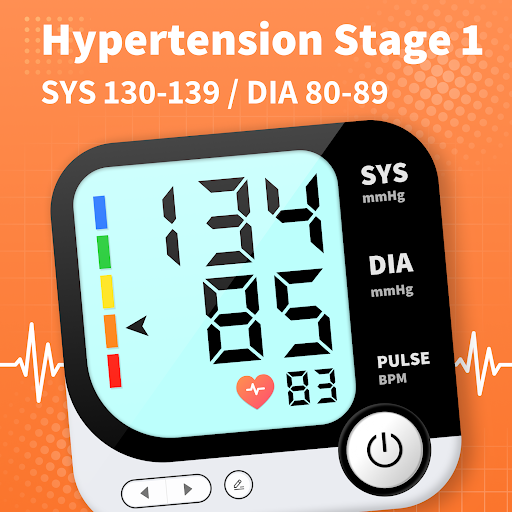
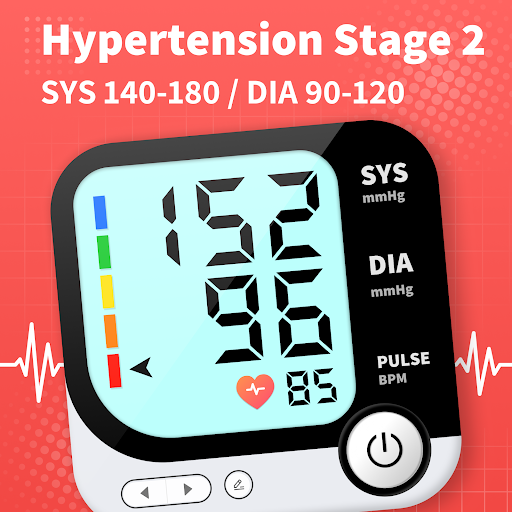
Blood Pressure App serves as a comprehensive tool for monitoring and managing blood pressure levels effectively. Designed for Android users, it supports a wide range of devices including Samsung, Xiaomi, Huawei, and Redmi. The app provides a reliable tracking system that helps users understand their BP trends under various conditions such as lying down, sitting, or before and after meals.

With curated content from extensive scientific literature, the app offers an evidence-based knowledge library addressing common concerns about blood pressure management. It allows users to detect subtle changes correlated with lifestyle improvements, empowering them to optimize treatment plans. Additionally, the app facilitates remote sharing of BP trends with family members or healthcare providers, enhancing medical consultations and promoting better health outcomes.

Features

Blood Pressure App stands out with its diverse features tailored for effective blood pressure management. One key feature is the ability to track BP trends across different scenarios, providing users with insights into how their daily activities affect their readings. This functionality is supported by an extensive BP knowledge library, offering clear explanations based on scientific research.

The app also enables users to export their health data, making it easier to share with healthcare professionals during consultations. With practical lifestyle tips integrated into the platform, users can make informed decisions about their health. Furthermore, the app emphasizes user-friendly design, ensuring seamless navigation and accessibility across all supported Android devices, thus delivering a stable and efficient tracking experience.

Personalized planning

Personalized planning in health and fitness applications refers to the app's ability to create tailored plans based on individual user data and goals. This feature is crucial as it allows users to receive customized recommendations that suit their specific needs and conditions. The Blood Pressure App excels in personalized planning by leveraging a comprehensive analysis of blood pressure trends and lifestyle factors. It uses evidence-based insights derived from an extensive scientific literature review to offer clear and accurate explanations addressing user concerns about blood pressure management. By tracking fluctuations under various conditions such as lying down sitting or before and after meals the app identifies subtle changes correlated with lifestyle improvements. This enables users to optimize their treatment and interventions effectively. The app's personalized planning provides significant value to users by empowering them to understand and manage their blood pressure levels better. With curated tips and expert insights users can make informed decisions about their cardiovascular health. The ability to detect and respond to these nuanced changes ensures that users receive ongoing professional support which is essential for effective long-term blood pressure management. Overall personalized planning enhances user engagement and promotes sustainable health outcomes making the Blood Pressure App an invaluable tool for anyone looking to improve their cardiovascular well-being.

Progress visualization

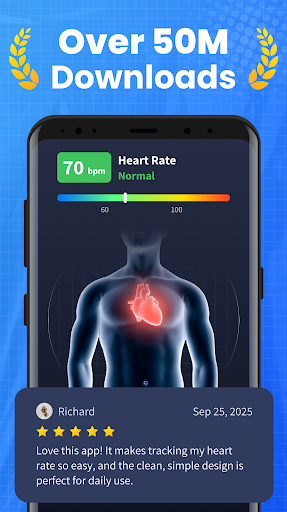
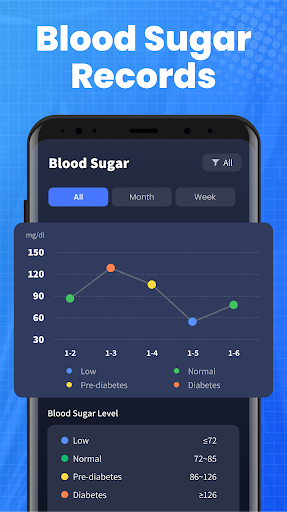
Progress visualization is a critical component of health and fitness apps as it allows users to see their advancements over time providing motivation and a clear sense of achievement. In the Blood Pressure App progress visualization is implemented through detailed data charts and milestone reminders that help users track their blood pressure trends effectively. The app offers visual representations of blood pressure ranges and tracks changes with expert insights ensuring users can monitor even the slightest variations related to lifestyle adjustments. These visual tools are not only informative but also serve as powerful motivators encouraging users to maintain healthy habits. Additionally the app facilitates remote sharing of blood pressure trends with family members or healthcare providers enhancing medical consultations and optimizing treatment plans. Users can export their health data to share during appointments ensuring they get the most out of every consultation. The Blood Pressure App's progress visualization stands out due to its seamless integration of practical tips and professional support enabling users to effortlessly take control of their health. By clearly illustrating improvements and highlighting areas needing attention the app empowers users to make significant strides in managing their blood pressure. This innovative approach to progress visualization fosters user engagement and retention ultimately leading to better health outcomes and increased satisfaction with the app's functionality.

Props

User-friendly interface

Wide device compatibility

Comprehensive BP knowledge library

Remote data sharing capability

Evidence-based trend analysis

Cons

No direct BP measurement

Limited to Android platform

Not suitable for emergencies

Requires manual data input

Dependent on user consistency

Features and Functions

What is this app and what can I use it for?

A free BP tracking app for Android helping monitor trends and manage cardiovascular health

How do I download and install this app on my device?

Search Blood Pressure App on Google Play Store and tap Install to download

How do I get started after opening the app for the first time?

Open the app and follow on-screen instructions to set up your profile and start tracking

What are the main features and capabilities of this app?

BP trend tracking evidence-based knowledge library remote data sharing and lifestyle tips

How can I customize my experience and adjust preferences?

Adjust settings through the app's menu to customize notifications and data display preferences

How do I save or bookmark my favorite content for later access?

Use the Save option in the app to bookmark important readings or trends for future reference

How can I share content with friends or on social media?

Tap Share button to send BP data directly to family or doctors via email or messaging apps

How do I access detailed information and explore more content?

Access detailed BP info through the knowledge library or view extended trend graphs in-app

What permissions does this app need and how do I manage them?

The app needs basic device permissions managed through your phone's settings menu

How do I check for updates and keep the app running smoothly?

Enable automatic updates in Google Play Store settings to keep the app running smoothly
Show more

User Reveiws

{{ comment.reviewer_name }}
{{ comment.review_date_formatted}}
{{ comment.review_content }}
{{ tab.name }}
{{ comment.reviewer_name }}
{{ comment.review_date_formatted}}
{{ comment.review_content }}
No reviews with this rating