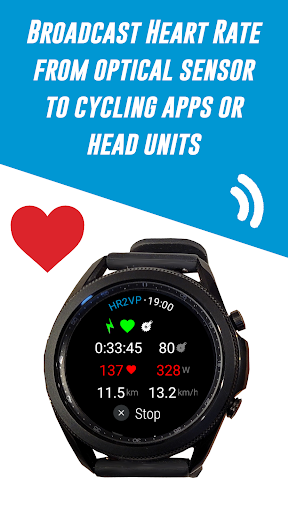




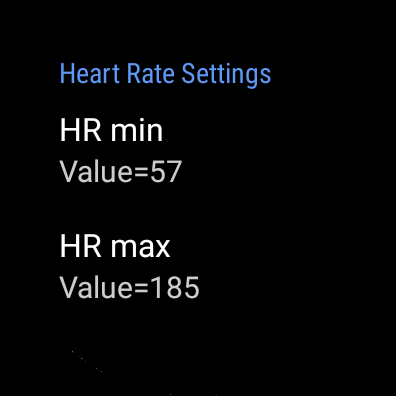
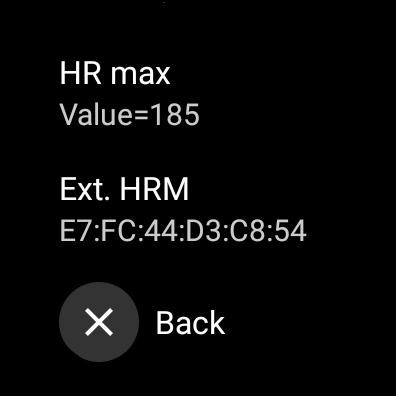
HR2VP Watch Bike Computer is a cutting-edge application designed to transform your Wear OS watch into a powerful heart rate monitor and cycling tracker. This app allows cyclists to connect their smartwatches with bike computers or indoor training platforms, broadcasting vital stats like heart rate and power via Bluetooth Low Energy or ANT+. Whether you're training indoors with apps like Zwift or riding outdoors with a Garmin Edge device, HR2VP ensures accurate data transmission.
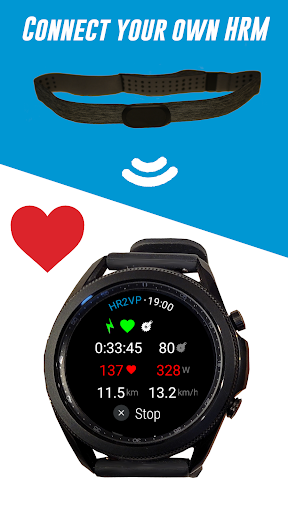
The app also supports additional sensors, enabling users to connect external heart rate monitors, power meters, or cadence sensors for enhanced performance tracking. With its advanced algorithm that calculates power based on heart rate, HR2VP provides detailed insights into your workouts, including calorie expenditure and fitness monitoring. The app's compatibility with Strava allows for effortless ride uploads, making it an essential tool for serious cyclists looking to optimize their training routines.
HR2VP Watch Bike Computer offers a comprehensive suite of features tailored for cycling enthusiasts. One of its standout capabilities is the ability to use your Wear OS watch as a BLE heart rate monitor, leveraging the built-in optical sensor to measure and broadcast heart rate during workouts. This functionality eliminates the need for additional chest straps, streamlining the user experience while maintaining accuracy.
In addition to heart rate monitoring, the app facilitates seamless integration with Garmin Edge bike computers through a dedicated Connect IQ data field. Users can also connect various external sensors such as power meters and cadence trackers, expanding the range of metrics available for analysis. The inclusion of an advanced algorithm that estimates power output based on heart rate adds another layer of sophistication, allowing athletes to fine-tune their training strategies with precision.
Furthermore, HR2VP supports automatic activity uploads to Strava, ensuring that all ride data, including calculated power metrics, are readily accessible for post-ride analysis. These features collectively enhance the overall cycling experience by providing reliable, real-time feedback and simplifying data management across multiple platforms.
Advanced power calculation
Seamless sensor integration
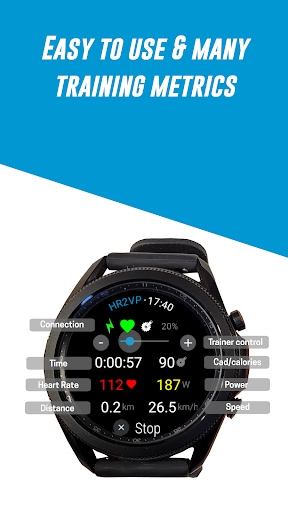
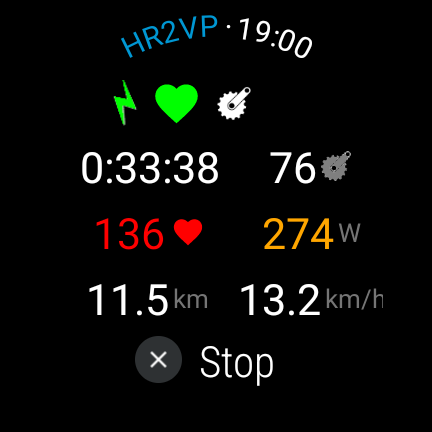
Comprehensive workout metrics
Real-time data broadcasting
Strava upload support
ANT+ requires additional setup
Short interval accuracy limited
Dependent on phone for some features
Battery optimization issues
Limited head unit compatibility

Live Heart Rate Pro - Real Time Heart & Workout Data For Wear OS & Bluetooth BLE
 3.20
3.20
Text notifications, button control, heart monitor & more for your Amazfit.
2.40
a fun app full of surprises :)
4.70
Using Recognise™ has been shown to reduce pain and improve performance.
4.1
Get alert about getting out of desired heart rate zone.
4.10
Using Recognise™ has been shown to reduce pain and improve performance
4.3
Memory, mind & logic exercises. Puzzle games, IQ & brain test for kids & adults
4.50
You deserve easy access to important insurance information. Download for FREE.
4.70
Jogging app for calorie counter and distance tracker. Running app to lose weight
4.20
Power-lifting, weightlifting and Wendler 531 app to track your workout program.
4.90
Easy to use step counter, calorie counter helps lose weight, count steps offline
4.80
Easy access to health benefits
4.70
A brain game that moves you
4.70
The Crunch Mobile app - Find a gym, manage favorites, reserve & cancel classes.
4.60
The simplest way to track your 21 Day Program containers, exercises, and water.
4.50
Period Tracker, the easiest way to track your periods!
4.50
The Official Blood Type Diet® App - know your categorized foods anytime.
4.50
Your Health Has Met Its App (℠)
3.90
FitCloudPro takes care of your health every minute.
3.70


User Reveiws