
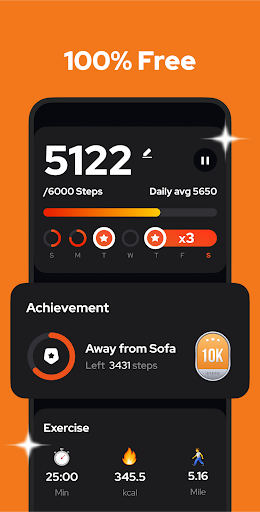

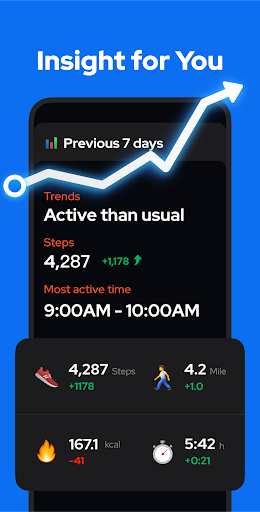
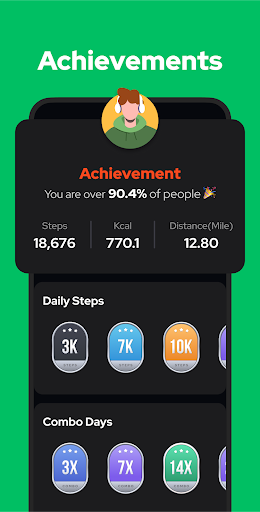
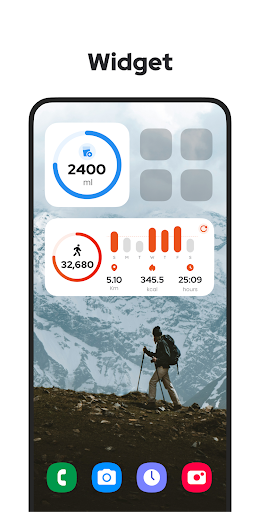
Step Counter - Pedometer is a premier health and fitness application designed to automatically track your daily steps, walking distance, calories burned, and exercise duration with precision. Compatible with all Android devices, this app leverages advanced built-in motion sensors to deliver accurate step counting without the need for GPS or Wi-Fi, ensuring minimal battery consumption. Whether you're aiming to hit the recommended 10,000 daily steps or simply monitor your physical activity, this app provides an intuitive interface that makes it easy to stay committed to your fitness goals.
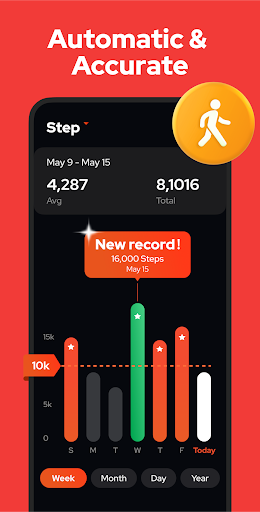
Beyond basic step tracking, Step Counter offers insightful graphs displaying your progress by day, week, month, or year. This feature allows users to analyze their walking trends over time, helping them make informed decisions about their health routines. With additional functionalities such as adjustable sensitivity settings, pause and resume options during driving, and secure cloud backup for data preservation, this app stands out as a comprehensive tool for anyone looking to maintain an active lifestyle while managing their personal wellness effectively.
Step Counter - Pedometer distinguishes itself through a variety of innovative features tailored to enhance user experience in fitness tracking. One standout capability is its offline functionality, allowing users to track their steps, distance, and calorie burn without needing an internet connection, which is particularly beneficial in areas with limited connectivity. The app's auto-start feature ensures that users can begin tracking their activity effortlessly, whether carrying their phone in hand or pocket, even when the screen is locked.
Another remarkable aspect is the app's commitment to user privacy and accessibility; it is entirely free with no login requirements, ensuring that personal data remains secure and private. Additionally, the upcoming features like customizable training modes, hydration reminders, and health metrics recording (body weight and blood pressure) promise to further enrich the user's fitness journey. These attributes collectively contribute to making Step Counter not just a pedometer app but a holistic health companion that adapts to various lifestyle needs while promoting overall well-being.
User-friendly interface
Accurate step tracking
Offline functionality
Free with no ads
Comprehensive health insights
Limited to Android
No iOS version available
Occasional accuracy issues
Basic UI design
Lacks social features

Your plan in your pocket 24/7
 3.00
3.00
Optimization for TRT & Enhanced Athletes
4.0
Relax. Sleep Better. Feel Better.
4.50
The Crunch Mobile app - Find a gym, manage favorites, reserve & cancel classes.
4.60
Memory, mind & logic exercises. Puzzle games, IQ & brain test for kids & adults
4.50
Personal step counter for you, private and accurate
4.50
FitCloudPro takes care of your health every minute.
3.70
Lazy home workouts with your virtual fitness coach for weight loss.
4.30
Comprehensively record and manage your health
4.50
Home workouts for fitness & fast bodybuilding at home - no equipment needed.
4.90
Protect your healthy sleep
4.80
a fun app full of surprises :)
4.70
A brain game that moves you
4.70
Labs, Hair Loss, Sexual Health
4.60
This is an application that serves as a companion app for smart watch.
4.20
Get alert about getting out of desired heart rate zone.
4.10
Your personal BP tracking companion, focus on helping you achieve wellness goal.
4.10
Focus on BP & Health
3.80
GloryFit is a companion app for the smart bracelet.
3.60


User Reveiws