
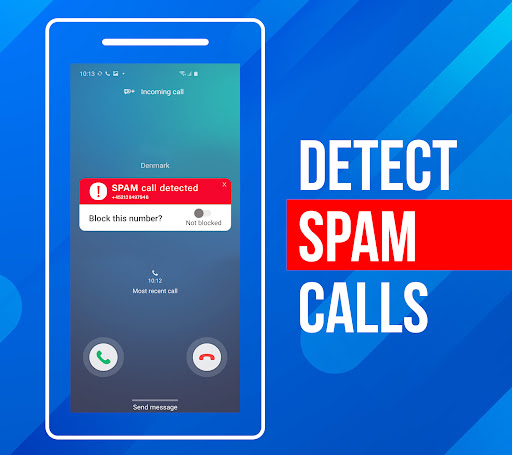

Call Block is a powerful communication app designed to help users take control of their incoming calls. The app's core functionality revolves around blocking spam calls and unwanted numbers, ensuring a more peaceful phone experience. Using advanced call filtering algorithms, Call Block can automatically identify and block robocalls, telemarketers, and scam attempts.
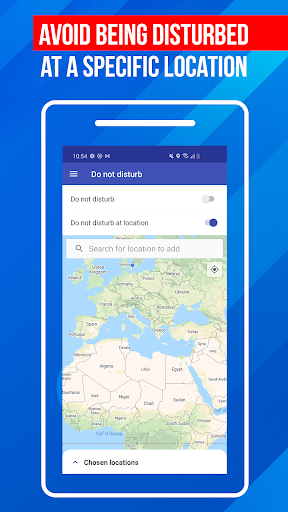
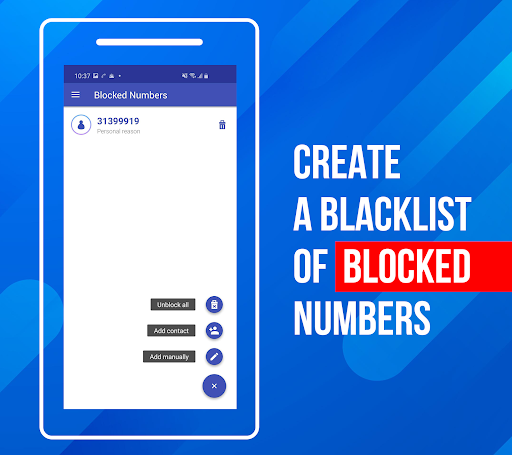
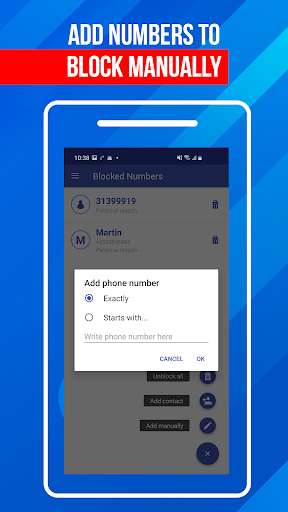
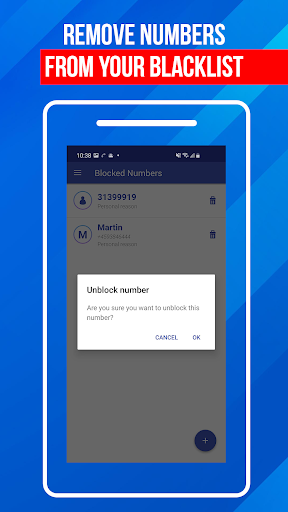
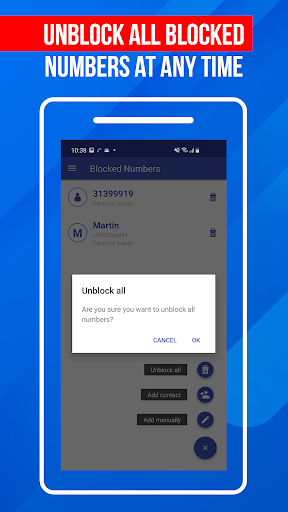
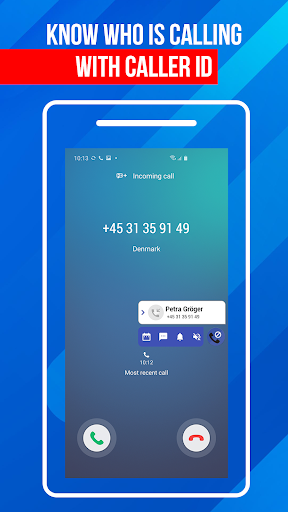
Beyond basic call blocking, the app offers a personal blacklist feature that allows users to add specific numbers or number patterns they want to avoid. It also includes a 'Do Not Disturb' mode that can block all calls when activated or in specific locations. With an extensive database of over one billion numbers, Call Block provides detailed caller information even for unknown numbers.
This app is particularly useful for professionals who receive frequent sales calls during work hours or anyone tired of constant spam calls. By giving users complete control over their call settings, Call Block helps maintain productivity and peace of mind.
Call Block distinguishes itself through several key features that enhance its call management capabilities. The app's most notable feature is its sophisticated spam call blocker, which uses machine learning algorithms to analyze and identify potential spam calls in real-time. This system draws from a vast database of known spam numbers that is regularly updated to counter emerging threats.
The personal blacklist function offers exceptional flexibility, allowing users to block specific numbers, number patterns, or even entire area codes. The 'Do Not Disturb' mode adds another layer of control, enabling users to create custom quiet periods or location-based blocking rules. Additionally, the app maintains a comprehensive blocked call log, providing transparency about which calls were blocked and why.
What sets Call Block apart is its user-friendly interface combined with powerful backend technology. While maintaining a simple and intuitive design, the app delivers enterprise-level call protection to individual users. The regular database updates and global number recognition capability make it an indispensable tool for anyone seeking better control over their communication channels.
Effective spam blocking
User-friendly interface
Customizable blacklist
Regular database updates
Global number recognition
Requires constant updates
May block legitimate calls
Free version limitations
Drains battery life
Occasional false positives
Call Forwarding is easy and simple application to use.
 3.80
3.80
Messenger app for faster and simpler SMS text messaging, and personalized themes
4.10
Send SMS and chat messages easily with a fast text messaging app for Android.
4.10
An agentic AI browser for Android, built by Perplexity
4.50
Federated instant messaging for your mobile device (Jabber, XMPP, Snikket)
4.10
Use this SMS app standalone or as a TREK: Total Interface companion.
4.30
A softphone app with seamless SIP calling and an intuitive VoIP dialer
3.50
Read OBD2 data and DTCs Create custom dashboards Enhanced diagnostics available
4.70
Say “hello” to privacy.
4.60
فیلتر شکن قوی پرسرعت کلید جدید برای اندرویدسریع ترین وی پی ان برای همه اپراتورها
4.70
Browse fast on Opera Mini, with Data Saving, News, Football Scores, and Download
4.60
Faster version of Messages. Messenger for your contacts.
4.50
Caller ID App! Add names & photos to unknown calls & Call Recording
4.40
Our Black Friday sale is here. Unlock special discounts on Proton Mail now.
4.30
This app enables the phone to receive and send FT8 traffic!
3.80
Pure modern IRC experience for Android
3.70
At select facilities, you now have an easy way to video visit your loved ones!
3.30
Auto Reply SMS, Text Messaging, Away SMS Response, Busy SMS messages, Block Text
3.10
Manage Phone Calls, call history, and contacts easily with Phone Pro.
4.5


User Reveiws