
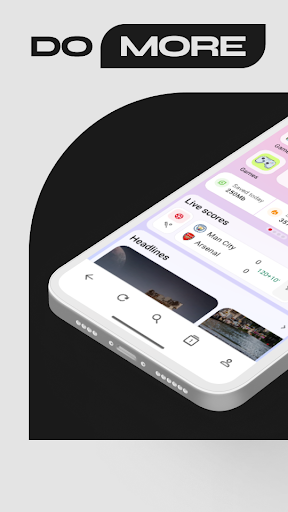
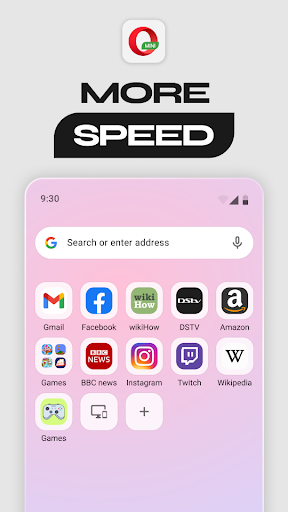
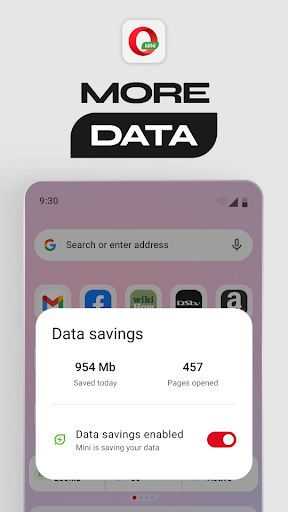
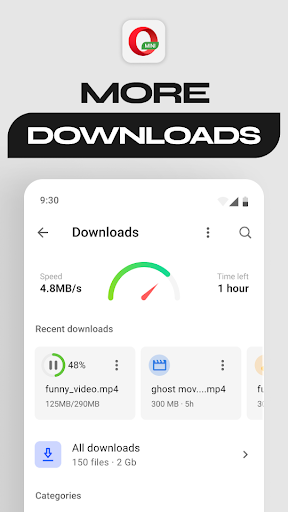

Opera Mini is a fast and lightweight web browser designed for smooth browsing experiences, especially on slow networks. Its core functionality revolves around data savings, enabling users to save up to 90% of their mobile data while browsing the internet. This makes it an ideal choice for users with limited data plans or those frequently accessing the internet in areas with poor connectivity.
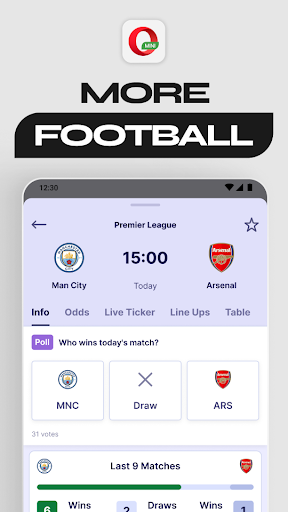
In addition to its data-saving capabilities, Opera Mini offers several standout features such as Football Mode, which provides real-time updates from favorite sports leagues, and Locked Mode, which secures private browsing sessions behind a PIN. The app also includes personalized newsfeeds, free ad-blocking, and offline page saving, making it versatile for various user needs. With its focus on speed, security, and customization, Opera Mini delivers significant value to users looking for efficient communication and browsing tools.
Opera Mini stands out due to its rich feature set tailored for both performance and user convenience. One of its key features is the Data Savings Mode, which compresses web pages before loading them, allowing users to browse faster while consuming significantly less data. This is particularly beneficial for individuals who rely on metered or unstable internet connections.
The browser also supports unique functionalities like Football Mode, where users can access live sports updates directly within the app, and Locked Mode, which adds an extra layer of privacy by locking private tabs behind a secure PIN. Additionally, Opera Mini provides options for browser customization, including Night Mode for comfortable nighttime browsing and a built-in video player for seamless media consumption. These features collectively enhance user engagement by offering practical solutions that cater to diverse browsing habits.
By combining speed optimization with innovative tools like offline page saving and personalized newsfeeds, Opera Mini ensures that users can stay connected and informed without compromising on performance or usability.
Fast browsing speeds
Significant data savings
Secure private browsing
Real-time sports updates
Customizable interface
Limited desktop-like experience
Occasional compression issues
Fewer extensions than competitors
No full-fledged developer tools
Restricted multimedia support

Call Forwarding is easy and simple application to use.
 3.80
3.80
Phone Dialer with Caller ID, Address Book & Contacts Manager.
4.30
Messenger app for faster and simpler SMS text messaging, and personalized themes
4.10
Official NDI app: turn your phone into a professional live-streaming IP camera.
3.20
This app enables the phone to receive and send FT8 traffic!
3.80
Call Blocker app: Identify unknown callers, block spam calls, fraud & robocalls
4.30
An app dedicated solely to marriage, not dating, and supported by a rigorous verification mechanism to ensure seriousness.
4.0
A browser that does more than load page, like keeping your privacy safe.
4.70
Caller ID, Spam Call & SMS Blocker
3.80
We’re taking the yada yada out of wireless—now we’ve taken it out of your app.
4.70
Save 10% automatically on your first international mobile top up.
4.60
Welcome to the future of phone service.
4.60
Simple tool for businesses to talk to their customers.
4.40
Fast and simple walkie talkie app
4.20
Threema is the messenger with the most consistent focus on security and privacy.
4.00
SMS Messenger ensures that communication become effortless and accessible.
3.80
Quickly and easily identify and block unknown callers
3.70
TeamSpeak - Secure Chat for Gaming & Business
3.10
Enables Plus features of Quick Search.
4.4


User Reveiws