
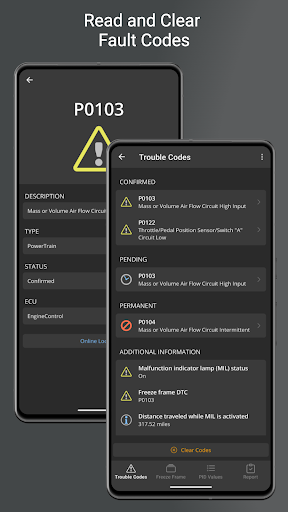
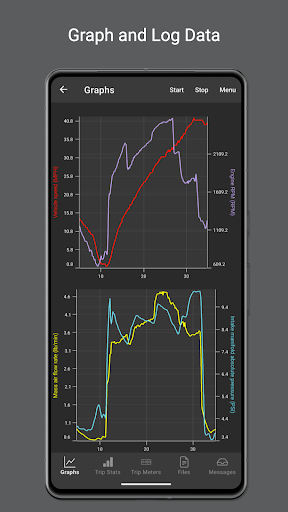
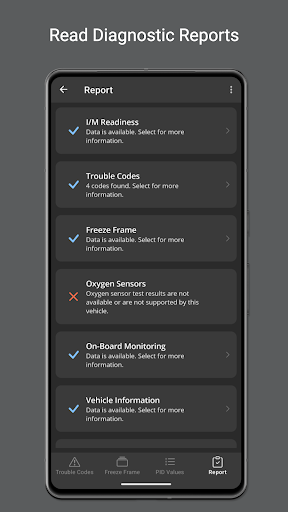
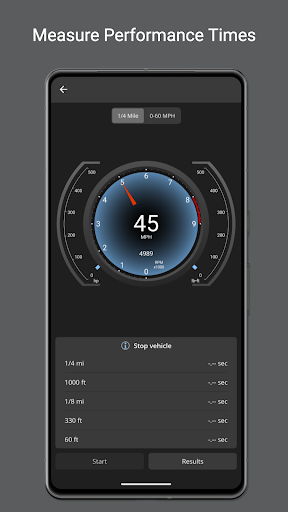
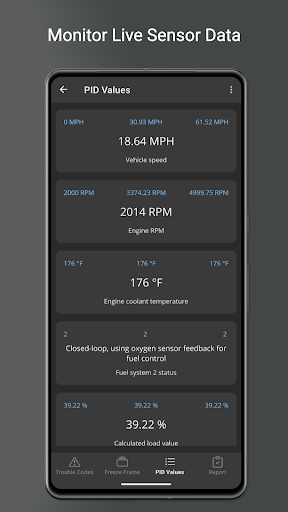
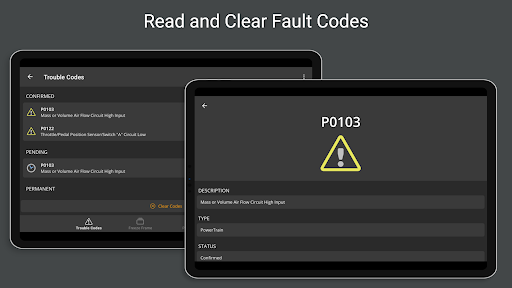
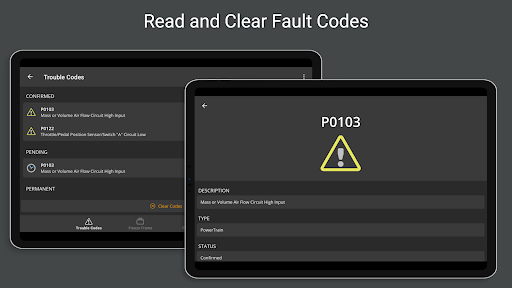
OBD Fusion is a comprehensive vehicle diagnostics tool designed for Android users, enabling direct access to OBD2 vehicle data through compatible scan tools. The app allows users to read and clear diagnostic trouble codes, estimate fuel economy, and monitor real-time vehicle sensor data. Its professional-grade features cater to both automotive enthusiasts and everyday drivers seeking to maintain optimal vehicle performance.
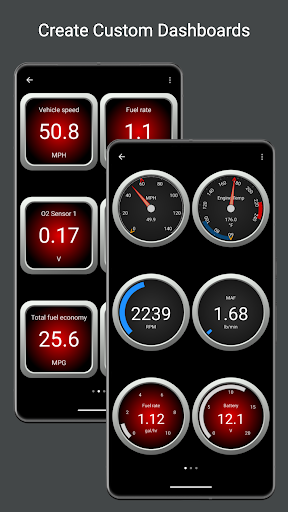
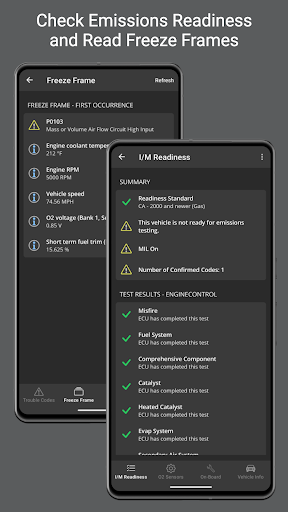
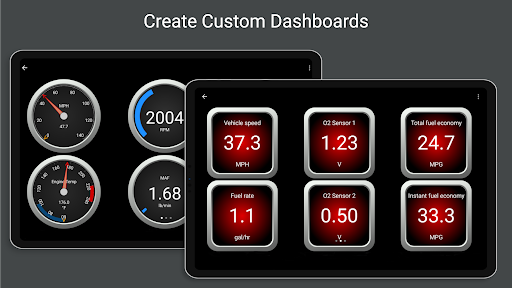
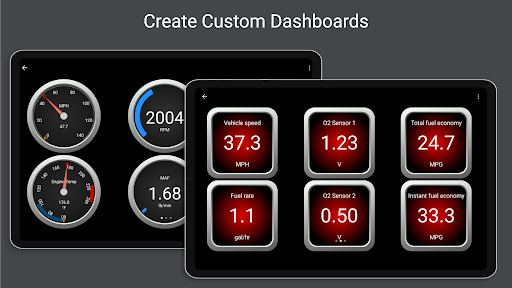
The application stands out with its customizable dashboard displays, real-time graphing capabilities, and detailed diagnostic reports. Users can track essential metrics like fuel usage, engine power, and emission readiness status. With support for multiple connection types including Bluetooth, USB, and Wi-Fi, OBD Fusion ensures reliable data access across various devices and vehicle configurations.
Whether you're troubleshooting a check engine light or monitoring fuel efficiency during daily commutes, OBD Fusion provides the necessary tools to make informed decisions about your vehicle's health and performance. Its intuitive interface and advanced features make it an invaluable companion for modern vehicle maintenance.
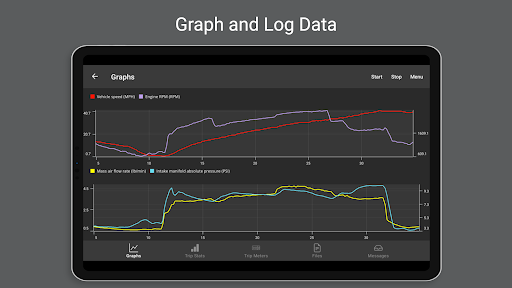
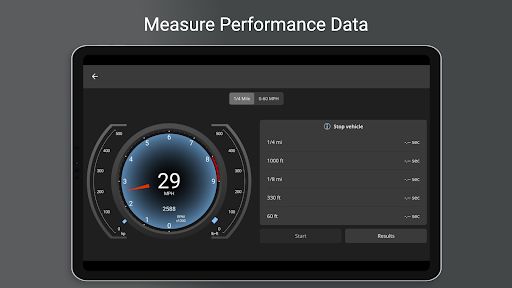
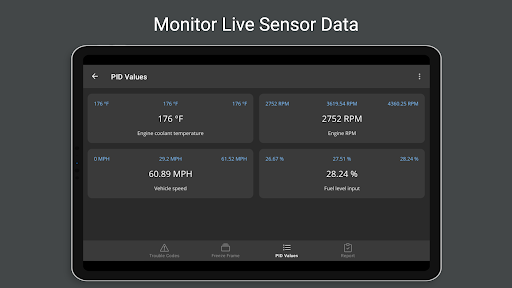
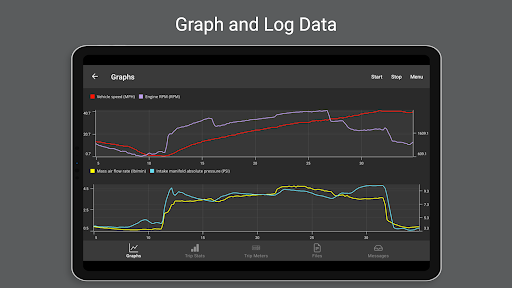
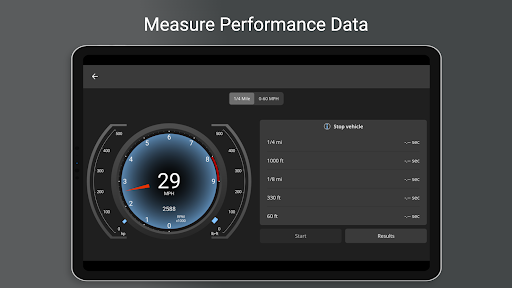
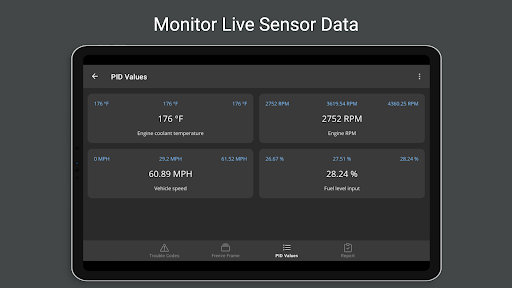
OBD Fusion offers an impressive array of features that set it apart from other vehicle diagnostic applications. The app supports over 150 standard and enhanced parameter IDs (PIDs), providing detailed insights into engine performance, fuel economy, and emission system status. Its real-time dashboard display enables users to create personalized monitoring interfaces, while the graphing function helps visualize critical vehicle metrics over time.
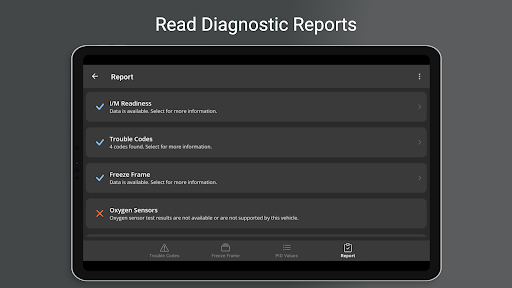
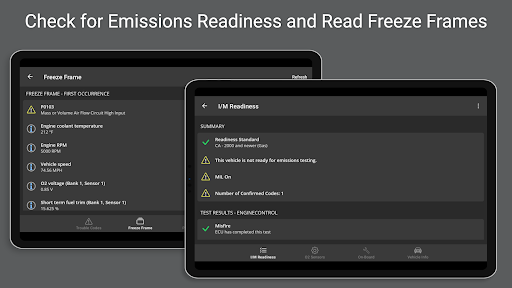
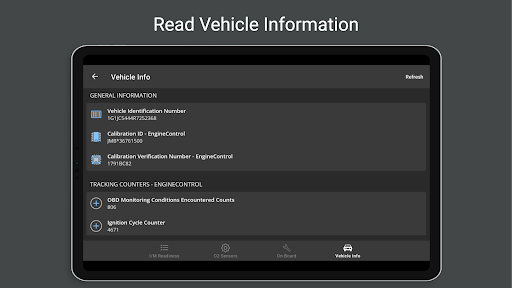
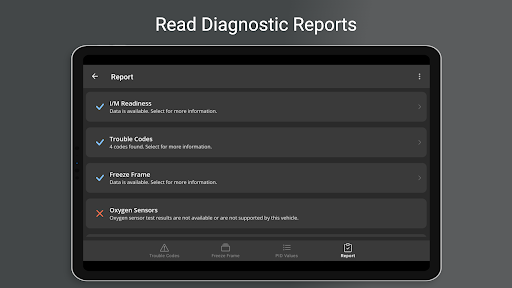
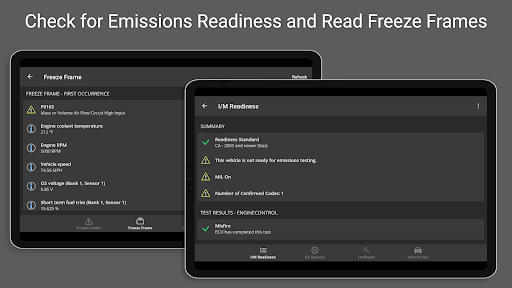
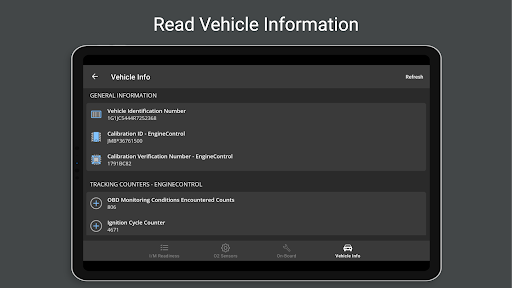
One of the standout capabilities is its comprehensive diagnostic reporting system. Users can generate full diagnostic reports containing vehicle information, freeze frame data, and oxygen sensor results. The application also supports advanced monitoring tests and tracking counters, making it suitable for both basic maintenance checks and in-depth vehicle analysis. Additionally, its compatibility with Android Auto enhances usability during driving.
The app's flexibility extends to its unit customization options, supporting English, Imperial, and Metric measurement systems. Professional mechanics will appreciate the built-in database of fault code definitions and the ability to log data in CSV format for further analysis. These features, combined with support for multiple connection protocols and international language options, make OBD Fusion a versatile tool for global automotive diagnostics.
User-friendly interface
Comprehensive diagnostic tools
Real-time data monitoring
Customizable dashboard options
Multilingual support
Requires compatible scan tool
Potential connectivity issues
Advanced features need specific hardware
Some functions are vehicle-dependent
Basic version has limited functionality

BiP is a fast, secure, free messaging and HD video calling app!
 4.10
4.10
Quickly and easily identify and block unknown callers
3.70
Welcome to the future of phone service.
4.60
Messages is Private SMS Messenger 2023 with text message, instant messaging.
4.00
Federated instant messaging for your mobile device (Jabber, XMPP, Snikket)
4.10
Call & Text Anywhere With A Canadian Number.
3.60
A browser that does more than load page, like keeping your privacy safe.
4.70
Simple tool for businesses to talk to their customers.
4.40
Talk & text free with a second phone number plus unlimited 5G data, no fees.
4.50
فیلتر شکن قوی پرسرعت کلید جدید برای اندرویدسریع ترین وی پی ان برای همه اپراتورها
4.70
Messenger for SMS - texting message app, faster, simpler & safer, for you.
4.70
Stay in touch with the people who matter most.
4.60
Experience real private browsing without tracking, surveillance, or censorship.
4.50
An agentic AI browser for Android, built by Perplexity
4.50
Manage your mobile phone plan, check unlimited 5g data usage and track rewards
4.50
A web browser that respects your privacy.
4.30
Chill zone on your phone: relax with fun reels & hype shorts!
4.20
Radio communication simulator for gaming communities
4.1
Manage Phone Calls, call history, and contacts easily with Phone Pro.
4.3


User Reveiws