

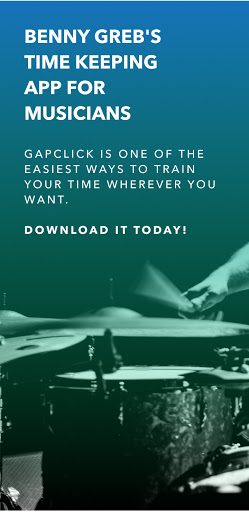
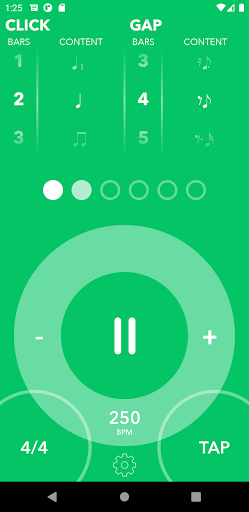
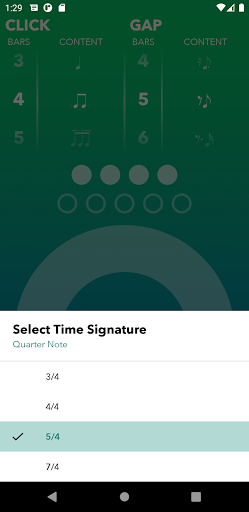
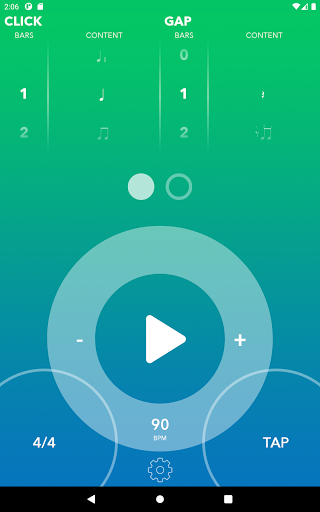

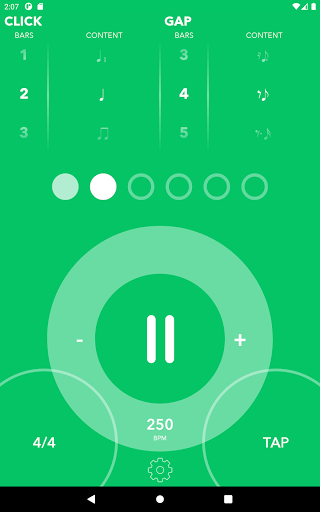



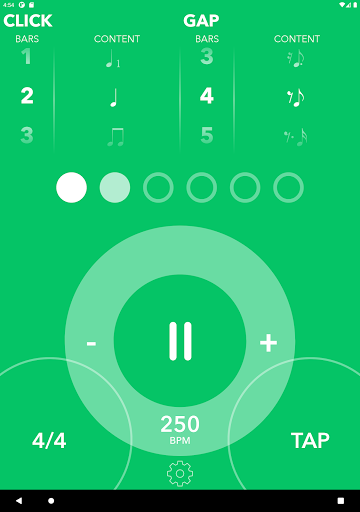
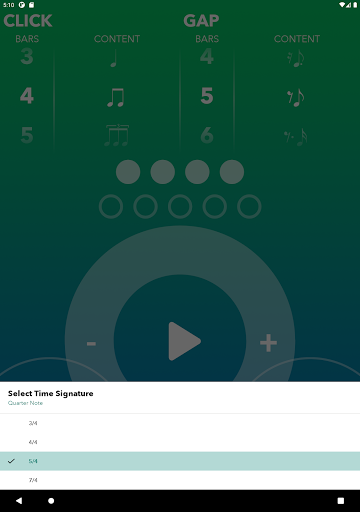
Gap Click by Benny Greb is a specialized metronome app designed to enhance drummers' timing and groove. Unlike traditional metronomes, this app incorporates Benny Greb's unique approach to rhythm training through its Gap Click and Moving Click features. The Gap Click feature allows users to configure time gaps where the metronome drops out, challenging them to maintain tempo without auditory cues. Meanwhile, the Moving Click function shifts the click from the downbeat, helping users internalize complex rhythms.
This app is ideal for musicians looking to refine their internal clock and rhythmic precision. With support for binary and ternary rhythms, customizable patterns, and various time signatures, it offers a comprehensive practice tool that adapts to different skill levels. Whether you're a beginner or a professional drummer, Gap Click provides an innovative way to elevate your timing skills and overall musicality.
Gap Click stands out with its innovative approach to rhythm training. The app's signature feature, Gap Click, lets users set intervals where the metronome stops clicking, forcing them to rely on their internal sense of timing. This method helps develop bulletproof accuracy in maintaining tempo during silent bars. Additionally, the Moving Click feature moves the audible click away from the downbeat, allowing users to practice playing in time while hearing clicks on off-beats.
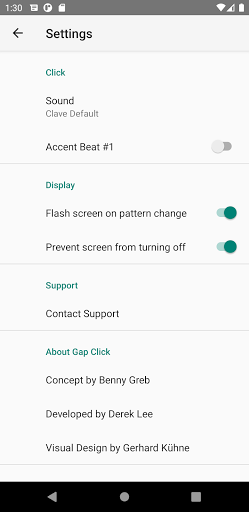
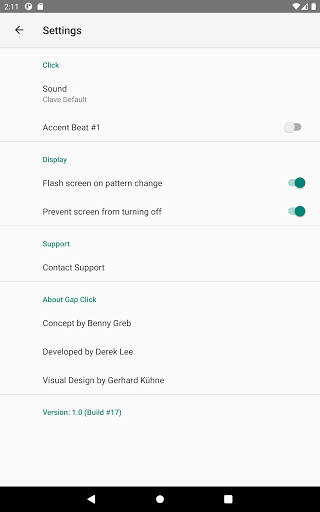
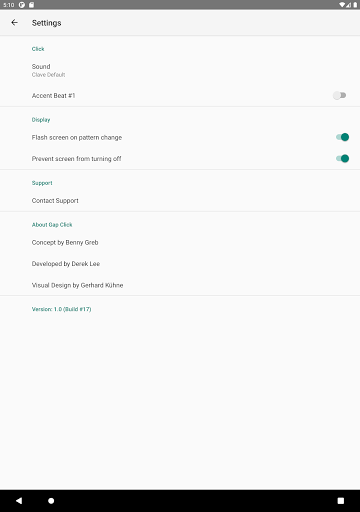
The app includes practical tools such as a nostalgic click wheel for precise tempo setting, visual feedback for each note, and accent options for the first beat of each measure. Users can choose from various hand-picked click sounds and customize their experience with features like screen flashing when switching between click and gap modes. With support for multiple time signatures and syncopated patterns, Gap Click offers drummers an unparalleled depth of practice options that cater to both basic and advanced rhythmic training needs.
Enhances timing skills
Customizable practice options
Innovative rhythm training
User-friendly interface
No in-app purchases
Limited to rhythm training
Not suitable for all instruments
Advanced features may overwhelm beginners
Interface could be more modern
Limited sound customization

Listen to live FM radio stations, sports, music and news on global radios online
 4.70
4.70
Powerful beat maker & DJ mixer to remix tracks, make music, & perform DJ mix
3.70
A High-Precision Audio Spectrum Analysis App
4.20
The best music and audio player, with beautiful UI, music search and equalizer.
4.60
Offline Music Player & MP3 Player.Powerful equalizer, Lyrics, Themes, Tag Editor
4.80
Ringtone Maker is free app create ringtone from music files or your recording.
4.40
Responsive piano with great sounds, graphics, and songs
4.80
One-tap booster for max volume - enjoy powerful sound with this audio booster
4.50
Melody Beat: Great for travel, workouts, offline vibes, play your tunes anytime.
4.10
Voice recorder - Audio recorder. Best recorder for recording
4.90
JBL PartyBox APP works with 110/310/710/120/320/520/Encore/Encore 2/Encore Ess 2
4.80
Over 100 million tracks available for high quality streaming and download
4.60
AI Music Maker: Generate And Compose AI Tunes & AI Songs & AI Music & AI Melody!
4.60
Formerly known as Spotistats! View your top tracks, artists, albums and more!
4.40
Help you quickly get started with Shokz headphones
4.40
Manage your Sonos system directly from your home-screen!
4.40
Your HD audio recorder on the go for music, meetings, ambience, animal sounds…
4.30
Learn to play the piano using falling notes!
3.80
Music Streaming suite for Ampache, Nextcloud Music and compatible backends.
4.0


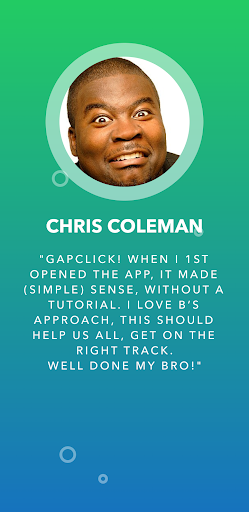
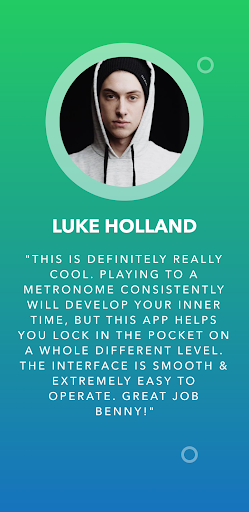
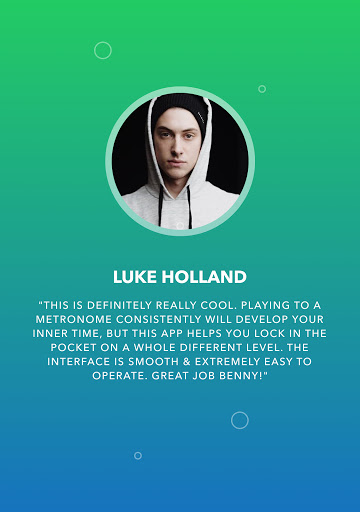
User Reveiws