

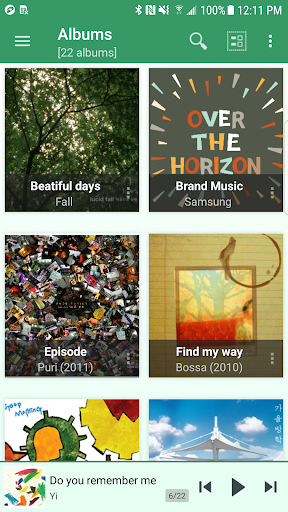
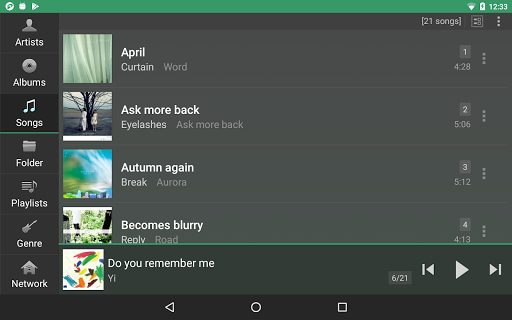
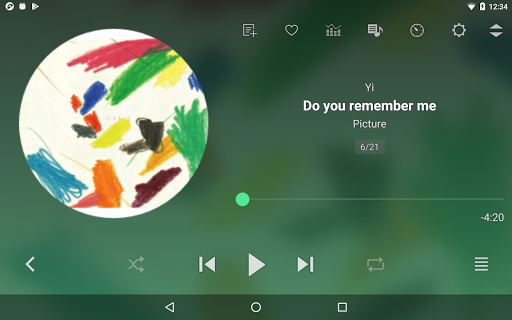
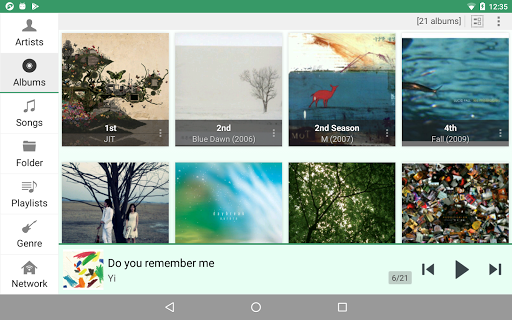
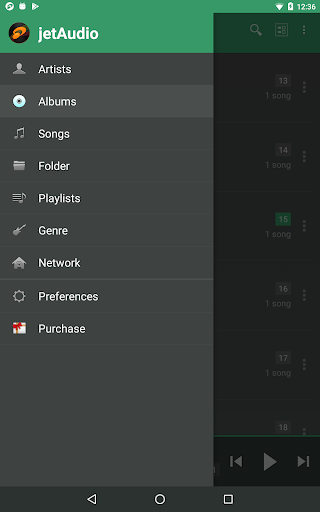
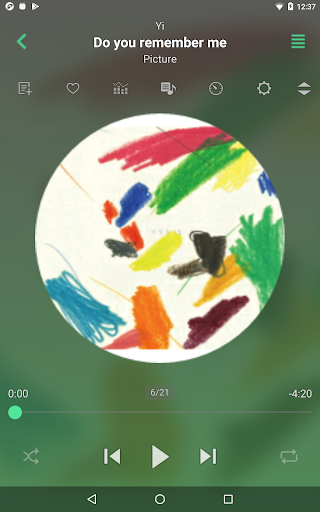
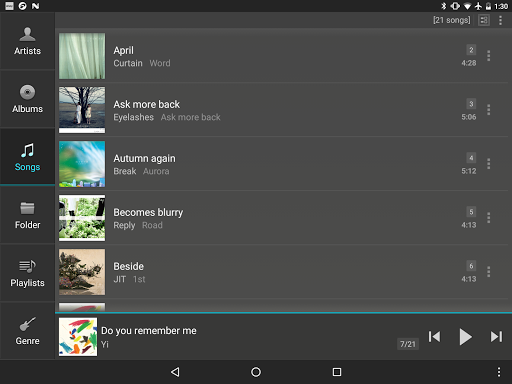

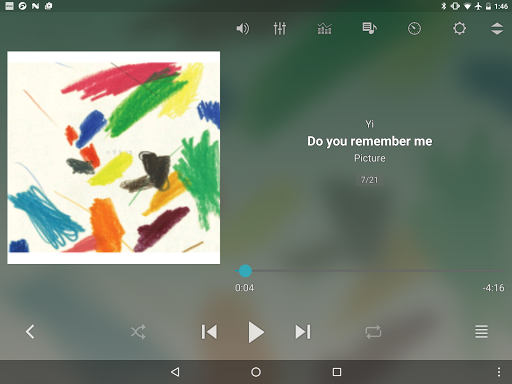
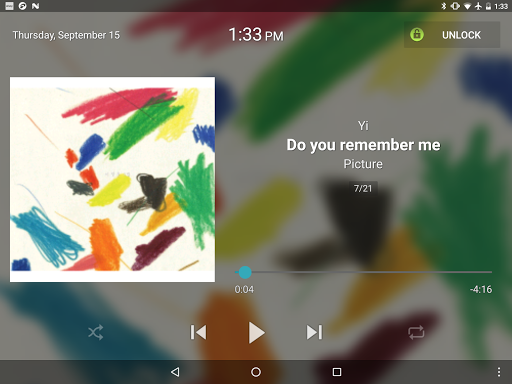
jetAudio+ Hi-Res Music Player is a premier audio solution for Android users, offering an extensive range of high-quality sound effects and playback capabilities. This app stands out with its ability to handle almost any digital music file format, from MP3 to FLAC, ensuring you enjoy your music in the highest possible quality.
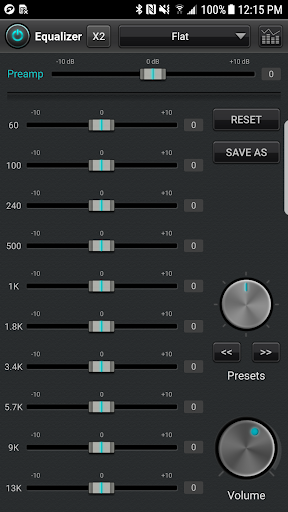
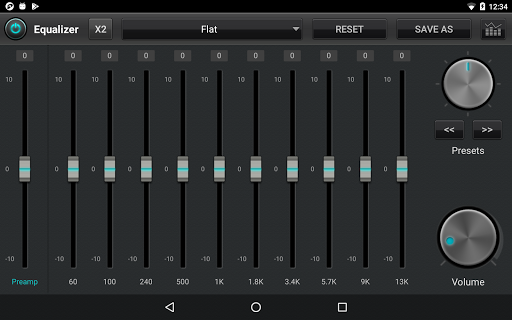
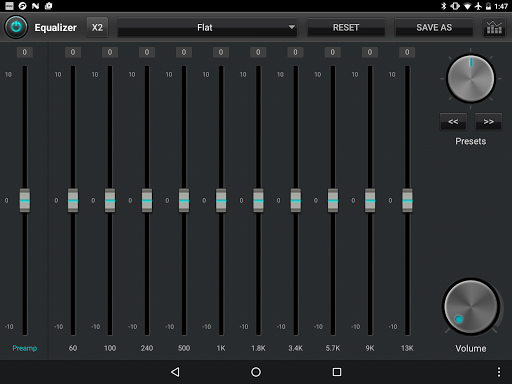
The application provides advanced features such as 20-band graphic equalizers, tag editing for various formats, and pitch shifting, which are essential for audiophiles who demand precise control over their listening experience. Additionally, jetAudio supports streaming from local network shared folders and popular cloud services like Google Drive and Dropbox, making it versatile for different user needs.
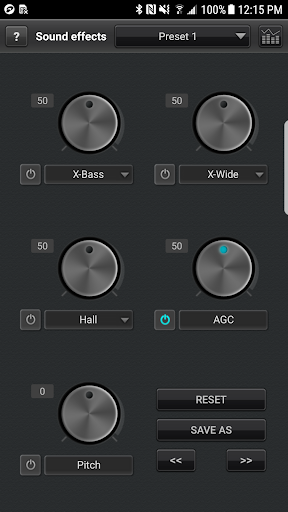
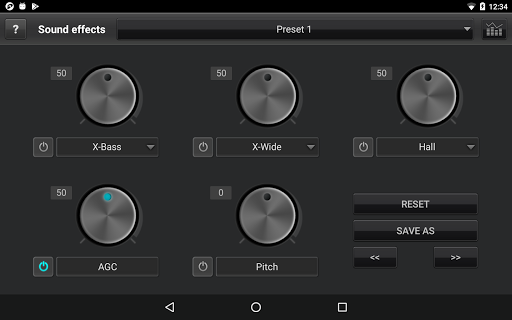
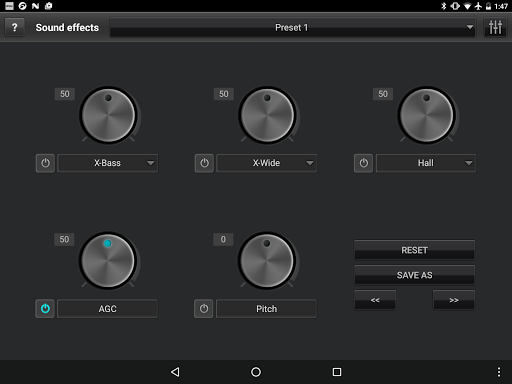
Whether you're at home or on the go, jetAudio+ enhances your music with effects like X-Wide and X-Bass while providing practical functionalities including speed control and crossfading. Its sleek design and customizable interface cater to both casual listeners and audio enthusiasts, delivering an unparalleled audio experience on mobile devices.
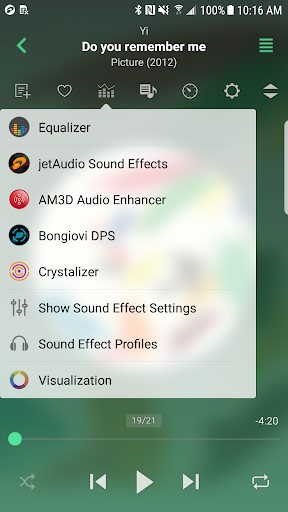
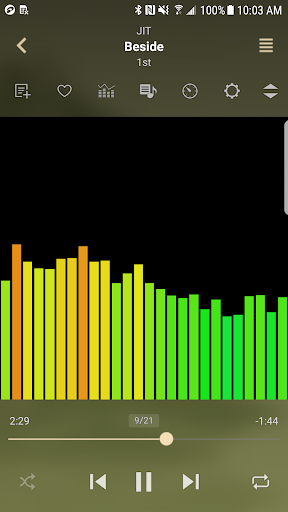
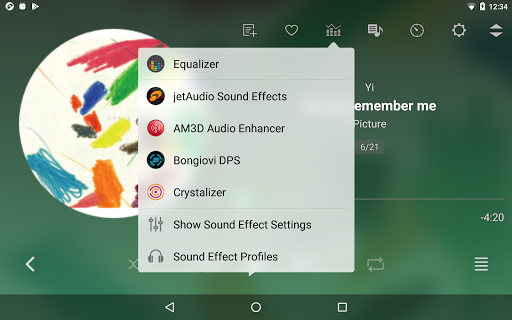
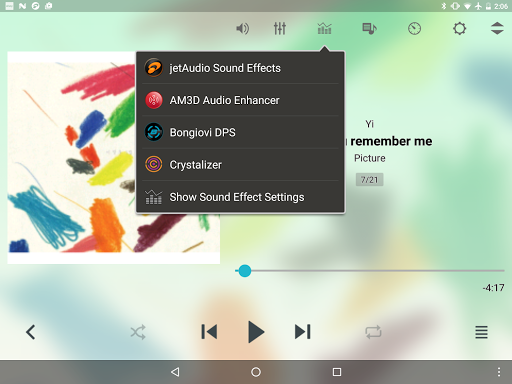
One of the standout aspects of jetAudio+ Hi-Res Music Player is its comprehensive suite of sound enhancement tools. The app includes specialized plugins like Crystalizer and AM3D Audio Enhancer, which elevate the auditory experience by adding depth and clarity to your tracks. These plugins, alongside visualizations, create an immersive environment for enjoying music.
For those who love customization, jetAudio offers 32 equalizer presets along with the option for a 10/20 band graphic equalizer. Advanced playback functions such as AGC, precise speed control, and crossfading ensure smooth transitions and consistent volume levels between tracks. Moreover, unique features like MIDI playback using the jetAudio WaveTable MIDI synthesizer engine provide additional versatility.
Practicality meets innovation with functionalities that support streaming from multiple sources including Wi-Fi networks and cloud storage services. With up to 14 app widgets available for home screen customization and convenient controls via Bluetooth headphone buttons, jetAudio+ combines powerful performance with user-friendly accessibility.
High-quality sound output
Wide range of supported formats
Advanced equalizer settings
Customizable playback options
Cloud integration
Paid version required for full features
Some plugins sold separately
Advertisements in free version
Complex interface for beginners
Limited customer support

The Cubase remote control app
 3.60
3.60
A synth that really lets you shape your sounds!
4.50
Full-featured, High-Quality Groovebox Workstation, perfect for Live Performance!
4.80
Walkout Song DJ is the most intuitive app to manage your sports music.
4.70
A High-Precision Audio Spectrum Analysis App
4.20
AI Music Maker: Generate And Compose AI Tunes & AI Songs & AI Music & AI Melody!
4.60
Music, News & Sports Radio Tuner App. Tune in Live FM & AM Radio Stations.
4.80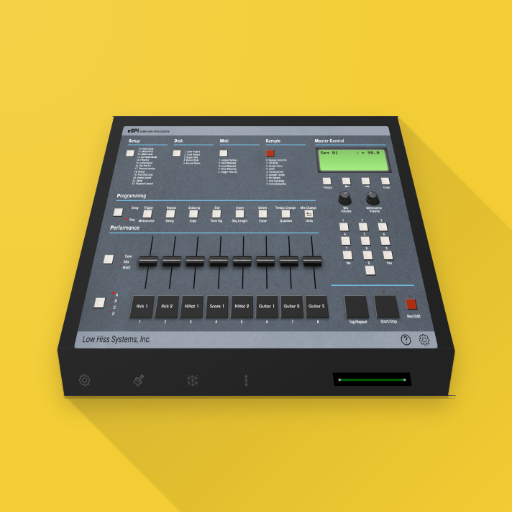
The original SP-1200 experience on your iPad
4.20
Offline Tunes, Unlimited Vibes
3.90
Simple & Intuitive Metronome
4.70
Reverse your voice & songs instantly! Fun singing challenge with cool effects.
4.60
Full featured mp3 and audio player with Chromecast and Android Auto support.
4.40
Learn and play 2M+ music tabs & chords on guitar, ukulele, bass, and more
4.30
Time Trainer: accurate metronome w tools to help you develop your internal time!
4.20
PowerAudio is a powerful offline music player.
4.20
The only true audiophile music player with Hi-Fi audio rendering and DSP engine
3.90
Simple mp3 and mp4 player with advanced features.
3.40
Travel To The Music Universe
3.40
Make music anywhere. Turn your device into an instrument.
4.2


User Reveiws