
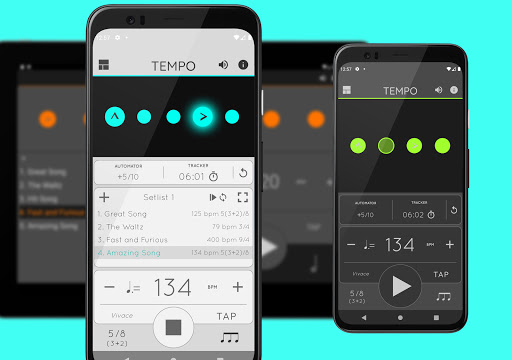
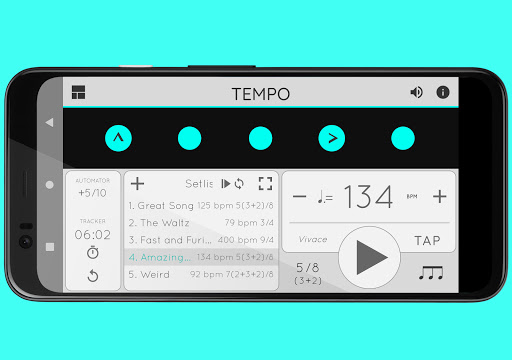
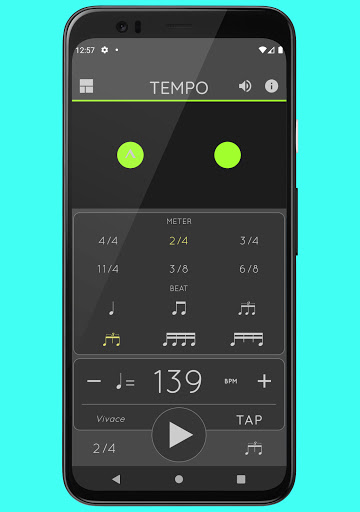
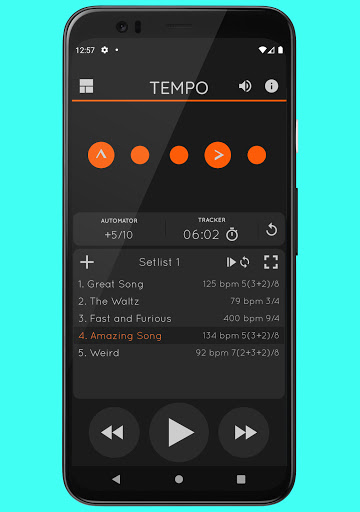
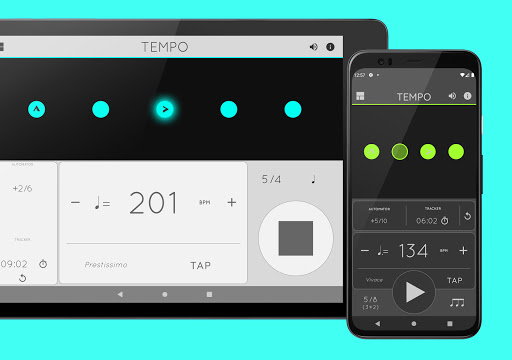

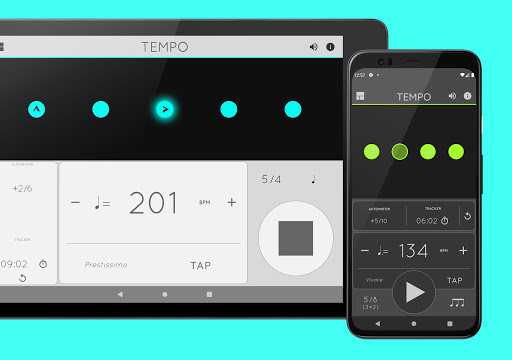
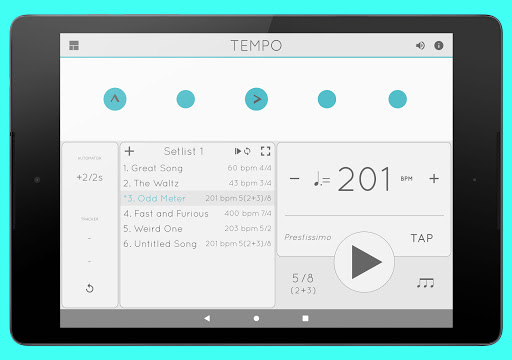
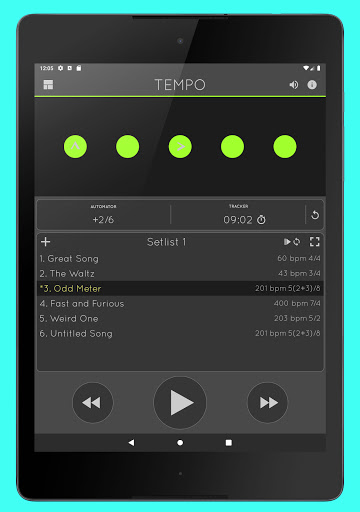
Tempo is a premier mobile metronome app designed for performing artists, teachers, students, and even athletes. It combines high accuracy with an attractive, user-friendly interface, making it perfect for gigs, lessons, practice sessions, and training routines. The app features a comprehensive single-screen design with flashing LEDs that double as customizable buttons, allowing users to create complex rhythms and save configurations as songs in setlists.
Tempo stands out with its innovative morphing interface that adapts to five modes: Basic, Preset, Setlist, Practice, and Gig. This ensures optimal functionality for different tasks. With 30 time signatures, 6 rhythm patterns for simple meters, and 3 for compound meters, Tempo offers extensive customization options. Users can also share their setlists with friends, including those using iOS devices, ensuring seamless collaboration across platforms.
Tempo boasts a robust feature set tailored to meet the needs of musicians and other professionals. The app supports 30 different time signatures and various rhythm patterns, enabling users to customize accents or mute beats to create intricate rhythms. Its tap tempo function and tempo range from 10 to 400 provide flexibility and precision. Visual feedback comes in the form of pulsating LEDs, enhancing the user experience during performances or practice sessions.
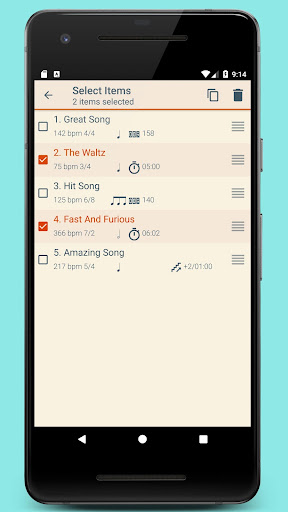
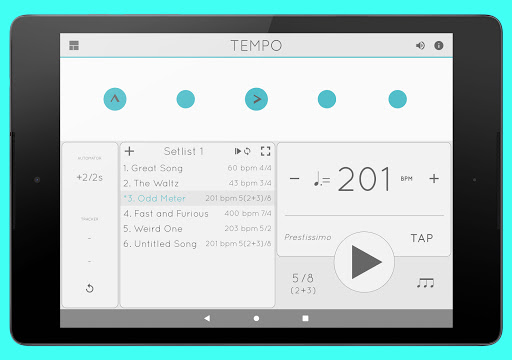
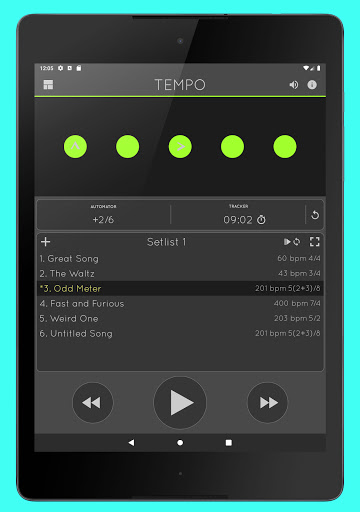
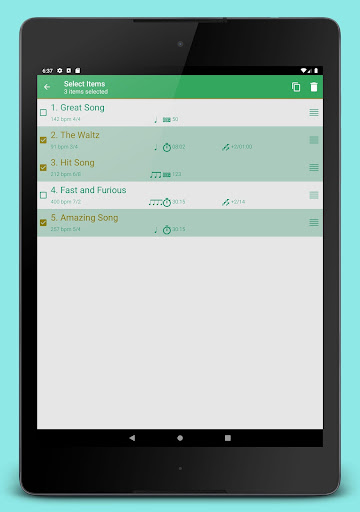
Setlist management is another highlight, allowing users to store presets in multiple setlists with advanced options like search, overwriting, copying between setlists, and multi-deletion. Quick editing and sharing via email are also supported. Additionally, Tempo includes tracker and automator features for timing practices and automatically adjusting tempos. With 12 sound sets optimized for live drumming, volume control, and multitasking support, Tempo ensures uninterrupted playback even outside the app.
User-friendly interface
Highly customizable
Accurate tempo tracking
Versatile rhythm creation
Cross-platform sharing
No free version available
Complex for beginners
Limited offline help
Premium sound sets cost extra
Occasional sync issues

Over 100 million tracks available for high quality streaming and download
 4.60
4.60
AI Music Maker: Generate And Compose AI Tunes & AI Songs & AI Music & AI Melody!
4.60
A sleek, no-frills player designed for true music lovers.
4.20
Listen radio AM / FM Stations. Live AM / FM Radio App Station. Radio Com.
4.70
Play your hearts out on TouchTunes jukeboxes & connect with fellow music lovers.
4.80
No wifi music app. Mp3 offline. Tuner radio, young radio music. Music downloader
4.20
Offline Music Player&MP3 Player with themes, equalizer, lyrics, music play mode
4.60
The Minimalistic Premium Music Player. Handmade with passion for music
2.20
Reverse your voice & songs instantly! Fun singing challenge with cool effects.
4.60
JBL PartyBox APP works with 110/310/710/120/320/520/Encore/Encore 2/Encore Ess 2
4.80
Walkout Song DJ is the most intuitive app to manage your sports music.
4.70
A synth that really lets you shape your sounds!
4.50
Visualize the guitar fretboard, master scales & play through changes like a pro!
4.50
Manage your Sonos system directly from your home-screen!
4.40
Learn and play 2M+ music tabs & chords on guitar, ukulele, bass, and more
4.30
Time Trainer: accurate metronome w tools to help you develop your internal time!
4.20
Network/Cloud Streaming, Visualization, Graphic Equalizer and Sound Effects.
4.20
The alternative folder based music player.
4.20
The only true audiophile music player with Hi-Fi audio rendering and DSP engine
3.90


User Reveiws