Edge Lighting

4.80

Information

Category:

Personalisation

Price:

Free

Rank:

56

Rating:

4.80

Overview

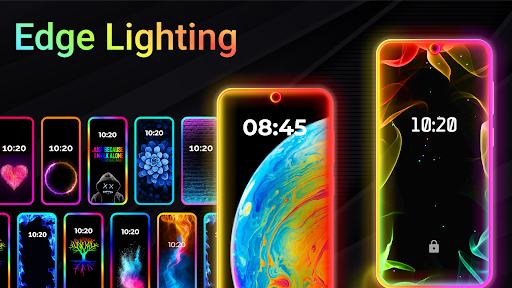
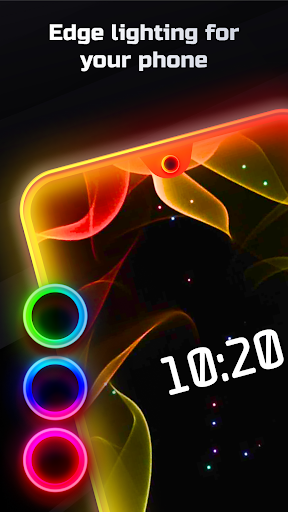
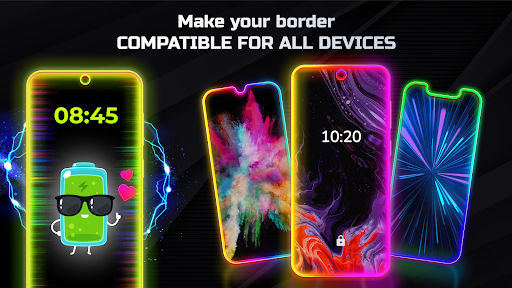
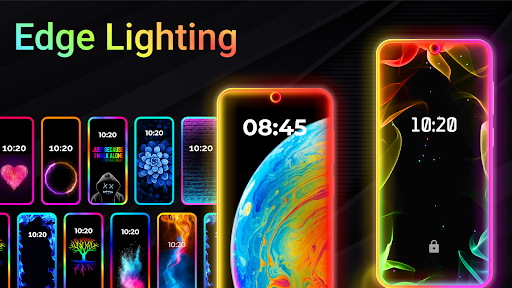
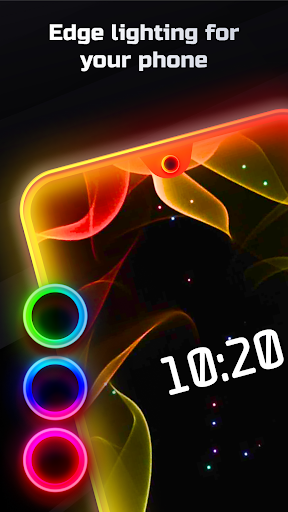
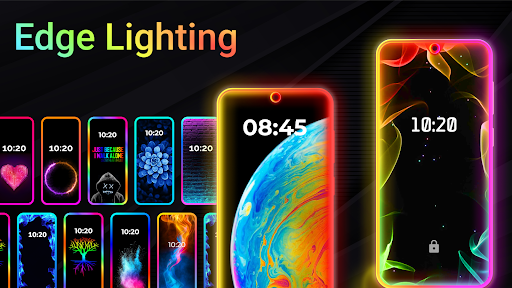
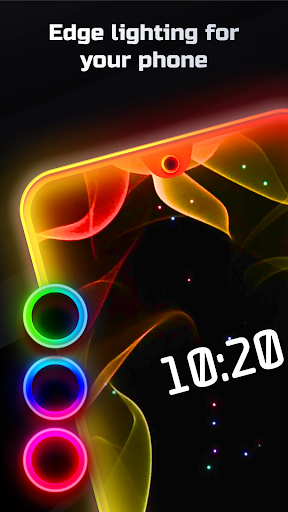
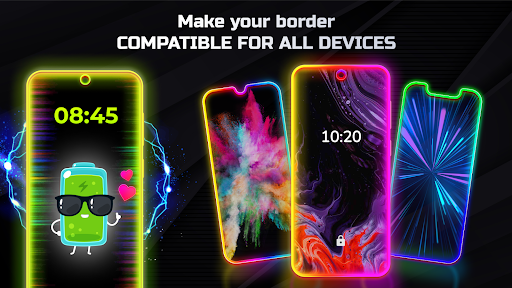
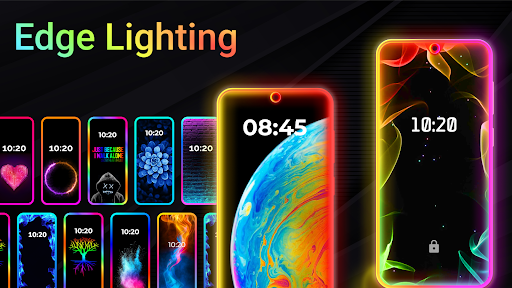
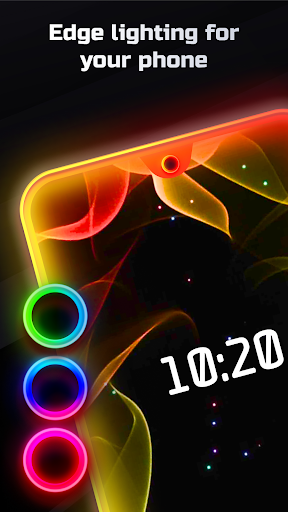
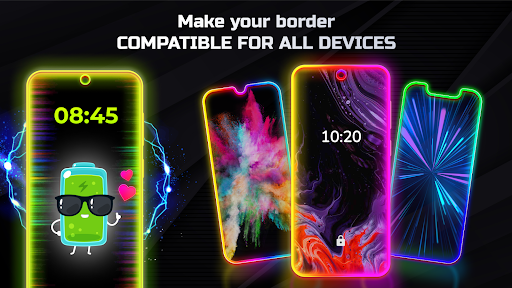
Edge Lighting is a versatile personalization app designed to enhance the visual appeal of Android devices. The application allows users to add stunning curved edge lighting effects to both home and lock screens, creating an aesthetically pleasing interface. With support for all screen types including Infinity displays and notches, it ensures compatibility across various devices such as Samsung Galaxy, OnePlus, Xiaomi, and more.

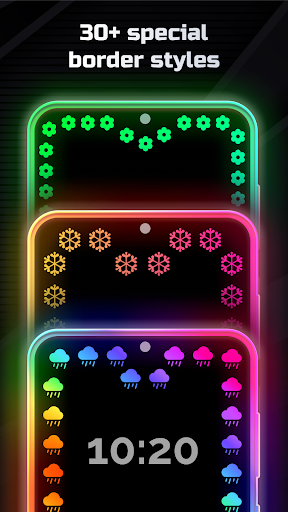
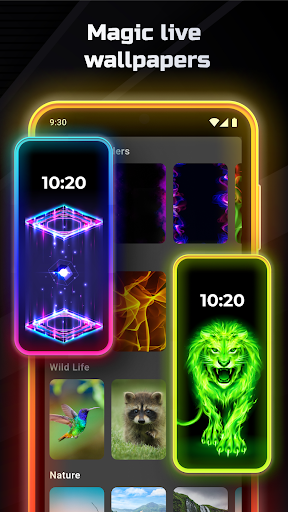
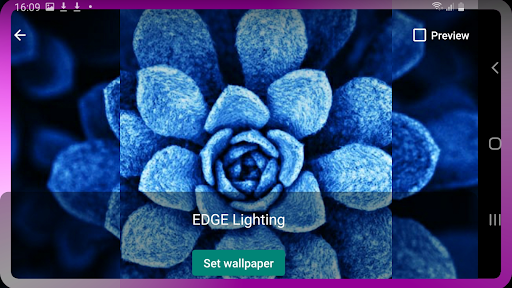
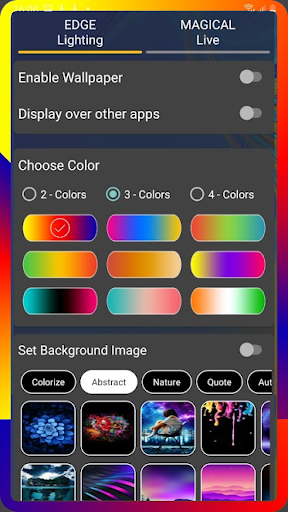
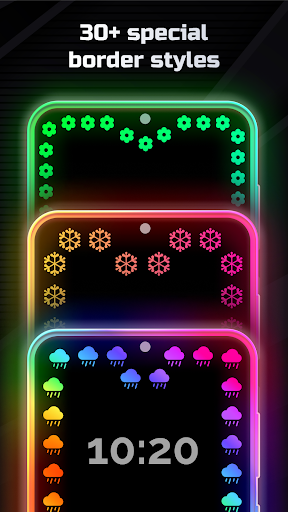
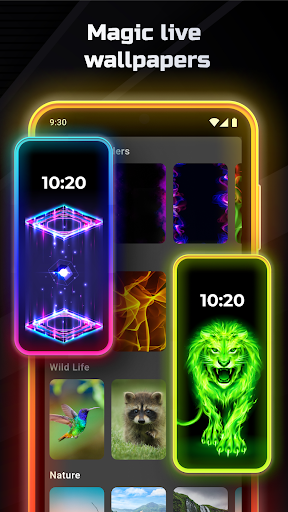
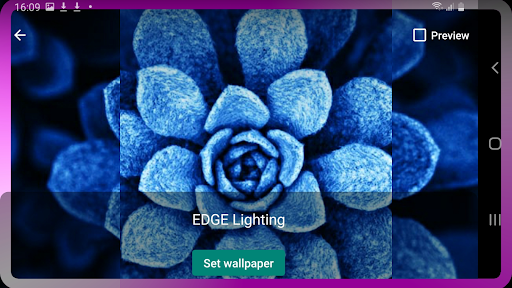
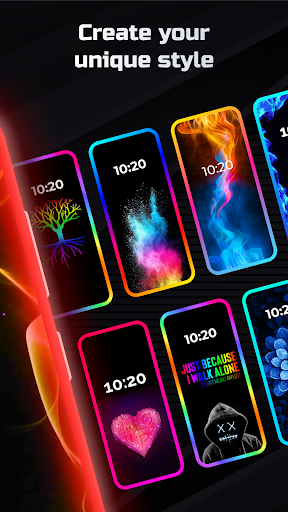
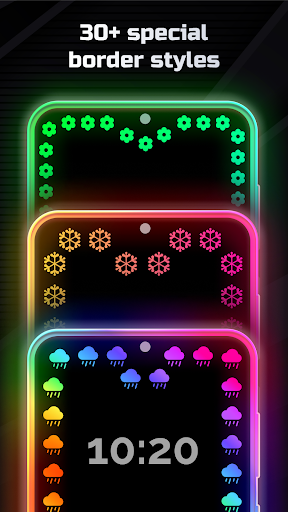
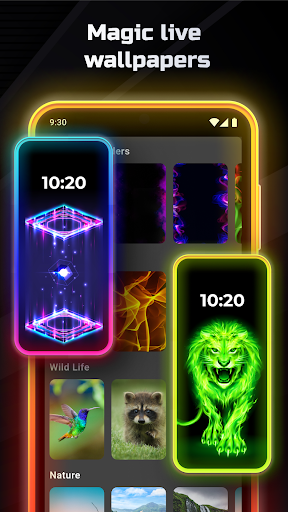
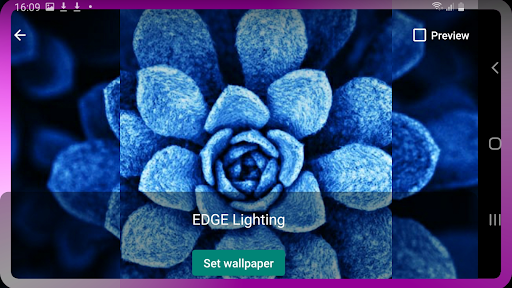
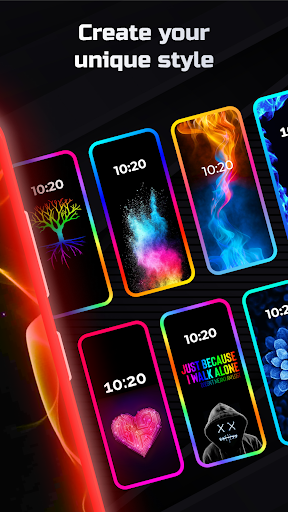
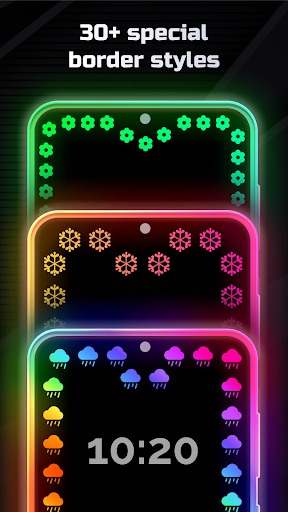
The app's core functionality lies in its extensive customization options. Users can modify edge colors, adjust border width, and choose from over 15 unique border designs like hearts, birds, and stars. Additionally, Edge Lighting offers magical RGB effects in multiple colors, live wallpapers, and the ability to use personal photos as backgrounds. These features make it an ideal tool for users seeking to personalize their device's appearance while maintaining usability.

Whether you want to create a professional look or showcase your creative side, Edge Lighting provides the tools to transform your smartphone into a personalized work of art. Its ability to display over other apps further enhances the user experience, making it a standout choice in the personalization category.

Features

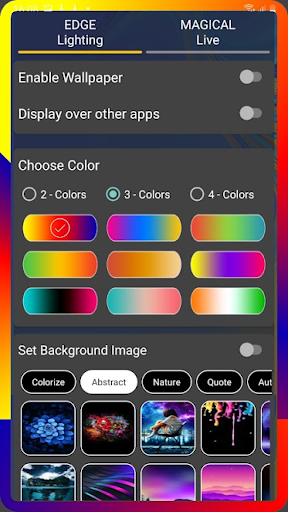
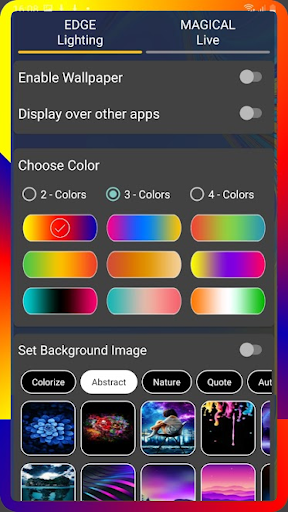
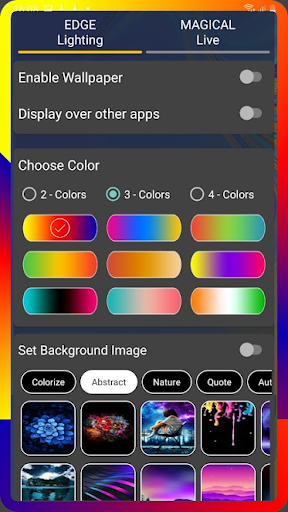
Edge Lighting stands out with its comprehensive feature set tailored for device personalization. One of its key strengths is the ability to customize every aspect of the edge lighting effect. Users can select from over 30 magical edge lighting styles, each offering one-click activation for quick personalization. The app also supports RGB color customization, allowing users to create dynamic two-tone, three-tone, or four-tone lighting effects that suit their preferences.

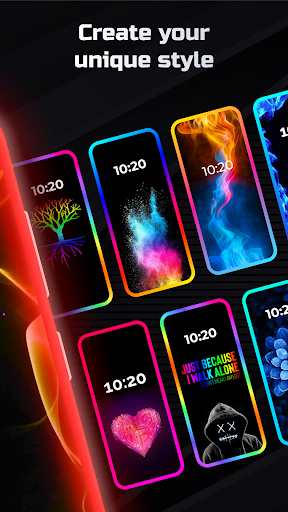
A notable feature is the inclusion of more than 15 unique border types, ranging from natural elements like sun and moon to festive designs such as Christmas trees. Each border type can be fine-tuned with adjustable animation speed, curve radius, and notch settings. The app's support for 4K backgrounds and custom photo integration enables users to create truly unique displays. Furthermore, the display-over-apps functionality ensures that these effects remain visible even while using other applications.

These features collectively provide users with unparalleled control over their device's aesthetic appearance. The combination of technical flexibility and creative freedom makes Edge Lighting a powerful tool for those who value both form and function in their mobile experience.

Customization options variety

Customization options variety refers to the range and depth of personalization features available within an application allowing users to tailor their experience to their specific preferences and needs In the case of EDGE Lighting this aspect is particularly pronounced as it offers a comprehensive suite of customization tools designed to enhance both the aesthetic appeal and functionality of mobile devices Through its extensive customization capabilities users can modify various visual elements on their home and lock screens creating a personalized and engaging user interface The EDGE Lighting app provides users with unparalleled control over the appearance of their device screens Users can adjust the color scheme of the EDGE borders selecting from a vast palette to match their personal style or mood Additionally the app allows for precise modifications to the width and curve radius of the top and bottom edges ensuring a perfect fit for any screen size or design preference One of the standout features is the ability to choose from over 15 distinct types of EDGE lighting borders each with unique designs such as Heart Bird Sun Lotus Snowflakes Dolphins Beach tree Flower Smiley Om Cloud Moon Stars and Christmas Tree This diversity in border styles caters to a wide array of tastes and occasions Furthermore the app supports more than 30 types of Magical EDGE Lighting effects which can be applied to both home and lock screens with just a single click These magical effects include RGB edge lighting in multiple colors adding dynamic and vibrant visual elements to the user's device Beyond static customizations EDGE Lighting also enables users to set live wallpapers incorporating animated designs that bring the screen to life Users can select from pre-designed 4K backgrounds or even upload their own photos to serve as the backdrop within the EDGE lighting frame This level of customization not only enhances the visual appeal but also allows for a deeper personal connection with the device Moreover the app includes advanced settings for display notch adjustments where users can fine-tune the width height and radius of the notch to seamlessly integrate with their device's physical characteristics This attention to detail ensures that the EDGE lighting complements the device's design rather than clashing with it Another significant advantage of EDGE Lighting is its compatibility across a broad spectrum of Android devices including popular models from Samsung Galaxy OnePlus Xiaomi Mi Redmi Nokia Oppo and Vivo This universality means that regardless of the device users can enjoy a consistent and high-quality customization experience The ability to display EDGE lighting over other apps further enriches the user experience by maintaining the visual enhancements even when interacting with different applications This overlay feature creates a cohesive and immersive environment where the personalized design elements remain visible and impactful throughout the user's interactions with their device Overall the extensive customization options provided by EDGE Lighting empower users to transform their mobile devices into truly unique and personalized gadgets By offering a wide array of adjustable parameters and creative possibilities the app not only meets but exceeds the expectations of users seeking to express their individuality through their technology choices Whether it's adjusting the minutiae of the EDGE borders experimenting with magical lighting effects or setting personalized live wallpapers EDGE Lighting delivers a rich and satisfying customization experience that enhances both the form and function of modern smartphones

Theme compatibility

Theme compatibility in the context of mobile applications like EDGE Lighting pertains to the seamless integration and harmonious coexistence of customized visual elements with the device's existing themes and design frameworks This compatibility ensures that the enhancements provided by the app do not disrupt the overall aesthetic coherence of the device but rather complement and elevate it EDGE Lighting excels in this area by offering a versatile platform that adapts to various screen types and device configurations while maintaining visual consistency and appeal For users of Android devices the importance of theme compatibility cannot be overstated as it directly influences the usability and attractiveness of their devices EDGE Lighting addresses this need by supporting a wide range of screen designs including Infinity U Infinity V Infinity O Display Notch and New Infinity among others This broad compatibility ensures that regardless of the specific screen type users can apply EDGE lighting effects without worrying about misalignment or visual discrepancies The app's sophisticated algorithms automatically detect and adjust to the device's screen characteristics providing optimized settings for each unique configuration This adaptability extends to the display notch settings where users can precisely modify the notch dimensions including width height and corner radii to achieve a flawless integration with the device's physical attributes Such meticulous attention to detail guarantees that the EDGE lighting not only enhances the visual appeal but also respects the original design intent of the device manufacturer Furthermore EDGE Lighting offers an impressive selection of over 15 distinct border types and more than 30 magical lighting effects all of which are designed to work harmoniously with various themes and wallpapers Users can choose from a diverse array of border designs ranging from natural motifs like Sun Moon and Stars to whimsical patterns such as Hearts Birds and Flowers This variety allows users to find the perfect match for their preferred themes whether they favor minimalist elegance or vibrant eclecticism The inclusion of RGB edge lighting in multiple colors adds another layer of flexibility enabling users to synchronize their EDGE lighting with seasonal events personal milestones or simply their current mood Importantly EDGE Lighting goes beyond mere visual enhancements by ensuring that these customizations remain functional and non-intrusive The app's ability to display EDGE lighting over other applications exemplifies this commitment to practicality Users can maintain their personalized visual effects while navigating through different apps without experiencing any degradation in performance or usability This feature underscores the app's dedication to providing a holistic customization experience that respects the multifaceted nature of modern smartphone usage Additionally EDGE Lighting supports the use of custom wallpapers including user-uploaded photos which can be seamlessly integrated into the EDGE lighting framework This capability allows for unprecedented levels of personalization as users can create thematic combinations that reflect their individual tastes and memories Whether it's a cherished photograph or a professionally designed wallpaper the app ensures that these personal touches blend effortlessly with the EDGE lighting effects Lastly the app's universal compatibility across numerous Android devices reinforces its position as a leader in theme compatibility From flagship models like Samsung Galaxy S10 and S20 to budget-friendly options from brands like Xiaomi Redmi Nokia Oppo and Vivo EDGE Lighting delivers a consistent and high-quality experience This cross-device consistency is crucial for users who value uniformity across multiple devices or who frequently upgrade their hardware In summary EDGE Lighting sets a new standard for theme compatibility in mobile customization apps By combining extensive customization options with intelligent adaptation to various device configurations the app ensures that users can enjoy a visually stunning and thematically coherent experience on their Android devices Whether users seek subtle refinements or dramatic transformations EDGE Lighting provides the tools necessary to achieve their desired aesthetic while maintaining optimal functionality and visual harmony

Props

Highly customizable

Versatile design options

Wide device compatibility

User-friendly interface

Unique RGB effects

Cons

Premium features locked

May drain battery

Some features complex

Requires storage space

Occasional performance lag

Features and Functions

What is this app and what can I use it for?

Edge Lighting adds customizable edge effects to Android devices for personalization

How do I download and install this app on my device?

Search 'Edge Lighting' on Google Play Store and tap install to download the app

How do I get started after opening the app for the first time?

Launch the app and follow setup wizard to configure initial settings and preferences

What are the main features and capabilities of this app?

Customizable edges borders live wallpapers and display-over-apps functionality are main features

How can I customize my experience and adjust preferences?

Use settings menu to adjust colors borders animation speed and wallpaper preferences

How do I save or bookmark my favorite content for later access?

Save favorite designs by setting them as default in the app's preference section

How can I share content with friends or on social media?

Share app content via social media links provided in the app's sharing section

How do I access detailed information and explore more content?

Explore detailed settings through categorized menus in the app's configuration panel

What permissions does this app need and how do I manage them?

App needs display overlay permission managed through device settings security section

How do I check for updates and keep the app running smoothly?

Check for updates automatically through Google Play Store app update section
Show more

User Reveiws

{{ comment.reviewer_name }}
{{ comment.review_date_formatted}}
{{ comment.review_content }}
{{ tab.name }}
{{ comment.reviewer_name }}
{{ comment.review_date_formatted}}
{{ comment.review_content }}
No reviews with this rating