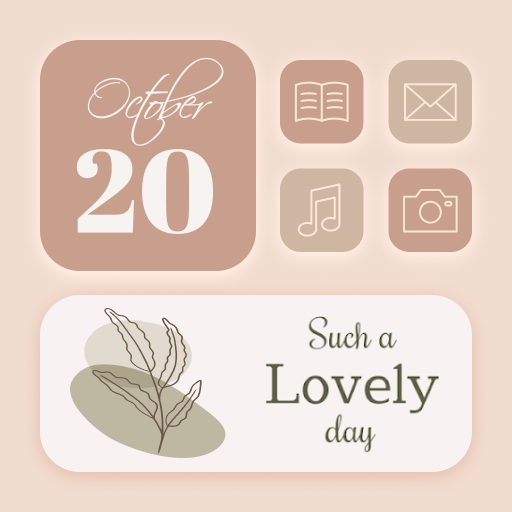
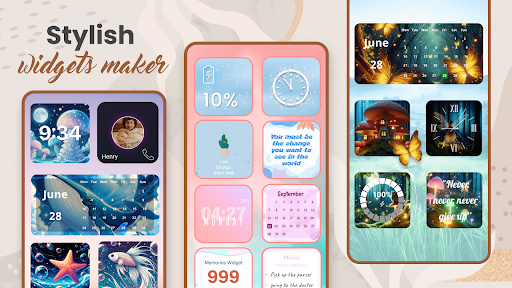
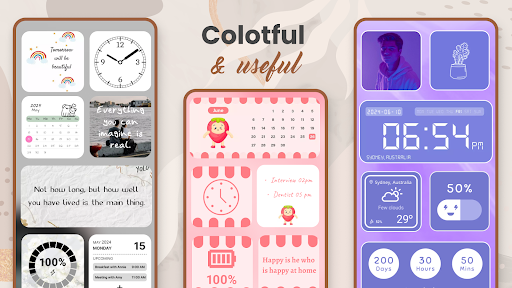
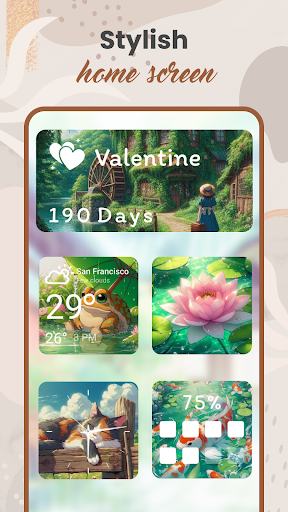
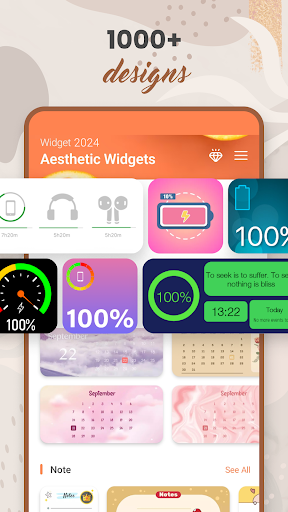
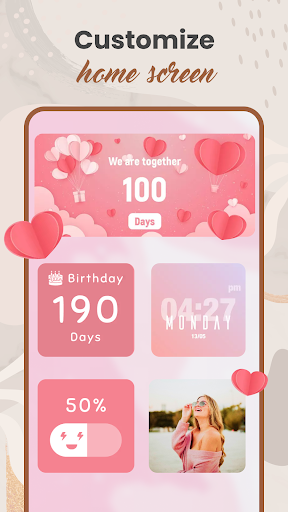

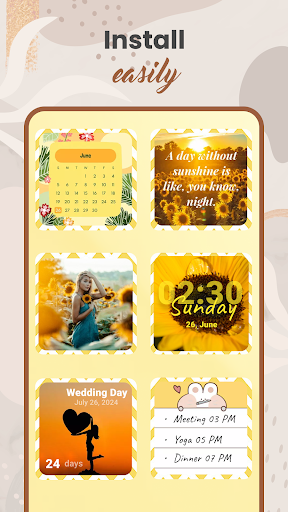
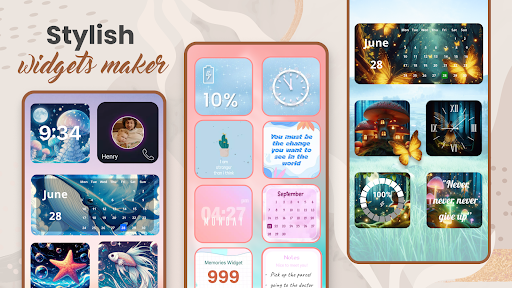


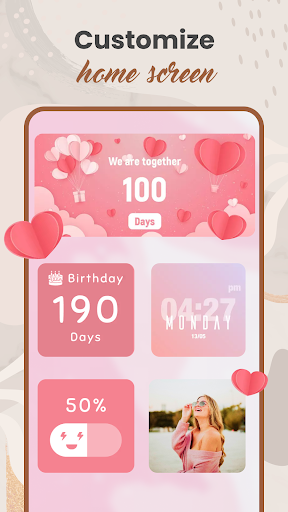
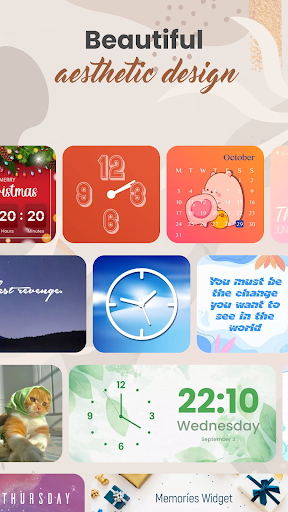
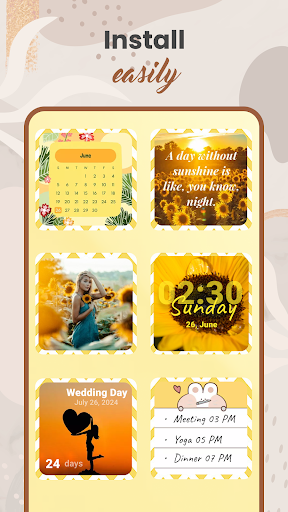

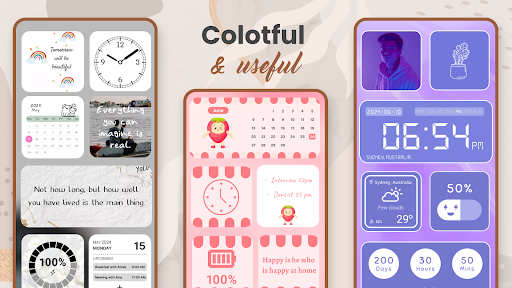

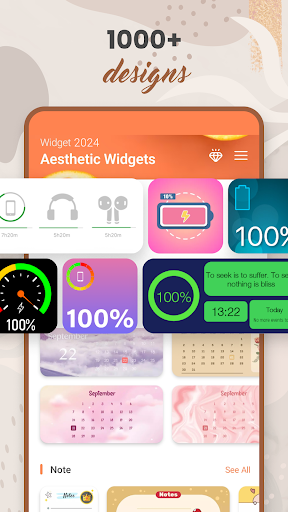


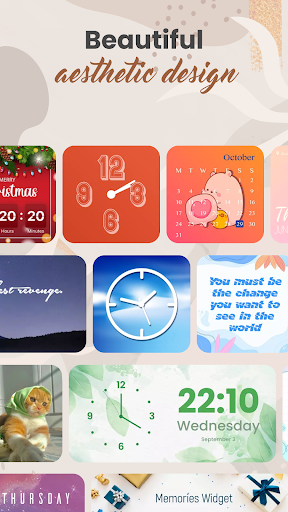
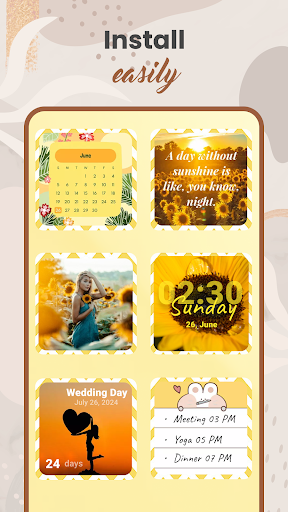
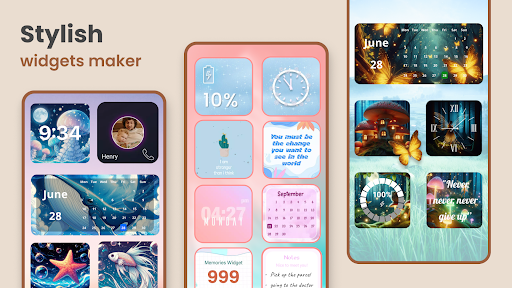
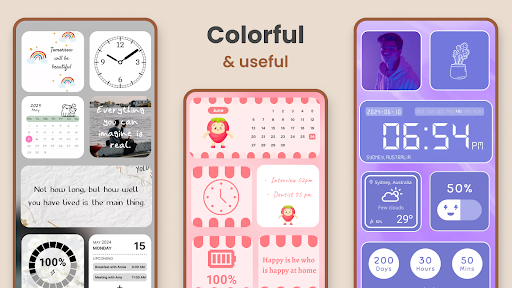
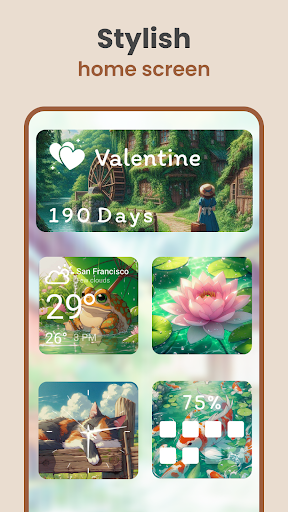
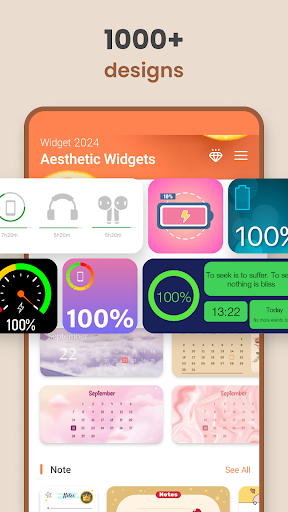
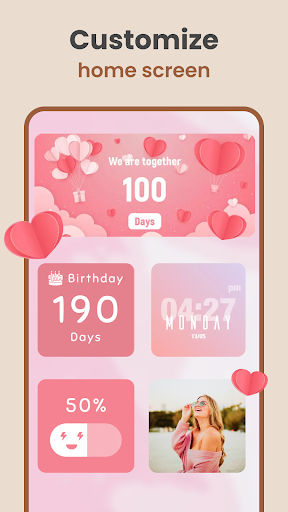
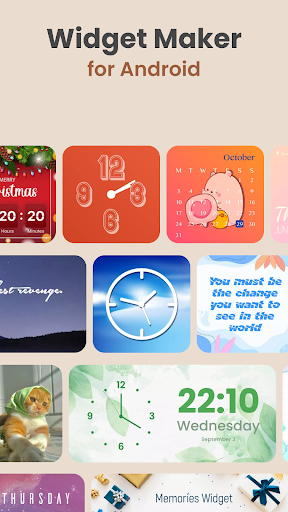

Widget 2025 is a powerful personalization app that allows Android users to transform their home screens with aesthetic widgets. The app offers a comprehensive suite of customization tools, including color widget creation, photo widgets, weather and clock displays, calendar functions, countdowns, contact integration, and battery indicators.
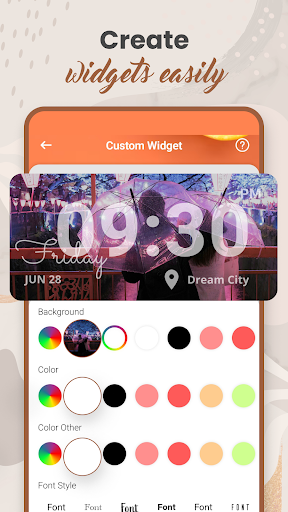
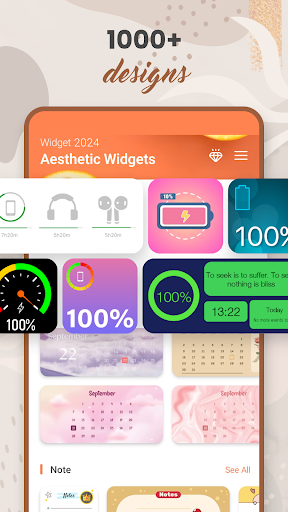
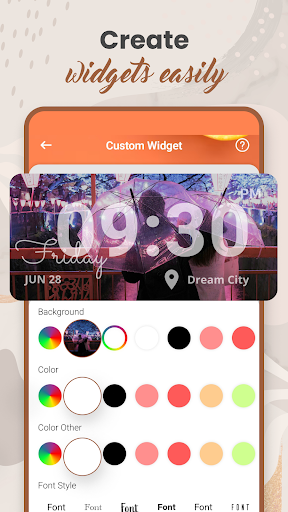
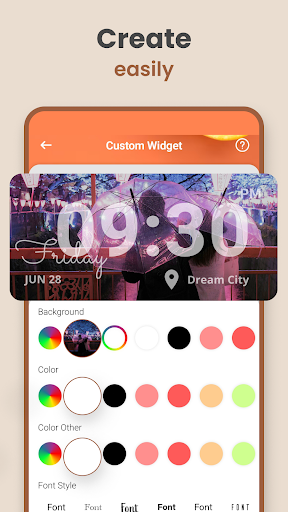
What sets Widget 2025 apart is its extensive library of over 1000 pre-designed styles combined with a user-friendly interface for creating custom designs. Users can personalize every aspect of their widgets - from colors and fonts to backgrounds and layouts - making it easy to create a truly unique mobile experience that reflects their personal style.
This application is particularly valuable for users who want to maintain both functionality and aesthetics on their home screen. Whether you need practical information like weather updates or simply want to showcase your favorite photos, Widget 2025 provides the tools to create a personalized and efficient Android experience.
Widget 2025 distinguishes itself through its comprehensive feature set and customization capabilities. The app's most notable characteristic is its powerful widget editor, which enables users to create fancy widgets with ease. The editor provides complete control over visual elements, allowing customization of colors, fonts, styles, and backgrounds.
The application offers an impressive array of specific features, including a Color Widget Maker, photo widgets with home screen integration, daily quotes display, various weather and clock styles, calendar functions with day counters and notes, countdown timers, contact widgets, and battery indicators. Each feature is designed to be both visually appealing and functional.
These features deliver significant value to users by combining practical information with aesthetic appeal. The ability to set multiple photo widgets on the home screen while maintaining useful functions like weather updates and calendar reminders creates a perfect balance between form and function in mobile device personalization.
User-friendly interface
Extensive customization options
Versatile widget selection
Powerful editing tools
Regular updates
May overwhelm new users
Some features require premium
Occasional performance issues
Limited iOS compatibility
High device resource usage

HappyLighting is a Bluetooth lamp control software.
 3.40
3.40
Transform your device in a game console
4.40
Amazing letter fonts in your messages and social statuses
4.70
Thousands of text sticker for WhatsApp WAStickerApps
4.70
1000+ themes, icons, widgets & wallpapers for a unique home screen
4.60
Easily personalize your phone for unique themes, icons, widgets & wallpapers.
4.70
Install our stylish keyboard with Neon Love Theme now!
4.60
Silly smile live wallpaper 4K : fun live wallpaper HD for your phone lock screen
4.50
Download Pillow Chase: Home App now and turn every run into an adventure!
4.50
Customize phone with anime themes, 3D icons, aesthetic widgets & wallpapers
4.80
400+ Beautifully crafted widgets inspired by NOTHING.
4.70
Customize your home screen with stunning themes, blur, widgets & icons.
4.60
Unlock your creativity with an emoji font keyboard and stylish keyboard themes
4.60
200+ Material Inspired Widgets
4.50
Play viral prediction filter challenges, drop the circle, and share fun videos!
4.50
3D Live Wallpaper and Moving wallpapers in 4K & HD - Customize Wallpaper 3D now!
4.40
Magic fluids wallpaper 4D: Relax with stunning fluid simulation wallpaper app
4.20
Live Launcher Lite makes your phone fresh and colorful
4.20
Magic Fluids Wallpaper: 4D live wallpaper with amazing fluid simulation to relax
4.10


User Reveiws