
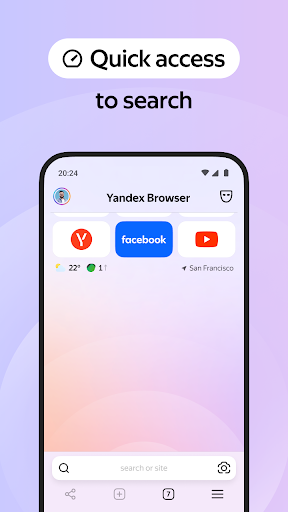
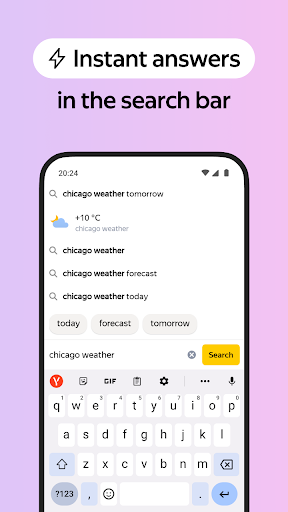

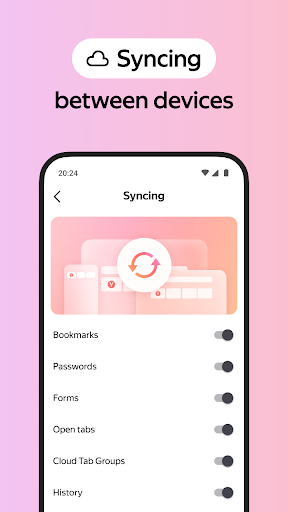
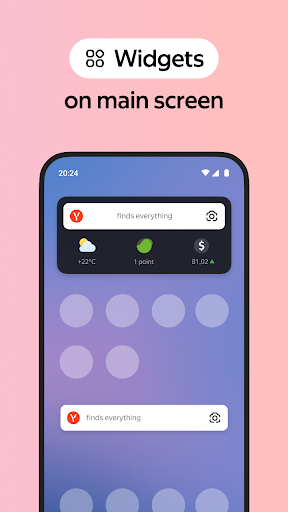
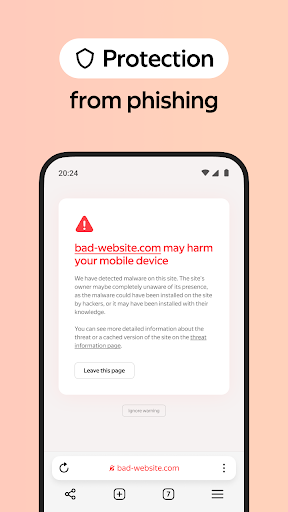
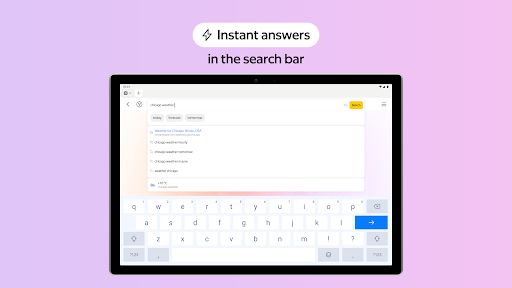


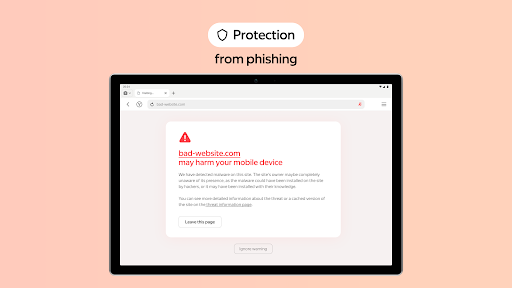
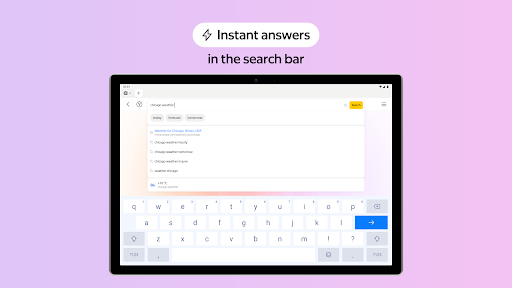
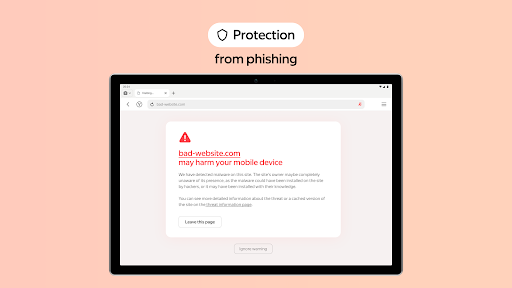
Yandex Browser with Protect is a stylish and secure mobile web browser that offers advanced features for an optimal browsing experience. It includes voice search functionality, data compression for faster loading, and an active security system called Protect that safeguards users' personal data on public Wi-Fi networks. The browser also provides tools like Reader Mode to declutter web pages, Incognito Mode for private browsing, and cross-device syncing through Yandex account integration.
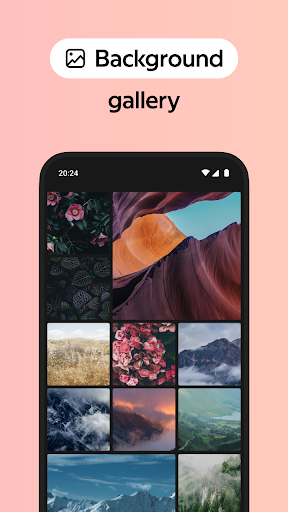
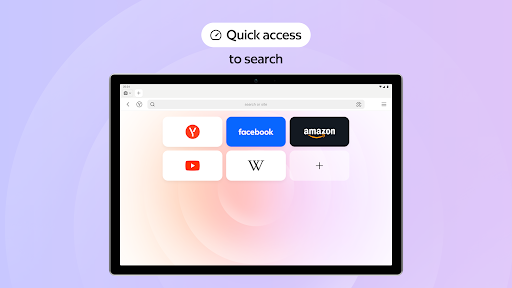
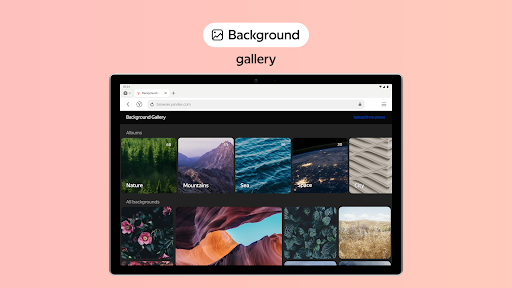
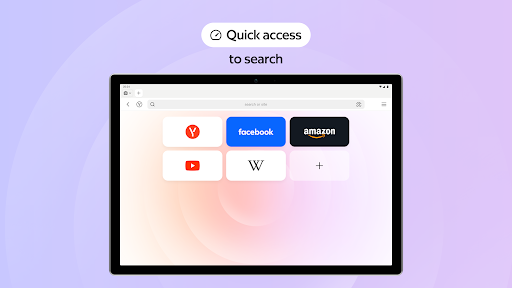
This browser stands out with its ability to integrate third-party ad-blocking applications, ensuring an uninterrupted and ad-free browsing session. Users can customize the interface with various wallpapers and access their favorite websites and bookmarks from any device. Its combination of security, usability, and customization makes it a valuable tool for both casual and power users who prioritize privacy and efficiency in their online activities.
Yandex Browser boasts several standout features that enhance user experience. One key feature is Protect, an active security system that shields users from harmful or fraudulent pages, especially when connected to public Wi-Fi networks. This ensures maximum safety without compromising ease of use. Additionally, the browser's ad-blocking integration allows users to eliminate intrusive advertisements on websites, providing a cleaner and more focused browsing environment.
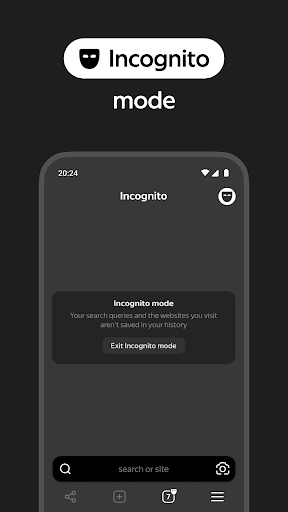
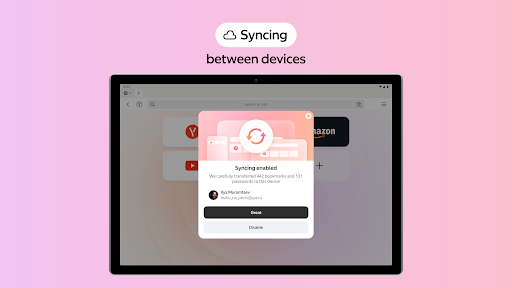
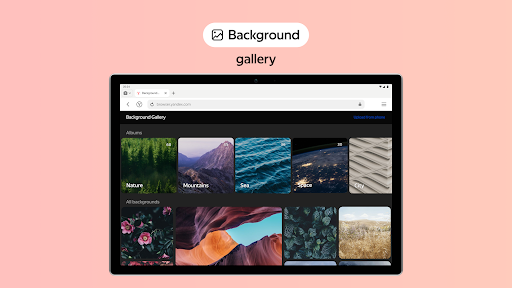
Another notable feature is Reader Mode, which hides unnecessary interface elements such as ads, menus, and widgets, leaving only essential text and images. For those concerned about privacy, Incognito Mode prevents the storage of passwords, search queries, and browsing history. Furthermore, the browser supports extensive customization options, including a library of wallpapers, and enables seamless synchronization of bookmarks and other data across multiple devices via a Yandex account. These features collectively create a versatile and user-friendly browsing solution.
Advanced security features
Efficient ad blocking
Cross-device syncing
Customizable interface
Private browsing mode
Limited third-party extensions
Higher memory usage
Occasional slow performance
Region-specific services
Privacy concerns for non-users

Nothing Icon pack with more than 3750+ highly crafted icons.
 4.70
4.70
Design your screen with unique, vibrant clocks
3.80
One 8 icons glass color version
4.80
300+ widgets inspired by Material You and Material 3 expressive design.
4.60
Enjoy a variety of amazing live wallpapers and colorful EDGE lighting borders!
4.80
Amazing letter fonts in your messages and social statuses
4.70
Custom ringtones songs, music ringtones for Android phones
4.60
Relax, color, and create beautiful art fun & stress-free coloring app
4.20
iControl, a feature collection of stylish control panel, widget theme, and fonts
4.60
Customize phone with anime themes, 3D icons, aesthetic widgets & wallpapers
4.80
A minimalist productivity launcher. One-hand-friendly. Zero ads.
4.70
Customize your home screen with stunning themes, blur, widgets & icons.
4.60
Choose your keyboard with RGB colors effect, themes, fonts, emojis.
4.60
Unlock your creativity with an emoji font keyboard and stylish keyboard themes
4.60
Just clap your hands to find your phone.
4.40
Experience the magic touch of AI art, live wallpapers and backgrounds
4.40
4k backgrounds. Video wallpaper engine. Wallpapers for lockscreen. 3D background
4.30
Your home screen, just the way you like it.
3.80
Shimeji adds cute animated characters to your screen, lively and fun.
3.80


User Reveiws