
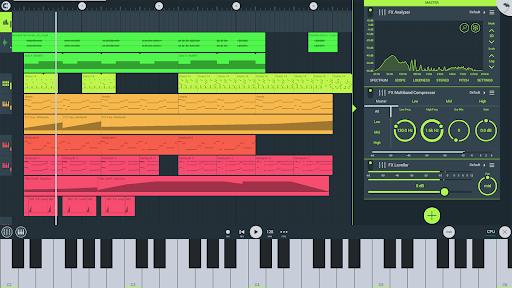
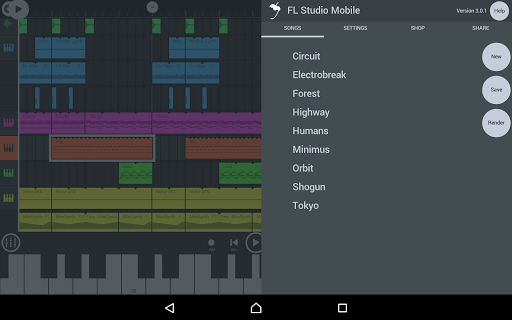
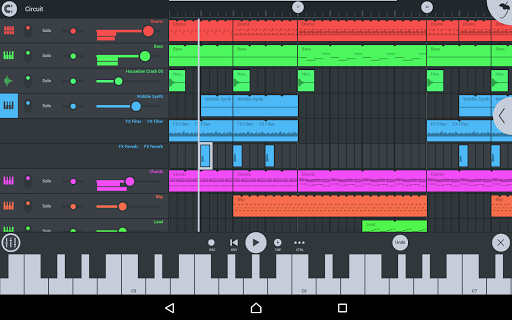
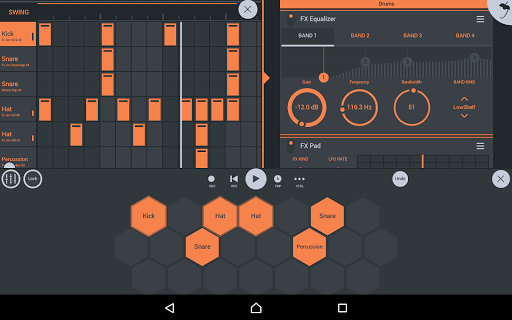
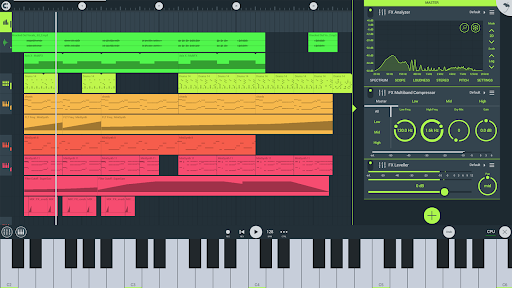
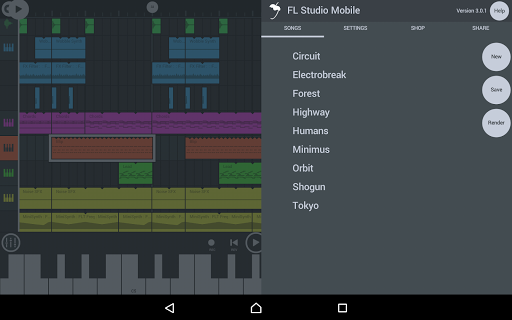
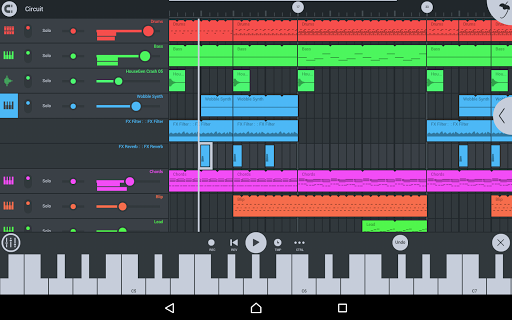
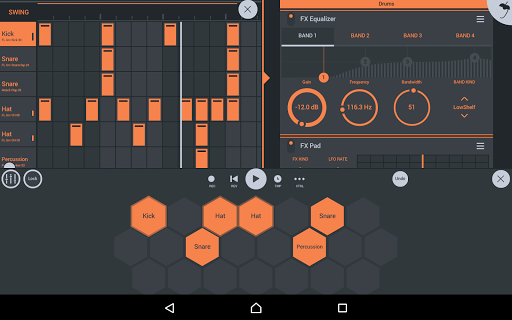

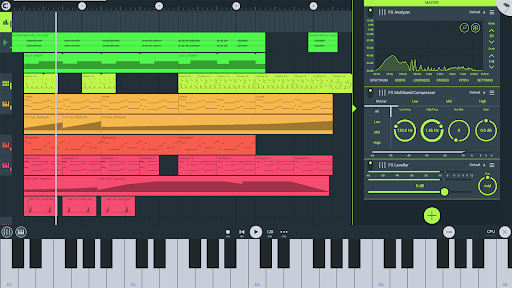
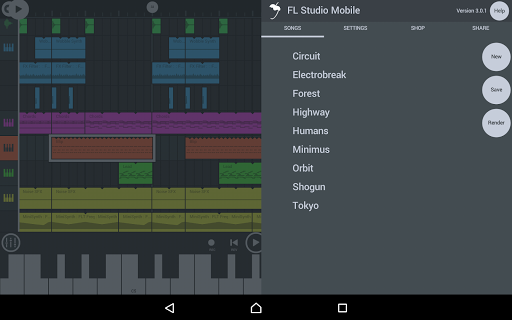
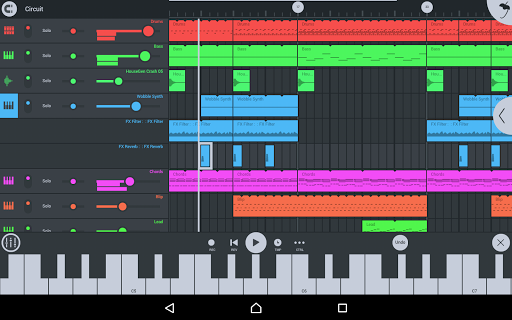
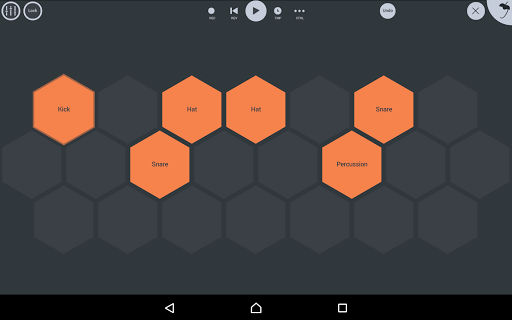
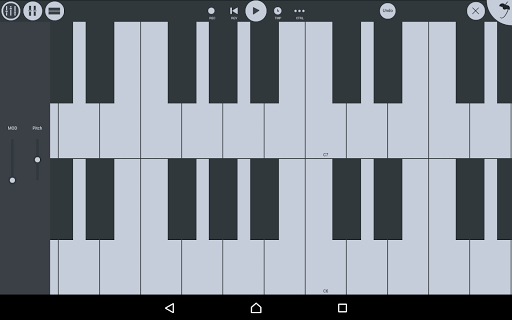
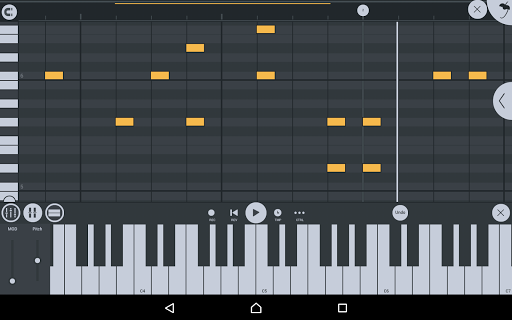
FL STUDIO MOBILE is a comprehensive music production application designed for creating and saving complete multi-track music projects on your mobile devices. The app allows users to record, sequence, edit, mix, and render full songs directly from their phones, tablets, or Chromebooks. With its extensive set of features including audio recording, MIDI support, and various synthesizers, it stands out as a powerful tool for both amateur and professional musicians.
The app supports high-quality sound modules and provides an intuitive user interface that caters to all screen resolutions and sizes. Whether you're looking to compose music on the go or produce complex tracks with multiple instruments and effects, FL STUDIO MOBILE offers the tools necessary to bring your musical ideas to life. Its compatibility with FL Studio desktop enhances workflow flexibility, making it an essential app for modern music producers.
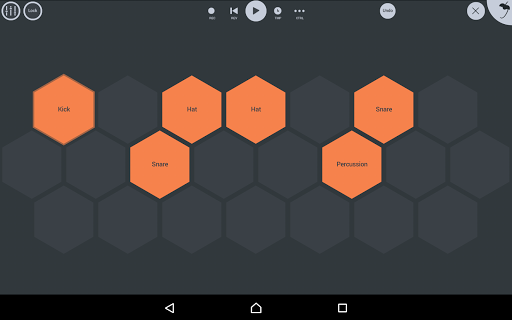
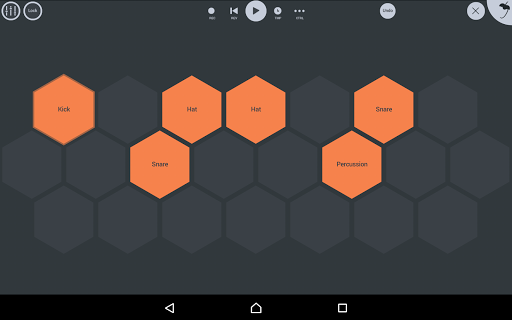
FL STUDIO MOBILE boasts a rich array of features tailored for music creation. One of its standout capabilities is the ability to record audio and import track-length stems or WAV files, providing users with versatile options for integrating external sounds. The app includes a variety of high-quality synthesizers, drum kits, and sliced-loop beats, enabling intricate compositions. Additionally, the inclusion of a full-screen DeX and Chromebook support ensures a seamless experience across different devices.
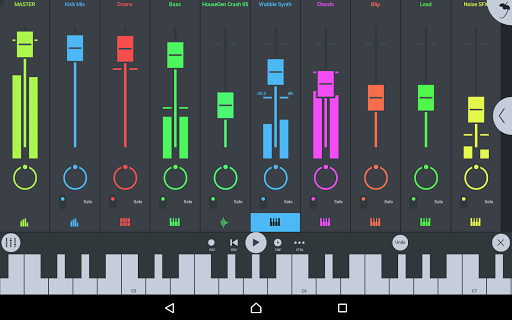
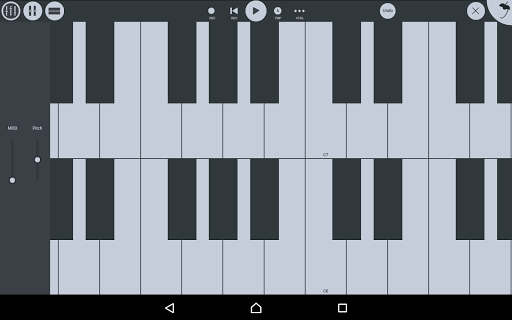
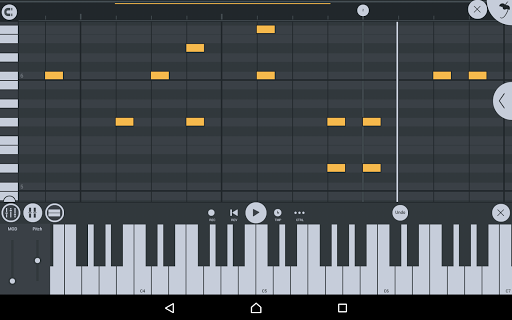
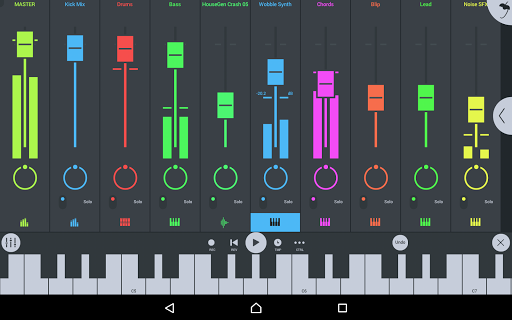
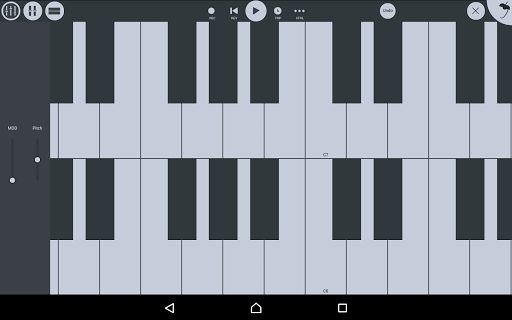
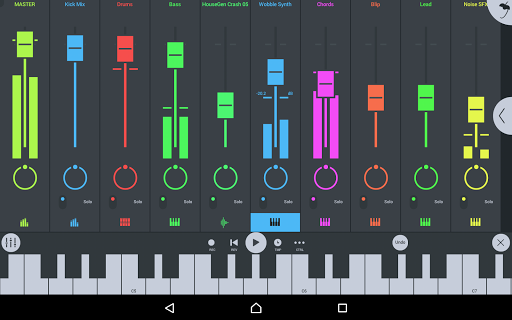
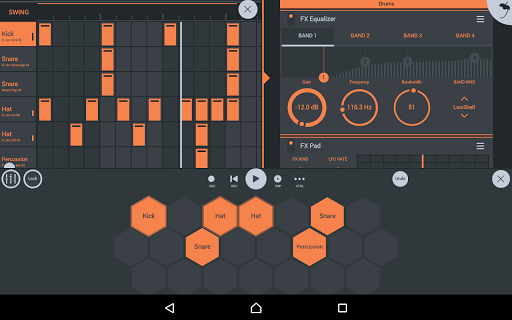
Another remarkable feature is the comprehensive mixer, which allows per-track mute, solo, effect bus, pan, and volume adjustments. This gives users precise control over their mixes. The piano roll editor facilitates detailed note editing and performance capture, while the step sequencer helps in crafting rhythmic patterns. With built-in effects modules like reverb, chorus, and parametric equalizers, FL STUDIO MOBILE delivers professional-grade audio processing capabilities right at your fingertips.
User-friendly interface
Extensive sound library
Multi-platform support
High-quality audio output
Flexible MIDI integration
Steep learning curve
Requires powerful device
In-app purchases needed
Occasional bugs reported
Heavy resource usage

Time Guru will strengthen your internal sense of musical time via random muting.
 4.30
4.30
Enhance the sound quality of your devices, listen to what you want
4.50
Super Sound Editor, Song Maker & Mixer, Vocal Remover, Voice Recorder & Changer!
4.60
AI Music Maker: Generate And Compose AI Tunes & AI Songs & AI Music & AI Melody!
4.60
Offline Music Player & MP3 Player.Powerful equalizer, Lyrics, Themes, Tag Editor
4.80
PowerAudio is a powerful offline music player.
4.20
Versatile MP3 recorder with auto-backup to Dropbox and Google Drive
4.10
Reverse your voice & songs instantly! Fun singing challenge with cool effects.
4.60
Listen to offline music and sounds from all categories
4.70
Full-featured, High-Quality Groovebox Workstation, perfect for Live Performance!
4.80
Pay Once, no monthly payment
4.60
A complete sound package for the sound engineer or enthusiast
4.60
Learn the notes on the guitar fretboard fast with this easy and fun app
4.60
The Music Journey in Your Hands
4.30
A High-Precision Audio Spectrum Analysis App
4.20
A sleek, no-frills player designed for true music lovers.
4.20
Turn your phone into a musical instrument from the future!
3.90
Learn to play the piano using falling notes!
3.80
Control your MIDI USB or Bluetooth devices in app and avoid some trampling
3.30


User Reveiws