
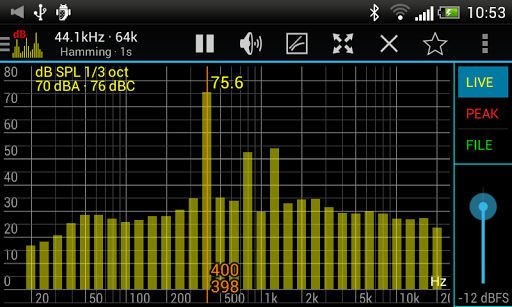

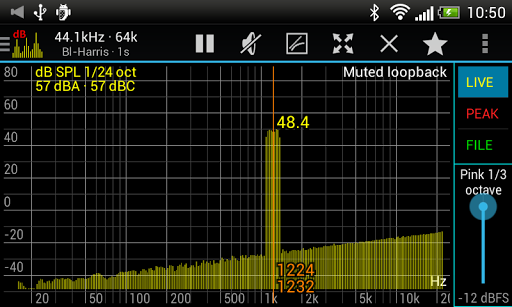
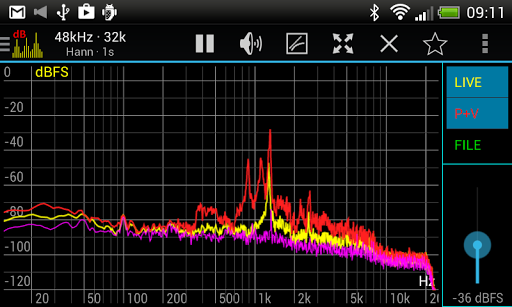
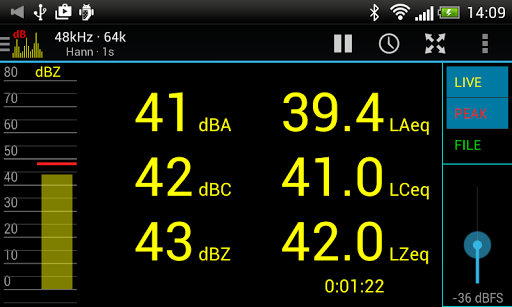
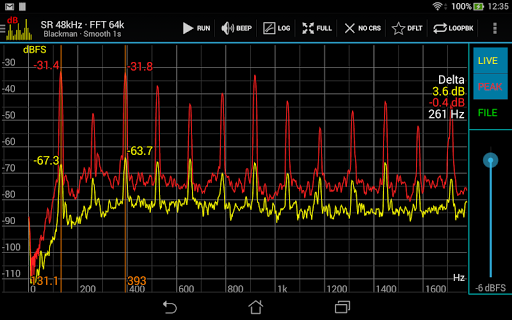
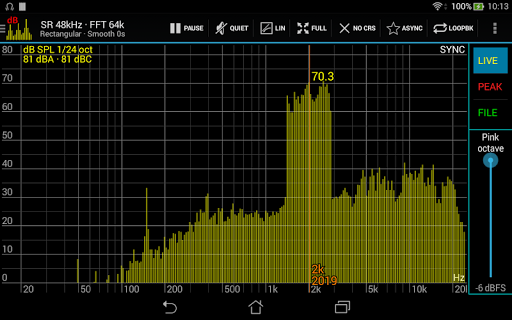
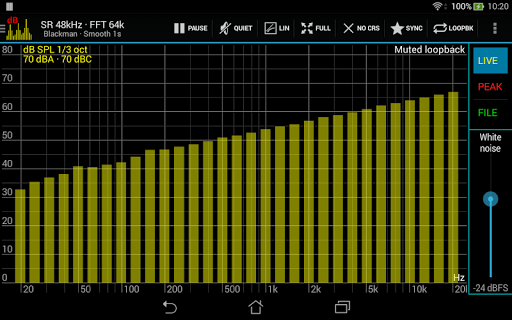

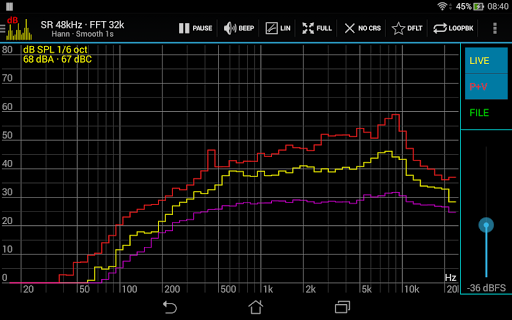
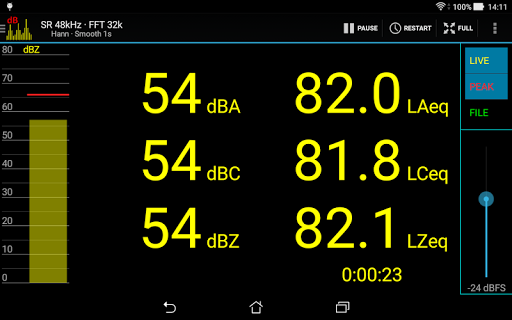
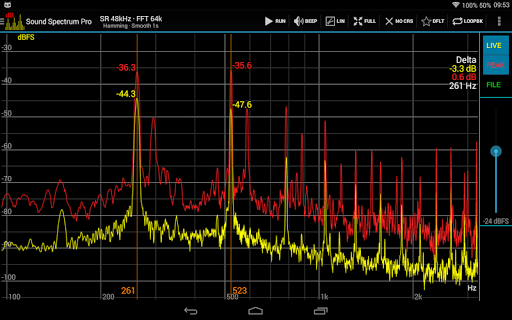

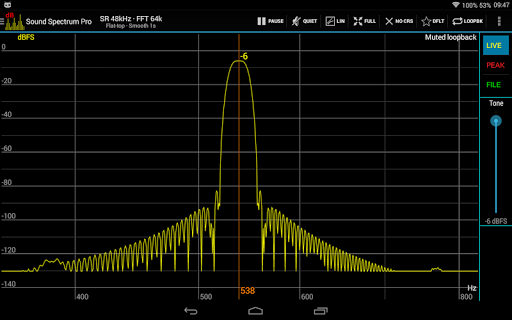
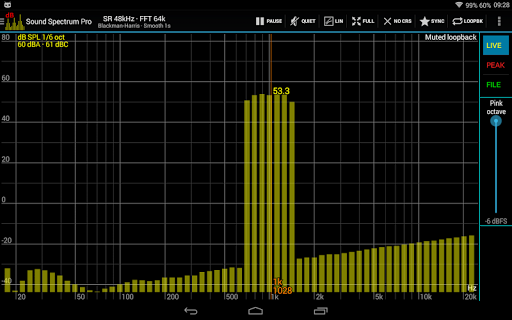
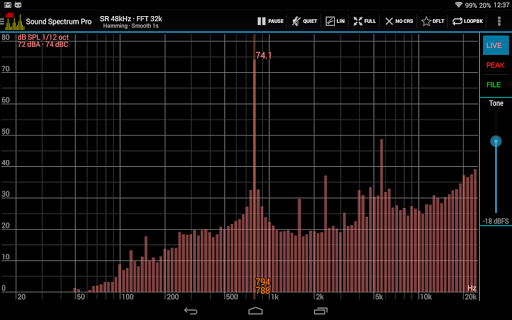
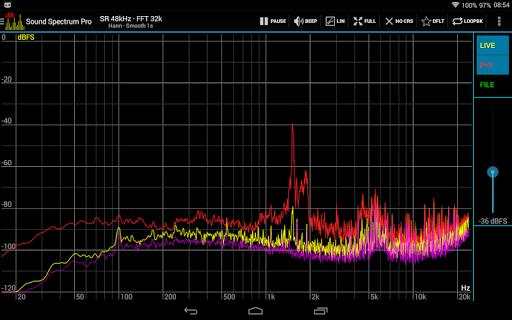
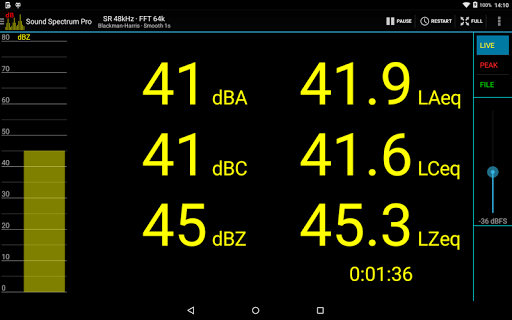
Sound Spectrum Pro is a comprehensive audio analysis tool designed for both professionals and enthusiasts in the music and audio industry. This application combines advanced features such as Real-Time Analyzer (RTA), Fast Fourier Transform (FFT) amplitude display, and sound calibration into an intuitive interface. With its extensive set of on-screen controls and smooth real-time display, users can effortlessly analyze audio signals with precision.
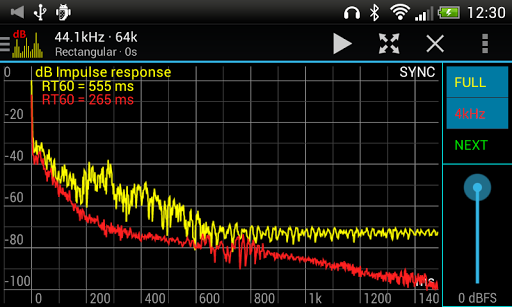
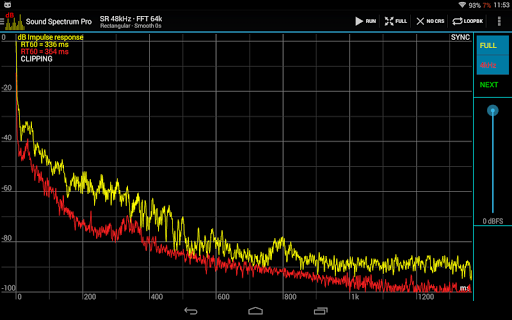
The app supports multiple measurement standards including octave, 1/3 octave down to 1/24 octave RTA, dBA, dBC, dBZ sound pressure levels, and more. It also offers specialized tools like Impulse Response, RT60 measurement, and Total Harmonic Distortion plus Noise (THD+N). Whether you're calibrating audio equipment or conducting detailed acoustic analysis, Sound Spectrum Pro provides the necessary tools to achieve accurate results.
Designed for audiophiles and professionals alike, this app is ideal for live sound engineering, studio production, and academic research. Its ability to provide lightning-fast FFT calculations with adjustable frequency resolution makes it a powerful companion for anyone working with audio signals. The absence of ads ensures an uninterrupted user experience, making it suitable for critical listening environments.
Sound Spectrum Pro stands out with its rich feature set tailored for audio professionals. The app includes advanced functionalities such as FFT with sizes ranging from 16k to 1M, providing exceptional frequency resolution as low as 0.01Hz. It supports various window functions, logarithmic or linear frequency axis options, and peak/valley hold with adjustable decay, allowing users to customize their analysis to specific needs.
In addition to its core features, the app offers specialized tools like Equivalent Continuous Sound Level (LAeq, LCeq, LZeq), Impulse Response measurement, and THD+N calculations. These features enable users to conduct thorough audio evaluations, from basic SPL readings to complex harmonic distortion analysis. The inclusion of signal generators for tones, white noise, pink noise, and more adds versatility to its functionality.
Usability is enhanced through intuitive controls such as easy pan and zoom gestures, measurement cursors, and file load/save capabilities for calibration. Sharing and printing of screenshots further extend its practicality in professional settings. With no ads disrupting the workflow, Sound Spectrum Pro delivers a seamless experience for all audio analysis tasks.
Comprehensive audio tools
High-frequency resolution
User-friendly interface
No ads
Versatile signal generators
Complex for beginners
Requires calibration
Device compatibility issues
Advanced features costly
Steep learning curve

Time Guru will strengthen your internal sense of musical time via random muting.
 4.30
4.30
Make music anywhere. Turn your device into an instrument.
4.4
Tune in to the greatest hits on UK Radio | The home of Capital, Smooth & Heart.
4.90
Control your MIDI USB or Bluetooth devices in app and avoid some trampling
3.30
Voice recorder - Audio recorder. Best recorder for recording
4.90
Play your hearts out on TouchTunes jukeboxes & connect with fellow music lovers.
4.80
Offline Music Player&MP3 Player with themes, equalizer, lyrics, music play mode
4.60
Powerful 10-Band equalizer pro with sound booster improves Android audio quality
4.30
Make music and beats on the fly! Play tracks and mix sounds with Groovepad!
4.60
Offline Music Player & MP3 Player.Powerful equalizer, Lyrics, Themes, Tag Editor
4.80
Gorgeous UI, Powerful music Search and Equalizer, the great choice for you!
4.70
Reverse your voice & songs instantly! Fun singing challenge with cool effects.
4.60
Guzheng Master supports many playing techniques as an acoustic Guzheng
4.50
Let your Android device with the sound effects you want
4.50
Network/Cloud Streaming, Visualization, Graphic Equalizer and Sound Effects.
4.20
The original SP-1200 experience on your iPad
4.20
Next generation modular control surface
4.10
Versatile MP3 recorder with auto-backup to Dropbox and Google Drive
4.10
The iconic iOS metronome app is now on Android.
3.70


User Reveiws