
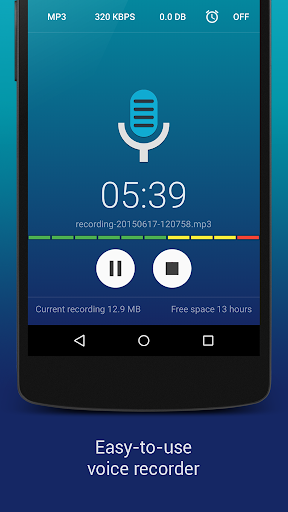

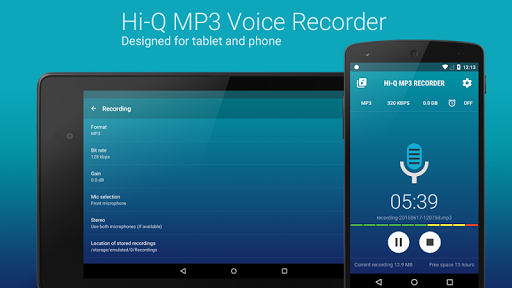
Hi-Q MP3 Voice Recorder (Pro) is a premier mobile application designed for high-quality audio recording. This feature-rich app elevates the standard of mobile sound recording by offering unparalleled customization options and an impressive 44 kHz audio sampling rate, ensuring crystal-clear recordings every time.
The app caters to a wide array of recording needs, from personal voice notes and lectures to band practices and concerts. Its intuitive interface allows users to start recording with a single tap of the prominent Red button, while advanced functionalities like Discretion Mode, 320 kbps recordings, and Home Screen Widgets provide both ease of access and professional-grade features.
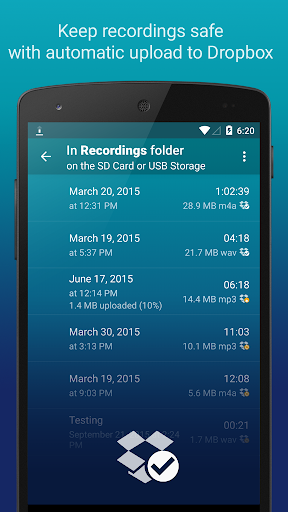
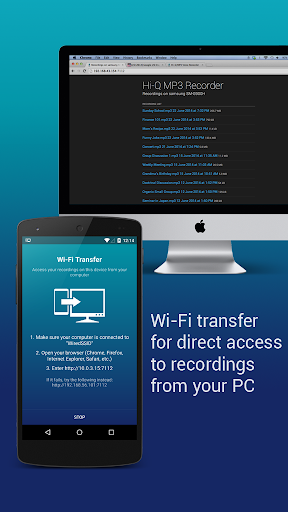
With its ability to store recordings as MP3 files in real-time, automatic upload to cloud services, and Wi-Fi transfer capabilities, Hi-Q MP3 Voice Recorder (Pro) ensures that your recordings are not only high-quality but also easily accessible and safely stored.
Hi-Q MP3 Voice Recorder (Pro) boasts an extensive list of features that cater to both casual and professional users. One standout feature is the Discretion Mode, which allows users to switch the recording icon for privacy, making it ideal for sensitive recording situations.
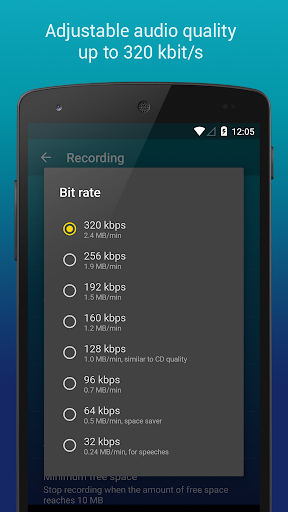
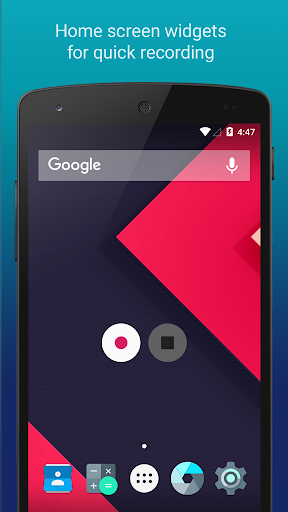
The app supports 320 kbps recordings, providing top-tier audio quality. Additionally, users can take advantage of Home Screen Widgets for quick access to recording controls. The integration with cloud services like Google Drive and Dropbox enables automatic uploads, ensuring recordings are securely backed up.
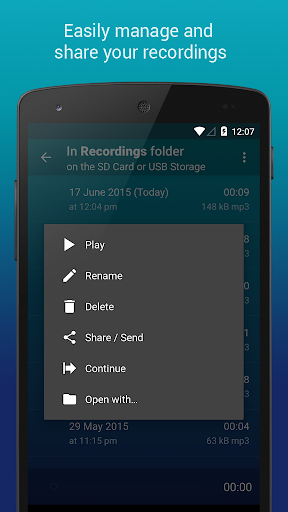
Other notable features include Clip Management for organizing recordings, Wi-Fi Transfer for wireless file sharing, and the ability to control gain levels in real-time. These features collectively offer a comprehensive and versatile recording experience that stands out in the Music & Audio category.
User-friendly interface
High-fidelity audio
Cloud integration
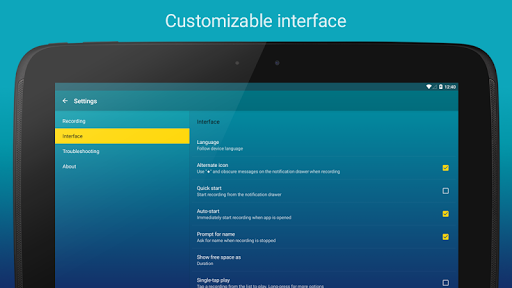
Customizable settings
Discretion mode
No phone call recording
Widgets on SD card unsupported
Premium price tag
Advanced features may overwhelm beginners
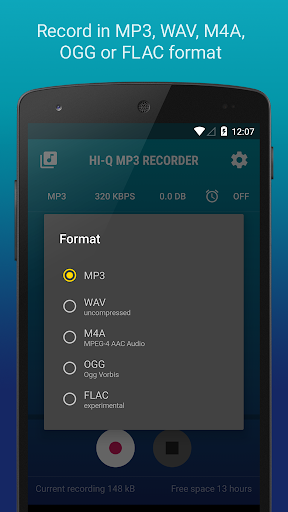
Limited format support
Equalizer, Bass Booster and Volume Booster (Eq & Bass) improve sound quality
 4.30
4.30
The Skullcandy App Experience
3.20
Walkout Song DJ is the most intuitive app to manage your sports music.
4.70
24,000 free audio books and no ads!
4.90
Play your hearts out on TouchTunes jukeboxes & connect with fellow music lovers.
4.80
Powerful 10-Band equalizer pro with sound booster improves Android audio quality
4.30
Play KORG’s revolutionary touch-based instrument on a variety of devices.
4.40
The iconic iOS metronome app is now on Android.
3.70
Sing, record, and create music together — enhanced by smart voice tools.
4.00
Listen to live FM radio stations, sports, music and news on global radios online
4.70
Pay Once, no monthly payment
4.60
Super Sound Editor, Song Maker & Mixer, Vocal Remover, Voice Recorder & Changer!
4.60
Advanced 10-Band Audio Graphic Equalizer Sound Booster Pro
4.30
A sleek, no-frills player designed for true music lovers.
4.20
The official Sonos app
4.10
Turn your phone into a musical instrument from the future!
3.90
The ultimate media player for Android devices
3.90
USB audio recording and playback finally possible on Android 3.1 or higher!
3.90
Powerful beat maker & DJ mixer to remix tracks, make music, & perform DJ mix
3.70


User Reveiws