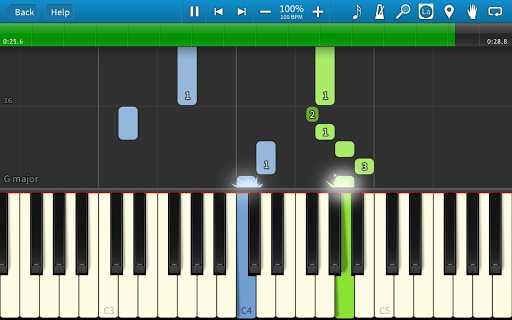


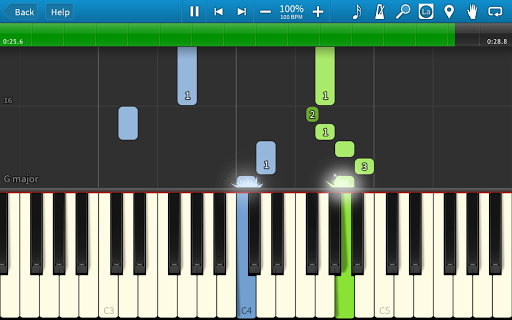

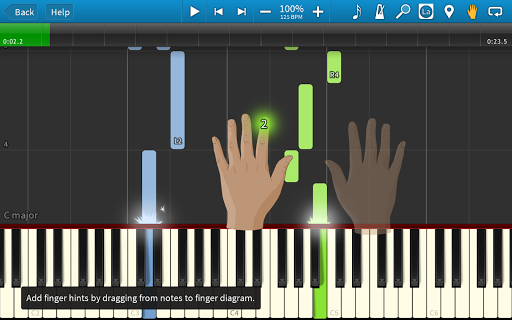
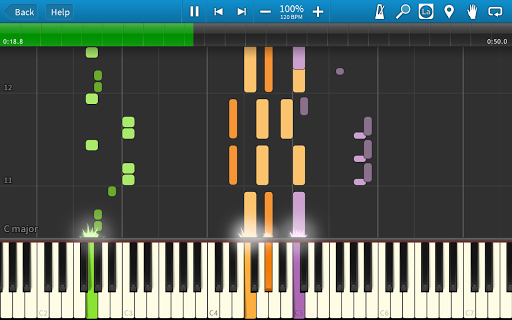
Synthesia is an innovative music learning application designed to make playing musical instruments accessible to everyone. The app allows users to start playing immediately, even without the ability to read sheet music. It supports both touchscreen interaction and connection with a digital keyboard, enabling practice using real piano keys. Synthesia's unique features include Melody Practice mode that waits for correct notes, compatibility with lighted keyboards, and options to display traditional sheet music or falling note blocks.
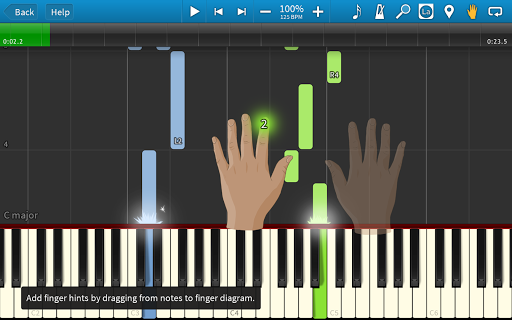
The app offers a comprehensive learning experience by providing finger-position hints for every song and including additional tools like loops, bookmarks, and a built-in metronome. With more than 20 free songs and the option to unlock all 150 included songs through a one-time purchase, Synthesia caters to learners of all levels. This makes it an ideal tool for both beginners who are just starting their musical journey and experienced musicians looking to expand their repertoire.
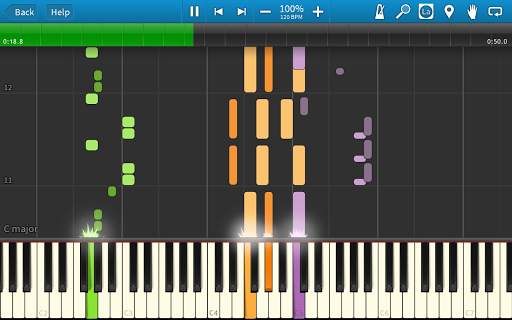
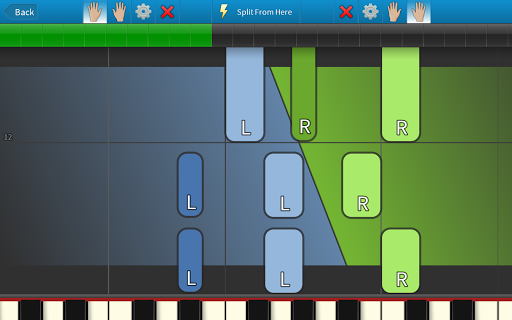
Synthesia stands out in the Music & Audio category due to its versatile feature set tailored for music learners. One of its key characteristics is the ability to practice using each hand separately or together, allowing users to develop proper technique at their own pace. The app's compatibility with MIDI devices and support for lighted keyboards creates an immersive learning environment that adapts to various learning styles.
Another remarkable feature is the multi-track recorder, which enables users to record their own compositions after unlocking the full version through a one-time purchase. The app also provides lifetime upgrades with this purchase, ensuring users always have access to the latest features. With its combination of visual learning aids, interactive feedback mechanisms, and extensive song library, Synthesia delivers a complete music education solution that evolves with the user's growing skills.
User-friendly interface
Real-time feedback
Versatile learning modes
Extensive song library
Lifetime upgrade guarantee
Basic features require purchase
Occasional connectivity issues
Limited advanced theory lessons
No vocal training support
Premium content locked

Make music anywhere. Turn your device into an instrument.
 4.1
4.1
Time Trainer: accurate metronome w tools to help you develop your internal time!
4.20
Remove ads permanently from Music Visualizer
4.4
Music Streaming suite for Ampache, Nextcloud Music and compatible backends.
4.3
Let your Android device with the sound effects you want
4.50
Manage your Sonos system directly from your home-screen!
4.40
Turn Every Moment into Music
3.60
Customize Your Favorite Songs and Videos with booster.
4.70
Extra volume booster to boost volume & max sound of speaker and headphone.
4.70
Voice recorder - Audio recorder. Best recorder for recording
4.90
More downloads than any other metronome. Includes drum machine & tempo trainer.
4.80
Unleash your creativity! Turn simple prompts into full fledged songs.
4.70
AI Music Maker: Generate And Compose AI Tunes & AI Songs & AI Music & AI Melody!
4.60
Offline Music Player&MP3 Player with themes, equalizer, lyrics, music play mode
4.60
A synth that really lets you shape your sounds!
4.50
Help you quickly get started with Shokz headphones
4.40
The Music Journey in Your Hands
4.30
Permanently backup Now Playing. Maps, filters & listening stats.
4.00
Turn your Android phone into a professional audio analyser with up to 120 bands.
4.00


User Reveiws