Gemoji

4.50

Information

Category:

Personalisation

Price:

Free

Rank:

34

Rating:

4.50

Overview

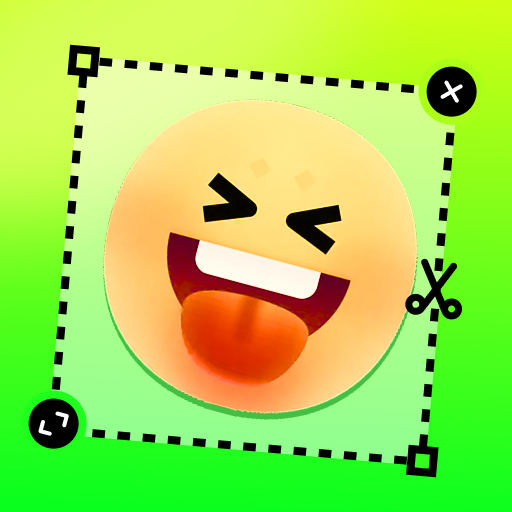
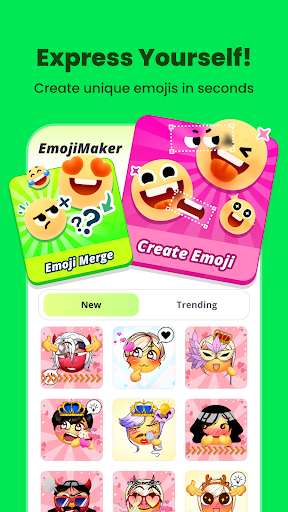
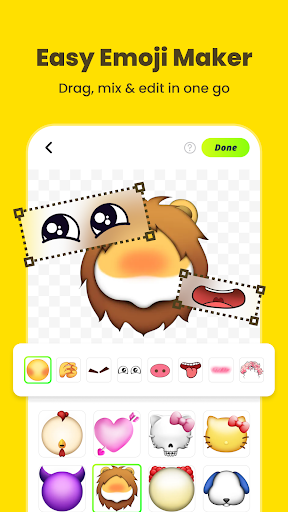
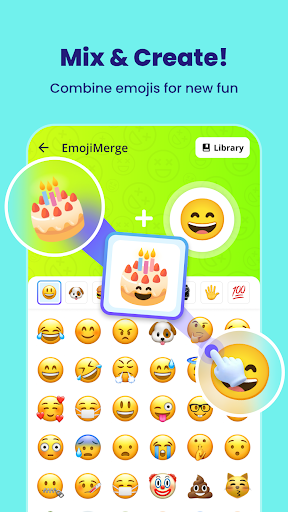
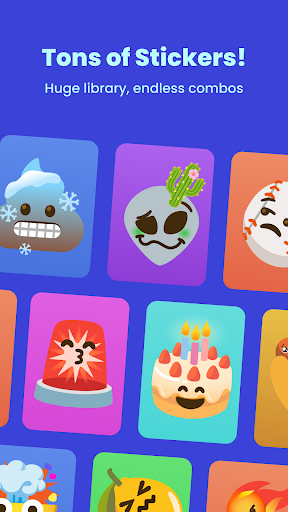
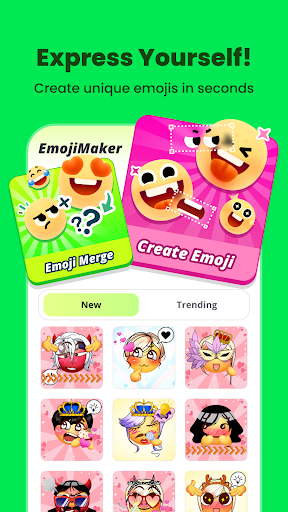
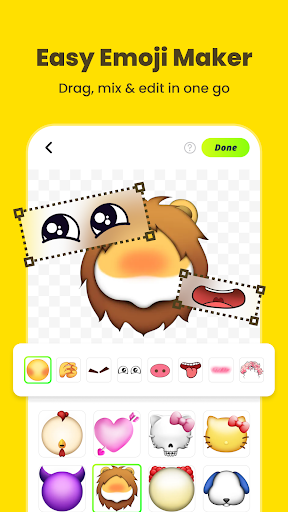
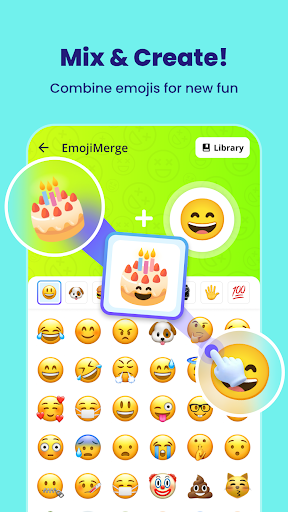
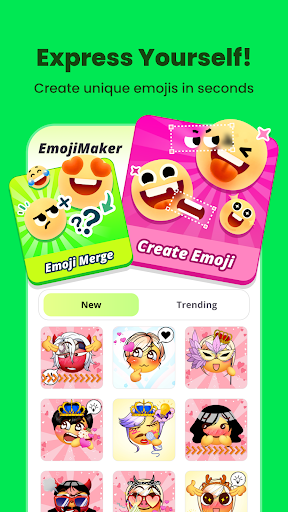
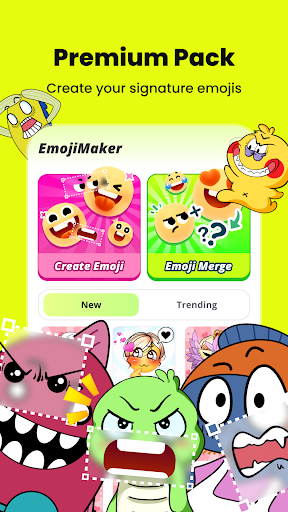
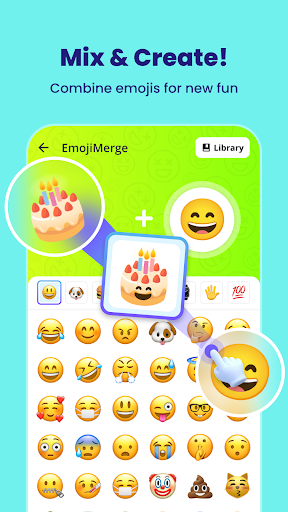
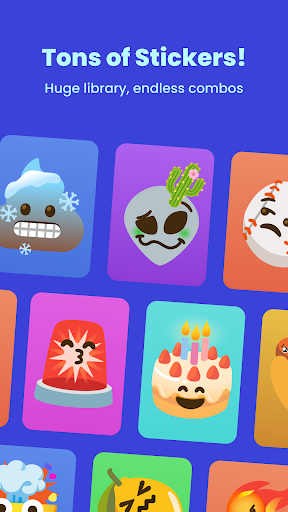
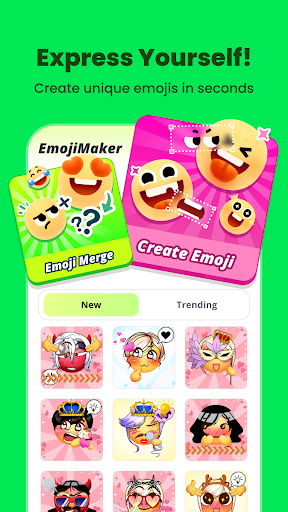
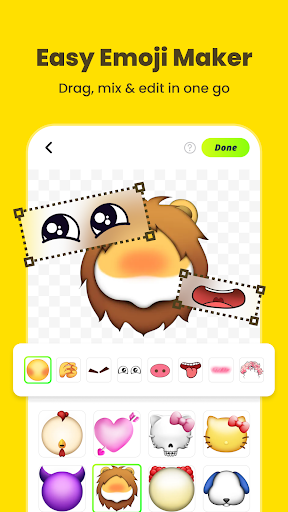
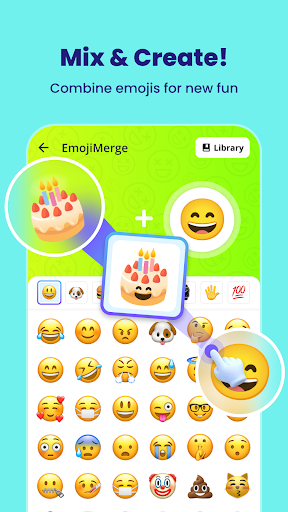
Gemoji is a creative emoji maker app that allows users to design personalized emojis and stickers. With an extensive library of components, the app enables users to mix and match various elements such as eyes, mouths, and accessories to create unique emojis for different moods and occasions.

The app stands out with its easy-to-use interface that lets users see their customizations in real-time. Gemoji also offers frequent updates with new components and seasonal themes, ensuring that users always have fresh material to work with. Whether it's for personal chats or special events like birthdays and holidays, Gemoji provides a fun way to express individuality through custom emojis.

Features

Gemoji boasts a rich set of features designed to enhance user creativity. One key feature is the vast array of customization options available, including diverse shapes, colors, and design elements that cater to every possible mood and occasion.

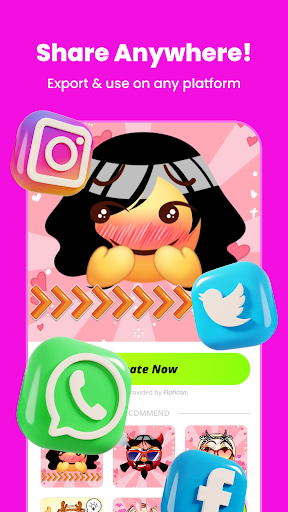
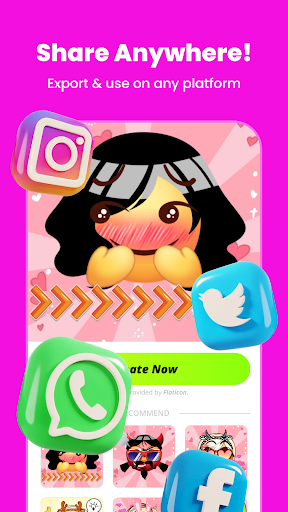
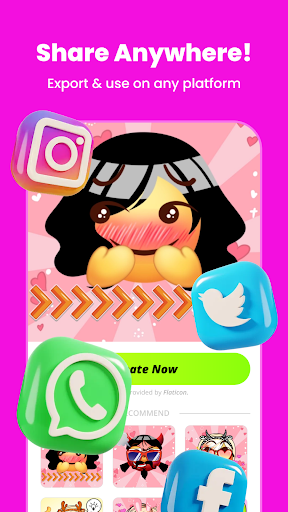
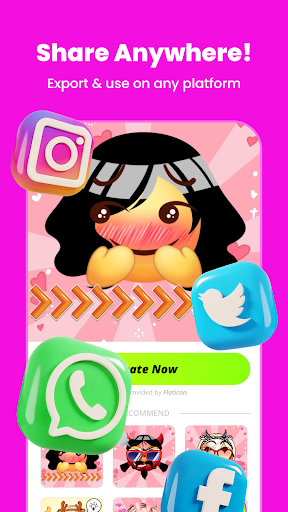
In addition to its customization capabilities, Gemoji supports the creation of messaging stickers. Users can download their creations and share them across various messaging platforms, making communication more expressive and personalized. The app's intuitive design ensures that even those new to emoji crafting can easily navigate and produce stunning results.

Customization options variety

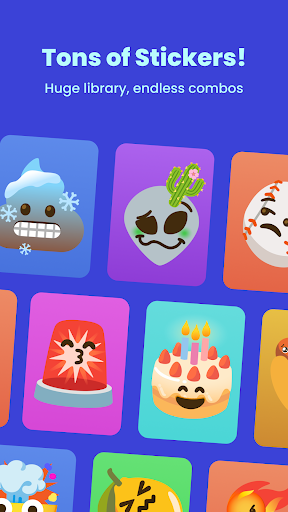
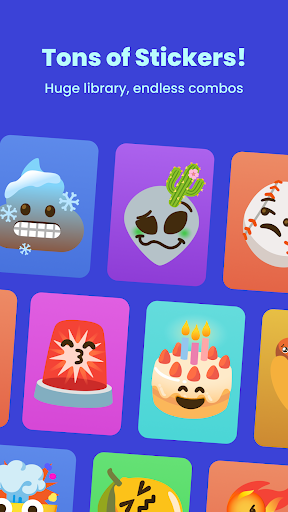
Customization options variety refers to the range and diversity of choices available to users when personalizing their experience within an application. In the case of Gemoji - Emoji Maker Sticker, this aspect is central to its appeal and functionality. The app offers a vast array of customization options that allow users to create unique emojis that reflect their personal style and mood. Users can mix and match different components such as eyes, mouths, accessories, and more, choosing from a wide variety of colors and design elements. This extensive selection enables the creation of emojis for every mood, season, or special occasion, making communication more expressive and personalized. The importance of customization options variety lies in its ability to enhance user engagement and satisfaction. By providing numerous ways to personalize emojis, Gemoji empowers users to express themselves in ways that words alone cannot convey. Whether crafting cute characters, quirky faces, or unique stickers, the app's rich library of professionally designed emoji elements ensures that each creation can be as unique as the individual behind it. Moreover, the real-time visualization of changes allows users to experiment with different combinations and instantly see the results, streamlining the creative process. The actual value for users is immense. Not only does Gemoji offer a fun and interactive platform for emoji lovers, but it also fosters creativity and individuality. Users can stay unique in their chats by designing emojis that no one else has seen, thus enhancing their digital communication with bespoke images. Frequent updates with new components and seasonal themes keep the content fresh and engaging, encouraging continued use and exploration. In summary, Gemoji's emphasis on customization options variety transforms simple emoji creation into a compelling and dynamic experience. By offering unparalleled choice and flexibility, the app not only meets but exceeds the expectations of those looking to add a personal touch to their digital conversations.

Theme compatibility

Theme compatibility within an application pertains to the seamless integration and adaptability of custom designs with various thematic elements and environments. For Gemoji - Emoji Maker Sticker, theme compatibility ensures that the emojis created by users are versatile and visually consistent across different platforms and contexts. This compatibility is crucial for maintaining the aesthetic appeal and functional utility of custom emojis, whether they are used in messaging apps, social media, or other digital communications. The significance of theme compatibility is rooted in its ability to enhance the user experience by ensuring that custom emojis blend well with existing themes and styles. Gemoji achieves this by providing a rich library of professionally designed emoji elements that can be combined to create stunning effects. These elements are crafted to be both beautiful standalone pieces and harmonious components when integrated into broader design schemes. As a result, users can transform their DIY emojis into fun stickers for messaging apps, download their creations, and share them with friends and family without worrying about visual inconsistencies or disruptions in the overall look and feel of their communications. Users benefit significantly from this feature as it allows their creations to maintain high-quality standards and stylistic integrity wherever they are applied. Whether designing emojis for birthdays, holidays, inside jokes, or everyday chats, Gemoji ensures that each creation is compatible with various themes and occasions. This adaptability enhances the communicative power of emojis, allowing users to convey emotions and messages more effectively through visually cohesive and appealing designs. Furthermore, the app's frequent updates with new components and seasonal themes contribute to sustained theme compatibility, keeping the content fresh and relevant. In conclusion, Gemoji's focus on theme compatibility elevates the emoji creation process by ensuring that all custom designs are not only unique and expressive but also versatile and adaptable. This dual emphasis on creativity and compatibility provides users with a powerful tool for enhancing their digital interactions, making Gemoji an invaluable resource for anyone looking to communicate, connect, and share joy in innovative and personalized ways.

Props

User-friendly interface

Vibrant color options

Extensive component library

Real-time customization

Frequent content updates

Cons

Limited advanced tools

Occasional bugs reported

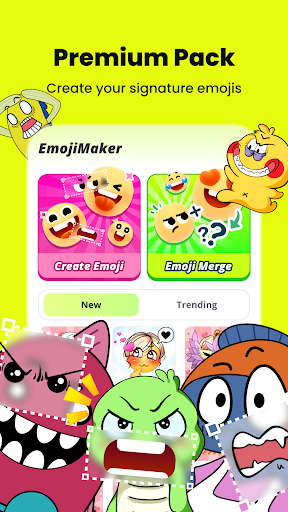
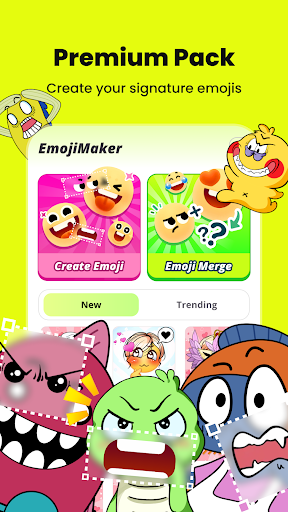
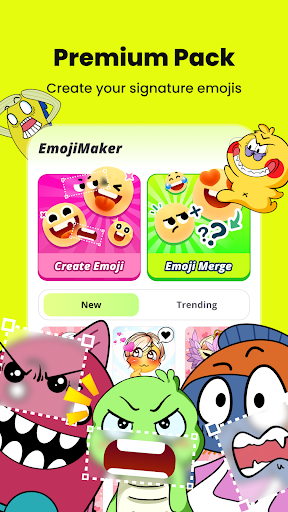
Premium content locked

Heavy on device memory

Ads may disrupt workflow

Features and Functions

What is this app and what can I use it for?

Gemoji is an emoji maker app for creating custom emojis and stickers.

How do I download and install this app on my device?

Download Gemoji from Google Play Store and install it on your Android device.

How do I get started after opening the app for the first time?

Choose a base emoji and start customizing using provided elements.

What are the main features and capabilities of this app?

Create custom emojis, make stickers, and access a wide range of design components.

How can I customize my experience and adjust preferences?

Adjust preferences by selecting different components and saving favorite combinations.

How do I save or bookmark my favorite content for later access?

Save your favorite emojis within the app for quick access later.

How can I share content with friends or on social media?

Share your custom emojis directly via messaging apps or social media platforms.

How do I access detailed information and explore more content?

Explore detailed categories and themes to find more components for your designs.

What permissions does this app need and how do I manage them?

Gemoji needs storage and photo permissions which you can manage in settings.

How do I check for updates and keep the app running smoothly?

Check for updates in the Play Store to ensure smooth operation and new features.
Show more

User Reveiws

{{ comment.reviewer_name }}
{{ comment.review_date_formatted}}
{{ comment.review_content }}
{{ tab.name }}
{{ comment.reviewer_name }}
{{ comment.review_date_formatted}}
{{ comment.review_content }}
No reviews with this rating