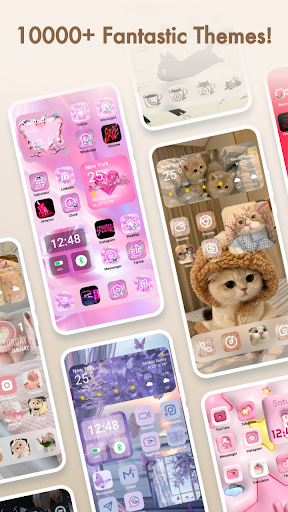

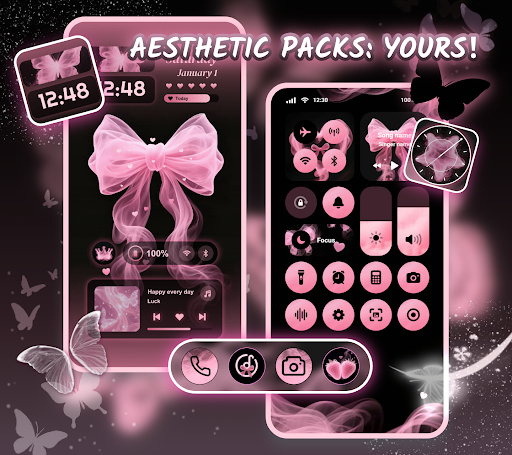
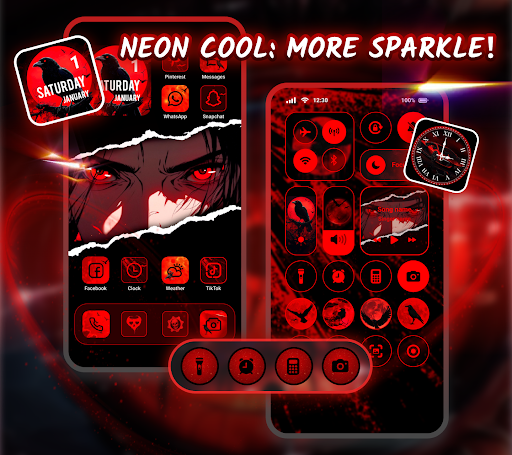

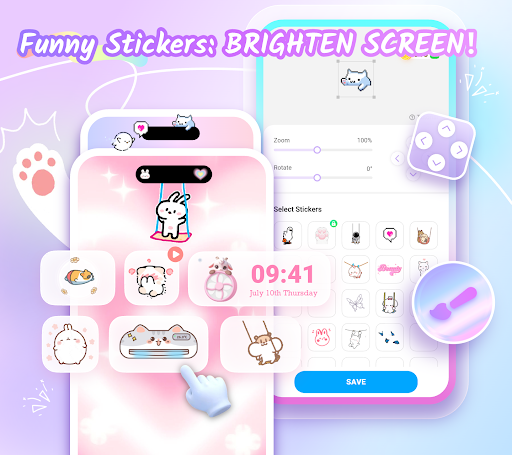
Themepack - App Icons, Widgets is a comprehensive personalization app for Android devices that empowers users to transform their home screens with over 10,000 functional widgets, icons, and wallpapers. The app offers extensive customization options including stylish widgets, DIY icons, and visually appealing themes.
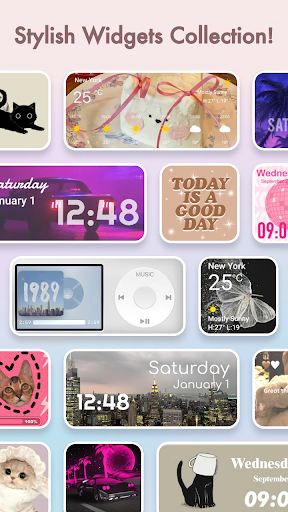
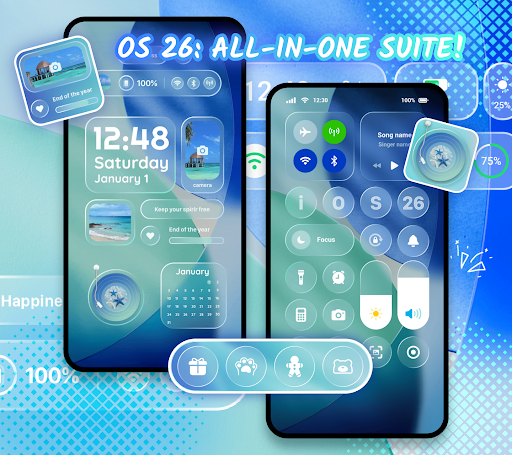
Users can choose from a variety of widget types such as battery indicators, dynamic image effects, calendar, clock, weather, and control panel widgets. These widgets not only enhance the aesthetic appeal but also improve the functionality of the home screen. Additionally, the app provides tools for creating custom icons with various styles, fonts, colors, and transparency levels.
The app's visual aesthetics section features an array of backgrounds and wallpapers catering to different tastes like K-pop, anime, neon, sports, and festival themes. With one-click application and fast updates, Themepack ensures a seamless user experience while allowing full creative expression.
Themepack stands out with its rich collection of customizable elements. The app includes thousands of widgets that serve both functional and decorative purposes, ranging from practical battery indicators to visually engaging dynamic image effects.
One of the key features is the ability to create personalized icons. Users can modify icon styles, fonts, colors, and backgrounds, giving them complete control over the appearance of their home screen icons. This feature allows for true DIY freedom, enabling users to match their device's look with their personal style.
Additionally, the app offers a vast library of aesthetically pleasing wallpapers and themes. From modern designs to niche interests, these visual elements help users create a cohesive and personalized home screen setup. The intuitive interface and one-click replacement function make customization quick and easy.
User-friendly interface
Extensive customization options
Regular updates
Variety of widgets
DIY icon creation
Requires accessibility permissions
Some features may need premium access
Occasional performance issues
Limited iOS compatibility
Learning curve for advanced features

Nothing Icon pack with more than 3750+ highly crafted icons.
 4.70
4.70
Icons made of colorful linear lines
4.60
350+ widgets with a premium glass-style finish, perfect for home & lock screens.
4.70
Enjoy a variety of amazing live wallpapers and colorful EDGE lighting borders!
4.80
Customize phone with anime themes, 3D icons, aesthetic widgets & wallpapers
4.80
Install amazing sticker packs: endless styles, always cool.
4.70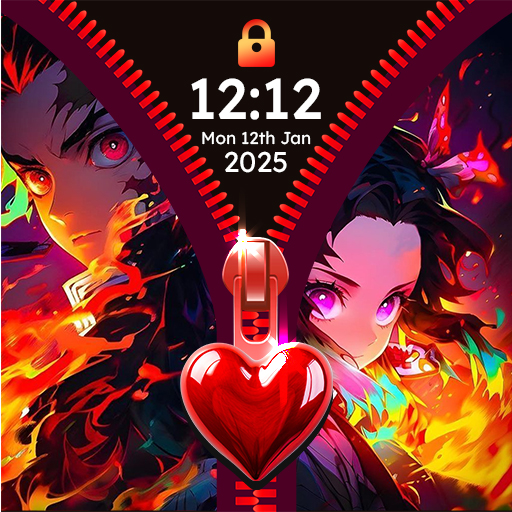
Unlock phone with fun zipper effects and unique zipper lock screen wallpaper
4.40
Unlock your creativity with an emoji font keyboard and stylish keyboard themes
4.60
The Big Keyboard: Easy Homescreen makes your phone home screen & keyboard easy!
4.50
10000+ Aesthetic Themes & Widgets by Themely. Customize Your Phone Easily!
4.80
300+ Stunning and well-designed widgets inspired by NOTHING.
4.70
300+ widgets inspired by Material You and Material 3 expressive design.
4.60
Fast SMS & group chat - use GIFs and emojis from your home screen launcher.
4.50
Make Money & Earn Cash Rewards - Get Paid to Play Music & Games
4.50
Your home screen, just the way you like it.
4.30
Transform your phone with stunning video wallpapers and a unique, personal touch
3.80
LotusLamp X is the professional version of LotusLanternX App.
3.20
Struggling to find apps? Use this app to locate and open any app on your phone!
2.20
⭐ OneUI inspired Fluffy Icon Pack – Soft. Stylish. Standout. ⭐
4.0


User Reveiws