Glass Icon Pack

4.3

Information

Category:

Personalisation

Price:

$ 0.49

Rank:

23

Rating:

4.3

Overview

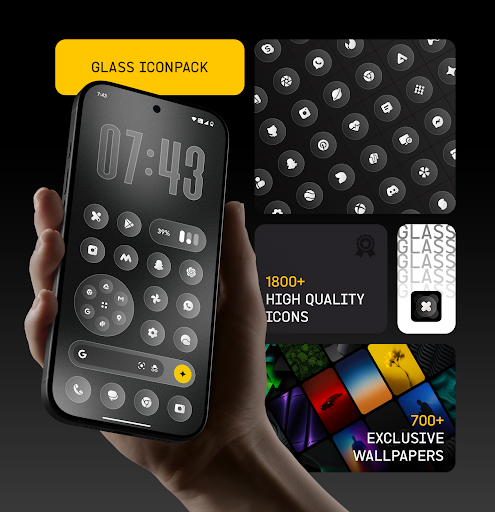
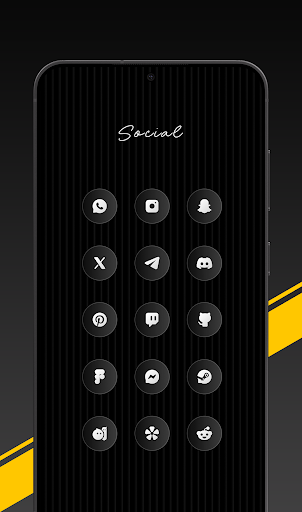
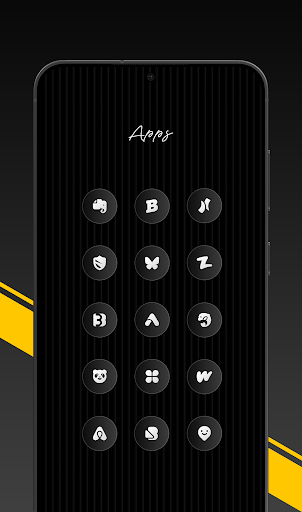
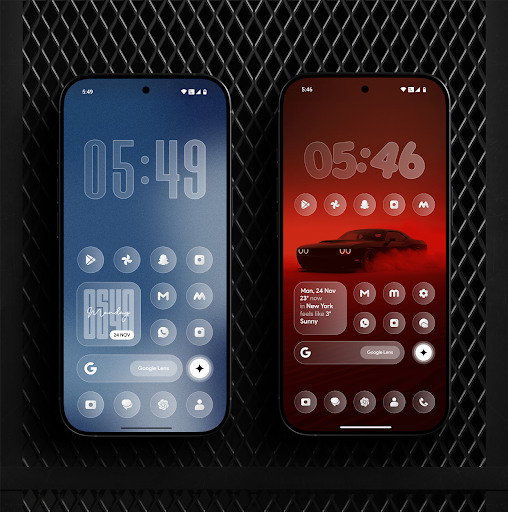
Glass Icon Pack is a premium collection of glossy, modern icons designed to enhance the aesthetic appeal of Android home screens. With over 1850 high-quality icons featuring a smooth glass effect, this pack brings elegance and timelessness to any device.

The pack includes HD resolution icons, dynamic calendar support, and smart masking for unthemed apps. It also offers 700+ matching wallpapers and regular updates, ensuring users have access to new content and continuous improvements.

Features

This icon pack stands out with its clean, modern design and attention to detail. Each icon is crafted with subtle depth and premium shine, blending seamlessly with various wallpapers and themes.

Key features include an easy-to-use dashboard with icon search functionality, free icon requests, and compatibility with multiple launchers. The inclusion of dynamic calendar icons and smart masking ensures a consistent look across all apps.

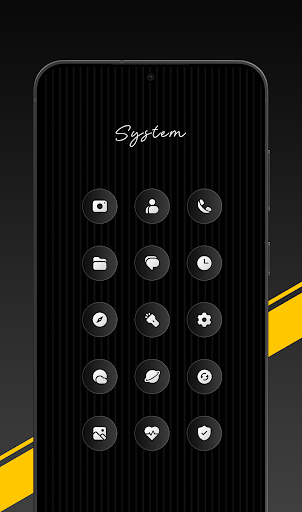
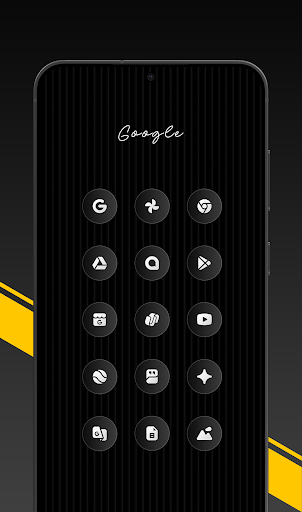
With coverage spanning system apps, social media, tools, and popular applications, Glass Icon Pack caters to diverse user needs while maintaining a cohesive visual style.

Customization options variety

Customization options variety refers to the range and diversity of personalization features available within an application allowing users to tailor their experience to their specific preferences and needs In the case of Glass Icon Pack this aspect is particularly important as it provides users with a vast selection of high-quality icons designed to enhance the visual appeal of their Android home screens The pack includes 1850+ premium glossy icons that feature a smooth glass effect subtle depth and a polished shine These icons are crafted to blend seamlessly with any wallpaper or setup offering a modern elegant and timeless aesthetic for both minimal and fully customized home screens Beyond the sheer number of icons the pack also offers 700+ matching wallpapers inspired by glass and gradient themes which further amplifies the customization potential Users can choose from dynamic calendar icons smart icon masking for unthemed apps and regular updates that introduce new icons and improvements This extensive variety ensures that users have the freedom to personalize their devices extensively creating a unique and visually pleasing interface that reflects their individual style and preferences The ability to customize in such detail not only enhances user satisfaction but also encourages creativity and personal expression making Glass Icon Pack a standout choice for those looking to elevate their device's appearance

Theme compatibility

Theme compatibility is a crucial aspect of any customization tool as it determines how well the application's features and design elements integrate with the existing system and third-party launchers In the context of Glass Icon Pack theme compatibility ensures that the icons and additional features work harmoniously across various Android launchers providing a consistent and visually cohesive experience The pack supports a wide array of launchers including popular ones and even some OEM-specific launchers like those found on Nothing OnePlus and Poco devices This broad compatibility means that regardless of the launcher a user prefers they can apply the Glass Icon Pack and enjoy its aesthetic benefits without worrying about inconsistencies or functionality issues Furthermore the pack includes smart icon masking for unthemed apps ensuring that even apps without specific icons in the pack maintain a uniform look This attention to compatibility extends to the inclusion of dynamic calendar icons which adapt to supported launchers maintaining the visual flow and thematic consistency across the home screen Additionally the easy-to-use dashboard with icon search and preview functions allows users to effortlessly find and apply the desired icons reinforcing the seamless integration with their chosen launcher By prioritizing theme compatibility Glass Icon Pack guarantees that users can achieve a polished and unified appearance on their devices enhancing both usability and visual appeal

Props

Premium glossy design

HD resolution icons

Regular updates

Wide app coverage

Smart icon masking

Cons

Limited to supported launchers

No iOS version available

Some icons may be missing

Third-party dependencies

Premium price point

Features and Functions

What is this app and what can I use it for?

A premium icon pack with 1850+ glossy icons for Android devices

How do I download and install this app on my device?

Search 'Glass Icon Pack' on Google Play Store and tap Install

How do I get started after opening the app for the first time?

Open the app, select Apply, and choose your preferred launcher

What are the main features and capabilities of this app?

Offers HD icons, dynamic calendars, smart masking, and wallpapers

How can I customize my experience and adjust preferences?

Use the dashboard to search icons and adjust settings as needed

How do I save or bookmark my favorite content for later access?

Save favorite icons via the app's built-in bookmarking feature

How can I share content with friends or on social media?

Share icons directly through the app's sharing option or social media

How do I access detailed information and explore more content?

Access detailed info in the dashboard and explore additional wallpapers

What permissions does this app need and how do I manage them?

Requires storage and launcher permissions managed in settings

How do I check for updates and keep the app running smoothly?

Check for updates in the app or through Google Play Store settings
Show more

User Reveiws

{{ comment.reviewer_name }}
{{ comment.review_date_formatted}}
{{ comment.review_content }}
{{ tab.name }}
{{ comment.reviewer_name }}
{{ comment.review_date_formatted}}
{{ comment.review_content }}
No reviews with this rating