
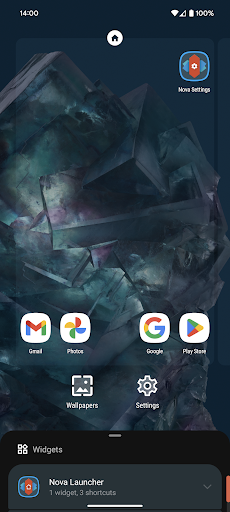
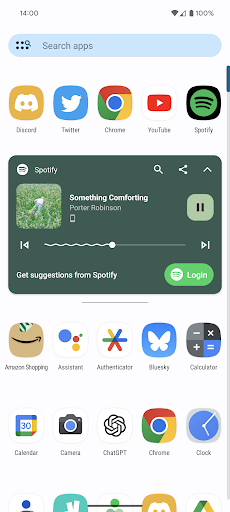
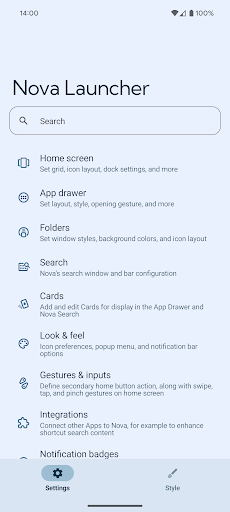

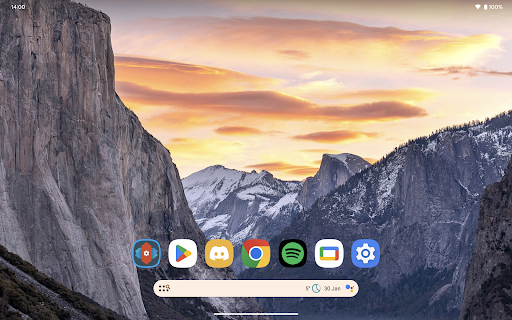
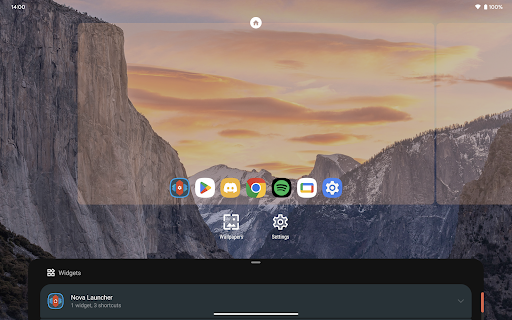
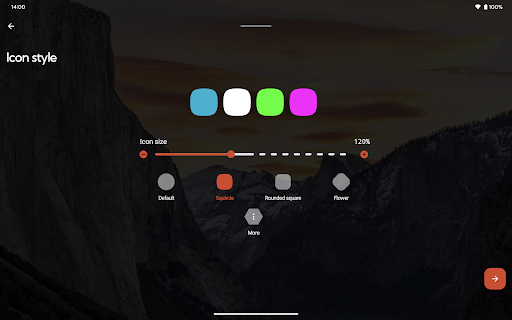
Nova Launcher represents the pinnacle of home screen customization for Android devices, offering users unprecedented control over their mobile environment. This highly versatile launcher replacement allows you to personalize every aspect of your device's interface, from icon shapes and color schemes to light/dark themes and subgrid positioning.
What sets Nova Launcher apart is its perfect balance between advanced functionality and user-friendliness. While tech-savvy users can dive deep into intricate customizations, even casual users will appreciate the cleaner, faster home screen experience. The application supports thousands of icon themes, features an extensive Material You color system, and offers powerful search capabilities that extend beyond basic app finding.
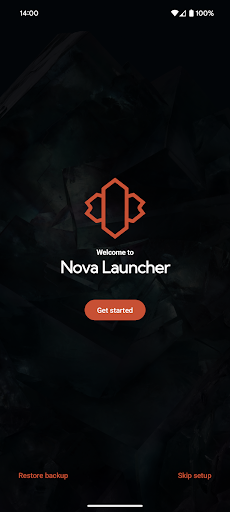
The real value of Nova Launcher becomes apparent when implementing complete home screen overhauls or creating personalized productivity setups. Its backup and restore feature makes transferring settings between devices seamless, while the optional Prime version unlocks professional-grade customization options that transform your Android experience.
Nova Launcher distinguishes itself through its comprehensive feature set that caters to both casual users and customization enthusiasts. The application implements advanced theming capabilities including custom icon packs, reshaping tools, and extensive color customization options that allow users to create truly unique interfaces.
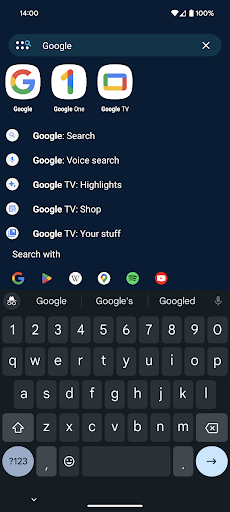
Productivity-focused features include a sophisticated search system with instant micro-results for calculations and unit conversions, customizable gestures, and innovative app drawer organization tools. The implementation of subgrid positioning enables pixel-perfect placement of icons and widgets, while the backup/restore functionality ensures configuration safety across devices.
For power users, Nova Launcher Prime expands these capabilities with additional scrolling effects, notification badges, and custom swipe gestures. The application's technical excellence extends to its support infrastructure, featuring both traditional support channels and an active Discord community for real-time assistance and customization tips.
Highly customizable
User-friendly interface
Regular updates
Active community
Stable performance
Prime version paid
Complex for beginners
Some features require setup
Occasional bugs
Device compatibility issues

Stylish Pink Cute Hippo keyboard with 10000+ customized keyboard themes!
 4.60
4.60
300+ Beautifully crafted widgets inspired by OneUI.
4.60
Transform your phone with stunning video wallpapers and a unique, personal touch
3.80
Just clap your hands to find your phone.
4.40
Unlock phone with fun zipper effects and unique zipper lock screen wallpaper
4.40
1000+ themes, icons, widgets & wallpapers for a unique home screen
4.60
Silly smile live wallpaper 4K : fun live wallpaper HD for your phone lock screen
4.50
Make email easy with swipe inbox access, home screen widget, and quick replies
4.10
Customize & simplify your home screen: personalized fonts, shortcuts, and icons.
4.00
Install our stylish keyboard with Neon Love Theme now!
4.60
Choose your keyboard with RGB colors effect, themes, fonts, emojis.
4.60
The Big Keyboard: Easy Homescreen makes your phone home screen & keyboard easy!
4.50
Download Pillow Chase: Home App now and turn every run into an adventure!
4.50
Live Launcher Lite makes your phone fresh and colorful
4.20
Swipe, Snack, and Style Your Way to Fun.
4.00
Design your screen with unique, vibrant clocks
3.80
Emoji Maker app - Design custom emojis and effortlessly blend them with Mixer
3.80
Shimeji adds cute animated characters to your screen, lively and fun.
3.80
Custom edge gestures for volume control, brightness, apps, and shortcuts.
4.0


User Reveiws