

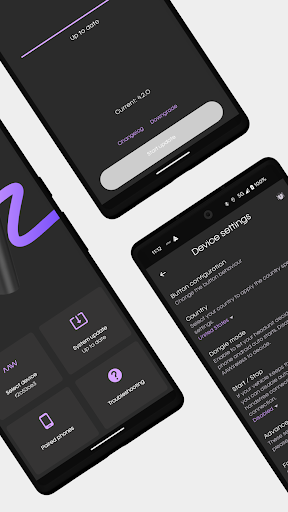
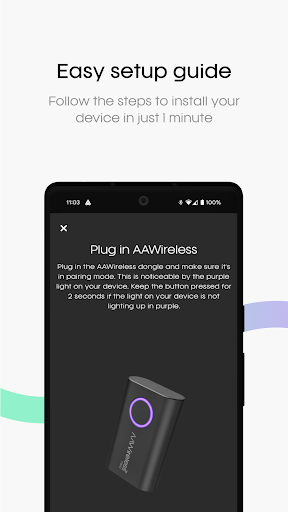
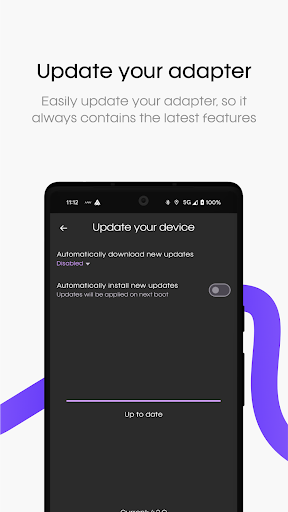
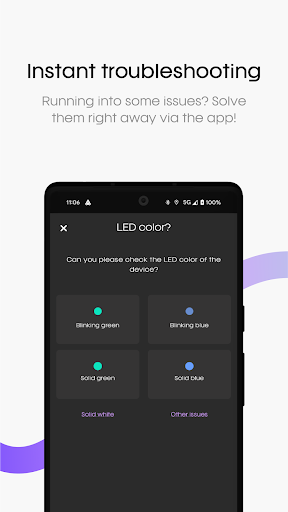
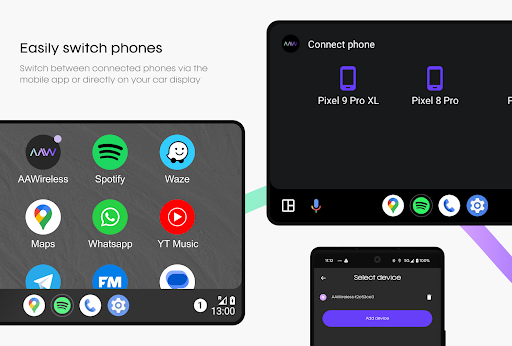
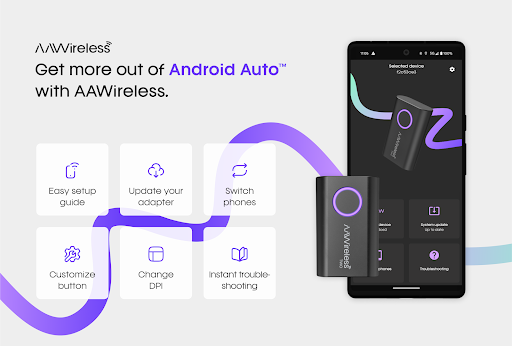
AAWireless for Android Auto is a companion app designed to enhance the functionality of your AAWireless adapter. This innovative solution enables users to establish a wireless connection between their phone and Android Auto™, providing a seamless driving experience. The app offers essential features such as an easy setup guide, instant troubleshooting, and firmware updates for the adapter.
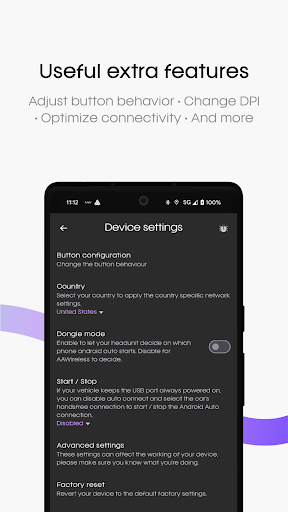
Beyond basic connectivity, AAWireless allows users to customize their adapter's button functionalities and adjust DPI settings to optimize performance. These advanced customization options make it an ideal choice for tech-savvy drivers who demand precise control over their in-car entertainment system. Whether you're looking to simplify your daily commute or enhance your road trip experience, this app delivers both convenience and customization.
The true value of AAWireless lies in its ability to transform your driving experience through smart technology integration. By combining wireless convenience with extensive customization options, it represents a significant upgrade over traditional wired connections. For Android Auto users seeking a more sophisticated and personalized in-car experience, AAWireless offers a comprehensive solution that extends the capabilities of their existing hardware.
AAWireless distinguishes itself through its comprehensive feature set tailored specifically for Android Auto enthusiasts. The app's most notable characteristic is its intuitive setup process, which guides users through connecting their AAWireless adapter with minimal effort. This streamlined approach to wireless connectivity eliminates the frustration often associated with complex technical configurations.
Advanced customization options represent another key aspect of AAWireless's functionality. Users can modify button behaviors to suit their driving preferences, adjust DPI settings for optimal touch response, and maintain their adapter's firmware through regular updates. These features collectively contribute to a more personalized and responsive in-car experience. The ability to fine-tune these technical parameters demonstrates the app's commitment to serving both casual users and technology enthusiasts alike.
What truly sets AAWireless apart from other automotive connectivity solutions is its dedication to continuous improvement and user empowerment. Regular feature updates and responsive customer support ensure that users always have access to the latest advancements in wireless technology. This forward-thinking approach, combined with its robust feature set, positions AAWireless as a leader in the Android Auto accessory market.
User-friendly interface
Comprehensive setup guide
Regular firmware updates
Advanced customization options
Responsive customer support
Limited device compatibility
Requires separate adapter purchase
Occasional connection issues
Premium pricing model
Steep learning curve for beginners

On the CarShield app, you can view contracts, make payments, & request roadside.
 4.40
4.40
Theme for Car Launcher
4.1
Realtime Charts is a plugin for the Torque Pro App (OBD 2 & Car)
4.20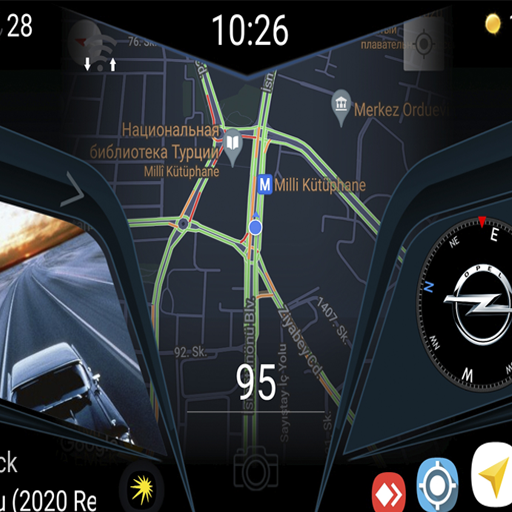
Theme for Car Launcher
4.4
App Mirroring for Tesla Car's Browser
2.80
Oil change service & coupons for car maintenance at Valvoline Instant Oil Change
4.70
Control maps, media and messaging, with the Google Assistant while you drive
4.10
Trip computer+car diagnostic tool with widest variety of features and dashboard!
4.70
Your go-to app for car, truck & SUV parts, DIY tools, and expert repair help.
4.70
Marathon ARCO Rewards members earn rewards & apply the rewards for fuel savings!
4.80
Lexus app currently supports 2010 or newer vehicles (2018 or newer for Hawaii).
4.80
Shop, finance, or sell today.
4.80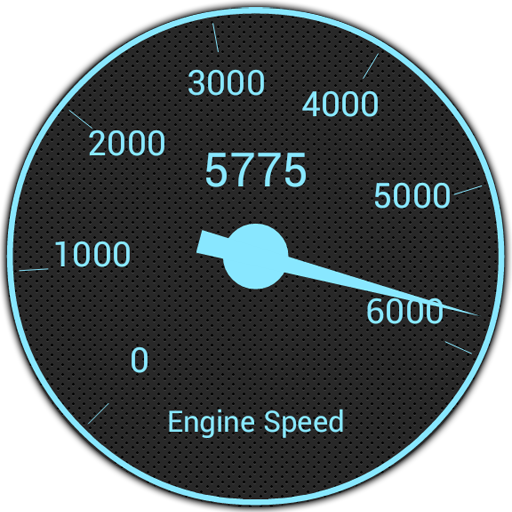
OBD1 ECMs application. Data log or tune directly from your phone or tablet!
4.60
Listings of Tesla's with FSD - Included package
4.60
Instantly redesign your car with AI. From sporty to futuristic, try it all.
4.50
Instant diesel savings. No credit checks or fees. Nationwide growing network.
4.40
Ultimate OBD2 Car Scanner: Diagnostics, Service and Modification Tool
4.30
* This app needs an adapter cable and a certain OBD2 adapter to work *
4.20
The Smarter Way Forward
3.30


User Reveiws