
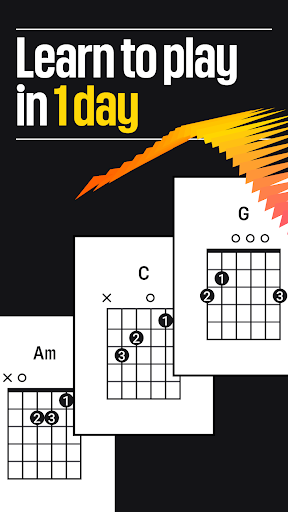
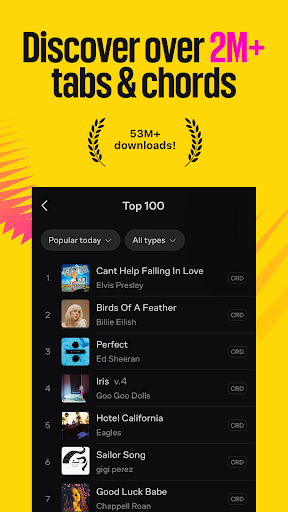

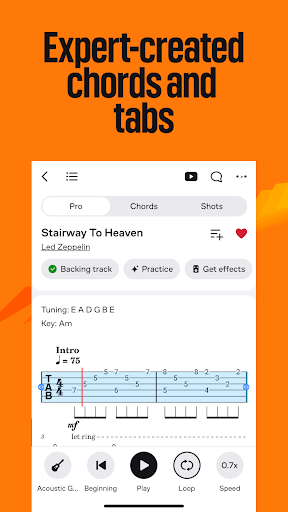

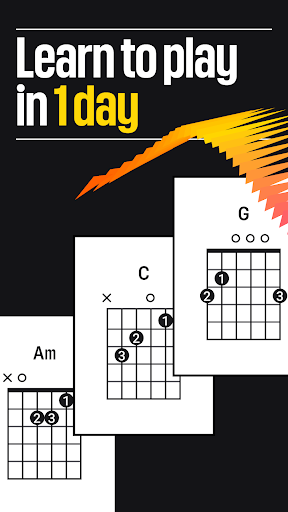
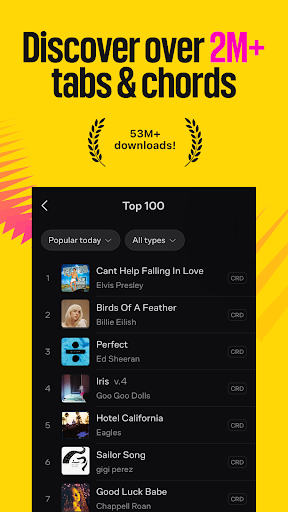
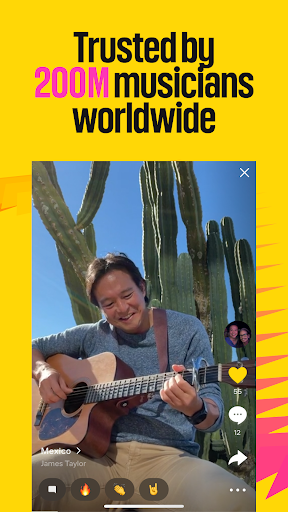

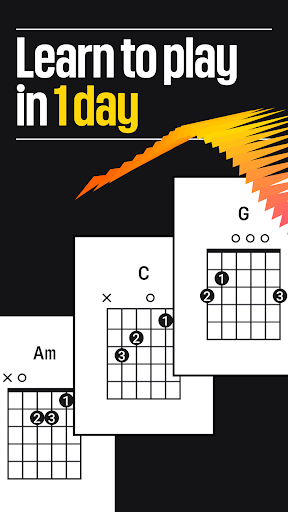
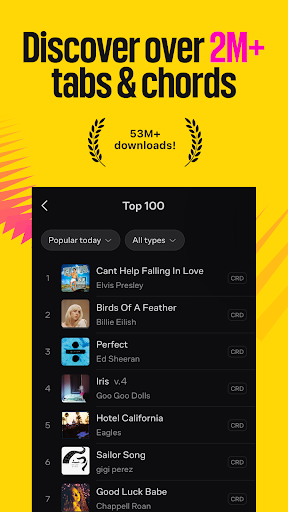
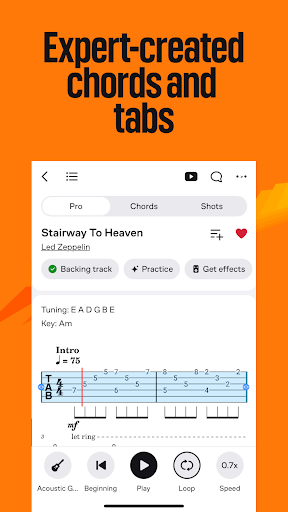
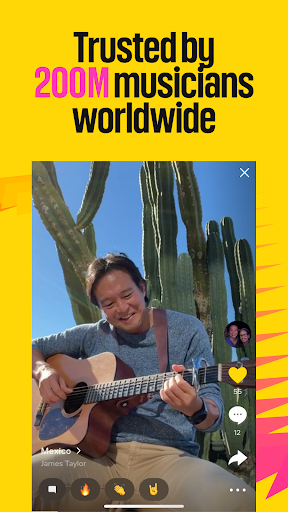

Ultimate Guitar is the ultimate music companion for musicians of all levels, offering an extensive library of over 2 million tabs and chords. Whether you're a beginner or a seasoned pro, this app provides everything you need to learn and master your favorite songs on guitar, bass, piano, ukulele, and more.
The app stands out with its comprehensive learning tools and personalized feedback system. You can explore tabs by genre, difficulty, and tuning, while enjoying features like offline access, left-handed mode, and video backing tracks. The built-in metronome, tuner, and customizable display options make practice sessions more efficient and enjoyable.
With Ultimate Guitar, users can connect with a global community of musicians, share their own tabs, and even access professional lessons through UG Courses. The Pro version unlocks additional features like official tabs, Tonebridge presets, and AI-powered practice mode, making it an indispensable tool for serious musicians.
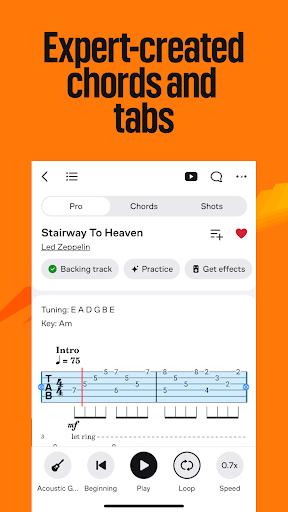
Ultimate Guitar offers an impressive array of features designed to enhance music learning and performance. The app's massive library includes 29,000+ official tabs with original sound and synchronized lyrics, while the Tonebridge integration provides 29,000+ presets for popular songs.
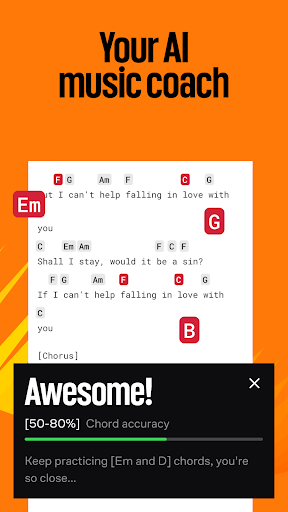
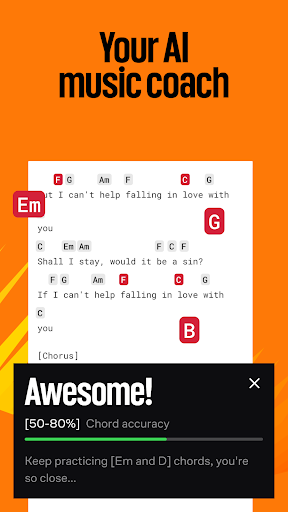
Advanced practice tools include SmartScroll functionality that automatically scrolls with your playing pace, transposition options for key changes, and song simplification features for easier learning. The AI-powered Practice Mode gives personalized feedback, helping users improve their skills more effectively.
Additional notable features include offline access to tabs, left-handed mode, personal tab editing, and integration with Spotify and YouTube. The app also offers specialized courses for various instruments, a singing practice module, and community features that let users share their creations and learn from others.
Extensive tab library
AI-powered feedback
Multi-instrument support
Offline functionality
Active community
Premium subscription required
Some features mobile-only
Occasional ads
Steep learning curve
Limited free content
10-Band Audio Equalizer, Sound / Bass Booster for Spotify Users & Music Players
 4.40
4.40
Performance-Synthesizer & Multi-Track-Sequencer, polyphonic + multi timbral!
4.70
Gorgeous UI, Powerful music Search and Equalizer, the great choice for you!
4.70
Simple & Intuitive Metronome
4.70
The only true audiophile music player with Hi-Fi audio rendering and DSP engine
3.90
Bass Booster & Volume Equalizer Pro improves your music and video sound quality
4.60
Powerful 10-Band equalizer pro with sound booster improves Android audio quality
4.30
Play KORG’s revolutionary touch-based instrument on a variety of devices.
4.40
Make music and beats on the fly! Play tracks and mix sounds with Groovepad!
4.60
Tune in to the greatest hits on UK Radio | The home of Capital, Smooth & Heart.
4.90
Play your hearts out on TouchTunes jukeboxes & connect with fellow music lovers.
4.80
Music, News & Sports Radio Tuner App. Tune in Live FM & AM Radio Stations.
4.80
Listen to live FM radio stations, sports, music and news on global radios online
4.70
Save hundreds of dollars for a physical strobe tuner and instead use this app.
4.50
Your HD audio recorder on the go for music, meetings, ambience, animal sounds…
4.30
Master Salsa Rhythm quickly and with a lot of fun!
4.30
USB audio recording and playback finally possible on Android 3.1 or higher!
3.90
Background pads for your band
3.80
Travel To The Music Universe
3.40


User Reveiws