Live Launcher Lite-3Dwallpaper

4.20

Information

Category:

Personalisation

Price:

Free

Rank:

21

Rating:

4.20

Overview

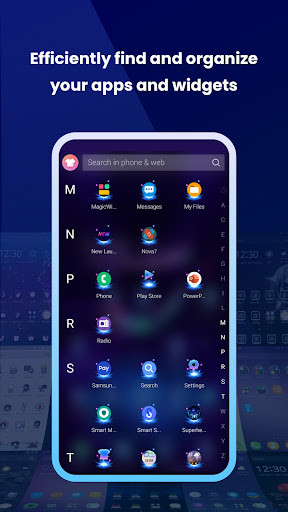
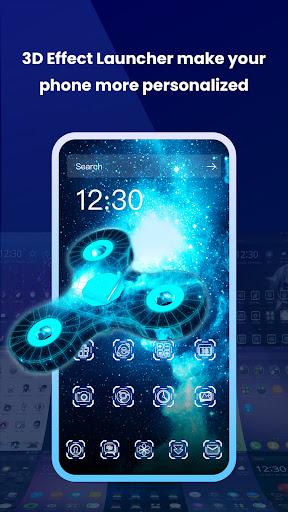
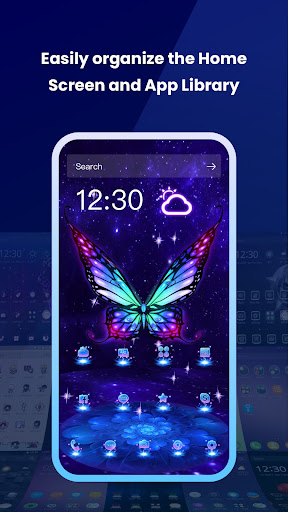
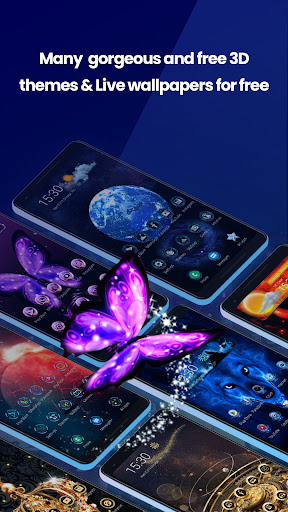
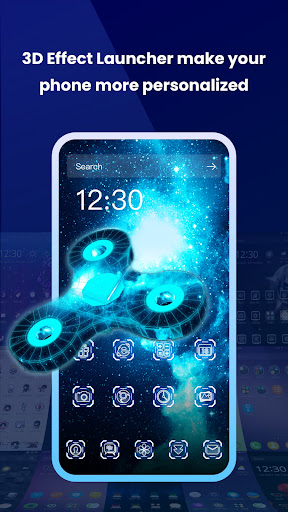
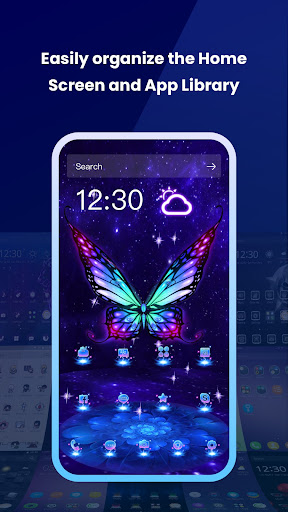
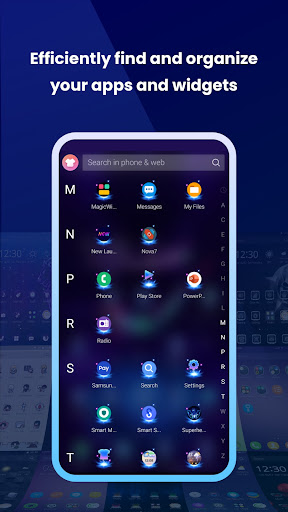
Live Launcher Lite is a free Android launcher that allows users to customize their phone screens with 3D themes, live wallpapers, and free backgrounds. This app is perfect for those who want to express their unique personality and mood through their mobile device's home screen. With its massive collection of themes ranging from Magical and cool launchers to Sleek business styles, Live Launcher Lite offers a fast, efficient, and stylish way to personalize your device.

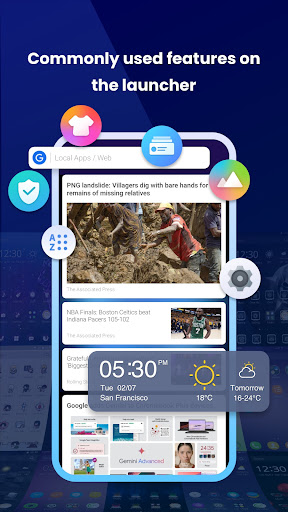
The app includes commonly used features such as weather, news, and themes accessible right on the home screen. It promises a smooth and superior experience while continuously improving its intelligence, speed, and style. By using Live Launcher Lite, you can transform your phone into a unique piece that reflects your personal taste and preferences.

Features

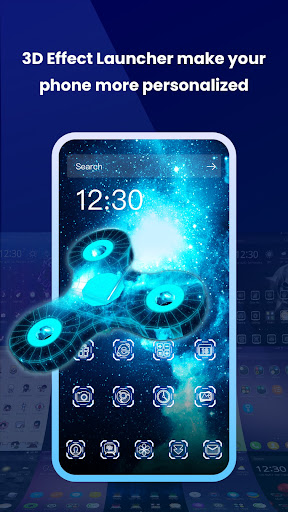
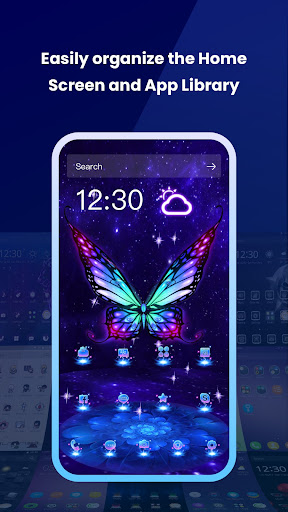
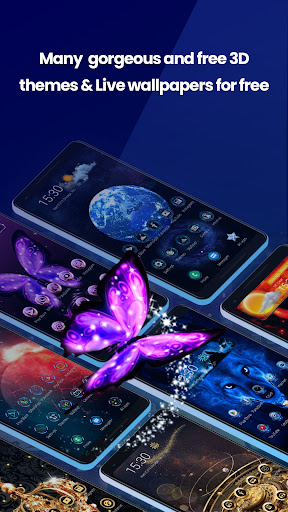
Live Launcher Lite stands out with its extensive range of customization options. The app provides a variety of 3D gravity themes including Mystery of Space and Darkness, Cute cartoons, Romantic pinks, Simple flats, and Sleek business styles. Each theme comes with sets of icons, fonts, and wallpapers, allowing users to completely overhaul their phone's appearance.

In addition to aesthetic enhancements, Live Launcher Lite also includes practical features like weather updates and news feeds directly on the home screen. These features ensure that users not only have a visually appealing interface but also quick access to essential information. The combination of style and functionality makes this launcher an ultimate solution for all customization needs.

Customization options variety

The Customization options variety in Live Launcher Lite represents the extensive range of choices available to users for personalizing their Android phone's interface. This feature is crucial as it allows individuals to express their unique personality and mood through their device's appearance. Live Launcher Lite offers a vast collection of 3D gravity themes that cater to different tastes and preferences. These include Magical and cool launchers, Mystery of Space and Darkness launchers, Cute cartoons launchers, Romantic pinks launchers, Simple flats launchers, and Sleek business styles launchers. Each theme comes with its own set of icons fonts and wallpapers which collectively transform the phone screen into a personalized space. Users can easily navigate through these options and apply their chosen theme with just a few taps. The benefit of having such a wide variety of customization options is that it caters to diverse user needs and ensures that everyone can find something that resonates with their personal style. Moreover this level of customization not only enhances the aesthetic appeal of the device but also makes the user experience more engaging and enjoyable. By providing an easy way to switch up the look and feel of the home screen Live Launcher Lite empowers users to keep their devices feeling fresh and exciting.

Theme compatibility

Theme compatibility within Live Launcher Lite refers to the seamless integration and functioning of various themes with the launcher's core system. This aspect is vital because it ensures that all visual elements including icons fonts and wallpapers work harmoniously together creating a cohesive and visually pleasing interface. Live Launcher Lite excels in this area by offering themes that are specifically designed to be compatible with its platform thus guaranteeing a smooth transition when applying new looks to the home screen. For instance when a user selects a Magical and cool launcher theme they can expect all associated design elements to align perfectly maintaining consistency across the board. This attention to detail extends to other categories like Mystery of Space and Darkness Cute cartoons Romantic pinks Simple flats and Sleek business styles ensuring that no matter the choice every element from background images to icon shapes fits naturally within the overall design scheme. The advantage of strong theme compatibility lies in the polished final outcome it delivers. Users do not have to worry about mismatched components or awkward layouts as each theme has been meticulously crafted to integrate flawlessly with the launcheru2019s architecture. As a result individuals can enjoy a professional-looking customization job without any technical hiccups. Furthermore Live Launcher Lite continuously updates its library adding new themes while maintaining high standards of compatibility thereby assuring users of a reliable and satisfying customization experience every time they choose to refresh their device's appearance.

Props

User-friendly interface

Wide variety of themes

Live wallpapers

Customizable home screen

Free to use

Cons

Limited advanced features

Occasional bugs

Ads present

Performance issues

Device compatibility
Features and Functions

What is this app and what can I use it for?

A free Android launcher for customizing phone screens with 3D themes

How do I download and install this app on my device?

Visit Google Play Store, search for Live Launcher Lite, and tap Install

How do I get started after opening the app for the first time?

Choose a theme, apply live wallpaper, and arrange home screen icons

What are the main features and capabilities of this app?

3D themes, live wallpapers, weather updates, news feeds, icon sets

How can I customize my experience and adjust preferences?

Select preferred theme, adjust settings via in-app options menu

How do I save or bookmark my favorite content for later access?

Save favorite themes or wallpapers through My Collections section

How can I share content with friends or on social media?

Use share button to send content links via social media or messaging apps

How do I access detailed information and explore more content?

Browse detailed theme descriptions and explore new collections

What permissions does this app need and how do I manage them?

Needs storage and wallpaper permissions; manage in settings

How do I check for updates and keep the app running smoothly?

Enable auto-updates in Google Play Store or manually check for updates
Show more

User Reveiws

{{ comment.reviewer_name }}
{{ comment.review_date_formatted}}
{{ comment.review_content }}
{{ tab.name }}
{{ comment.reviewer_name }}
{{ comment.review_date_formatted}}
{{ comment.review_content }}
No reviews with this rating