Glass Widgets

4.70

Information

Category:

Personalisation

Price:

$ 0.99

Rank:

4

Rating:

4.70

Overview

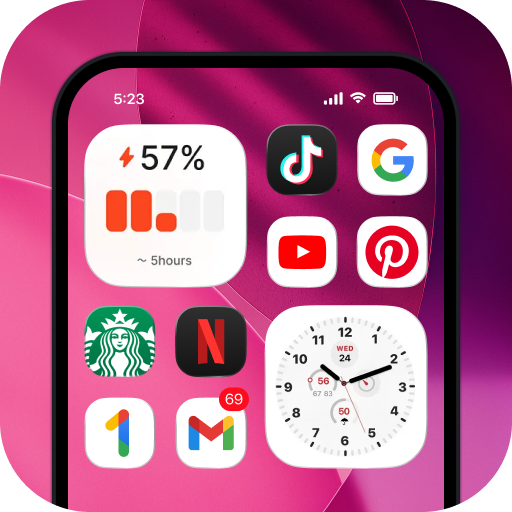
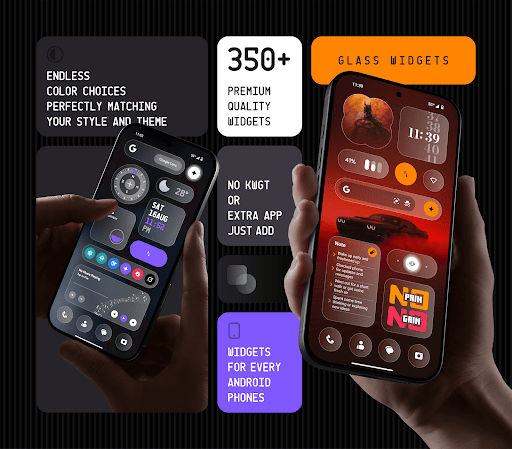
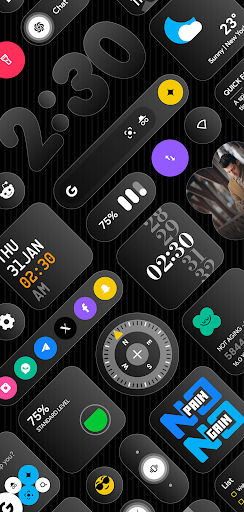
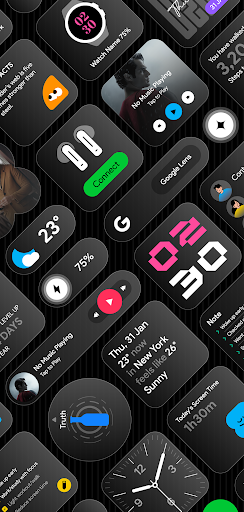
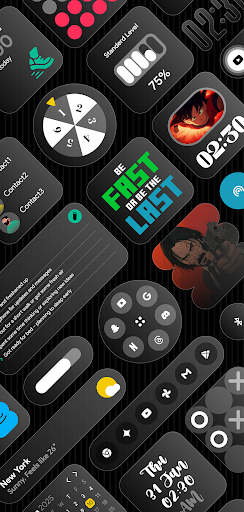
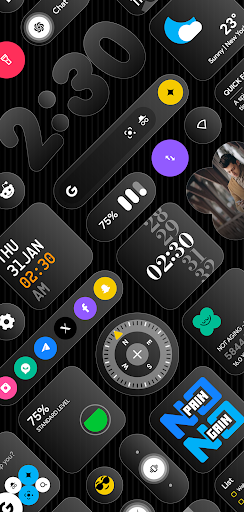
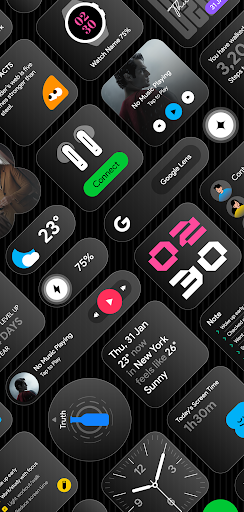
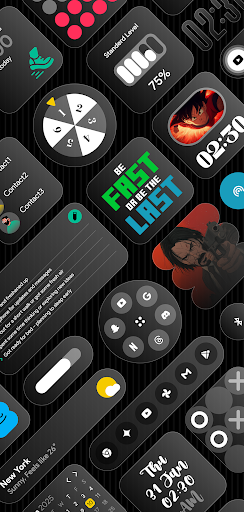
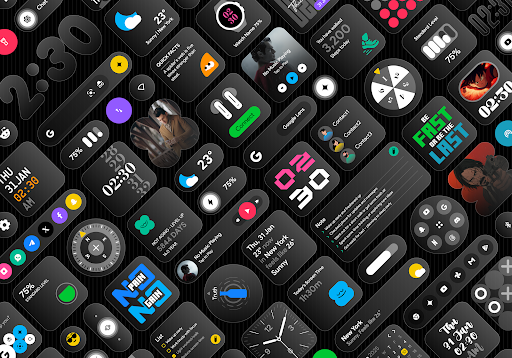
Glass Widgets offers over 350 beautifully designed, glass-style widgets compatible with any Android device. These sleek, transparent widgets upgrade your home screen and lock screen with modern designs including clocks, weather updates, calendars, battery indicators, step counters, quotes, compasses, and quick settings.

The app stands out with its customizable colors, personalized designs, and battery-friendly performance. Whether you want minimalistic or feature-rich widgets, Glass Widgets provides a variety of options that match any theme effortlessly. With regular updates and new additions, users can enjoy fresh content and maintain an optimized experience.

Features

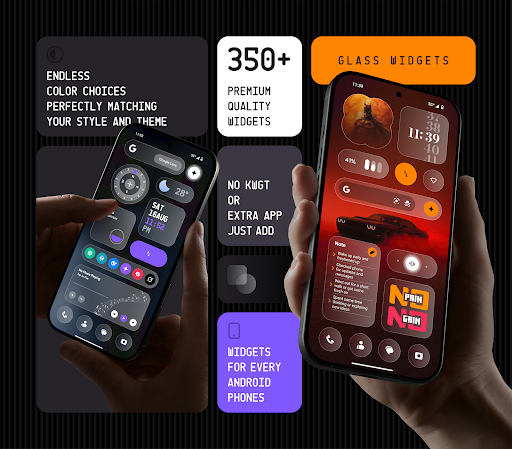
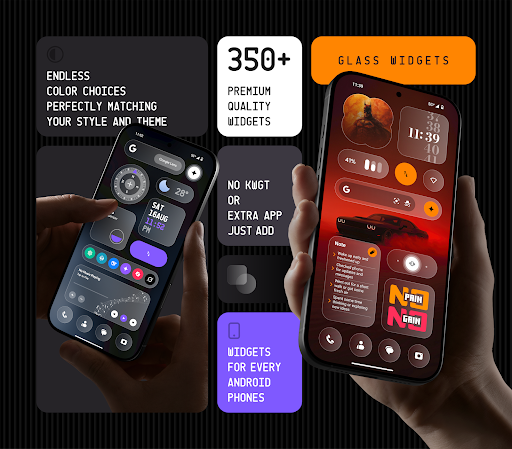
Glass Widgets is packed with features that make it both versatile and user-friendly. The app works without requiring KWGT or any other third-party app, allowing instant use after installation. It includes over 350 glass-style widgets with customizable colors, ensuring each user can tailor their experience to fit their personal style.

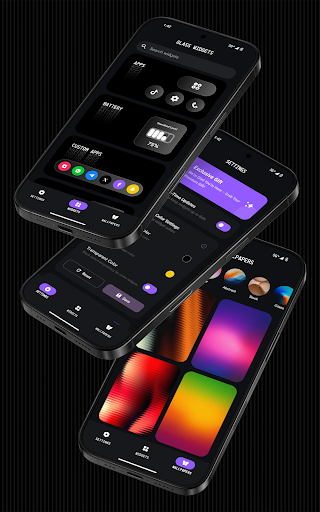
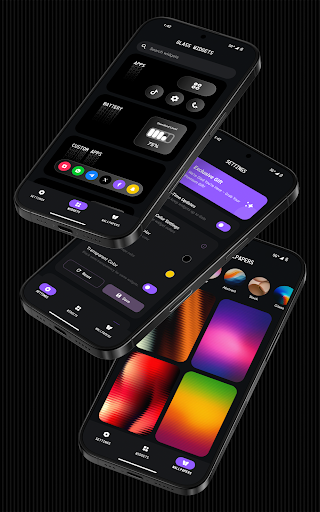
Supporting both home and lock screens, the widgets come in various types such as clocks, weather, calendar, battery indicators, step counters, and more. The app also offers glass-effect wallpapers that perfectly complement the widgets. With real-time updates powered by foreground services and exact alarms, users receive timely information, whether it's weather changes, photo rotations, or calendar events.

Customization options variety

Customization options variety refers to the range and flexibility of personalization features available within an application allowing users to tailor their experience according to their preferences. In the case of Glass Widgets this aspect is particularly pronounced as it offers over 350 beautifully crafted glass-style widgets compatible with any Android device. These widgets cover a wide array of functionalities including clocks weather updates calendars battery indicators step counters quotes compasses quick settings and more. The diversity in widget types ensures that users can find precisely what they need to enhance both the aesthetic appeal and functionality of their home and lock screens. Each widget comes with customizable colors enabling users to match their device's appearance with personal tastes or existing themes. This extensive customization capability extends beyond mere aesthetics; it allows for personalized content display such as showing specific information at set times or under certain conditions thus truly adapting to individual lifestyles and needs. By providing such a comprehensive suite of customization options Glass Widgets empowers users to create a unique and engaging digital environment that reflects their personality and optimizes their daily interactions with technology.

Theme compatibility

Theme compatibility denotes how well an applicationu2019s features and design elements integrate with various thematic styles ensuring a cohesive and visually appealing user interface across different contexts. For Glass Widgets theme compatibility is a cornerstone of its design philosophy offering minimal stylish transparent and personalized designs that effortlessly match any theme. This compatibility is achieved through meticulous attention to detail in crafting each widget with a sleek transparent glass finish that complements rather than clashes with underlying wallpapers or system themes. Furthermore the inclusion of glass-effect wallpapers provides users with additional tools to harmonize their overall device appearance creating a seamless blend between widgets and background imagery. Such thoughtful integration not only enhances visual satisfaction but also maintains optimal readability and usability regardless of the chosen theme. Users benefit from this high degree of theme compatibility by enjoying a consistently modern and polished look on their devices without worrying about mismatched elements disrupting their carefully curated setups. Additionally because these widgets support both home and lock screens they ensure uniformity throughout the entire user experience reinforcing the sense of a unified and personalized digital space. Overall Glass Widgets exemplifies how robust theme compatibility can elevate an application from merely functional to genuinely transformative in terms of personal expression and technological interaction.

Props

User-friendly interface

Highly customizable widgets

Battery-efficient performance

Regular feature updates

Versatile widget options

Cons

Foreground service required

Limited iOS compatibility

Premium features may cost extra

Designs might not suit all tastes

Exact alarm permissions needed

Features and Functions

What is this app and what can I use it for?

Glass Widgets offers 350+ customizable glass-style widgets for Android devices.

How do I download and install this app on my device?

Search for Glass Widgets on Google Play Store and tap Install to download.

How do I get started after opening the app for the first time?

After opening the app select your preferred widget and drag it to the home screen.

What are the main features and capabilities of this app?

Key features include customizable glass widgets for weather clocks and more.

How can I customize my experience and adjust preferences?

Adjust widget colors and styles through the customization menu in settings.

How do I save or bookmark my favorite content for later access?

Save favorite widgets by adding them directly to your home or lock screen.

How can I share content with friends or on social media?

Share widgets by taking a screenshot and posting it on social media platforms.

How do I access detailed information and explore more content?

Access detailed info by tapping on specific widgets or exploring the app menu.

What permissions does this app need and how do I manage them?

The app needs exact alarm permissions for timely widget updates and functionality.

How do I check for updates and keep the app running smoothly?

Check for updates in the Google Play Store or within the app settings menu.
Show more

User Reveiws

{{ comment.reviewer_name }}
{{ comment.review_date_formatted}}
{{ comment.review_content }}
{{ tab.name }}
{{ comment.reviewer_name }}
{{ comment.review_date_formatted}}
{{ comment.review_content }}
No reviews with this rating