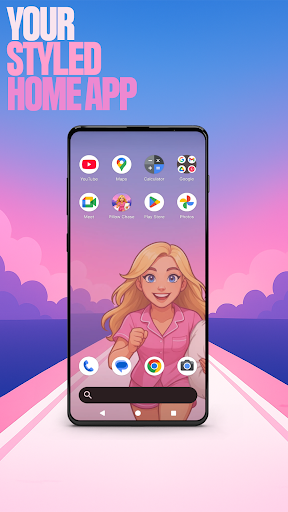
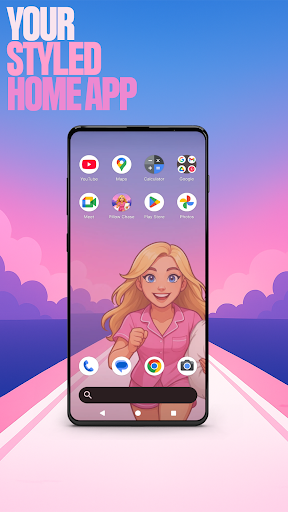

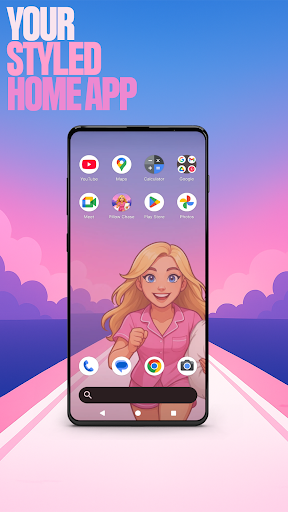
Pillow Chase Home App is a launcher app that allows users to create a personalized home screen. With this app, you can fully customize the layout of your home screen, create folders, and choose colors. It offers a fresh style that keeps things exciting from the moment you start using it.
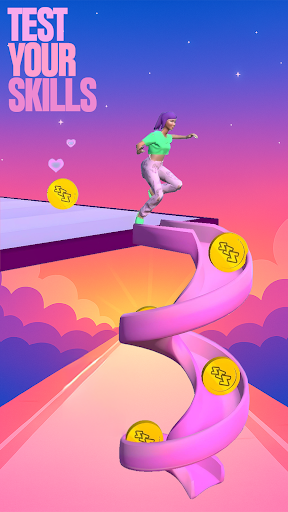
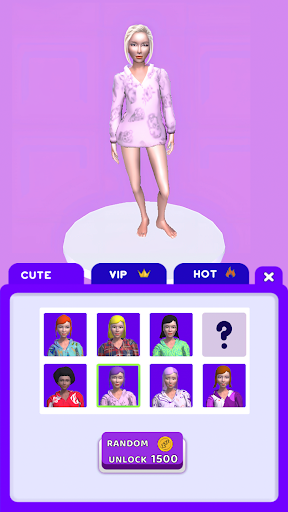
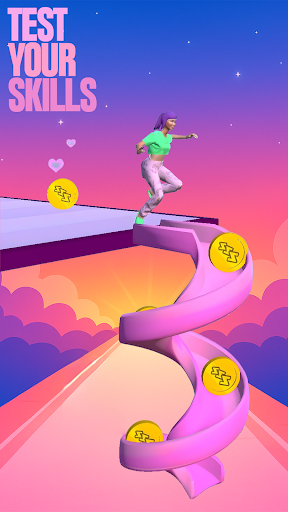
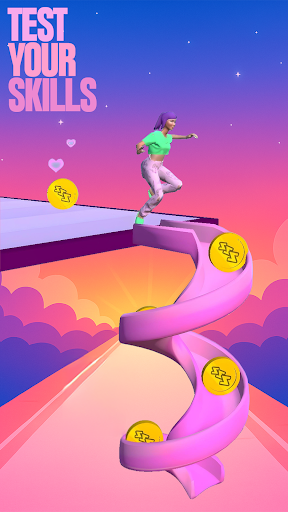
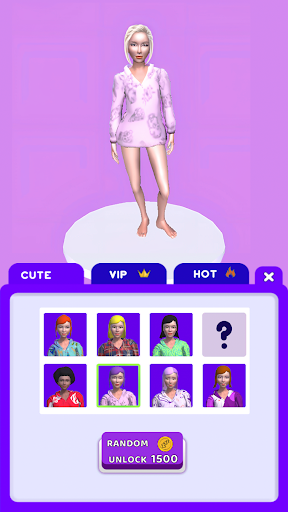
One of the key features of Pillow Chase Home App is the ability to pick it as the default choice via the 'Default home app' setting, allowing you to use it as your day-to-day launcher. You can switch back to your previous launcher anytime you choose. Additionally, the app includes a game called Pillow Chase, where you can run, dodge, and race your way to sweet dreams by collecting pillows, leaping over alarm clocks, and avoiding coffee cups that slow you down.
This app is perfect for those who want to add a personal touch to their home screen and enjoy a fast, funny, and surprising gaming experience during quick breaks or for endless fun.
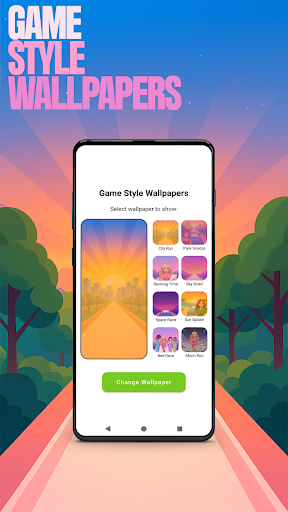
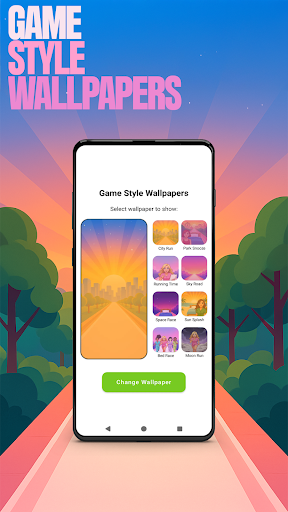
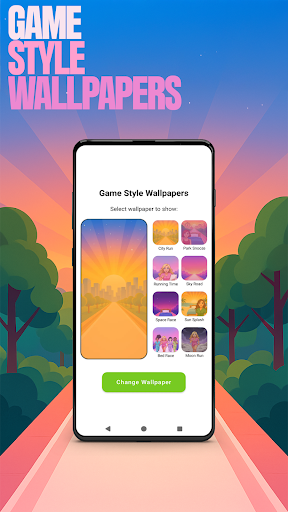
Pillow Chase Home App offers a range of features to enhance your home screen customization experience. Firstly, it provides Game Style Wallpapers, allowing you to add unique wallpapers inspired by the Pillow Chase game. This feature can be accessed by long-pressing on the home screen and selecting 'Game Style Wallpapers'.
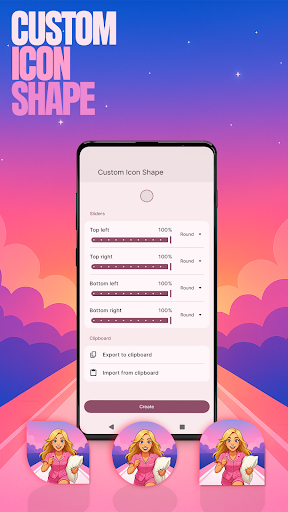
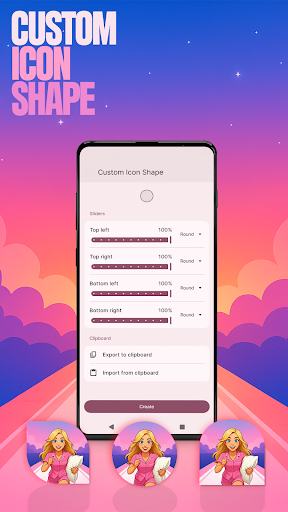
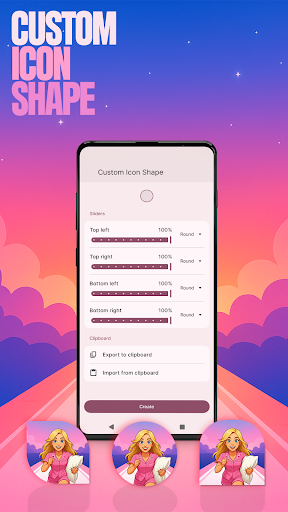
Another notable feature is Custom Icon Shape, which enables you to personalize your device with fun icon shapes and custom icon looks. To access this feature, simply long-press on the home screen and click on 'Custom Icon Shape'.
In addition, Pillow Chase Home App offers Custom Gestures, allowing you to swipe or tap to quickly open an app, settings, or app drawer. This feature can be found by long-pressing on the home screen, clicking on 'Home settings', and selecting 'Gestures'.
Furthermore, the app allows you to hide apps, keeping your private apps invisible while staying fully in control. To utilize this feature, long-press on the home screen, click on 'Home settings', select 'App drawer', and choose 'Hidden apps'.
Lastly, Pillow Chase Home App provides Accent Color customization, enabling you to personalize your home app colors. You can use presets or create your own device style by accessing this feature through long-pressing on the home screen, clicking on 'Home settings', selecting 'General', and choosing 'Accent color'.
Highly customizable
Unique game integration
Variety of features
User-friendly interface
Easy to switch back to previous launcher
May change home screen layout
Limited wallpaper options
Requires manual customization
Not suitable for all devices
Some features may not be intuitive

Customize your home screen with stunning themes, blur, widgets & icons.
 4.60
4.60
Custom edge gestures for volume control, brightness, apps, and shortcuts.
4.1
Your go to Weather App & Home Screen. Get your weather at a swipe of a finger!
3.80
300+ Stunning and well-designed widgets inspired by NOTHING.
4.70
Transform your device in a game console
4.40
Create stunning widgets with Widget 2025: Aesthetic Widgets for Android!
4.60
Unlock your creativity with an emoji font keyboard and stylish keyboard themes
4.60
ai emoji, Genmoji,cat mystery games:win gif,font,themes,keyboard,ai emoji
4.20
Download the Yoga Flex Home App and become the ultimate yoga champion!
4.70
300+ Beautifully crafted widgets inspired by OneUI.
4.60
Create your perfect emoji with Gemoji, endless fun and beautiful designs!
4.50
Make Money & Earn Cash Rewards - Get Paid to Play Music & Games
4.50
The Big Keyboard: Easy Homescreen makes your phone home screen & keyboard easy!
4.50
Launcher OS™ Pro without ads help make your phone simple and pretty
4.30
Unleash Your Creativity and Connect with Loved Ones with Lockscreen Drawing!
4.20
Live Launcher Lite makes your phone fresh and colorful
4.20
HappyLighting is a Bluetooth lamp control software.
3.40
Adorable pets roam and play right on your phone screen!
3.30
Create DIY Live Craft Wallpapers; Design Photo Collages & Explore Free Trends!
3.30


User Reveiws