
Microsoft Authenticator

4.60

Information

Category:

Business

Price:

Free

Rank:

5

Rating:

4.60

Overview

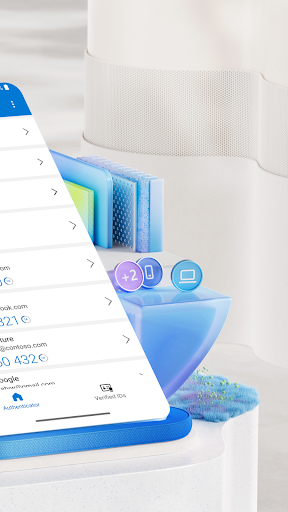
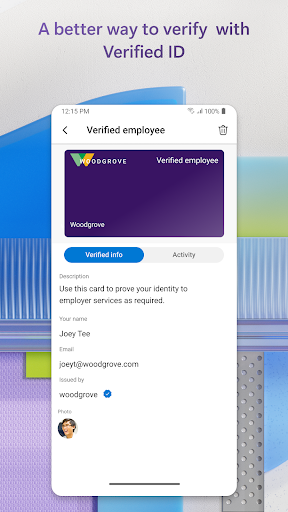
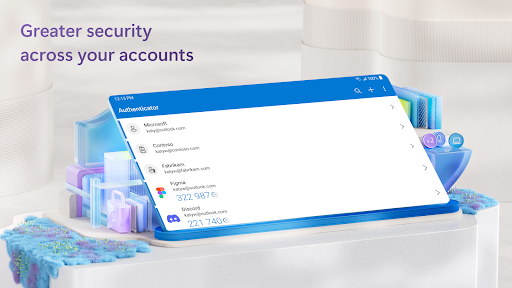
Microsoft Authenticator is a business-focused application that provides secure sign-in options for online accounts through multi-factor authentication, passwordless login, or traditional passwords. The app supports account management for Microsoft personal, work, or school accounts, offering users a reliable way to protect their digital identities.

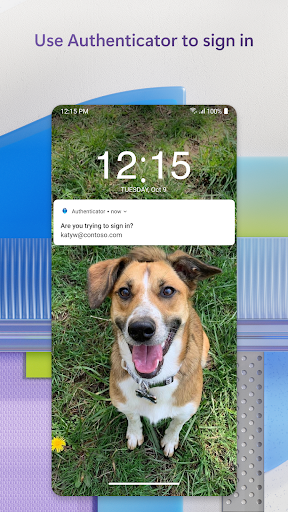
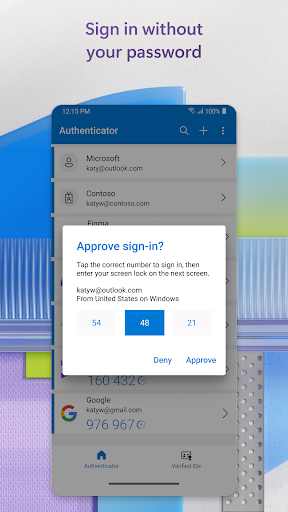
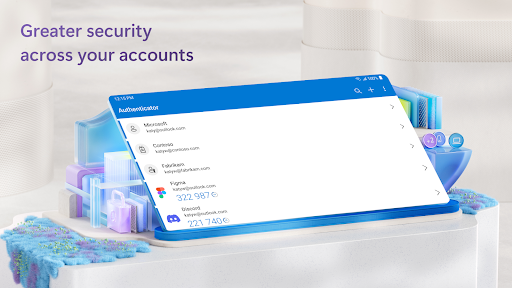
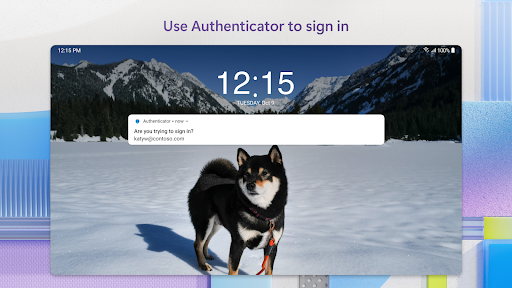
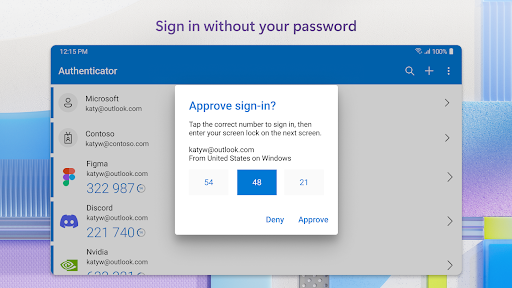
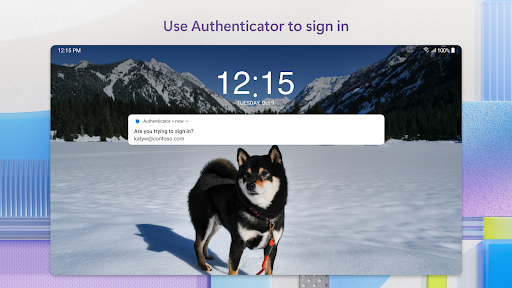
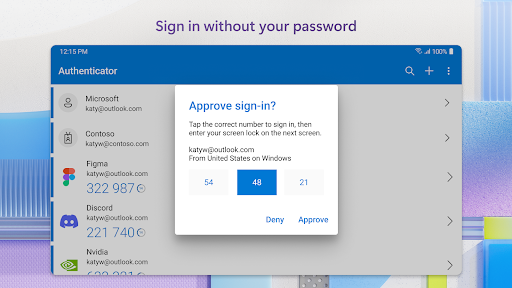
The app's core functionality lies in its support for Multi-Factor Authentication (MFA) and Two-Factor Authentication (2FA), which adds an extra layer of security when logging into accounts. Users can approve notifications on their devices or enter time-based one-time passwords (TOTP) generated by the app. Additionally, it allows passwordless login using biometric verification like fingerprint or face ID, making the authentication process both convenient and secure.

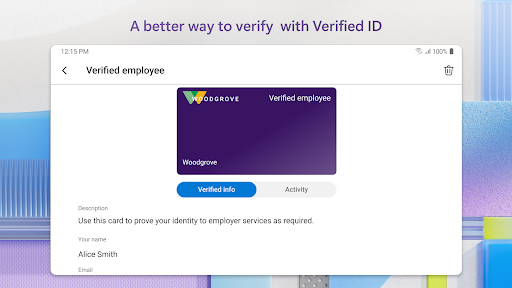
This app is particularly useful for businesses and educational institutions that require secure access to files, emails, and internal applications. By registering devices through the app, organizations can ensure that sign-in requests come from trusted devices, enabling seamless access to Microsoft services without repeated logins.

Features

Microsoft Authenticator stands out with its comprehensive security features tailored for modern businesses. The app's multi-factor authentication system requires users to provide two forms of verification: their password and an additional method such as a push notification or TOTP code. This ensures maximum protection against unauthorized access.

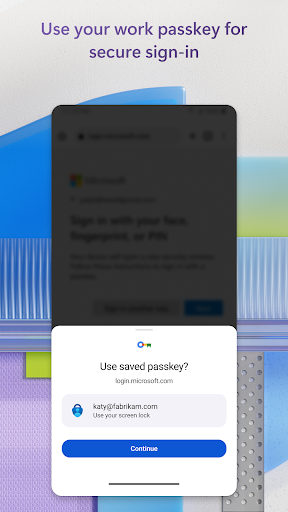
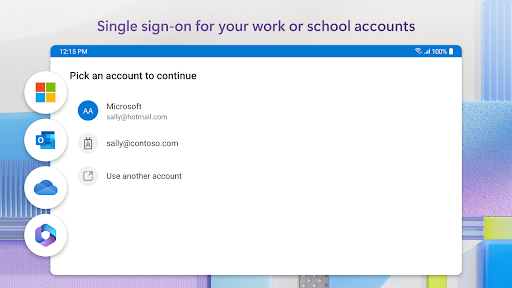
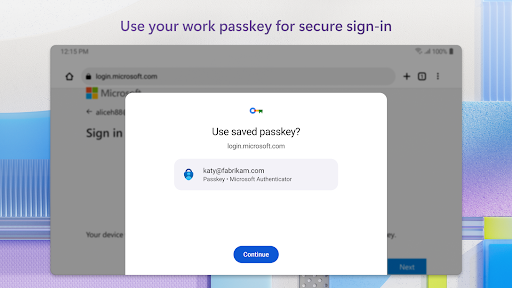
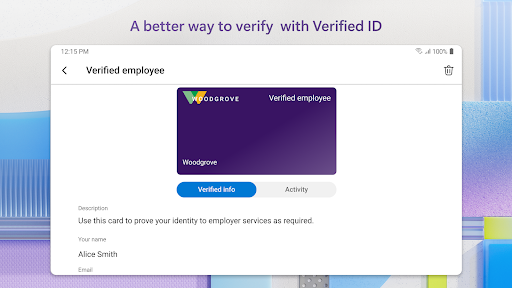
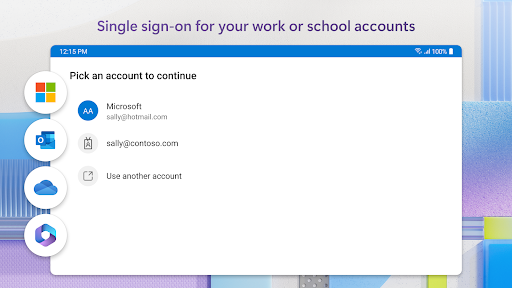
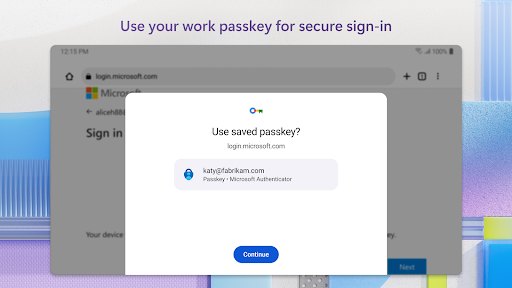
In addition to MFA, the app offers passwordless login capabilities, allowing users to authenticate their identity using biometrics or PINs instead of traditional passwords. It also supports cert-based authentication, issuing certificates on devices to verify their trustworthiness to organizations. Furthermore, single sign-on functionality enables users to access multiple Microsoft services after authenticating just once.

Optional permissions enhance the user experience while maintaining privacy controls. For instance, location data may be requested if required by organizational policies, and camera access facilitates QR code scanning during account setup. These features collectively make Microsoft Authenticator a versatile tool for safeguarding corporate and personal accounts alike.

Collaborative work features

Collaborative work features are essential for modern business applications as they enable teams to work together efficiently regardless of their physical locations Collaborative tools facilitate real time communication file sharing and project management which are crucial for maintaining productivity and ensuring that all team members are on the same page Microsoft Authenticator supports collaborative work by allowing users to securely access shared resources and services such as Outlook OneDrive and Office without needing to repeatedly authenticate themselves Once a user has verified their identity through multi factor authentication or passwordless login they can seamlessly interact with these Microsoft services This capability is particularly beneficial in corporate environments where employees need to collaborate on documents presentations and spreadsheets By integrating with Microsoft personal work or school accounts the app ensures that only authorized individuals can gain access to sensitive information Furthermore the support for single sign on means that after an initial verification users can access multiple Microsoft apps without having to log in again separately enhancing the overall efficiency of collaborative efforts Additionally the app's ability to issue certificates for cert based authentication provides organizations with an extra layer of security knowing that sign in requests originate from trusted devices This feature not only streamlines the process of accessing various Microsoft services but also maintains high standards of security which is vital for protecting confidential business data In summary Microsoft Authenticator facilitates collaboration by offering secure and convenient access to necessary business tools thereby promoting effective teamwork and safeguarding organizational assets

Task management

Task management is a critical component of any business application aimed at improving productivity and ensuring that projects progress smoothly Task management involves organizing tracking and prioritizing tasks so that deadlines are met and goals are achieved efficiently Microsoft Authenticator contributes to task management by providing a secure foundation for accessing task related applications and services With its support for multi factor authentication and passwordless login users can reliably log into platforms like Outlook OneDrive and Office where many task management activities take place The assurance that only verified users can access these services means that tasks assignments and deadlines remain protected from unauthorized access Moreover the integration with Microsoft personal work or school accounts allows for streamlined access to task management tools within an organization For instance once a user has authenticated via the Microsoft Authenticator they can easily manage their tasks across different Microsoft services without needing to re authenticate each time This seamless experience is further enhanced by the appu2019s support for single sign on which eliminates the need for repeated logins thus saving time and reducing interruptions in workflow Additionally the appu2019s capability to issue certificates for cert based authentication reassures organizations that the devices used for task management are trusted and compliant with security policies This aspect is especially important when managing tasks that involve sensitive or confidential information By ensuring that only authorized personnel can access task management systems Microsoft Authenticator helps maintain the integrity of project timelines and deliverables In conclusion Microsoft Authenticator plays a pivotal role in task management by securing access to essential business applications thereby enabling users to focus on completing their tasks efficiently while upholding stringent security standards

Props

Enhanced security

User-friendly interface

Multi-platform support

Single sign-on capability

Optional permissions

Cons

Requires device registration

Limited offline functionality

Dependent on network for some features

QR code setup can be tricky

Organization policy restrictions

Features and Functions

What is this app and what can I use it for?

A secure app for managing online account logins via MFA or passwordless methods

How do I download and install this app on my device?

Search Microsoft Authenticator on Google Play Store and tap Install

How do I get started after opening the app for the first time?

Open the app and follow prompts to add your first account via QR code or manual entry

What are the main features and capabilities of this app?

Supports MFA, passwordless login, and account management for Microsoft and non-Microsoft accounts

How can I customize my experience and adjust preferences?

Adjust settings in the app menu to customize notification preferences and default account options

How do I save or bookmark my favorite content for later access?

Accounts are automatically saved after setup; no bookmarking needed

How can I share content with friends or on social media?

Share recovery codes via email or messaging apps directly from the app settings

How do I access detailed information and explore more content?

Tap specific accounts in the app to view detailed information and manage settings

What permissions does this app need and how do I manage them?

Requests camera and location permissions; manage these in device settings

How do I check for updates and keep the app running smoothly?

Enable automatic updates in Google Play Store settings to keep the app current
Show more

User Reveiws

{{ comment.reviewer_name }}
{{ comment.review_date_formatted}}
{{ comment.review_content }}
{{ tab.name }}
{{ comment.reviewer_name }}
{{ comment.review_date_formatted}}
{{ comment.review_content }}
No reviews with this rating