
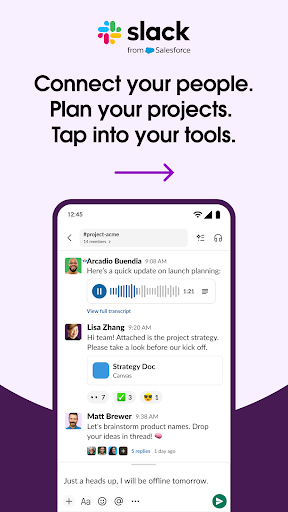

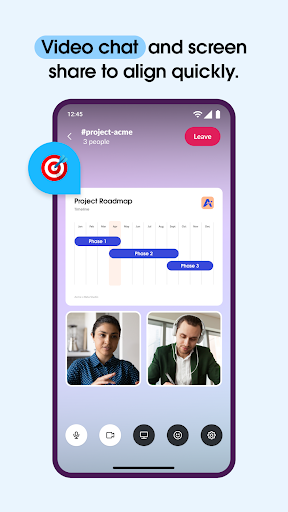
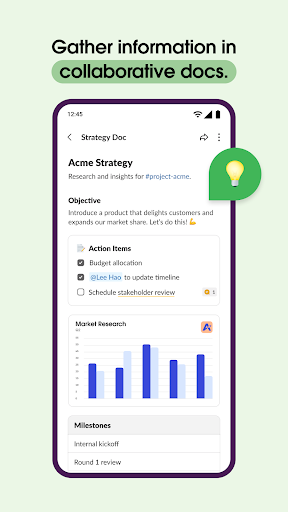
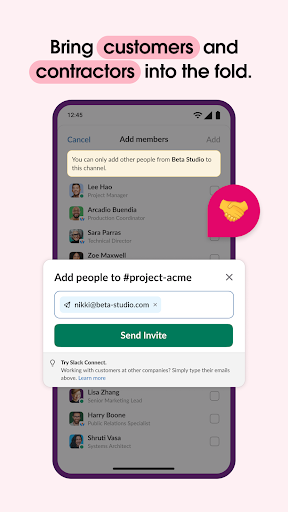
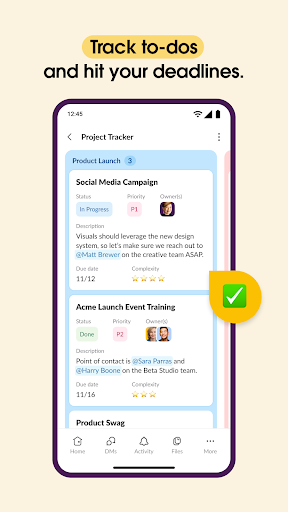
Slack is a comprehensive business communication platform designed to streamline collaboration and enhance productivity. It serves as a centralized hub where teams can conduct meetings, share files, collaborate on documents, and integrate with essential third-party applications. With dedicated channels for every project, Slack ensures organized communication while supporting seamless interaction with external partners.
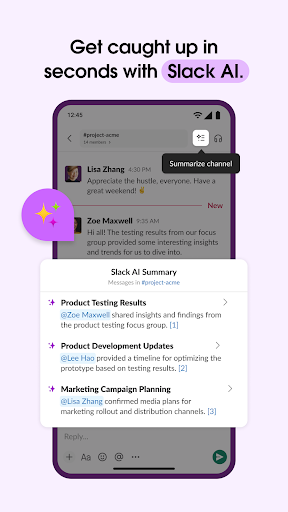
The platform offers powerful tools for project management, including task assignment, milestone tracking, and collaborative document editing. Its AI-powered features provide intelligent search capabilities and automated meeting notes, helping businesses maintain efficiency. Whether working remotely or in-office, Slack enables real-time communication through video calls, screen sharing, and voice messages, making it an indispensable tool for modern enterprises.
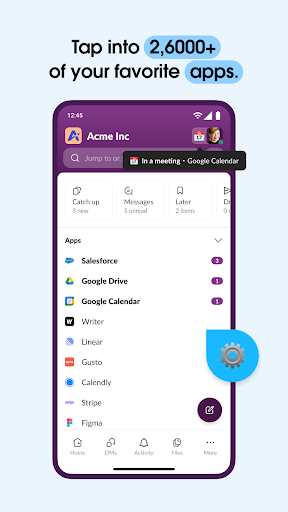
Slack distinguishes itself through its robust feature set tailored for business environments. The platform's channel-based organization system allows teams to compartmentalize discussions by projects, departments, or topics, ensuring relevant information reaches the right people. Its integration capabilities are exceptional, connecting with over 2,600 applications including Google Drive, Salesforce, and Dropbox, creating a unified digital workspace.
Advanced communication tools include high-quality video conferencing, screen sharing, and asynchronous audio/video messaging. The platform's AI functionalities extend beyond basic search, offering intelligent content suggestions and automated documentation of meetings. For project management, Slack provides customizable templates and task management tools that help teams stay organized and focused. These enterprise-grade features, combined with enterprise-level security protocols, make Slack suitable for organizations of all sizes.
User-friendly interface
Extensive app integrations
Robust security measures
Efficient team collaboration
AI-powered productivity tools
Paid advanced features
Steep learning curve
High resource consumption
Limited free storage
Occasional connectivity issues
Find jobs and make money fast with JobStack.
 4.60
4.60
Formerly Facebook Ads Manager. Manage and create ads on the go.
4.20
Take the stress out of storage with the all-in-one app to manage your space.
3.70
Amazon A to Z is the place to manage your work-life at Amazon.
4.50
A secure, all-in-one team collaboration app
4.30
Access to Paylocity, empowering employees with information they need 24/7.
4.70
Job search app that finds jobs for you! Takes the work out of looking for a job!
4.90
The app that lets you deliver with Amazon.
4.50
We help people get jobs
4.70
FaxCover - Create fax cover pages. Works with any app or fax machine.
4.90
GoTo Mobile is a simple & secure calling, messaging & meetings solution
4.80
Chat, meet, and collaborate to achieve more together, all in one place on Teams
4.60
Drive and earn extra money
4.50
One marketplace. Hundreds of services. Unlimited possibilities. All on Fiverr.
4.40
VSD Viewer - Visio Drawings Viewer for Android Preview VSD, VDX, VSDX drawings
4.10
The All-in-One File Manager for Phone, TV, Watch, Cars, XR / VR, Chromebook
4.10
All document reader, pdf viewer app, read docs & excel files
3.80
view, manage, and share every PDF file you have
3.60
We are a dynamic team of creatives people of design, marketing, web & apps
3.00


User Reveiws