
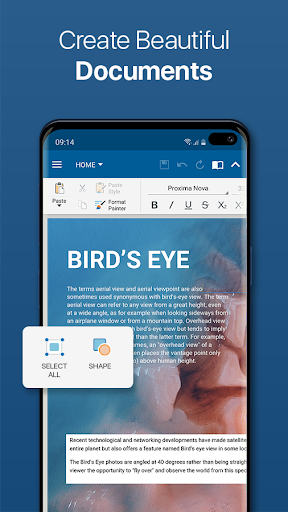
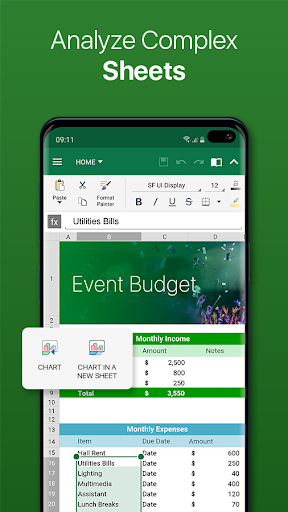
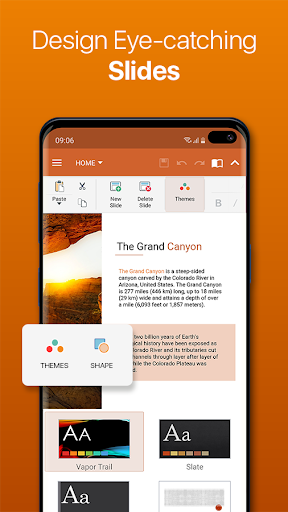
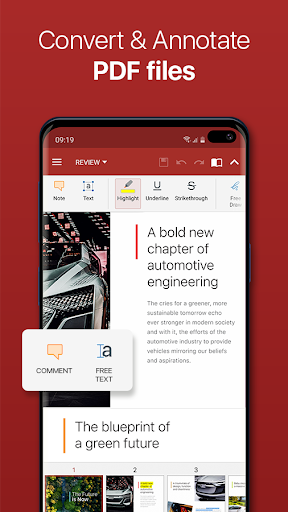

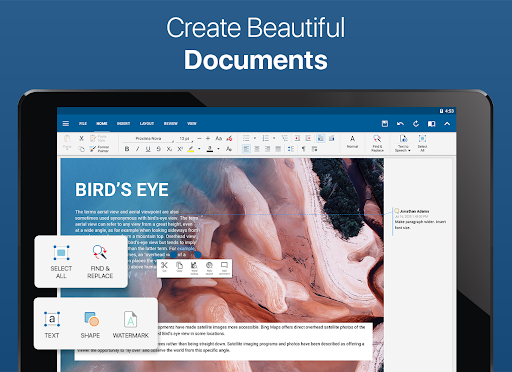
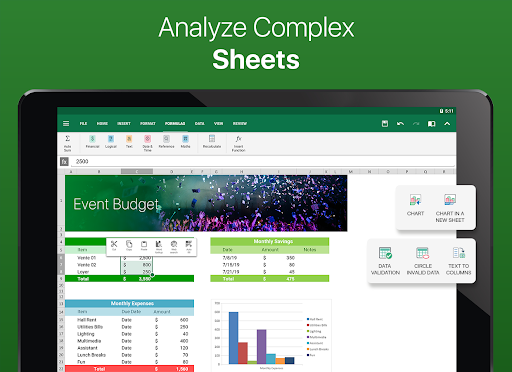

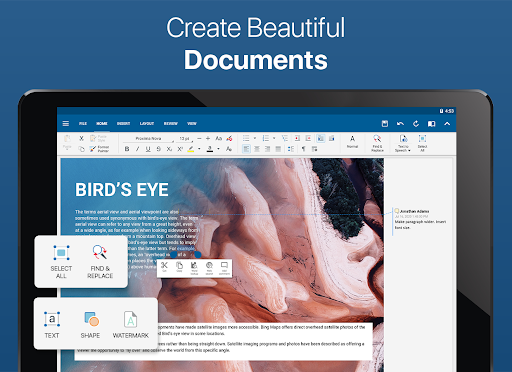
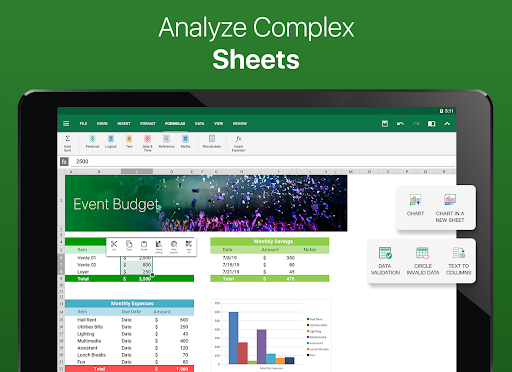


OfficeSuite Pro + PDF is a comprehensive business application designed to handle all your document processing needs. This professional-grade office suite allows users to view, edit, and create Word, Excel, and PowerPoint documents with ease. The app stands out with its desktop-style interface that ensures a familiar experience for productivity-focused tasks.
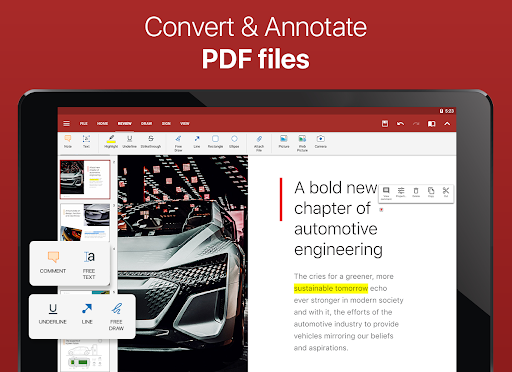
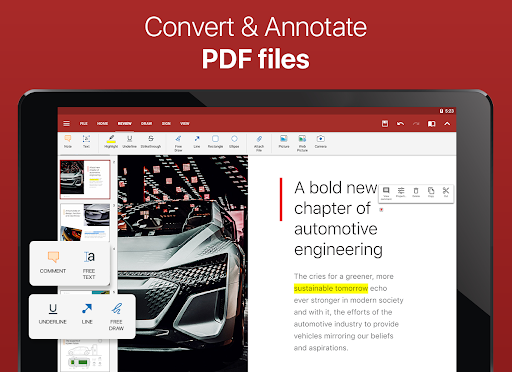
Apart from standard document formats, the app offers full compatibility with Microsoft Office formats and supports PDF functionalities including PDF camera scanning and fillable forms. With additional features like an integrated spell checker in over 40 languages, text-to-speech support, and advanced synchronization through File Commander, OfficeSuite Pro + PDF provides a robust platform for both individual and collaborative work environments.
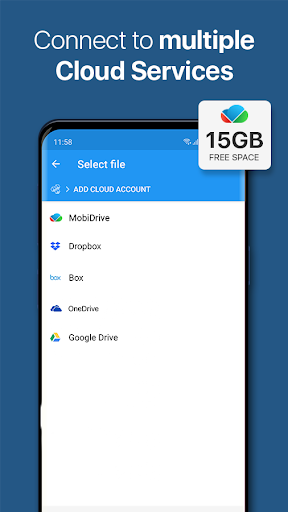
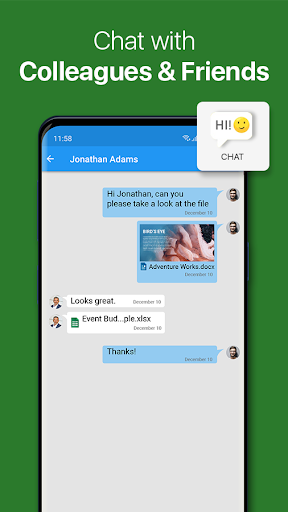
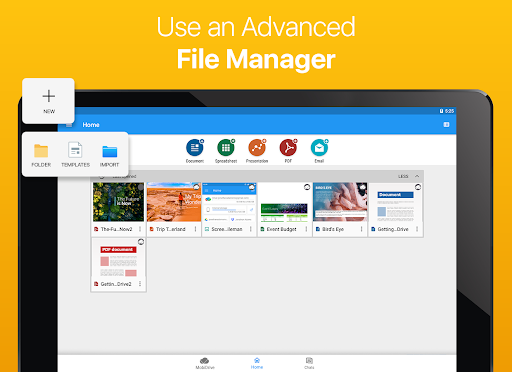
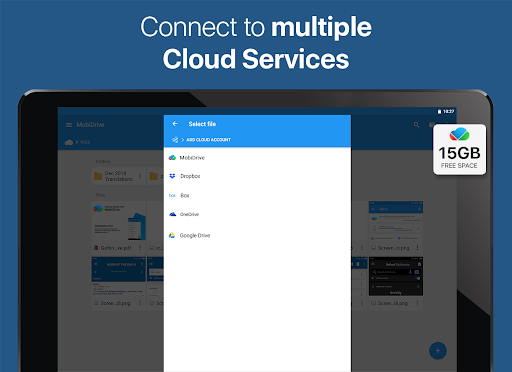
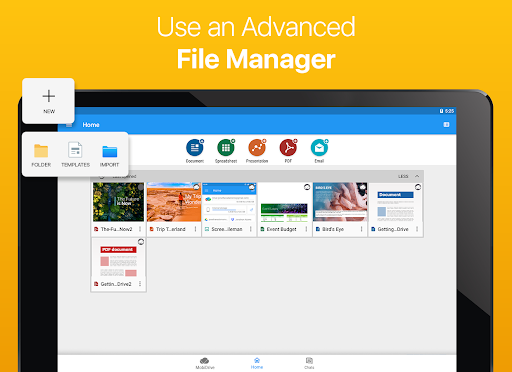
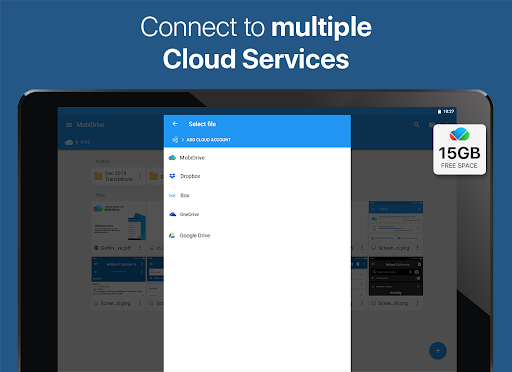
The app's value extends beyond just document management; it includes MobiSystems Drive for cloud storage, OfficeSuite Chats for collaboration, and supports external cloud services for versatile file sharing options. Its ability to manage files across local and remote locations makes it an indispensable tool for professionals who require efficient document handling on the go.
OfficeSuite Pro + PDF boasts an impressive array of features tailored for business professionals. One of its key strengths is the complete compatibility with a wide range of document formats, including DOC, XLS, PPT, and PDFs, ensuring that users can work seamlessly across different platforms without losing formatting integrity.
Innovative tools such as the Format Painter for Word documents, track changes with multiple author support, and interactive form support for PDFs enhance the collaborative experience. The app also facilitates multitasking with split-screen mode and quick access notification drawer, which are particularly useful for users looking to boost their productivity on Android devices.
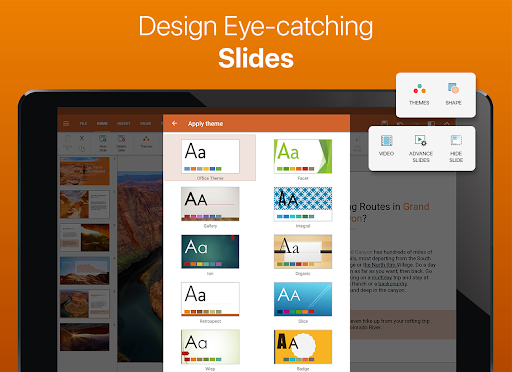
Security is another cornerstone of OfficeSuite Pro + PDF, offering features like password protection for files, digital signatures, and permissions management. These capabilities ensure that sensitive information remains secure while allowing flexibility in document sharing and management. Additionally, the inclusion of beautiful themes and enhanced mouse support for Chromebooks underlines the app's commitment to providing a superior user experience across all devices.
Full format compatibility
Advanced security features
Cloud integration
Collaboration tools
User-friendly interface
Some features locked behind paywall
Occasional sync issues
Heavy on system resources
Limited free version functionality
Interface can feel cluttered
AI-powered document scanner with auto enhance for perfect PDFs.
 4.60
4.60
Completed Course Lectures on how to use IBM Maximo in Maintenance issues
4.3
FaxCover - Create fax cover pages. Works with any app or fax machine.
4.90
BuildCalc - the easiest AND the most advanced construction calculator app.
4.80
TurboScan turns your phone into a full-featured PDF document scanner.
4.80
The MyWalmart App is available for all associates in stores.
4.70
Simple, Fast & Lightweight
3.90
Access to Paylocity, empowering employees with information they need 24/7.
4.70
Job search app that finds jobs for you! Takes the work out of looking for a job!
4.90
Earn free swag, G-Cards & food • Enter sweepstakes • Find stores • So much more.
4.70
Manage Your Shop
4.70
Use Generative Summary to understand your rental or insurance docs in seconds.
4.70
Find jobs and make money fast with JobStack.
4.60
Ask Accio anything about business. Alibaba-backed, built by experts, not just AI
4.60
Finance, Investing, Stocks, Trading and Stock news
4.60
Ship, Track, Find a Location or Get a Quote with UPS. Anytime. Anywhere.
4.60
Make money as a delivery driver with DoorDash and work when you want as a Dasher
4.30
Quickly open and manage PDF files on your device.
3.80
Take the stress out of storage with the all-in-one app to manage your space.
3.70


User Reveiws