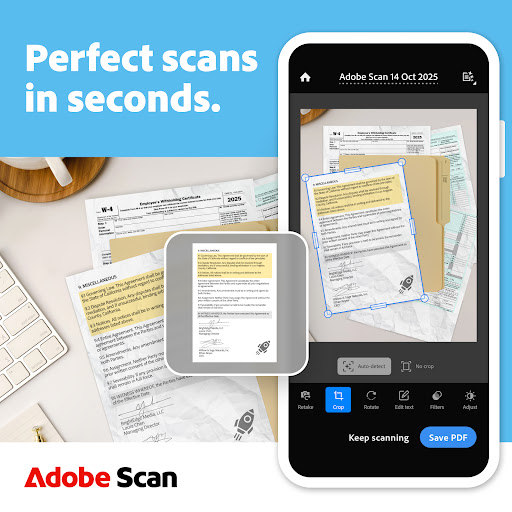
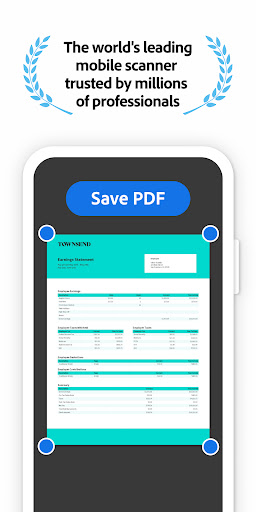
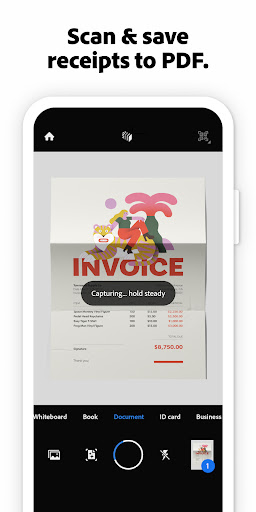
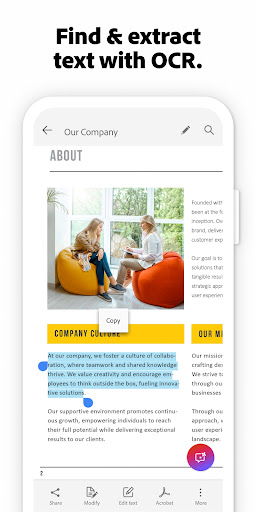

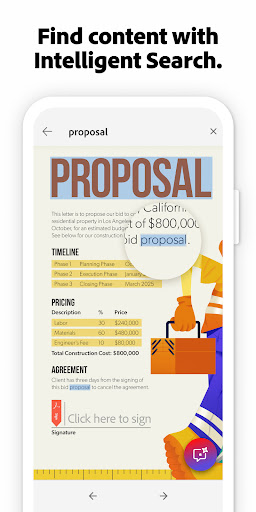

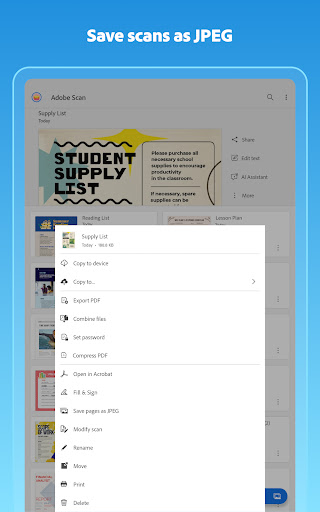

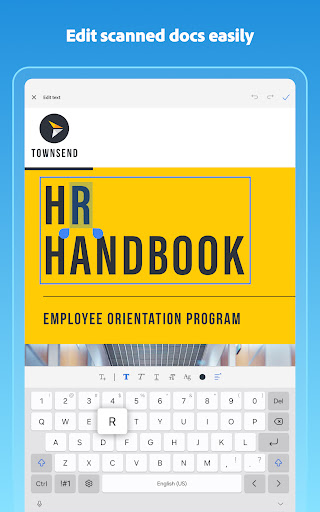
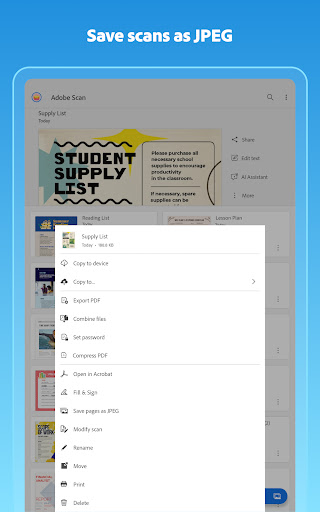

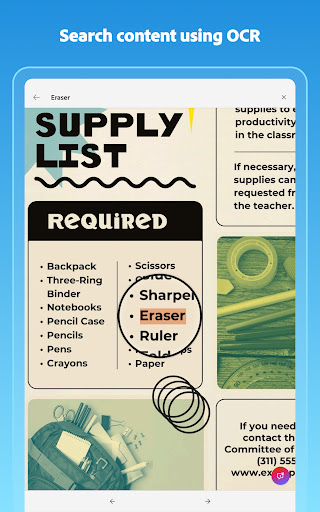
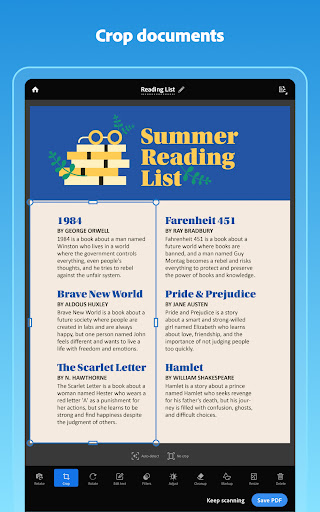
Adobe Scan AI PDF Scanner is a powerful business tool that transforms your mobile device into a versatile document scanner. The app excels in converting paper documents, images, and various physical materials into high-quality, editable PDFs or JPEGs. Its advanced OCR technology not only detects text but also makes it searchable, enabling users to efficiently manage digital files.
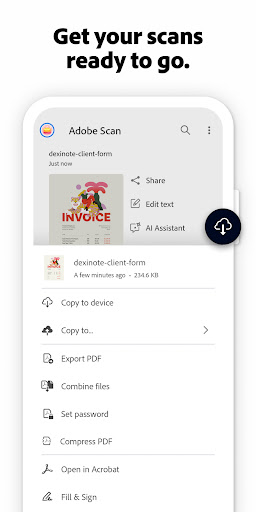
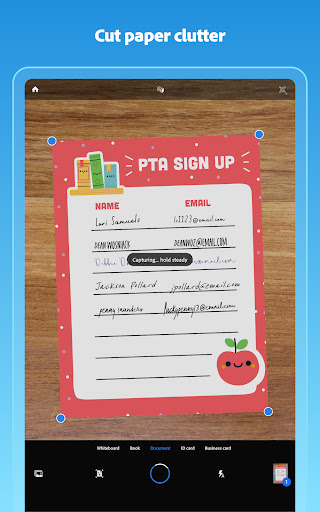
The application offers precise scanning capabilities with features like automatic border detection, image enhancement, and tilt correction. Users can effortlessly organize their scanned documents into custom folders, while the AI-powered summary tool extracts key points from scans. With seamless integration into Adobe Document Cloud, this app ensures instant access and easy sharing of important business documents.
Ideal for professionals on the go, Adobe Scan streamlines document management by combining scanning, OCR, cloud storage, and file conversion in one solution. Whether you need to digitize receipts, contracts, or meeting notes, this app provides a complete business document solution that enhances productivity and organization.
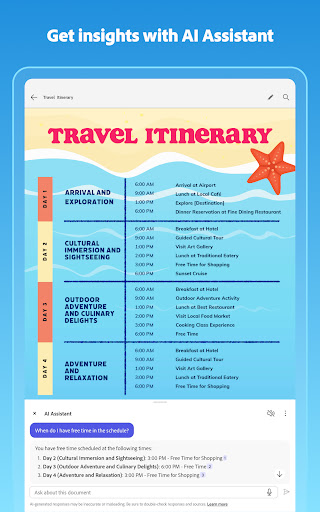
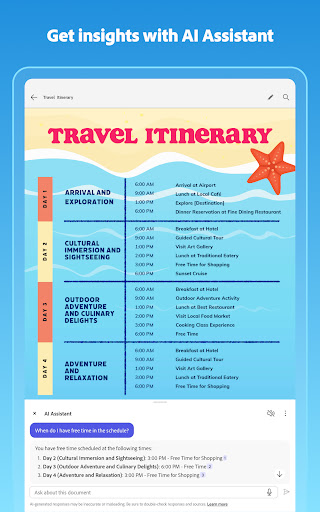
Adobe Scan AI PDF Scanner stands out with its comprehensive feature set tailored for business users. The app's High-speed scan functionality allows bulk processing of documents, turning multiple pages into organized PDFs within seconds. Its AI Assistant goes beyond basic scanning by extracting key information and even helping draft follow-up emails or reports.
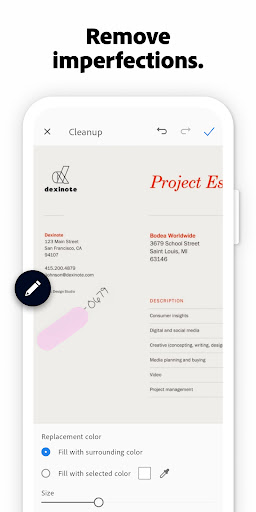
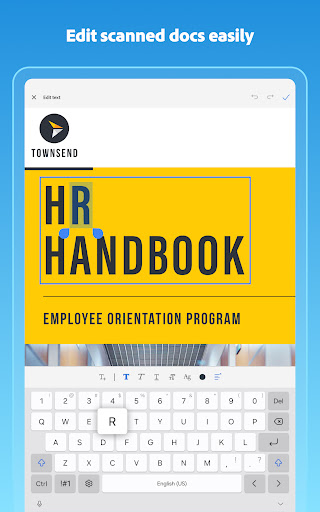
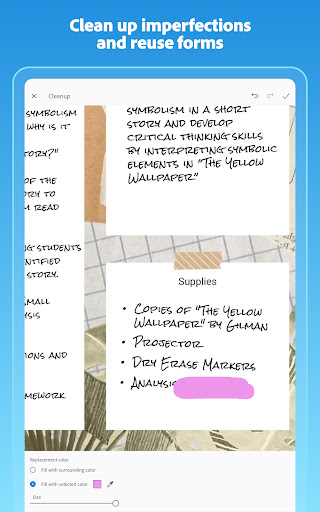
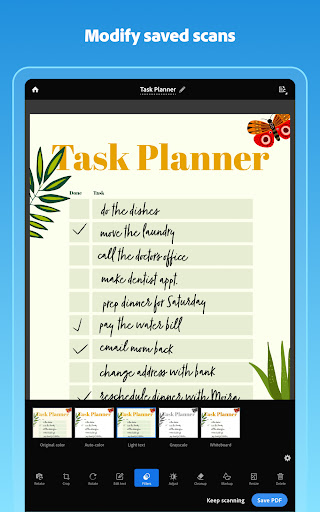
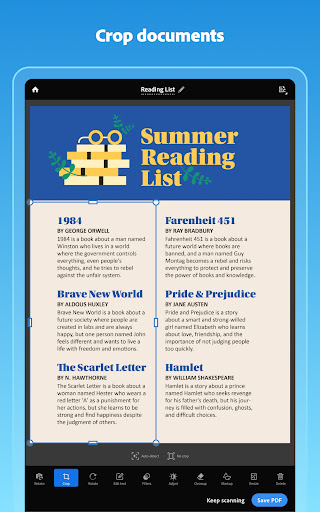
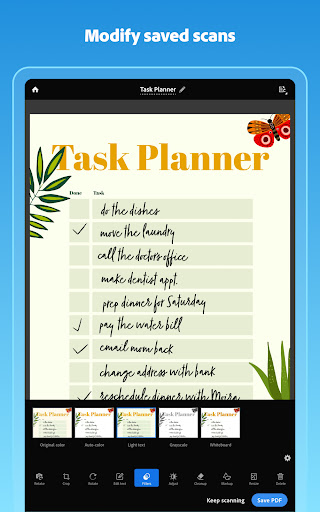
The application's OCR capabilities are particularly robust, supporting both printed and handwritten text recognition. Users can edit detected text directly, adjust scan quality through brightness/contrast controls, and remove imperfections using the Cleanup tool. The Modify tool provides precise control over cropping, rotation, and color adjustments, ensuring professional-looking results every time.
Advanced organizational features include automatic document categorization, business card scanning with contact extraction, and smart library management. The app's integration with Acrobat Reader enables annotation, form filling, and e-signature capabilities. For power users, premium subscription options offer enhanced OCR capacity and document combination features, making it an indispensable tool for modern business operations.
Advanced OCR technology
AI-powered document analysis
Seamless cloud integration
Comprehensive editing tools
Cross-platform functionality
Premium features locked
Subscription costs
Complex interface
Limited free OCR pages
Occasional lag
Quickly open and manage PDF files on your device.
 3.80
3.80
FaxCover - Create fax cover pages. Works with any app or fax machine.
4.90
BuildCalc - the easiest AND the most advanced construction calculator app.
4.80
Get your benefits on-the-go.
3.80
One marketplace. Hundreds of services. Unlimited possibilities. All on Fiverr.
4.40
Build a store in minutes with our full suite of AI tools. Start for free!
4.20
view, manage, and share every PDF file you have
3.60
Access to Paylocity, empowering employees with information they need 24/7.
4.70
Make invoices, bills, receipts & estimates on the go with Invoice Generator.
4.70
Earn free swag, G-Cards & food • Enter sweepstakes • Find stores • So much more.
4.70
Get instant construction estimates: accurate home repair & material calculator.
4.70
Find jobs and make money fast with JobStack.
4.60
Earn money with the driver & delivery partner app for Uber, UberEats & Postmates
4.60
Chat, meet, and collaborate to achieve more together, all in one place on Teams
4.60
Master crypto trading with real-time simulations and exciting challenges!
4.50
Say hello to the mobile work experience built to help you thrive at work.
4.30
All document reader, pdf viewer app, read docs & excel files
3.80
viewing and sharing of PDFs
3.60
Roadie connects people with stuff to send with drivers already going that way.
3.50


User Reveiws