
VSD Viewer for Visio Drawings

4.10

Information

Category:

Business

Price:

$ 9.99

Rank:

7

Rating:

4.10

Overview

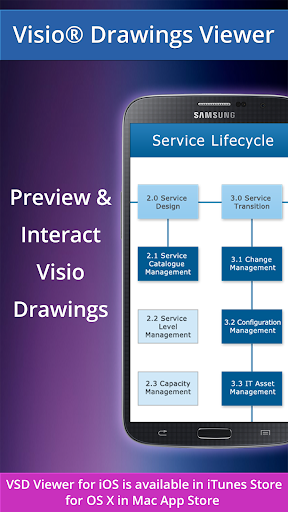
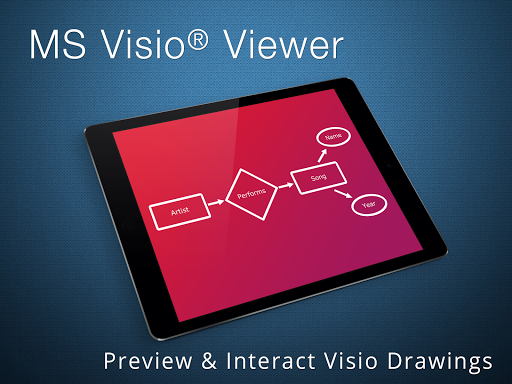
VSD Viewer for Visio Drawings is a professional-grade Android application designed specifically for viewing MS Visio drawings. This app supports multiple file formats including VSD, VDX, and VSDX, making it versatile for users who work with different versions of Visio files. Whether you're dealing with simple diagrams or complex multilayered drawings, VSD Viewer ensures accurate rendering and smooth navigation.

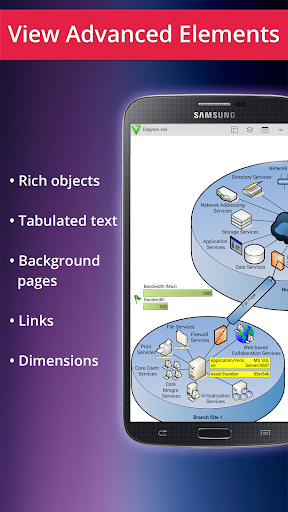
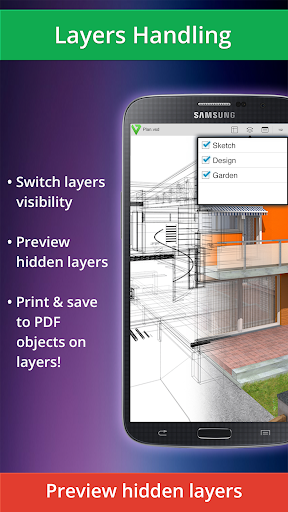
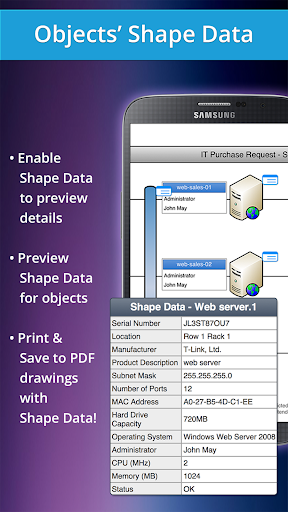
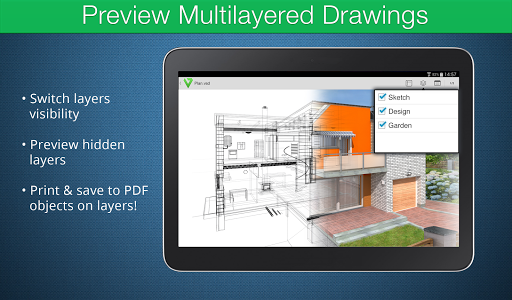
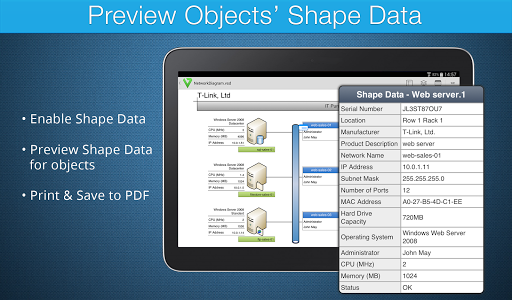
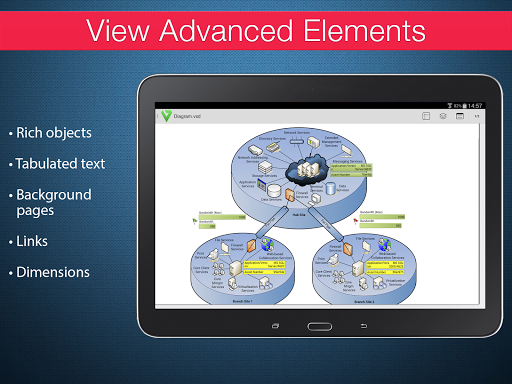
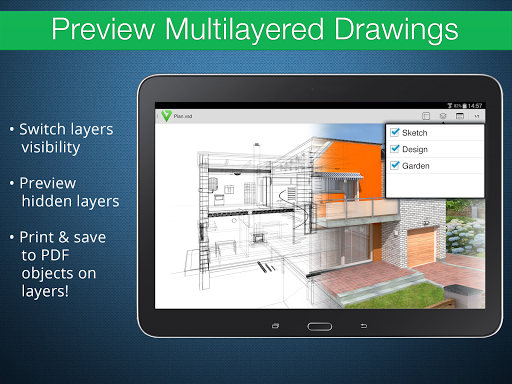
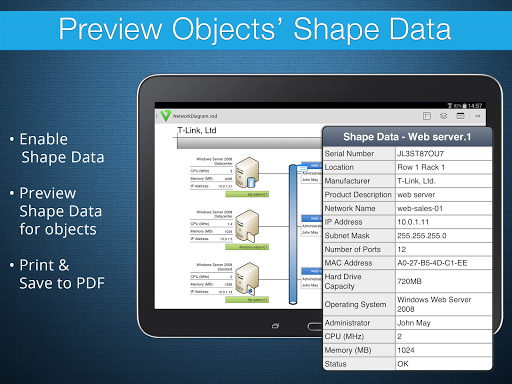
The app offers both basic and advanced viewing options. Basic features include multi-page document navigation, zoom functionality, and the ability to copy drawing texts. Advanced options allow users to preview hidden layers, switch layer visibility, and view object shape data. These capabilities make it an essential tool for professionals who need to review detailed technical diagrams on the go.

Features

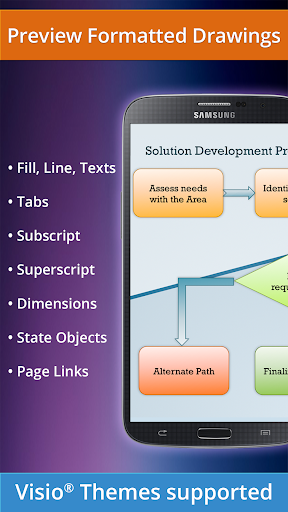
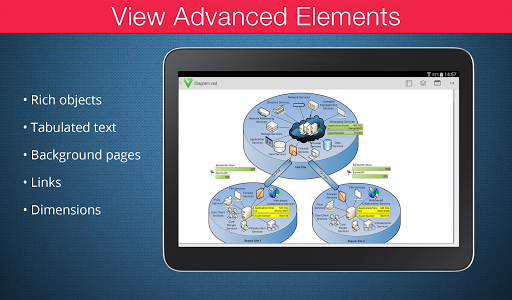
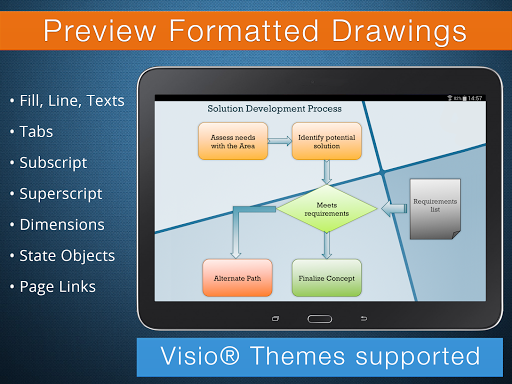
VSD Viewer stands out with its comprehensive feature set tailored for MS Visio users. The app supports all major Visio drawing formats from 2000 to 2013, including the latest VSDX format. Users can seamlessly scroll through multipage documents, zoom in on intricate details, and navigate complex diagrams with ease. The app maintains the integrity of original formatting, displaying lines, colors, gradients, and text formatting accurately.

Advanced functionalities cater to power users who work with sophisticated drawings. The layer management system allows users to toggle visibility of different layers, while the shape data preview provides additional technical information about diagram objects. Although processing large documents may take some time and metafile rendering requires internet connection, these minor limitations are outweighed by the app's robust performance and reliability in professional environments.

Collaborative work features

Collaborative work features are essential for any business application as they enable teams to work together efficiently regardless of their physical locations. VSD Viewer for Visio Drawings offers several functionalities that support collaborative efforts. The app allows users to open and preview any MS Visio 2000-2013 VSD drawing, including the newer VSDX formats, ensuring compatibility across different versions used by team members. With the ability to scroll, zoom, and navigate multipage documents, users can easily review detailed diagrams without losing sight of the bigger picture. Additionally, the feature to copy drawings' texts facilitates information sharing and documentation. Advanced options such as previewing hidden layers and switching layer visibility allow teams to manage complex multilayered drawings effectively. This ensures that all stakeholders have a clear understanding of the project components and can provide informed feedback. Moreover, the capability to view objects placed outside page boundaries and original dimension units supports precise design discussions. While the app currently requires an internet connection for rendering built-in metafiles, this enables accurate previews of technical diagrams with complex formatted objects like lines, fill, color gradients, and text formatting. These collaborative features collectively enhance productivity by streamlining communication and ensuring that all team members are on the same page when reviewing and discussing Visio drawings.

Task management

Task management is a critical aspect of business applications, helping users organize their workflows and prioritize actions effectively. VSD Viewer for Visio Drawings incorporates task management features that assist users in handling their drawing-related tasks efficiently. Upon opening a Visio drawing, users can utilize the basic options provided by the app to manage their tasks better. For instance, the ability to open and preview any MS Visio 2000-2013 VSD drawing or files in VDX/VSDX format allows users to quickly access necessary documents without being hindered by version discrepancies. The viewer's support for scrolling, zooming, and navigating multipage documents enables users to focus on specific sections of large projects, thus breaking down complex tasks into manageable parts. Furthermore, the option to copy drawings' texts aids in creating concise summaries or extracting key information for reporting purposes. Advanced functionalities such as previewing hidden layers and toggling layer visibility empower users to concentrate on particular aspects of a drawing relevant to their current tasks. By viewing objects' shape data, users gain insights into the properties and requirements of individual elements within a diagram, facilitating more accurate task planning. Although processing huge documents may take time, the overall performance remains satisfactory for most use cases. In summary, VSD Viewer equips users with practical tools for managing tasks associated with Visio drawings, thereby enhancing workflow organization and boosting productivity in business environments.

Props

User-friendly interface

Wide format support

Accurate rendering

Advanced layer management

Technical data preview

Cons

Large files slow

Internet required

No editing tools

Premium features locked

Occasional bugs

Features and Functions

What is this app and what can I use it for?

A professional Visio viewer for Android devices

How do I download and install this app on my device?

Search VSD Viewer on Google Play Store and install via provided link

How do I get started after opening the app for the first time?

Open app and select Visio file to view from device storage

What are the main features and capabilities of this app?

Supports VSD VDX VSDX formats with advanced layer management

How can I customize my experience and adjust preferences?

Adjust settings through app preferences menu options

How do I save or bookmark my favorite content for later access?

Save files locally for future access in app library

How can I share content with friends or on social media?

Share Visio drawings via email or cloud services directly

How do I access detailed information and explore more content?

Tap specific elements to view detailed properties

What permissions does this app need and how do I manage them?

Requires storage and internet permissions for full functionality

How do I check for updates and keep the app running smoothly?

Check Google Play Store for updates regularly
Show more

User Reveiws

{{ comment.reviewer_name }}
{{ comment.review_date_formatted}}
{{ comment.review_content }}
{{ tab.name }}
{{ comment.reviewer_name }}
{{ comment.review_date_formatted}}
{{ comment.review_content }}
No reviews with this rating