
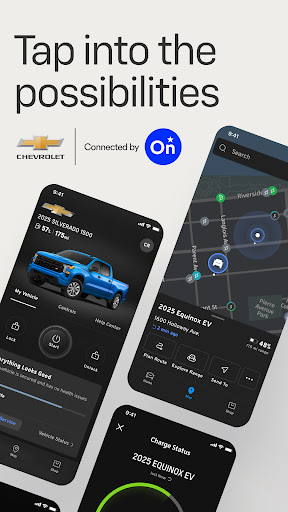
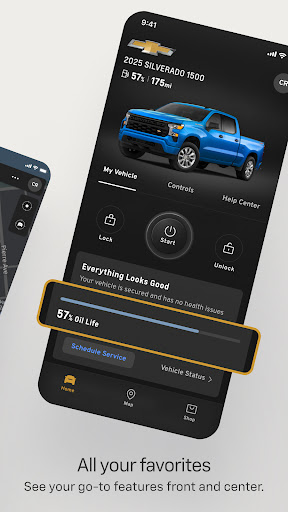
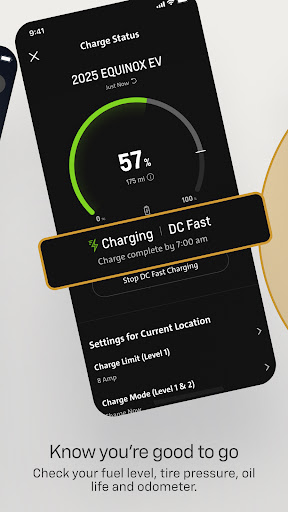
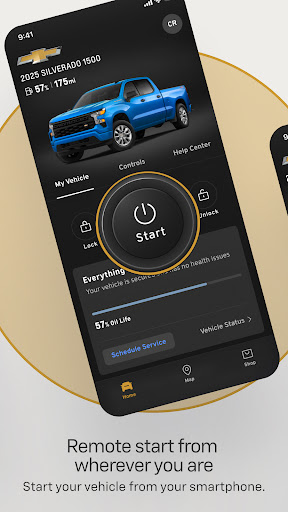
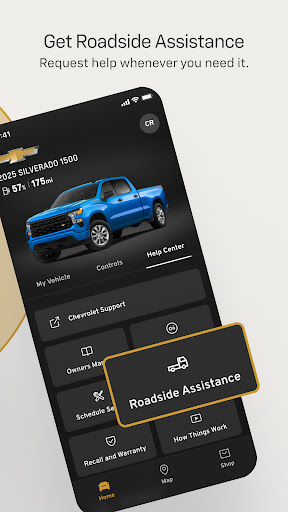
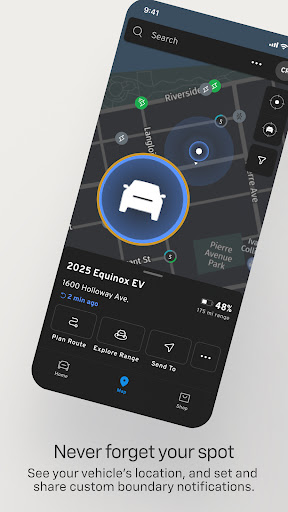
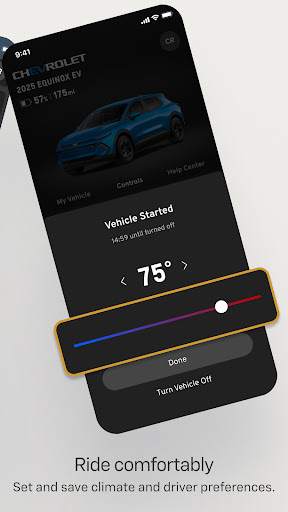

myChevrolet is a comprehensive vehicle management app that allows users to control and monitor their Chevrolet vehicles directly from their smartphones. The app provides essential features such as remote start, climate control settings, and vehicle location services. Users can also access important vehicle information like fuel level, tire pressure, oil life, and odometer readings. Additionally, the app offers convenient service scheduling and Roadside Assistance request options.
This app is ideal for Chevrolet owners who want to streamline their vehicle management process and enhance their ownership experience. By integrating with OnStar technology, myChevrolet ensures reliable connectivity and functionality across various devices. Whether you need to preheat your car on a cold morning or quickly locate it in a crowded parking lot, myChevrolet delivers a seamless and user-friendly solution.
The myChevrolet app boasts an array of advanced features designed to make vehicle management effortless. One standout feature is the remote start capability, which allows users to start their vehicle and set the desired cabin temperature directly from their phone. This function is particularly useful in extreme weather conditions, ensuring comfort before you even enter the vehicle.
Another key feature is the vehicle locator, which uses GPS technology to help users find their parked car and provides walking directions to its location. The app also includes maintenance tracking tools that display real-time data on fuel levels, tire pressure, oil life, and odometer readings. These insights help users stay informed about their vehicle's health and performance. Furthermore, the app simplifies service appointments by enabling users to schedule them directly through the interface.
For added peace of mind, myChevrolet offers easy access to Roadside Assistance at the touch of a button. This feature ensures prompt support in case of emergencies or breakdowns. Overall, these functionalities combine to create a robust platform that enhances convenience and safety for Chevrolet drivers.
User-friendly interface
Comprehensive vehicle controls
Real-time maintenance alerts
Convenient service scheduling
Reliable OnStar integration
Limited to select devices
Requires data connection
Varied feature availability
Country-specific limitations
Potential subscription costs
Get roadside help, discounts, travel tools & more — AAA is with you everywhere.
 4.80
4.80
Take Hobby Lobby with you wherever you go!
3.40
Get your life organized with My Agenda!
4.30
Cute animated Thanksgiving watchface for your WearOS smartwatch
4.3
Crochet made easy: step-by-step tutorials, beginner patterns & projects
4.60
My Diary - Daily Journal with lock: Diary journal app and secret diary with lock
4.80
Creativity and savings for kids, beginners and experts in arts and crafts
3.50
Digital smart watch face made for Wear OS.
4.70
The Miracle Box includes methods used by Steve Huff of Huff Paranormal.
3.20
Pay your rent, submit work orders and much more with the RentCafe Resident App.
4.70
A smart Siddur with halachic times
4.60
Retro animated weather with hourly forecast Watch Face for Wear OS
4.60
This app is intended to support professional EMDR therapy.
4.50
Chat, meet genuine singles in your area. Real connections start with being real.
4.30
Discounts, savings, and rewards
4.20
Connect to your Shark ROBOT™ from anywhere using the SharkClean™ App.
3.60
Easily manage your child's playtime, spending messaging and more.
3.50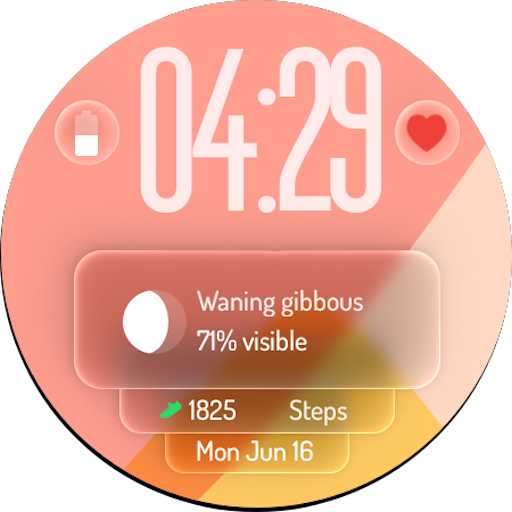
A watch face with transparency and fluid visuals inspired by liquid glass design
4.1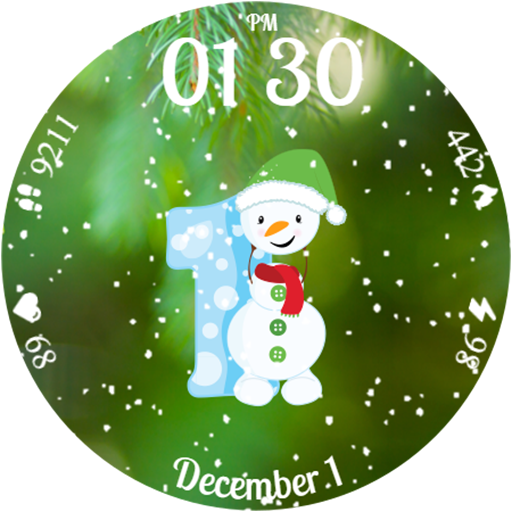
Celebrate the holidays with Advent Calendar: daily surprises and festive fun!
4.0


User Reveiws