NDI Camera

3.20

Information

Category:

Communication

Price:

$ 19.99

Rank:

11

Rating:

3.20

Overview

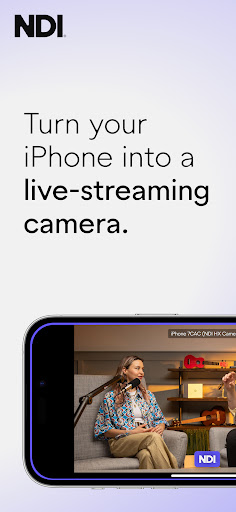
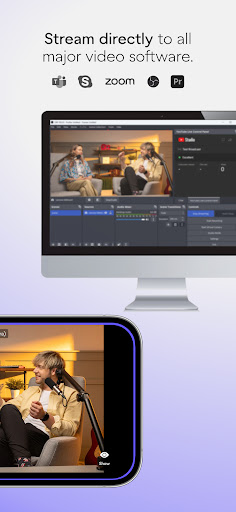
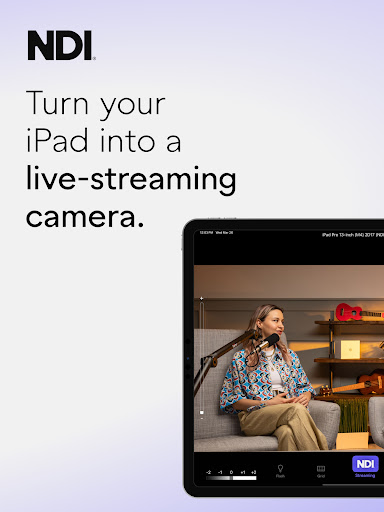
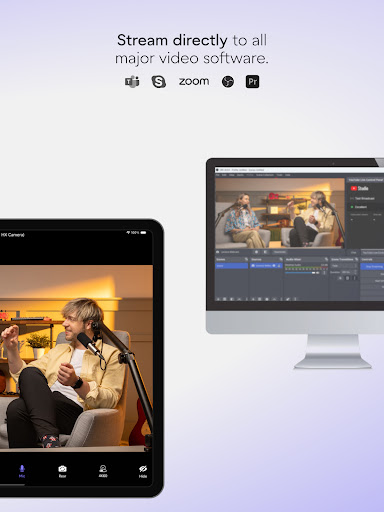
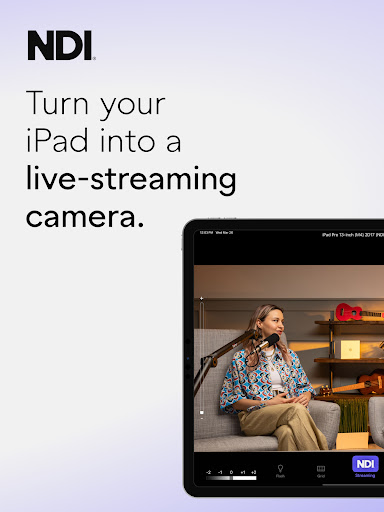
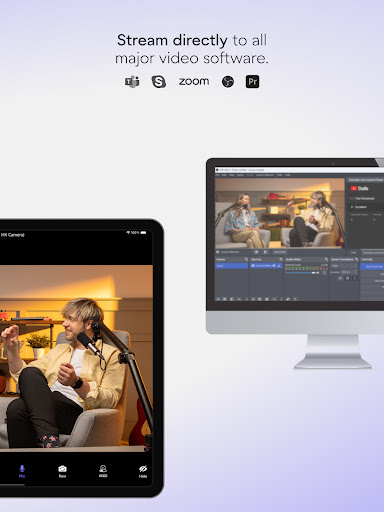
NDI Camera is a professional live-streaming application that transforms your mobile device into a high-quality NDI camera. With its intuitive interface and powerful features, the app allows users to stream low-latency video and audio directly to popular platforms such as MS Teams, Skype, and Zoom.

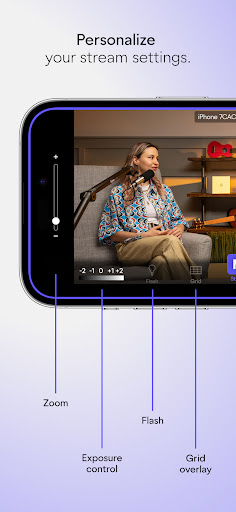
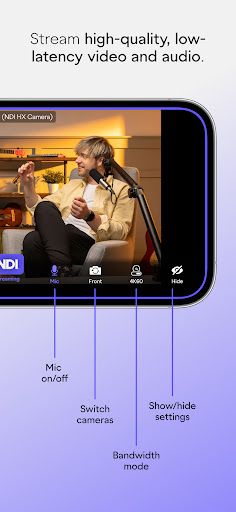
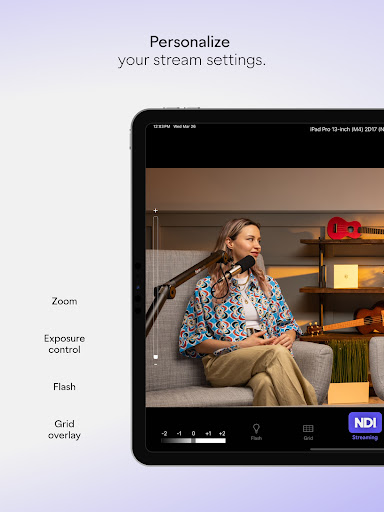
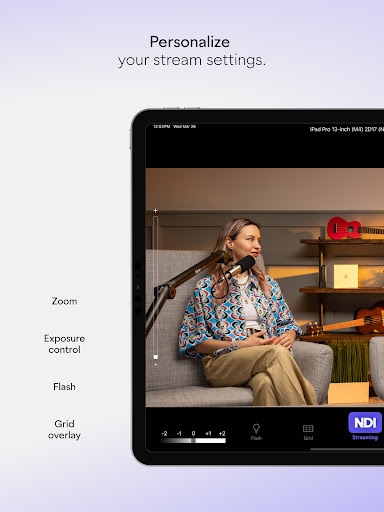
The app offers professional settings including adjustable bandwidth modes, grid overlays, autofocus, pinchable zoom, and front/rear camera selection. Whether you're conducting live broadcasts, webcasts, or presentations, NDI Camera provides the flexibility to introduce new camera angles and perspectives, enhancing the quality of your production.

Features

NDI Camera stands out with its rich feature set tailored for both amateur and professional use. The app's modernized UI ensures an intuitive user experience while the fixed viewfinder displays the full video height for better framing.

One of the key highlights is the Tally light with multiple modes, providing clear on-air status indication. The app also includes professional tools like an on-screen connection meter, tally display, and customizable settings such as optional grid overlay and pinchable zoom. These features make it an ideal choice for integrating mobile devices into any live production system.

Real-time messaging speed & reliability

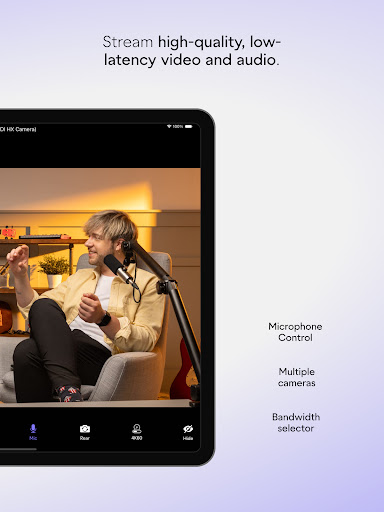
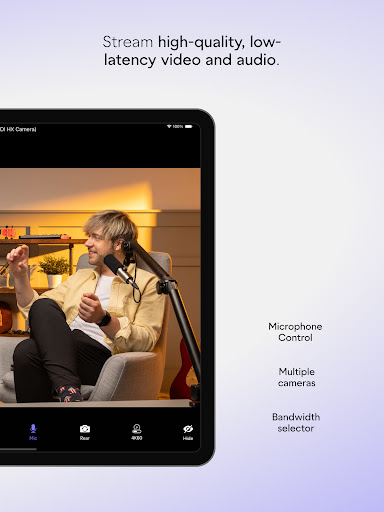
Real-time messaging speed and reliability refer to the application's ability to deliver messages instantly and consistently without delays or failures which is crucial in communication apps like NDI Camera. In the context of NDI Camera this feature ensures that video and audio streams are transmitted with minimal latency providing a seamless experience for users who rely on live-streaming. The app achieves this by utilizing NDI 4 or newer technology which is designed for high-quality low-latency video transmission. Users can select between different bandwidth modes such as high medium and low to match their network capabilities ensuring reliable streaming even under varying network conditions. Additionally features like on-screen connection meter and tally display for preview and on-air status provide real-time feedback about the streaming quality and status enhancing the overall reliability. This level of performance is particularly beneficial for professionals who integrate mobile phones as sources into live production systems allowing them to deliver content to platforms like MS Teams Skype and Zoom effortlessly. By offering stable and fast communication channels NDI Camera empowers users to focus on their presentations or broadcasts without worrying about technical disruptions thus improving productivity and viewer engagement.

Media sharing support

Media sharing support in applications like NDI Camera involves the ability to transmit various types of media files including video and audio across different platforms and devices efficiently. For NDI Camera this functionality transforms a smartphone into a professional live-streaming camera capable of sending high-quality video and audio streams to popular platforms such as MS Teams Skype Zoom and more. The app provides several features that enhance media sharing support including front and rear camera selection pinchable zoom autofocus and optional grid overlay which collectively ensure that users can capture and share media from diverse perspectives and with precision. Furthermore the inclusion of professional settings directly accessible from the smartphone interface allows users to adjust parameters like bandwidth mode to optimize the media sharing process according to their specific needs and network environment. With these capabilities NDI Camera not only facilitates the introduction of new camera angles and vantage points but also adds new dimensions to live broadcasts webcasts and presentations. As a result users can enjoy increased flexibility and creativity in their content delivery making their broadcasts more engaging and dynamic. The ease of use combined with powerful media sharing functionalities positions NDI Camera as an essential tool for anyone looking to leverage mobile technology for professional-grade live-streaming.

Props

User-friendly interface

High-quality streaming

Flexible camera options

Professional settings

Wide platform support

Cons

Requires NDI 4 support

Advanced features may overwhelm beginners

Limited free version functionality

Occasional connection issues

Higher bandwidth requirements for best quality

Features and Functions

What is this app and what can I use it for?

NDI Camera turns your phone into a professional live-streaming tool for platforms like MS Teams and Zoom

How do I download and install this app on my device?

Download NDI Camera from Google Play Store and install it by following the on-screen instructions

How do I get started after opening the app for the first time?

Upon first opening, grant necessary permissions and follow the setup wizard to configure basic settings

What are the main features and capabilities of this app?

Key features include adjustable bandwidth modes, grid overlays, autofocus, and multiple camera options

How can I customize my experience and adjust preferences?

Customize your experience through the settings menu where you can adjust preferences like bandwidth mode

How do I save or bookmark my favorite content for later access?

Save favorite content by using the bookmark feature available within the app's interface

How can I share content with friends or on social media?

Share content easily via integrated social media buttons or direct sharing links

How do I access detailed information and explore more content?

Access detailed information through the help section or explore more content in the app's library

What permissions does this app need and how do I manage them?

The app requires camera and microphone permissions which can be managed in your device settings

How do I check for updates and keep the app running smoothly?

Check for updates in the app store or through the app's settings menu to ensure smooth performance
Show more

User Reveiws

{{ comment.reviewer_name }}
{{ comment.review_date_formatted}}
{{ comment.review_content }}
{{ tab.name }}
{{ comment.reviewer_name }}
{{ comment.review_date_formatted}}
{{ comment.review_content }}
No reviews with this rating