Remote Control for TV

4.60

Information

Category:

Tools

Price:

Free

Rank:

23

Rating:

4.60

Overview

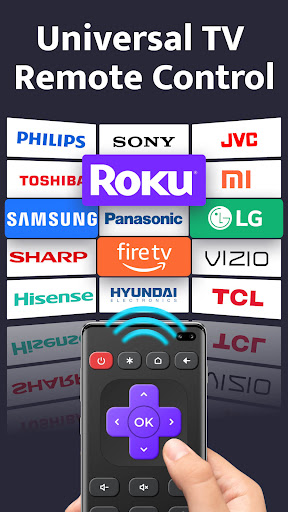
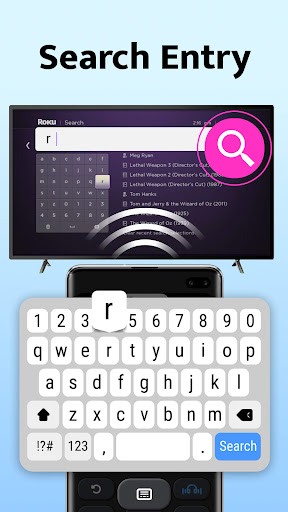
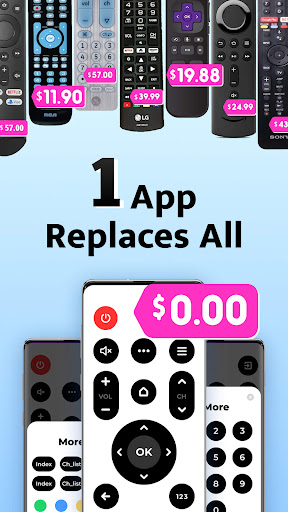
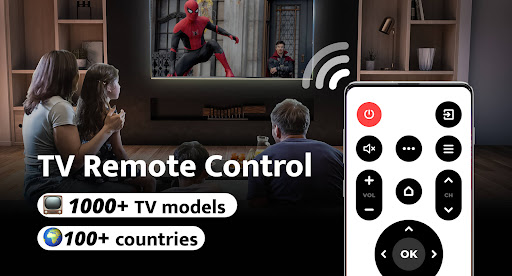
Remote Control for TV is a universal remote control application designed to replace traditional TV remotes. It supports over 1000 TV models across more than 100 countries, offering users an all-in-one solution that is both free and easy to use. The app addresses common frustrations such as lost remotes, fast-draining batteries, and unresponsive controls by turning the user's phone into a reliable universal remote.

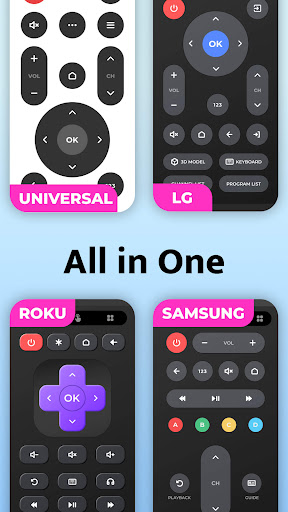
The app provides essential functions like power control, volume adjustment, mute, channel switching, and navigation. Its intuitive interface allows for simple setup and one-click connectivity with major TV brands including Samsung, LG, and Sony. Whether you're at home or hosting guests, this tool ensures seamless interaction with your television, enhancing convenience and entertainment experiences.

Features

Remote Control for TV stands out with its comprehensive feature set tailored for modern living. The app includes power control, volume management, mute functionality, channel digit buttons, menu access, and directional navigation. These features are presented through a user-friendly interface that simplifies interaction with your television.

One of the key innovations is its compatibility with a wide range of TV brands without needing additional hardware beyond the phone's built-in IR blaster. This makes it an ideal replacement for brand-specific remotes from companies like Roku, Samsung, and Panasonic. With straightforward setup and reliable performance, the app transforms any smartphone into a versatile remote control hub, streamlining home entertainment systems.

Core function accuracy & effectiveness

The Core function accuracy and effectiveness of the Remote Control for TV app is crucial to its role as a universal remote control solution. This application supports over 1000 TV models across more than 100 countries, providing users with an all-encompassing tool that replaces traditional remotes. The app's core functions include power control, volume adjustment, mute functionality, channel digit buttons, menu access, channel navigation, directional controls, and AV/TV switching. These features are designed to ensure seamless interaction between the user and their television set. By selecting the TV brand within the app, users can effortlessly connect and control their devices without the need for multiple physical remotes. The effectiveness of this app lies in its ability to simplify the user experience by consolidating various remote functions into one accessible platform. Users benefit from having a reliable and always-available remote control on their smartphones, eliminating issues such as lost remotes, drained batteries, or unresponsive buttons. Additionally, the app offers quick setup and easy connectivity, making it suitable for individuals who seek convenience and efficiency in managing their entertainment systems. Overall, the Remote Control for TV app delivers precise and effective control options that enhance the overall user experience.

Interface simplicity & intuitiveness

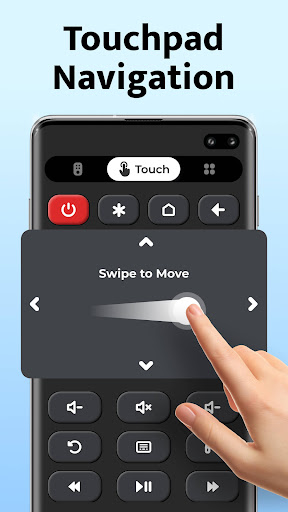
Interface simplicity and intuitiveness are vital components of the Remote Control for TV app, ensuring that users can easily navigate and utilize its features. As a universal TV remote control application supporting over 1000 TV models globally, the interface design plays a significant role in enhancing user engagement and satisfaction. The app boasts a straightforward setup process where users simply select their TV brand to establish a connection instantly. Its layout includes clearly labeled buttons for essential functions such as power, volume, mute, channel digits, menu access, and navigation controls. Each button is strategically placed to mimic traditional remote designs while optimizing touch interactions on smartphone screens. This thoughtful arrangement allows users to operate their TVs with minimal learning curve, even if they are not tech-savvy. Furthermore, the app's user-friendly interface contributes to its broad appeal among different demographics, including those who may struggle with complex technological devices. By offering intuitive controls like up/down/left/right navigation and AV/TV switching, the app ensures that users can efficiently manage their viewing experience without frustration. The simplicity of the design also extends to maintenance tasks; for instance, thereu2019s no need to worry about battery life or physical damage since the phone itself serves as the remote. In summary, the Remote Control for TV app excels in delivering an intuitive and simple interface that maximizes usability and convenience for all types of users.

Props

Wide device compatibility

Intuitive user interface

Free to download and use

Quick and easy setup process

Comprehensive remote features

Cons

Requires built-in IR blaster

Limited to supported devices

No voice command support

Occasional connectivity issues

Brand affiliation limitations

Features and Functions

What is this app and what can I use it for?

A universal TV remote app for 1000+ models

How do I download and install this app on my device?

Search 'Remote Control for TV' on Google Play and tap Install

How do I get started after opening the app for the first time?

Select your TV brand in the app and follow the prompts

What are the main features and capabilities of this app?

Power, volume, mute, channel, and menu controls included

How can I customize my experience and adjust preferences?

Adjust settings via the app's preferences menu

How do I save or bookmark my favorite content for later access?

Save favorite channels using the app's bookmark feature

How can I share content with friends or on social media?

Share app via social media or direct link sharing

How do I access detailed information and explore more content?

Access detailed info in the app's About section

What permissions does this app need and how do I manage them?

Needs IR blaster permission; manage in phone settings

How do I check for updates and keep the app running smoothly?

Enable auto-updates in Google Play Store settings
Show more

User Reveiws

{{ comment.reviewer_name }}
{{ comment.review_date_formatted}}
{{ comment.review_content }}
{{ tab.name }}
{{ comment.reviewer_name }}
{{ comment.review_date_formatted}}
{{ comment.review_content }}
No reviews with this rating

















