


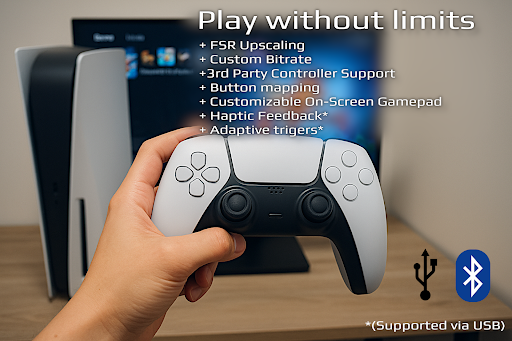
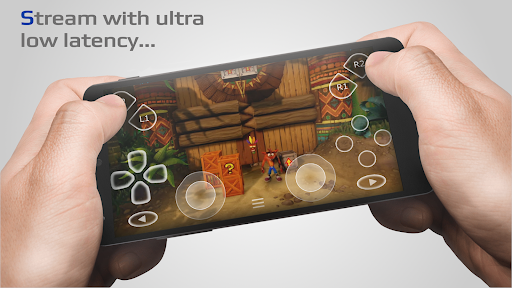
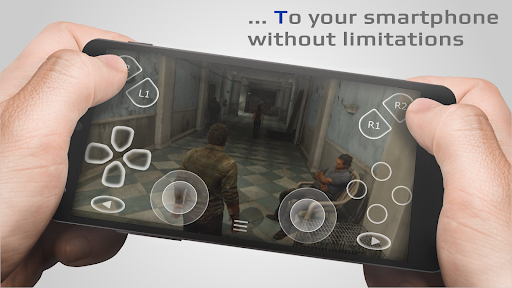



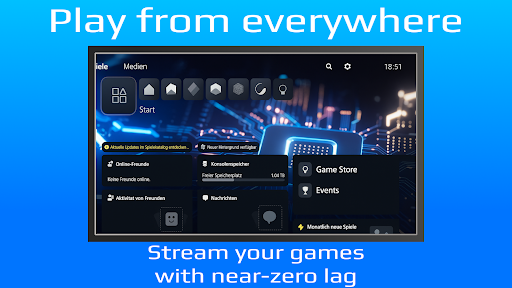
PXPlay is a powerful remote control application designed for gaming enthusiasts who want to access their gaming devices from anywhere. The app offers an optimized streaming experience with minimal latency, making it possible to play games remotely without performance issues. PXPlay supports third-party controllers and works seamlessly over mobile data connections, ensuring flexibility in how and where you use it.
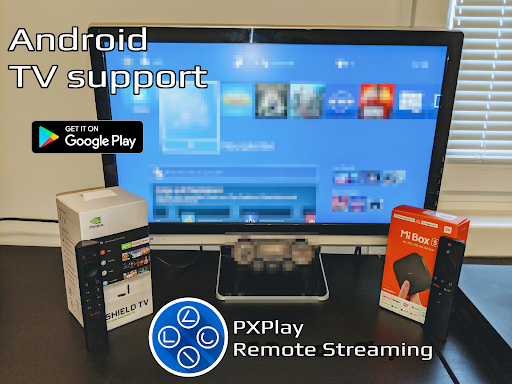
One of the standout features of PXPlay is its compatibility with Android TV devices and support for gamepad button mapping, allowing users to customize their gaming experience. Whether you're using a rooted device or need Picture-In-Picture mode, PXPlay has you covered. With support for older firmware versions starting from 5.05 and newer, this app ensures broad compatibility while delivering high-quality video upscaling through FSR technology.
The app's ability to function as a virtual controller adds another layer of versatility, enabling gamers to enjoy their favorite titles even without physical hardware nearby. PXPlay also allows screen recording (with third-party apps) and provides multi-window functionality on supported devices. For those seeking uninterrupted gameplay sessions, PXPlay proves invaluable by offering reliable connectivity options like 5GHz WiFi support and wired internet connections for minimal delays.
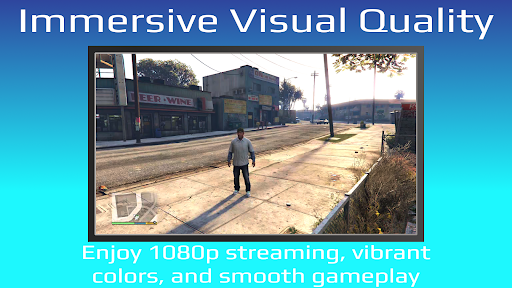
PXPlay stands out due to its comprehensive feature set tailored specifically for gamers. One key aspect is its advanced video quality enhancement tools, including FSR upscaling and sharpening, which ensure that streamed content looks crisp and clear. This makes long gaming sessions more enjoyable, as visual fidelity remains uncompromised regardless of network conditions.
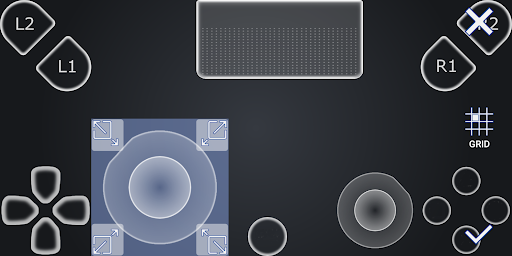
Another notable feature is the extensive customization available within PXPlay. Users can create multiple profiles, each with unique settings such as customized on-screen gamepad layouts and button mappings. This level of personalization ensures that every user can tailor the interface to suit their preferences, enhancing overall usability. Additionally, PXPlay's support for third-party controllers across all Android devices expands its accessibility, catering to a wider audience.
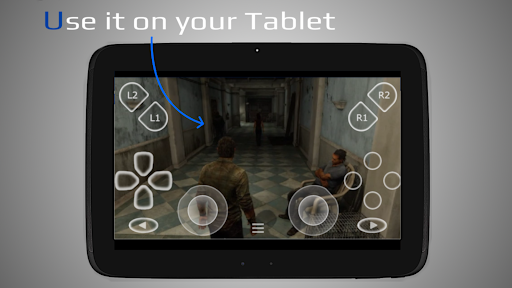
PXPlay also excels in providing practical solutions for modern gaming needs. Its Picture-In-Picture mode and multi-window support make multitasking easier than ever before, allowing users to manage other tasks while gaming. Furthermore, the app's capability to function as a virtual controller opens up new possibilities for gamers who may not always have access to traditional hardware. These innovative features collectively contribute to PXPlay's reputation as a versatile and indispensable tool for remote gaming.
User-friendly interface
Low latency streaming
Wide device compatibility
Customizable controls
Supports mobile data
Requires stable internet
Limited free features
Occasional bugs
No iOS version
Complex setup

FV File Manager Pro, Fast and powerful file manager for Android
 4.60
4.60
Use your phone as a webcam on your computer over WiFi or USB.
4.40
App that Recover your pictures, videos or files after you delete them.
4.20
Quickly & easily calculate the spacing of handrail balusters
4.20
Signal Strength, Mobile, Wifi, Speed Test, Bad Signals, Cellular, 5G, LTE, 4G
4.20
Fast Video Downloader, Movie Downloader, Torrent Downloader & Adblock Browser
4.70
Game Booster, GFX Tool is now compatible with newer game update
4.50
Button mapper, mouse toggle, sleep timer and a lot of another features
4.50
A clean app.
4.50
Enjoy smooth gameplay with Game Booster
4.90
Bedrock Together: Join any bedrock server on Xbox/PS
4.80
NFC Tools can read and write NFC tags.
4.70
Connect instantly to a fast, encrypted VPN with one tap
4.60
Play your X-Box games remotely in 1080p with any controller and zero latency
4.60
With videos, electrical calculators, and built-in ebook, Ugly’s has your answer.
4.50
Forza Tuning Calculator App for Forza Horizon 5, Motorsport and Earlier Titles
4.40
Amateur Radio app for APRS: Track friends, exchange messages, get tactical info.
3.90
Create your own custom widget with endless possibilities
3.90
Save any video in HD - paste the link, download fast and watch offline.
4.0


User Reveiws