
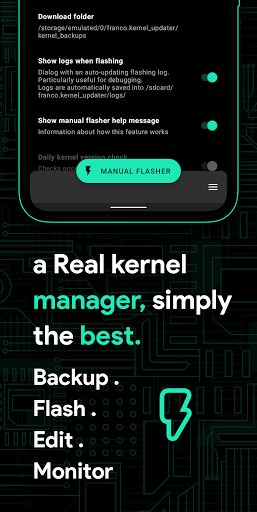

Franco Kernel Manager is a comprehensive toolbox designed for rooted Android devices, offering an extensive range of features to optimize and manage your device's kernel. This app caters to both novice users and experts alike, providing tools for performance enhancement, battery optimization, and system customization.
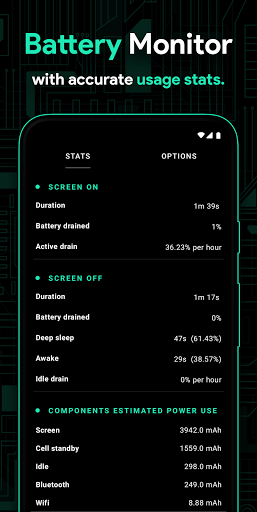
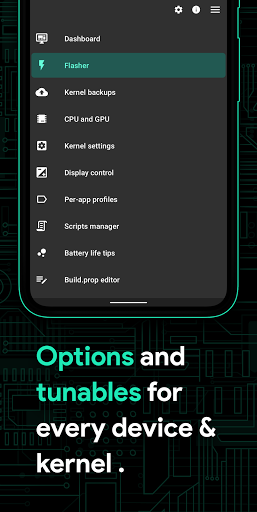
With Franco Kernel Manager, you can easily flash mods without the need for custom recovery, monitor detailed battery statistics, and adjust various system settings such as CPU frequencies, GPU settings, and display controls. The app also supports per-app profiles, allowing tailored configurations for different applications, ensuring optimal performance based on usage scenarios.
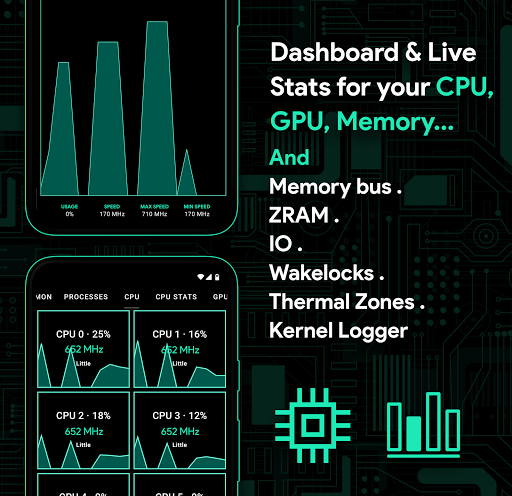
This powerful tool empowers users to supercharge their devices by offering advanced functionalities like build.prop editing, automatic night shift, and system health monitoring with real-time metrics. Whether you're looking to boost performance or extend battery life, Franco Kernel Manager provides the necessary tools in an intuitive interface.
Franco Kernel Manager stands out with its rich feature set tailored for comprehensive device management. One of its key strengths is the ability to flash kernels, Magisk modules, and other zips directly without needing a custom recovery, streamlining the modification process significantly.
The app offers detailed battery monitoring with notifications that provide insights into power consumption patterns, charging time estimates, and more. Users can benefit from powerful battery-saving tips at the touch of a button and explore detailed stats about each component's energy usage.
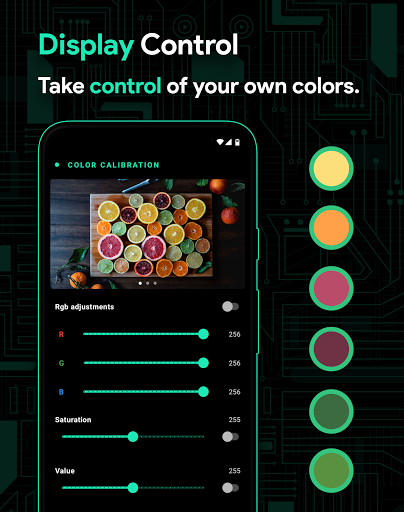
Additionally, it includes advanced customization options such as display color temperature presets, support for various GPUs, high brightness mode for supported devices, and per-app profiles. These features collectively enable users to fine-tune their device’s performance according to specific needs while maintaining ease of use through an accessible interface.
Comprehensive feature set
User-friendly interface
Advanced customization options
Efficient battery monitoring
Per-app profile management
Requires root access
Complex for beginners
Limited official support
No iOS compatibility
Potential stability issues

 4.50
4.50
Change your GPS location instantly. Simulate routes anywhere in the world.
4.90
pdf merge, word to pdf, jpg to pdf, edit pdf, convert to pdf and much more!
4.20
Unlock your Essential Key. Create custom shortcuts to your favorite apps!
4.3
An open-source APK explorer for Android!
4.10
A non-root local ADB shell client. READ BELOW!
3.40
Game Booster, GFX Tool is now compatible with newer game update
4.50
Fast VPN USA for any country. Super secure VPN for calls, streaming, games, TV.
4.40
Enjoy a smooth mobile reading experience!
3.60
The Ultimate Flex Drivers Utility App - Convenient Tapping & Block Filters
4.70
Keep track of your Palia friendships, tasks, and inventory with Palia Notebook
4.60
With videos, electrical calculators, and built-in ebook, Ugly’s has your answer.
4.50
An easy-to-use calculator designed to save time calculating and bending conduit
4.30
Carry a FTP server in your pocket and avoid USB cables for file transfer
4.20
A convenient photo, video, and file recovery tool.
4.00
Smart and comfortable browsing experience.
3.80
A recovery soft,it features photo recovery, video recovery, file recovery.
3.40
PDF Reader - Document Viewer: Read, Manage & Organize Your Documents
3.10
Transfer Files, APK from Phone to Watch & Install.
4.4


User Reveiws