The Blood Type Diet

4.50

Information

Category:

Health & Fitness

Price:

$ 3.99

Rank:

7

Rating:

4.50

Overview

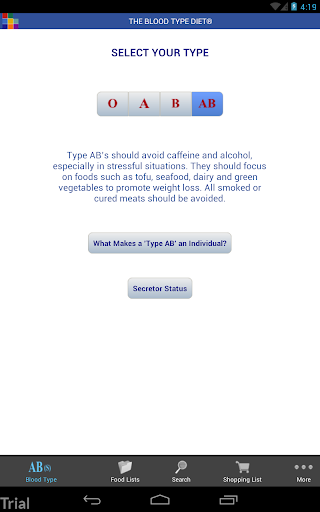
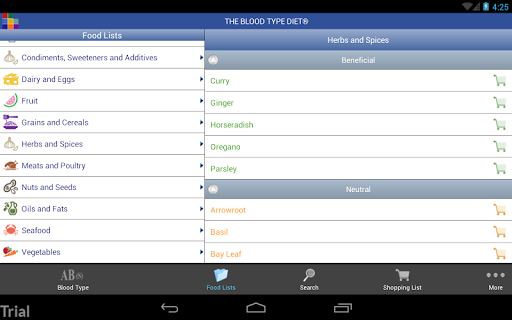
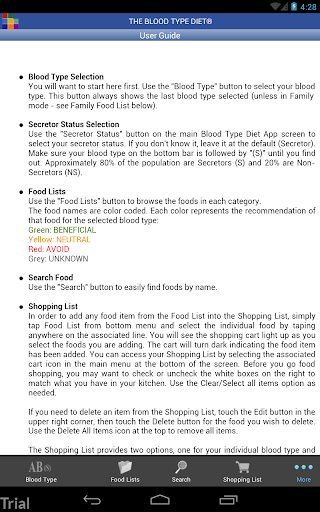
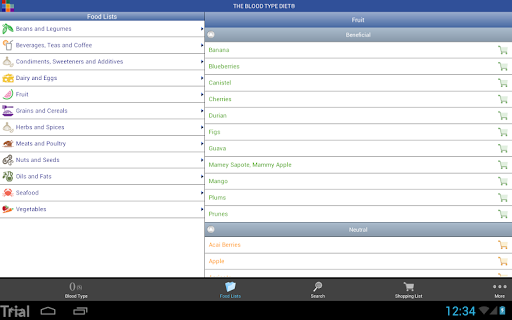
The Blood Type Diet® App, developed by Dr. Peter J. D'Adamo, is a comprehensive dietary guide tailored to the four blood types. This app provides users with detailed food lists categorized as Beneficial, Neutral, and Avoid for each blood type, ensuring optimal meal planning and dietary choices. Whether you're grocery shopping or dining out, this app helps you make informed decisions about your food selections.

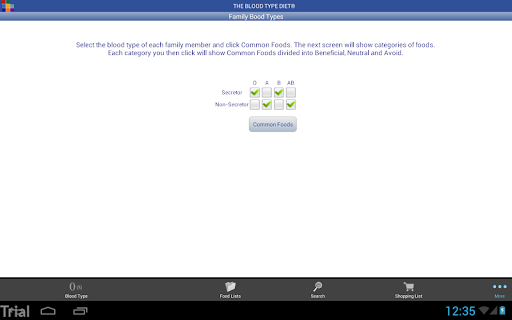
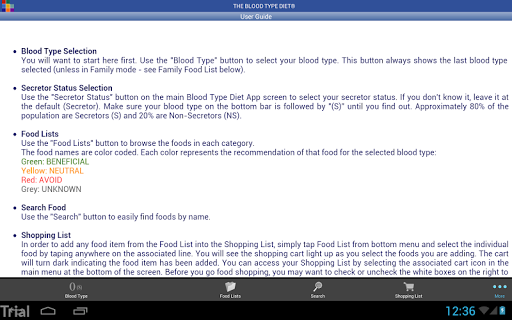
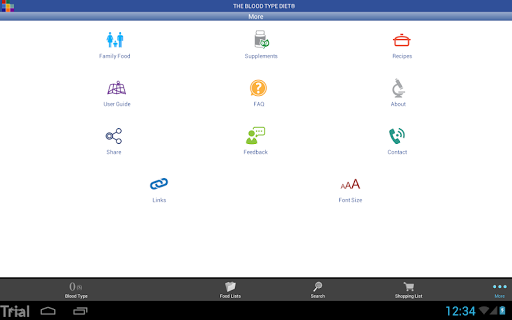
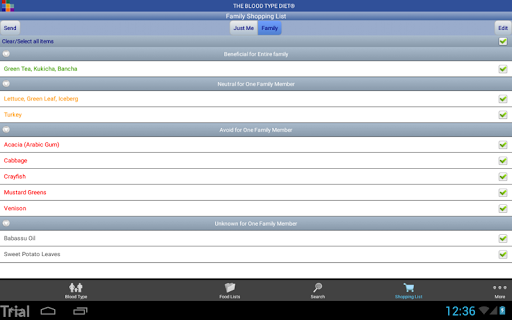
Designed for both Android phones and tablets, the app offers an intuitive interface with features like secretor status selection, a customizable shopping list, and family food lists that cater to multiple blood types. With easy navigation and quick reference guides, it's an essential tool for maintaining a healthy lifestyle based on your blood type. The inclusion of dietary supplement information and recipe access further enhances its utility, making it a one-stop solution for health-conscious individuals.

Features

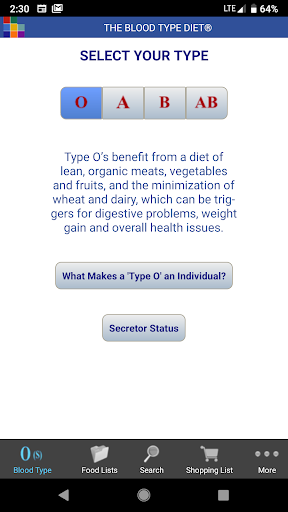
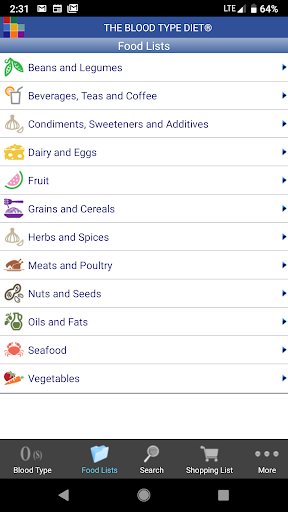
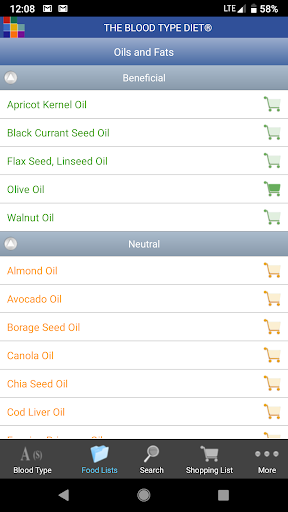
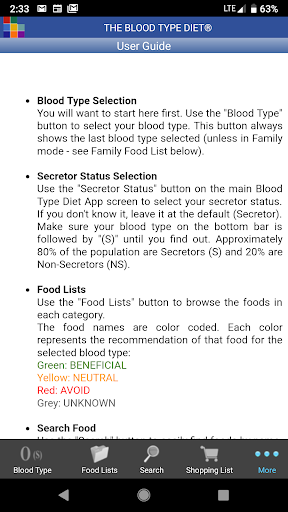
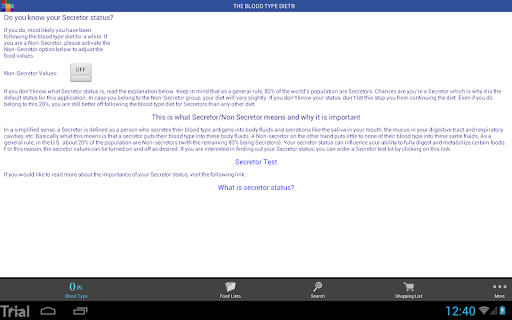
The Blood Type Diet® App boasts a range of features designed to enhance user experience and provide valuable health insights. One of its standout features is the detailed food list that categorizes foods into Beneficial, Neutral, and Avoid for each blood type. This allows users to quickly identify which foods are best suited for their dietary needs. Additionally, the app includes a unique secretor status option, providing more personalized recommendations.

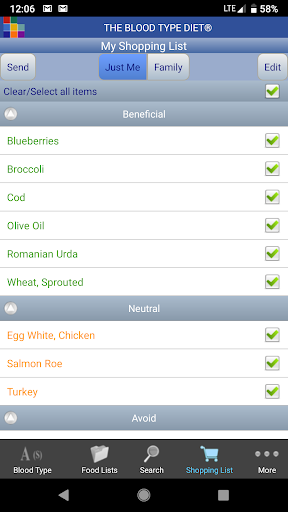
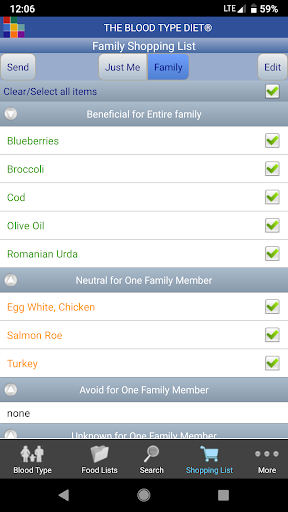
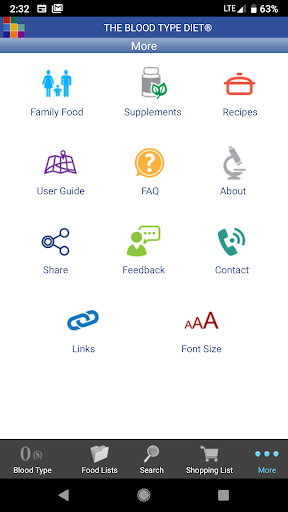
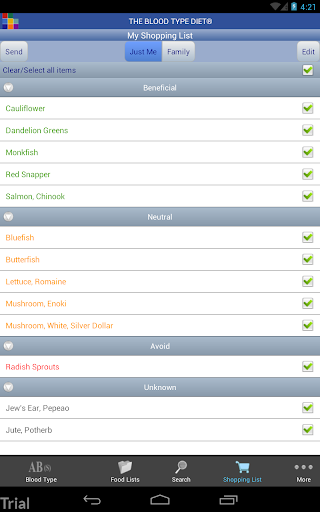
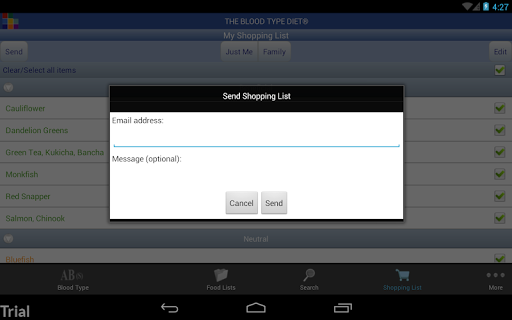
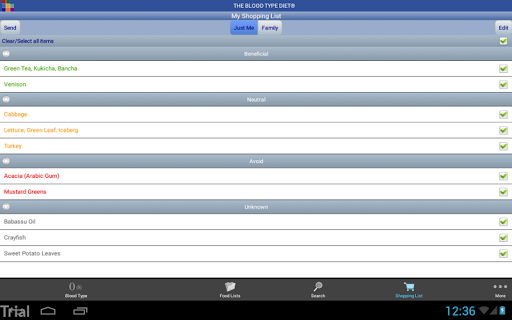
Another key feature is the ability to create and manage a shopping list directly within the app. Users can email their shopping lists or combine them with family members' lists for convenience. The app also offers access to recipes and dietary supplement information, ensuring users have all the resources they need to maintain a balanced diet. With intuitive icons and improved screen layouts, navigating the app is seamless, even on larger devices.

Personalized planning

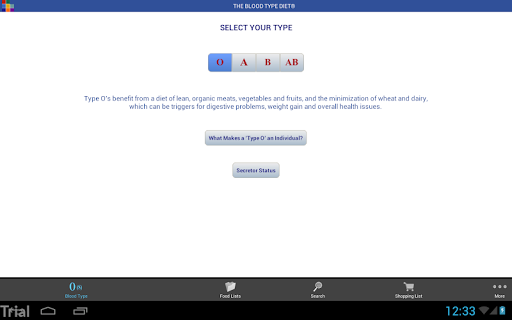
Personalized planning in the context of The Blood Type Diet app refers to the ability to tailor dietary recommendations specifically to an individual's blood type and secretor status which is crucial for creating a truly customized nutrition plan. This app provides users with detailed food lists that categorize foods into Beneficial Neutral and Avoid groups based on their blood type ensuring that each user receives advice that aligns with their physiological needs. By selecting their blood type within the app users gain access to a comprehensive list of foods that are most compatible with their body's natural digestive capabilities. Furthermore the inclusion of secretor status adds another layer of personalization as it affects how certain foods interact with the body. The app offers guidance on how to determine one's secretor status and its implications on diet. This personalized approach empowers users to make informed decisions about their food choices whether they are grocery shopping dining out or planning meals at home. With features like the Shopping List and Family Food List users can organize their dietary preferences efficiently even accommodating multiple blood types within a household. The convenience of emailing the shopping list directly from the app enhances the meal planning process making personalized nutrition not only accessible but also practical for everyday life.

Progress visualization

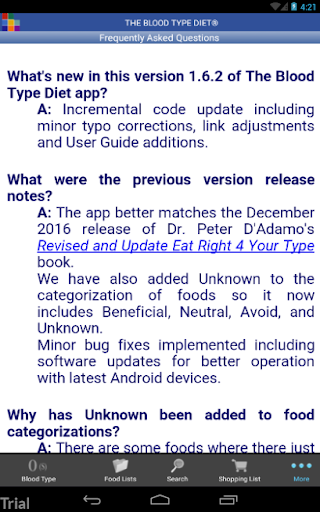
Progress visualization within The Blood Type Diet app plays a pivotal role in helping users track and understand their journey towards better health through adherence to blood type-specific dietary guidelines. While the app itself may not have explicit charts or graphs it facilitates progress tracking through well-structured information presentation and interactive features. Users can visually monitor their dietary choices by regularly consulting the categorized food lists which serve as a visual guide indicating which foods to embrace and which to avoid. This clear delineation supports users in recognizing patterns in their eating habits and celebrating small victories when they consistently choose beneficial foods over those they should avoid. Additionally the app's FAQ section and supplementary dietary information provide textual progress cues by educating users on the impact of their choices reinforcing their commitment to the diet. The incorporation of intuitive icons aids in quicker identification of food categories enhancing the overall user experience. Moreover the availability of dietary supplement information and recipe access via internet connectivity ensures that users have a variety of resources at their fingertips to diversify their meals while staying true to their blood type diet. Although the app does not explicitly display graphical representations of progress its structured content and supportive features collectively contribute to a form of progress visualization that encourages sustained motivation and engagement with the personalized dietary regimen.

Props

User-friendly interface

Comprehensive food lists

Customizable shopping lists

Family food list integration

Detailed dietary guidance

Cons

Requires internet connection

Limited to specific diets

No offline functionality

Premium features may require additional payment

Occasional updates needed

Features and Functions

What is this app and what can I use it for?

A personalized diet app guiding food choices based on blood type.

How do I download and install this app on my device?

Visit Google Play Store, search for the app, and tap Install.

How do I get started after opening the app for the first time?

Select your blood type and explore categorized food lists for guidance.

What are the main features and capabilities of this app?

Food lists, shopping lists, secretor status, and recipe access.

How can I customize my experience and adjust preferences?

Set secretor status and customize shopping lists for personal needs.

How do I save or bookmark my favorite content for later access?

Add items to the shopping list and email it for later use.

How can I share content with friends or on social media?

Share shopping lists via email or combine with family lists.

How do I access detailed information and explore more content?

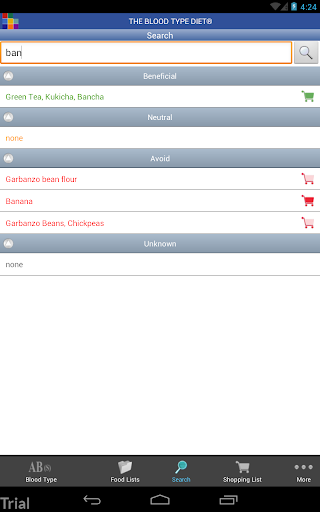
Use the Food Search feature and browse detailed food categories.

What permissions does this app need and how do I manage them?

Needs basic permissions; manage in device settings if required.

How do I check for updates and keep the app running smoothly?

Enable auto-updates in Google Play Store or manually check for updates.
Show more

User Reveiws

{{ comment.reviewer_name }}
{{ comment.review_date_formatted}}
{{ comment.review_content }}
{{ tab.name }}
{{ comment.reviewer_name }}
{{ comment.review_date_formatted}}
{{ comment.review_content }}
No reviews with this rating