Themebox

4.70

Information

Category:

Personalisation

Price:

Free

Rank:

29

Rating:

4.70

Overview

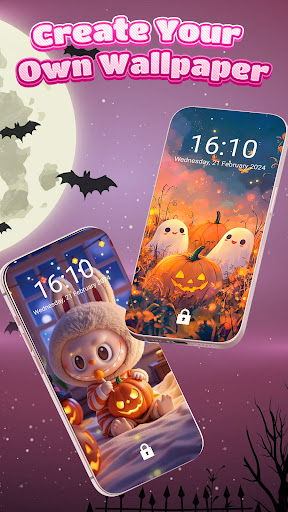
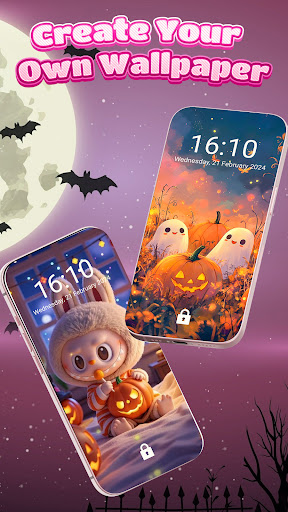
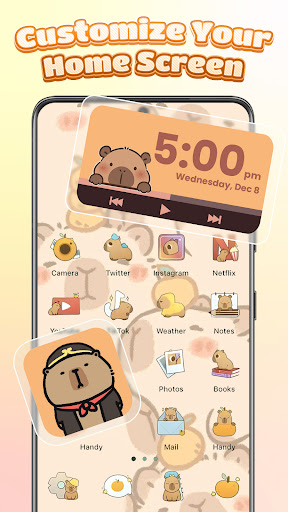
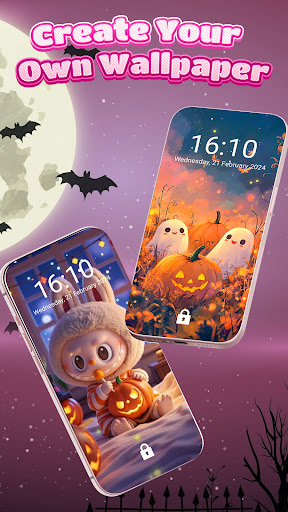
Themebox is a comprehensive personalization app that empowers Android users to fully customize their smartphone's appearance. The app offers over 1000 beautifully designed themes, color widgets, wallpapers, and custom icon packs, allowing users to create a unique home screen experience.

This versatile app includes powerful features like an app icon changer, DIY customization options for icons and widgets, and a smart control center. Users can personalize every aspect of their phone's interface, from aesthetic wallpapers to functional control panels, making it perfect for those who love creative freedom in design.

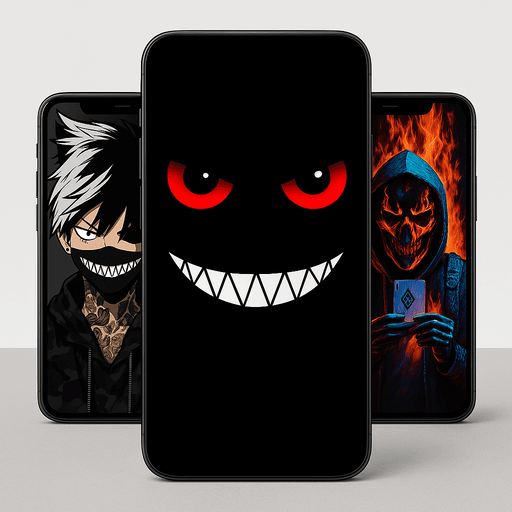
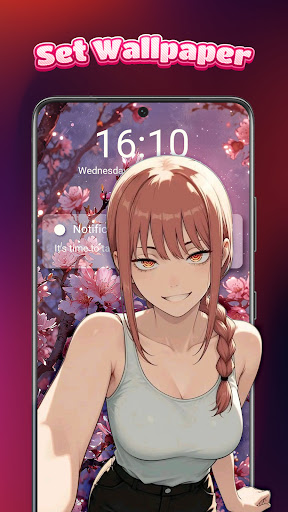
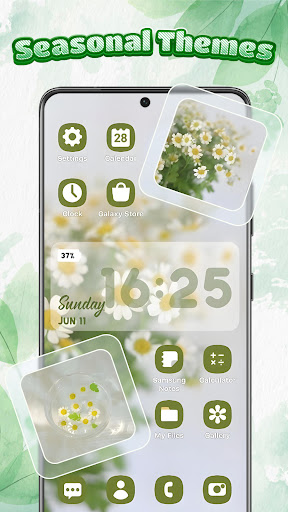
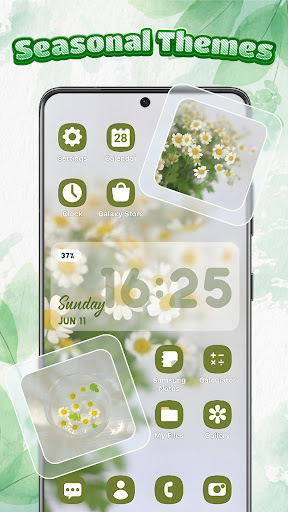
The app's standout feature is its ability to transform the entire mobile experience through cohesive theming. Whether you prefer pastel tones, dark mode elegance, or anime-inspired designs, Themebox provides all necessary tools to craft a personalized smartphone experience that reflects your unique style.

Features

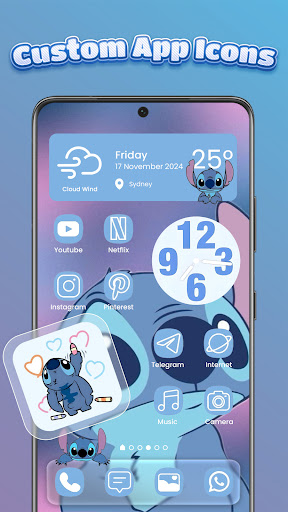
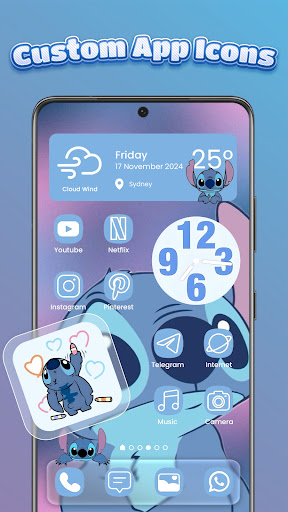
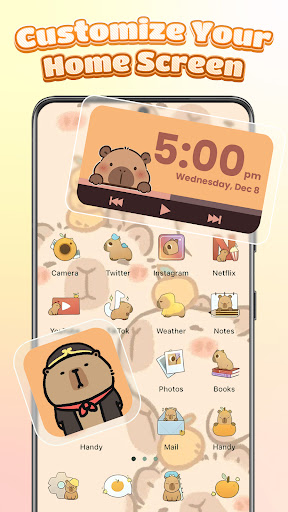
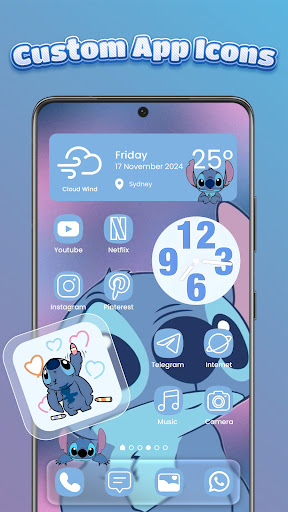
Themebox distinguishes itself through its extensive collection of customization tools. The app icon changer allows users to modify application icons with unprecedented flexibility - adjusting fonts, colors, transparency, and backgrounds to create perfectly matching icon sets.

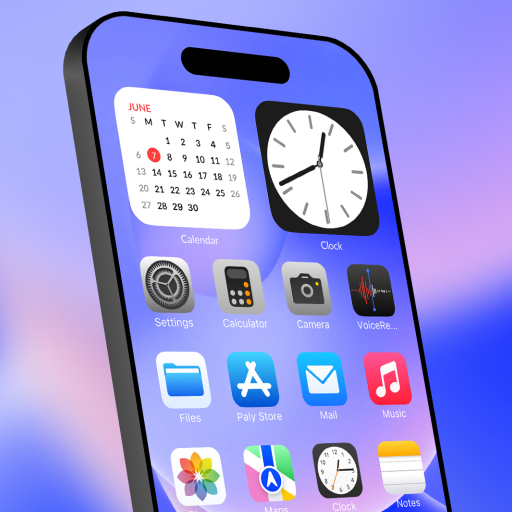
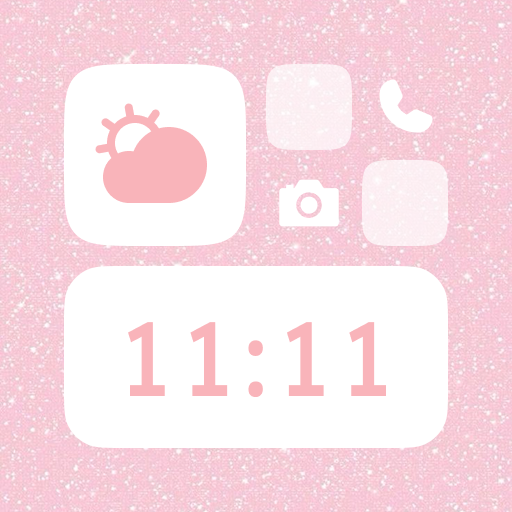
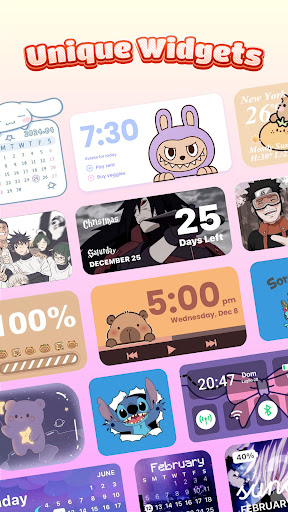
The app's widget library includes various practical and decorative options such as battery status indicators, weather forecasts, calendar displays, and customizable image widgets. Each widget can be fine-tuned to complement the chosen theme, ensuring a harmonious home screen design.

Additional notable features include daily theme updates, exclusive content releases, and a floating smart control center that provides quick access to essential system functions. These capabilities, combined with the app's lightweight architecture and user-friendly interface, make Themebox a complete solution for Android personalization.

Customization options variety

In the realm of personalization apps, the diversity and flexibility of customization options stand as a pivotal feature that defines user experience. Themebox excels in this area by offering an extensive array of customization possibilities that cater to every imaginable style preference. The app icon changer functionality is a standout component, providing users with the creative freedom to alter their app icons through a rich selection of icon packs. These packs range from cute and colorful designs to sleek, modern aesthetics, allowing for a personalized touch to each app's appearance. Users can further tweak these icons by adjusting styles, fonts, transparency levels, and backgrounds, ensuring that their home screen not only looks unique but also aligns perfectly with their personal aesthetic. Beyond icon customization, Themebox extends its versatility through color widgets that add both beauty and functionality to the home screen. These widgets include battery status indicators, calendar displays, weather updates, and even image widgets that users can personalize with their own photos. Each widget is customizable in terms of color and design, enabling seamless integration into the overall theme of the device. This level of detail in customization empowers users to craft a digital environment that truly reflects their personality and preferences. By facilitating such comprehensive control over visual elements, Themebox transforms the smartphone experience into a deeply personal journey, where every tap and swipe feels inherently tailored to the individual's taste.

Theme compatibility

Theme compatibility represents a crucial aspect of any personalization application, determining how well various visual elements coexist and complement each other within a unified interface. Themebox addresses this need with remarkable proficiency, ensuring that all components, from wallpapers to widgets and icon packs, maintain harmony across different themes. With over 1000 beautifully designed themes at users' disposal, ranging from anime-inspired visuals to minimalist designs, vintage aesthetics, pastel tones, and neon hues, Themebox guarantees that every element on the home screen works in concert to create a cohesive look. This compatibility extends beyond mere visual appeal; it encompasses functional consistency as well. For instance, when applying a dark mode theme, not only do the wallpapers and icons adapt to present an elegant, subdued appearance, but the accompanying widgets also adjust their colors and styles to match this sophisticated ambiance. Such meticulous attention to detail ensures that users enjoy a fluid and intuitive interaction with their devices, devoid of jarring inconsistencies or mismatched elements. Moreover, Themebox's commitment to regular updates and exclusive releases means that theme compatibility remains at the forefront of its developmental focus. As new trends emerge and user preferences evolve, the app continuously refines its offerings to ensure that all components remain in sync with contemporary design standards. This dedication to maintaining high levels of theme compatibility allows users to experiment freely with different styles, confident in the knowledge that each choice will result in a polished, professional-looking interface. Ultimately, Themebox's prowess in theme compatibility elevates the customization process from a mere aesthetic exercise to a holistic enhancement of the smartphone experience, where form and function merge seamlessly to deliver unparalleled satisfaction.

Props

Extensive theme library

User-friendly interface

Regular content updates

Comprehensive customization

Lightweight performance

Cons

Limited iOS support

Advanced features locked

Occasional bugs

Ads present

Learning curve

Features and Functions

What is this app and what can I use it for?

Themebox is a personalization app offering 1000+ themes, icon packs, and widgets for Android devices.

How do I download and install this app on my device?

Search for Themebox in Google Play Store, tap Install, and open after download completion.

How do I get started after opening the app for the first time?

Browse available themes, select preferred design, and apply using one-tap installation feature.

What are the main features and capabilities of this app?

Includes icon changer, widgets, wallpapers, control center, and extensive theme library.

How can I customize my experience and adjust preferences?

Adjust settings through the customization menu to modify themes, colors, and display preferences.

How do I save or bookmark my favorite content for later access?

Save favorite themes or icon sets by adding them to your personal collection within the app.

How can I share content with friends or on social media?

Share customized designs directly through social media platforms or messaging apps.

How do I access detailed information and explore more content?

Explore detailed theme information and additional content through the app's categorized sections.

What permissions does this app need and how do I manage them?

Requires accessibility permissions for control center functionality and smooth customization.

How do I check for updates and keep the app running smoothly?

Enable automatic updates in Google Play Store settings to keep Themebox running optimally.
Show more

User Reveiws

{{ comment.reviewer_name }}
{{ comment.review_date_formatted}}
{{ comment.review_content }}
{{ tab.name }}
{{ comment.reviewer_name }}
{{ comment.review_date_formatted}}
{{ comment.review_content }}
No reviews with this rating