
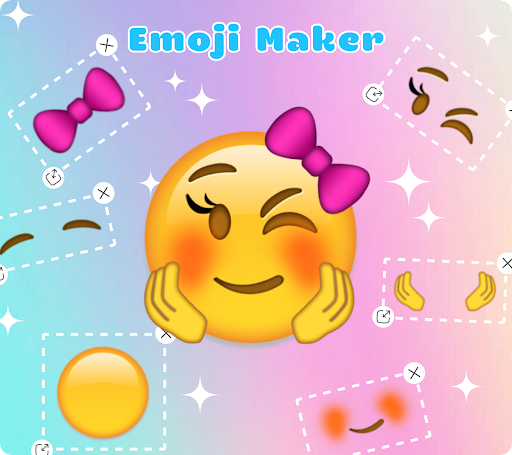
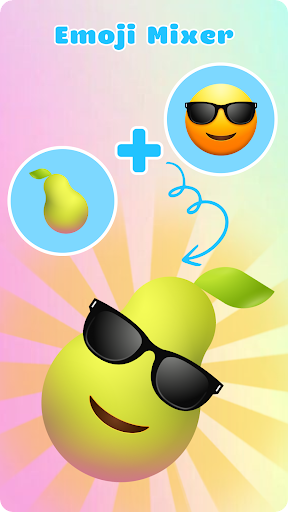
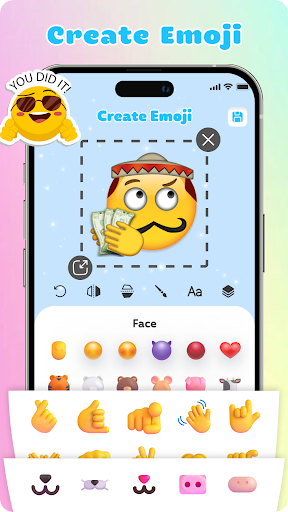
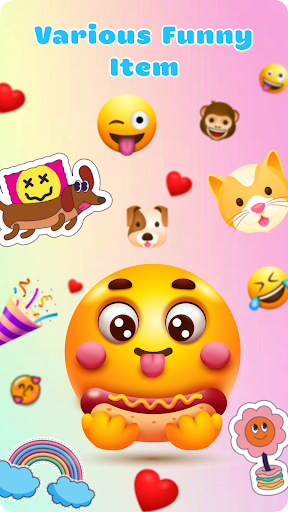
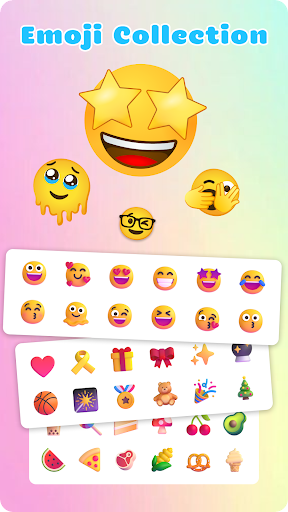
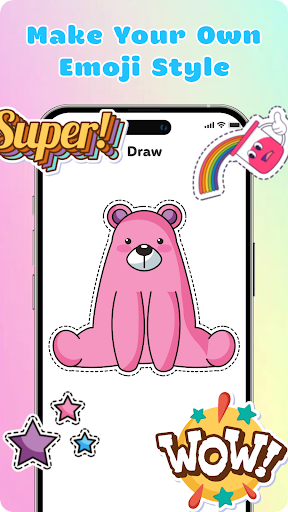
Emoji Maker is a creative personalization app that allows users to design and customize their own emojis. With two main functions - Emoji Maker and Emoji Mixer, it offers a unique platform for creating personalized emojis and combining multiple emoji components.
The app provides endless customization possibilities, from designing individual emojis to mixing different facial expressions, gestures, and accessories. Users can create custom emoji packs, add text overlays, use freehand drawing tools, and manipulate layers for complex designs. The intuitive interface makes it easy for both beginners and experienced users to create unique emojis.
This app is particularly useful for enhancing digital communication, allowing users to express emotions and meanings more vividly in their conversations. Whether for casual chats or professional communication, Emoji Maker helps create more engaging and personalized messaging experiences.
Emoji Maker stands out with its comprehensive set of creative tools. The app's most notable feature is its layering system, allowing users to stack and reorder elements for complex designs. This functionality enables the creation of sophisticated emojis that can convey specific emotions and messages.
The app includes various editing tools such as resizing, flipping, and duplicating features. Users can also utilize the text overlay function to add custom messages to their emojis. The freehand drawing tool provides additional creative freedom, while the ability to create custom emoji packs helps organize frequently used combinations.
What sets Emoji Maker apart is its regular feature updates and new content additions. The combination of Emoji Maker and Emoji Mixer functionalities creates a versatile platform for digital expression, making it an essential tool for enhancing online communication through personalized emojis.
User-friendly interface
Extensive customization options
Regular feature updates
Layering system for complex designs
Freehand drawing tool
Limited advanced features
Occasional performance issues
Basic tutorial section
Ads in free version
Some features require premium
Embrace the Night. Unleash the power of darkness with Raven Dark Icon Pack
 4.60
4.60
Adorable pets roam and play right on your phone screen!
3.30
300+ Stunning and well-designed widgets inspired by NOTHING.
4.70
Handcrafted pixel art icons, widgets & wallpapers
4.60
200+ Material Inspired Widgets
4.50
Modern Glass Icon Pack with glossy icons, clean minimal theme & aesthetic style
4.4
Easily personalize your phone for unique themes, icons, widgets & wallpapers.
4.70
3D Live Wallpaper and Moving wallpapers in 4K & HD - Customize Wallpaper 3D now!
4.40
Cool Fonts, Keyboards, Wallpapers, Backgrounds, Icons, Widgets, Themes
4.60
350+ widgets with a premium glass-style finish, perfect for home & lock screens.
4.70
300+ widgets inspired by Material You and Material 3 expressive design.
4.60
Color phone with cool effects for call screen, flash alert & ringtones music
4.50
Make Money & Earn Cash Rewards - Get Paid to Play Music & Games
4.50
Silly smile live wallpaper 4K : fun live wallpaper HD for your phone lock screen
4.50
Unlock phone with fun zipper effects and unique zipper lock screen wallpaper
4.40
ai emoji, Genmoji,cat mystery games:win gif,font,themes,keyboard,ai emoji
4.20
Transform your phone with stylish zipper lock themes and 4D live wallpaper
4.10
Crystal-clear, square icon provides a sleek and sophisticated visual upgrade
4.00
Create unique, fun emojis with Funny Emoji Maker! Unlimited creativity!
4.00


User Reveiws