
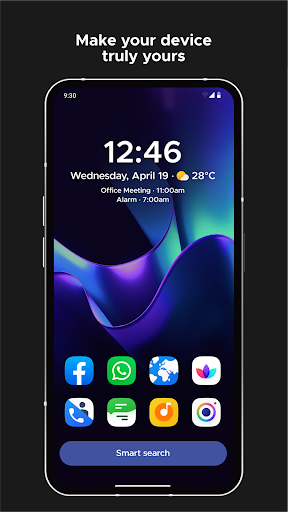

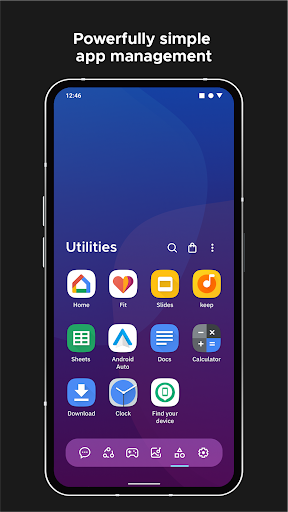
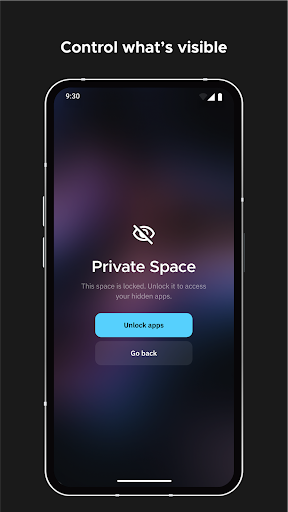
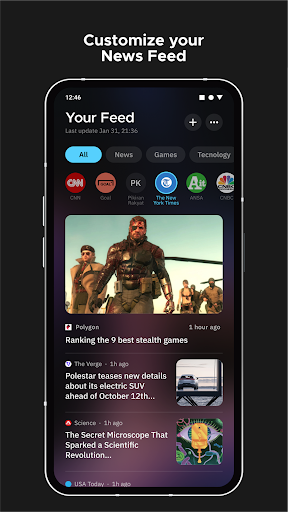

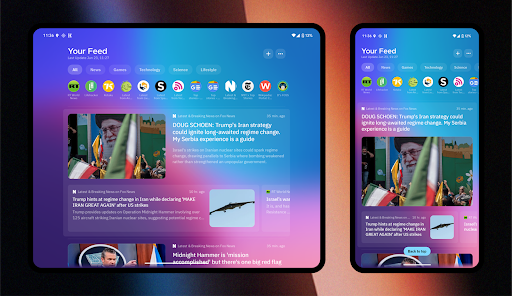
Smart Launcher 6 is a revolutionary home screen replacement app designed to enhance the Android experience. It introduces an innovative interface that automatically sorts apps into categories, saving users from the tedious task of manual organization. The app features a powerful search engine for quick access to apps and information, making daily tasks faster and easier.
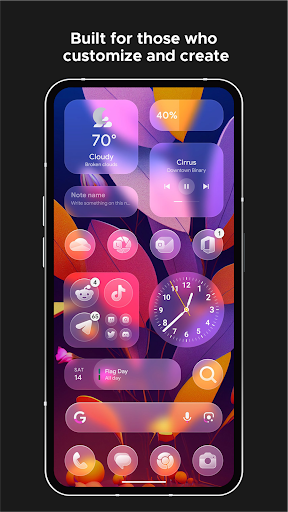
The launcher's Ambient Theme dynamically adjusts colors to match your wallpaper, creating a visually cohesive experience. With a design optimized for one-handed use, essential items are positioned within easy reach at the bottom of the screen. Smart Launcher also includes customizable widgets, adaptive icons, and extensive personalization options, allowing users to tailor their home screens to their exact preferences.
This app is perfect for those who value efficiency and customization in their mobile experience. Whether you're looking to streamline your daily routine or simply want a more personalized Android device, Smart Launcher 6 offers the tools to transform your smartphone into a truly smart device.
Smart Launcher 6 boasts an impressive array of features that set it apart from traditional launchers. One standout feature is the automatic app sorting, which intelligently organizes applications into categories, eliminating the need for manual arrangement. This functionality has been recognized as a significant improvement, even influencing Apple's App Library in iOS 14.
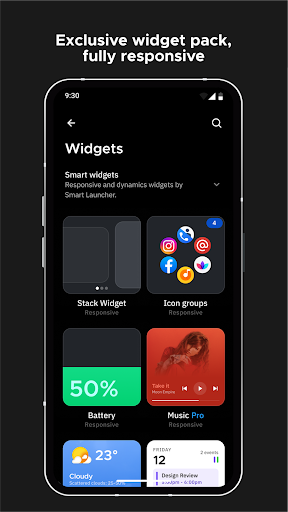
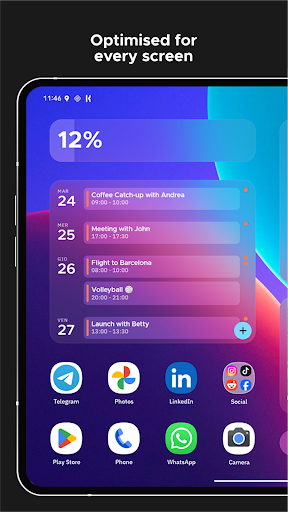
The Ambient Theme feature dynamically changes the theme colors to complement your wallpaper, ensuring a harmonious visual experience. The responsive built-in widgets provide useful information at a glance and adapt to different screen sizes. Additionally, the Smart Search bar enables users to find contacts, apps, and perform web searches or calculations with minimal effort.
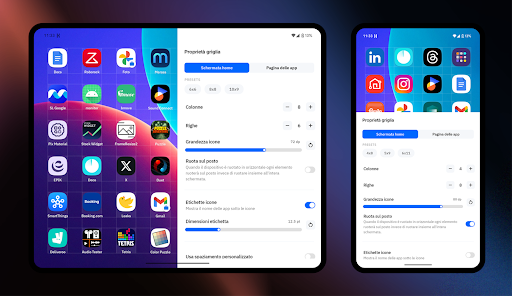
Customization is at the heart of Smart Launcher 6. Users can modify every aspect of the theme colors, choose from thousands of fonts via Google Fonts, and enjoy adaptive icons that offer larger, more beautiful graphics. Advanced gestures and hotkeys allow for intuitive navigation and control, while on-screen notifications keep users informed without external plugins. These features combine to create a highly personalized and efficient user experience.
Automatic app sorting
Ambient theme matching
One-handed optimization
Extensive customization
Powerful search engine
Requires accessibility access
May conflict with other launchers
Some features need premium version
Occasional stability issues
Steep learning curve

Icons made of colorful linear lines
 4.60
4.60
Unleash Your Creativity and Connect with Loved Ones with Lockscreen Drawing!
4.20
350+ widgets with a premium glass-style finish, perfect for home & lock screens.
4.70
Amazing letter fonts in your messages and social statuses
4.70
Unlock phone with fun zipper effects and unique zipper lock screen wallpaper
4.40
Easily personalize your phone for unique themes, icons, widgets & wallpapers.
4.70
Unlock your creativity with an emoji font keyboard and stylish keyboard themes
4.60
Swipe, Snack, and Style Your Way to Fun.
4.00
Elegant Theme, Wallpaper and Widget with Creation for Your Phone Decoration
4.70
A minimalist productivity launcher. One-hand-friendly. Zero ads.
4.70
300+ widgets inspired by Material You and Material 3 expressive design.
4.60
Play viral prediction filter challenges, drop the circle, and share fun videos!
4.50
Make Money & Earn Cash Rewards - Get Paid to Play Music & Games
4.50
Silly smile live wallpaper 4K : fun live wallpaper HD for your phone lock screen
4.50
Just clap your hands to find your phone.
4.40
The Powerful Antivirus & Wi-Fi Monitoring Protection App for Your Data.
4.40
Live Launcher Lite makes your phone fresh and colorful
4.20
ai emoji, Genmoji,cat mystery games:win gif,font,themes,keyboard,ai emoji
4.20
Create DIY Live Craft Wallpapers; Design Photo Collages & Explore Free Trends!
3.30


User Reveiws