
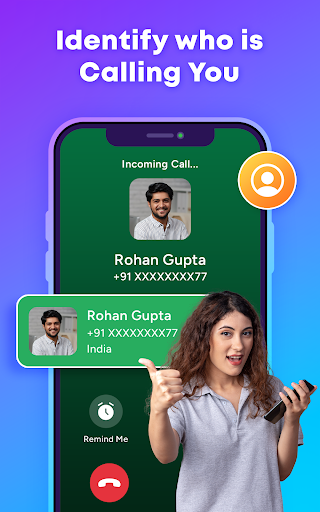
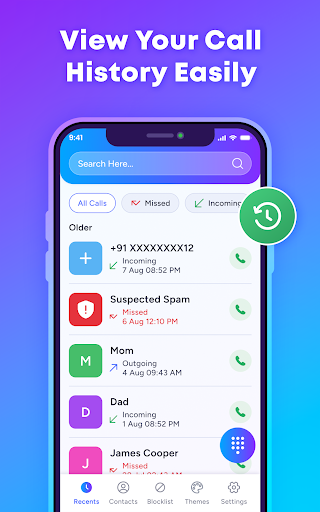
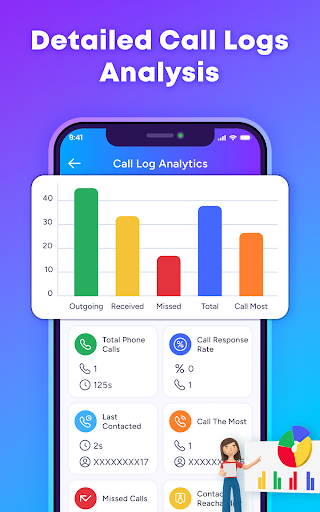
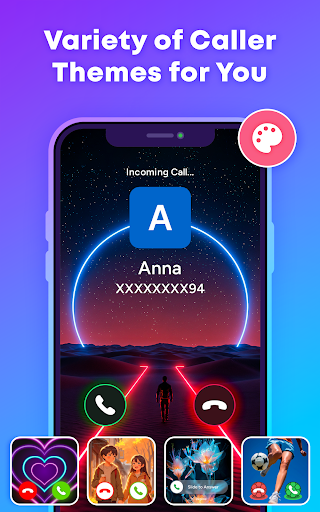
TrustContact is a comprehensive communication app designed to enhance your calling experience while protecting you from unwanted interruptions. This app combines real-time caller ID, spam blocking, and stylish call themes to create a personalized and secure phone management solution.
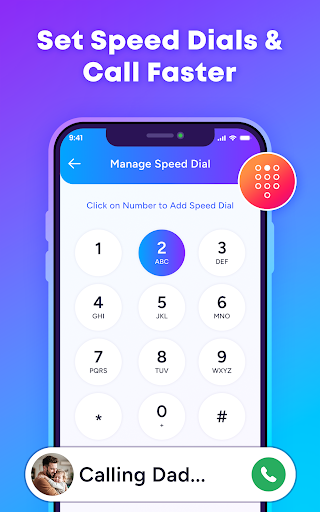
The app's core functionality revolves around identifying unknown callers, blocking spam and scam calls, and organizing contacts efficiently. With features like reverse number lookup and offline functionality, users can access detailed caller information even without an internet connection. TrustContact also prioritizes user privacy by ensuring that personal data remains protected at all times.
Whether you're looking to block annoying robocalls or simply want to customize your call screen with dynamic themes, TrustContact offers the tools needed to take control of your phone communications. Its intuitive design makes it suitable for everyday users who value both safety and convenience.
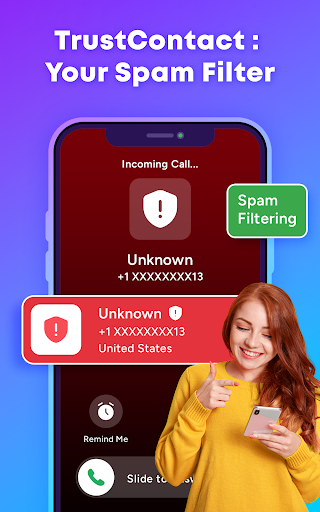
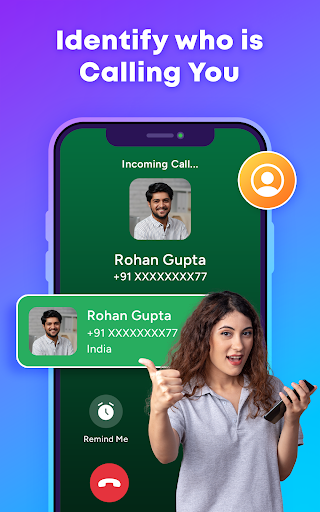
TrustContact stands out in the Communication category due to its robust feature set tailored for modern phone users. The app provides real-time caller ID, instantly identifying incoming calls from businesses, telemarketers, or unknown numbers. This ensures you're always aware of who's calling before answering.
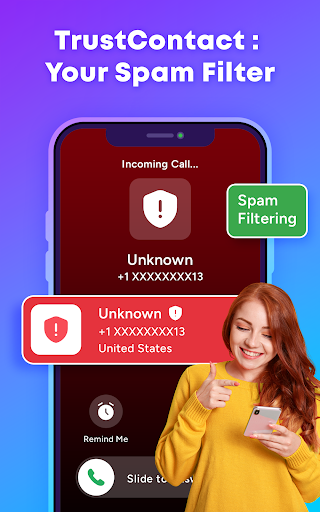
One of the standout features is the powerful spam call blocker, which uses advanced algorithms and an extensive database to detect and block robocalls, scam attempts, and fraud numbers automatically. Additionally, users can create custom blacklists and whitelists to manage specific contacts or numbers they want to prioritize or avoid.
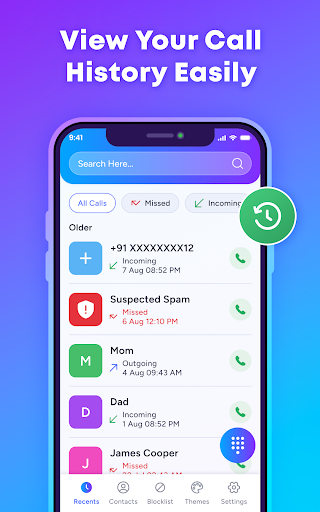
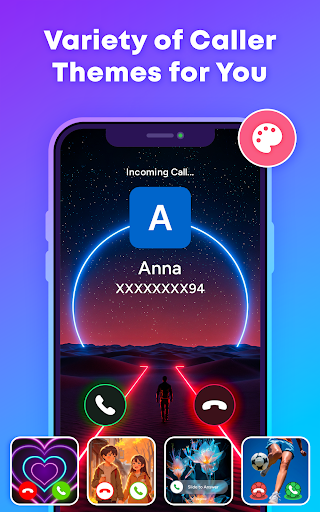
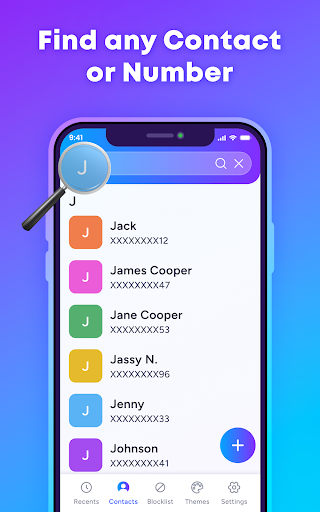
Beyond security, TrustContact offers aesthetic enhancements such as stylish call themes that allow users to personalize their call screens. The smart contact manager simplifies organizing your contact list while detecting suspicious entries. These features collectively provide a seamless blend of functionality, privacy protection, and customization options.
Real-time identification
Spam blocking efficiency
Customizable themes
Offline functionality
User privacy focus
Premium features locked
Occasional false positives
Contacts sync required
Limited free themes
Permissions extensive

 3.90
3.90
Call Forwarding is easy and simple application to use.
3.80
Fast and mini browser with Ad Blocker,Video Downloader and Video Player
4.40
2nd Phone Number Line for Anonymous Texting, Calling, and Picture Messages
4.30
Smart and simple anti-wiring application - IMSI-catchers catcher
4.40
Comprehensive and powerful scan tool app with enhanced functions
3.00
Auto Reply SMS, Text Messaging, Away SMS Response, Busy SMS messages, Block Text
3.10
Read OBD2 data and DTCs Create custom dashboards Enhanced diagnostics available
4.70
Enhance browsing with AI-powered features and Copilot.
4.70
Useful. Social. Expressive.
4.70
Adblock & VPN Browser: Blocks banners, pop-ups and video ads, fast downloader!
4.60
Manage BoostMobile Account
4.60
Build your web browser around you with private search, and more.
4.60
Say “hello” to privacy.
4.60
The ultimate productivity solution for all your email communication needs.
4.40
Block spam calls & scam - no more annoying calls with the call blocker function
4.30
Messenger app for faster and simpler SMS text messaging, and personalized themes
4.10
Manage and Fund Calling Accounts and Schedule and Join Video Sessions
3.60
Radio communication simulator for gaming communities
4.5


User Reveiws