

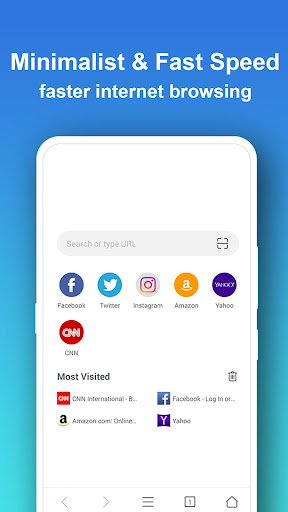
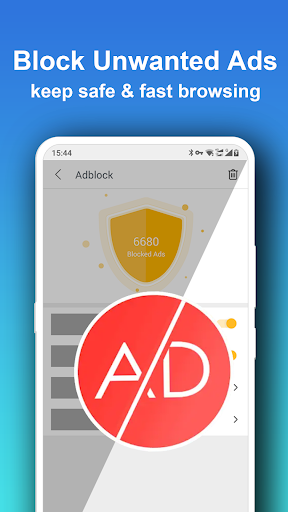

Pure Browser Pro is a premium communication tool designed for optimal browsing efficiency and user privacy. This browser stands out with its powerful Ad Blocker, Video Downloader, and built-in Video Player, making it especially beneficial for Android users with lower-spec devices. The app ensures a minimalistic design while maintaining high performance, featuring an impressively small size of only 5MB.
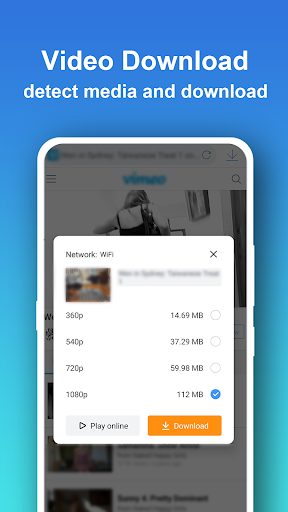
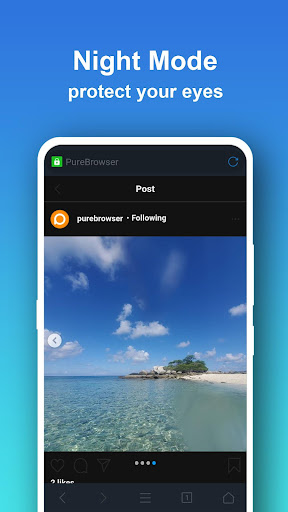
Key functionalities include multi-thread downloading for faster speeds, advanced video downloading capabilities supporting m3u8 format and popular social media platforms, and a comprehensive night mode that works on select devices. With added features like voice search compatibility, website icons in Speed Dial, and various colorful themes, Pure Browser Pro delivers both utility and customization.
The application's security measures ensure complete user privacy by not collecting personal data, while the Incognito Mode allows browsing without leaving any history. Suitable for users seeking a fast, secure, and ad-free browsing experience, Pure Browser Pro enhances web navigation through practical tools and efficient resource management.
Pure Browser Pro offers a robust set of features tailored to enhance your browsing experience. One of its standout traits is the multi-thread downloader, which significantly boosts download speeds—a boon for users needing quick access to files. Additionally, the improved video downloader supports m3u8 video formats and enables downloads from platforms like Facebook and Instagram, ensuring you can save and view videos conveniently.
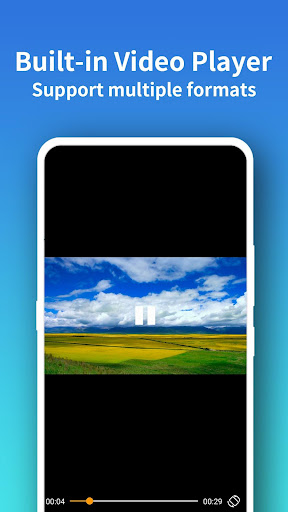
The integrated video player supports most video formats, providing seamless playback without requiring additional apps. Enhanced night mode functionality brings comfort to low-light browsing sessions, particularly on compatible devices. Voice search capability adds another layer of convenience, allowing hands-free operation when searching the web.
Other notable features include the ability to display website icons in Speed Dial for easy access, offline webpage viewing, and saving pages as PDFs. These innovations collectively contribute to a versatile and user-friendly browsing environment, setting Pure Browser Pro apart from conventional browsers.
Lightweight and fast
Powerful ad blocker
Multi-thread downloader
Built-in video player
Enhanced privacy options
No YouTube support
Limited device compatibility
Premium version costs
Occasional bugs
Fewer updates

Adblock & VPN Browser: Blocks banners, pop-ups and video ads, fast downloader!
 4.60
4.60
The ultimate productivity solution for all your email communication needs.
4.40
SMS & MMS Messaging App to easily send messages or schedule SMS on Chat
4.10
Messenger app for faster and simpler SMS text messaging, and personalized themes
4.10
This app enables the phone to receive and send FT8 traffic!
3.80
Call Blocker app: Identify unknown callers, block spam calls, fraud & robocalls
4.30
An app dedicated solely to marriage, not dating, and supported by a rigorous verification mechanism to ensure seriousness.
4.4
Use this SMS app standalone or as a TREK: Total Interface companion.
4.30
Manage your mobile phone plan, check unlimited 5g data usage and track rewards
4.50
فیلتر شکن قوی پرسرعت کلید جدید برای اندرویدسریع ترین وی پی ان برای همه اپراتورها
4.70
Connect and browse the internet with a fast VPN proxy server and IP blocker.
4.50
Faster version of Messages. Messenger for your contacts.
4.50
Simple tool for businesses to talk to their customers.
4.40
Group Chat That’s Fun & Games
4.30
BE PRIVATE
Anonymous. No Trace. Fast.
4.20
Caller ID, Spam Call & SMS Blocker
3.80
Fast, Simple And Secure Application That Provides SMBv3 Server On Your Device
3.30
Watchgram for Telegram: Experience seamless Telegram messaging on your watch
1.80
Radio communication simulator for gaming communities
4.3


User Reveiws