
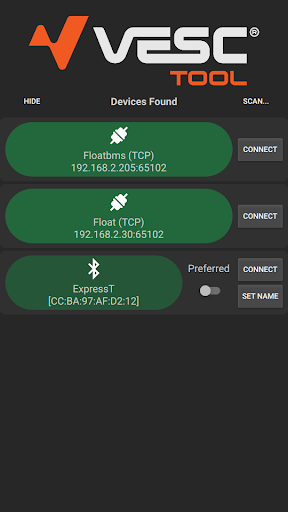
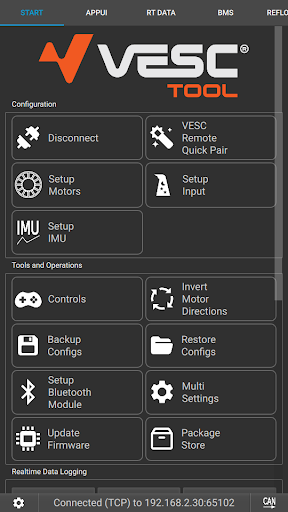
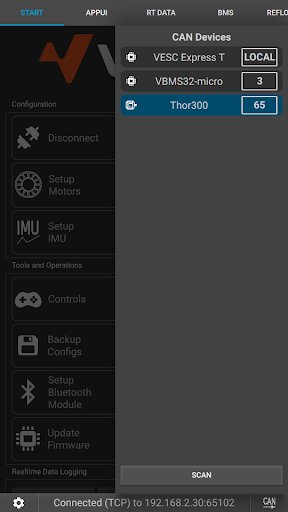
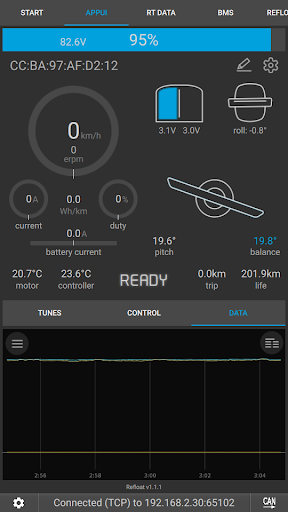
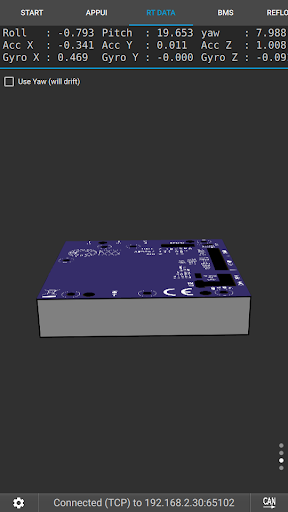
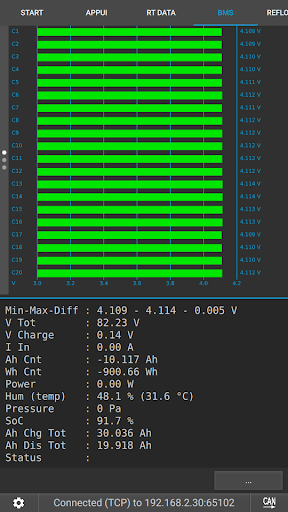
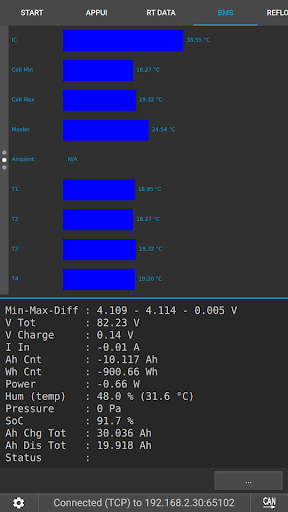
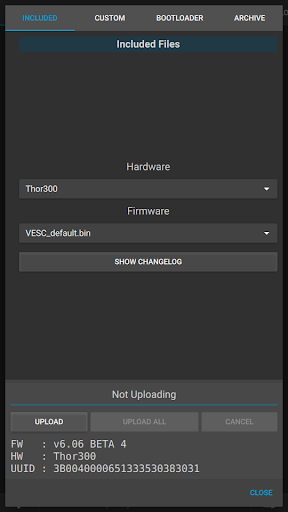

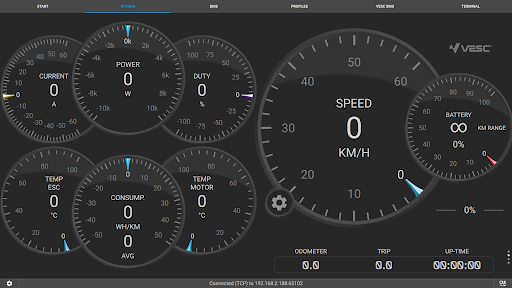
VESC Tool is a powerful mobile application designed for users who work with VESC-based hardware. This tool allows you to configure your hardware over BLE or WiFi, providing flexibility and ease of use. With this app, you can stream live data, update firmware, log important information, and perform various other tasks that are essential for maintaining and optimizing your VESC devices.
Whether you are a hobbyist or a professional, VESC Tool offers a comprehensive solution for managing your VESC hardware efficiently. The app supports Original VESC hardware, which is meticulously designed and maintained by the VESC developer team. For more details, visit https://vesc-project.com. To acquire compatible modules required for BLE or WiFi connectivity, you can explore options at https://www.vesclabs.com/.
VESC Tool stands out with its rich set of features tailored for VESC hardware management. One of the key functionalities is the ability to connect over BLE or WiFi using compatible modules, which can be purchased from VESC Labs or custom-built using ESP32C3 or NRF52 chipsets. This connectivity ensures real-time data streaming, enabling users to monitor and adjust settings on the go.
In addition to connectivity options, VESC Tool provides robust firmware update capabilities, ensuring that your hardware is always running the latest software version. The app also includes data logging features, allowing users to record and analyze performance metrics over time. These features collectively enhance the user experience by offering precise control and valuable insights into their VESC devices' operations.
User-friendly interface
Comprehensive configuration options
Real-time data streaming
Firmware update support
Data logging capabilities
Requires compatible module
Limited to VESC hardware
No offline functionality
Dependent on internet for updates
Advanced features may overwhelm beginners

 4.50
4.50
Head tracking for PC sim games such as MSFS 2024 or Elite:Dangerous. No headset!
4.50
Canon PRINT is a companion app for your Canon printer.
4.60
card-reader app
2.20
Undelete and recover your lost or deleted files with DiskDigger!
3.40
Game Booster, GFX Tool is now compatible with newer game update
4.50
Remote Play with FSR upscaling, low latency & full controller support
4.80
Pro Emulator is an easy to use game console emulator for a range of consoles.
4.40
Fast VPN USA for any country. Super secure VPN for calls, streaming, games, TV.
4.40
Support Fossify apps with a warm thank you!
5.00
Extremely fast, secure, and protects your privacy
4.80
Connect instantly to a fast, encrypted VPN with one tap
4.60
FV File Manager Pro, Fast and powerful file manager for Android
4.60
App to pay for FUTO Keyboard
4.60
Quickly check the frequency of the Earth
4.30
pdf merge, word to pdf, jpg to pdf, edit pdf, convert to pdf and much more!
4.20
Family Locator, Share location, StayConnect with your family in real time
3.90
Unleash gamepad precision for ultimate mobile gaming dominance.
3.90
Download any file easily and quickly with Downloader
4.0


User Reveiws