
Game Booster 4x Faster Pro

4.50

Information

Category:

Tools

Price:

$ 0.49

Rank:

6

Rating:

4.50

Overview

Game Booster 4x Faster Pro is a powerful tool designed to enhance your mobile gaming experience. This app offers advanced optimization features that improve game performance through one-touch boosting, AI-based enhancements, and specialized GFX tools. With capabilities like Auto Gaming Mode, HDR picture quality adjustments, and FPS unlocking, it ensures smoother gameplay on various devices. The app also includes a HUD Monitor for real-time system tracking and Zero Lag Mode for optimized configurations.

The application's standout feature is its ability to deliver maximum FPS without device heating, even on lower-end hardware. It reduces CPU load while maintaining account safety and guarantees stable performance. Whether you're looking to customize graphics settings or quickly launch games, this tool provides comprehensive solutions for gamers seeking professional-level control over their gaming environment.

Features

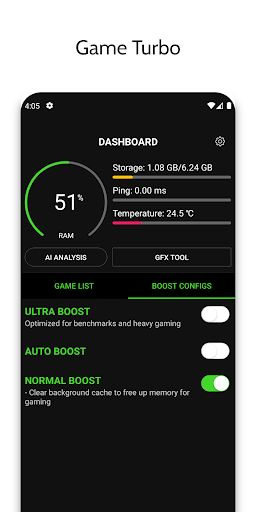
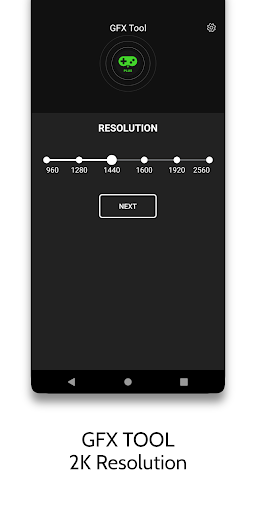
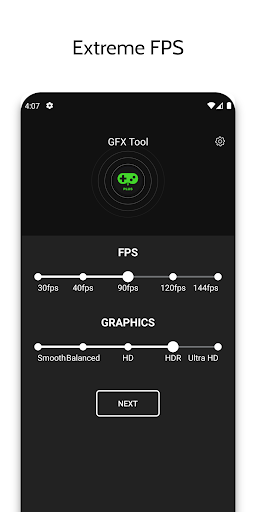
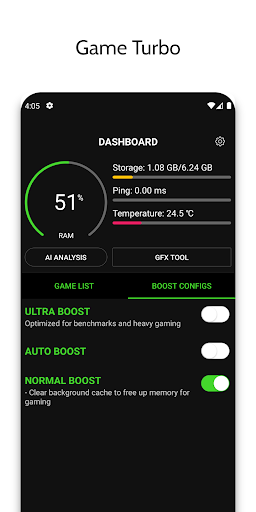
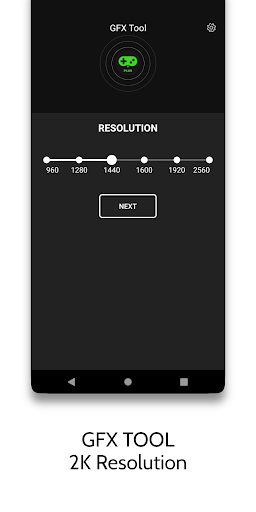
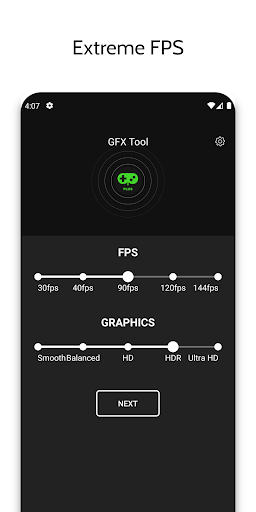
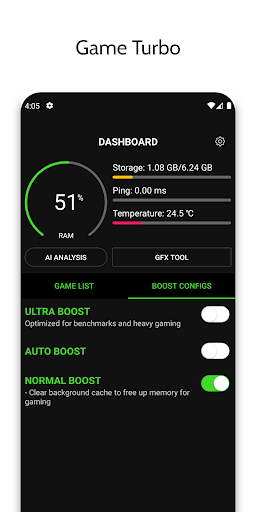
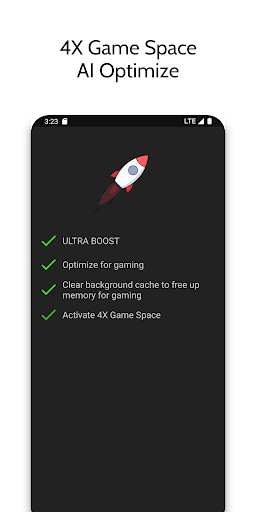
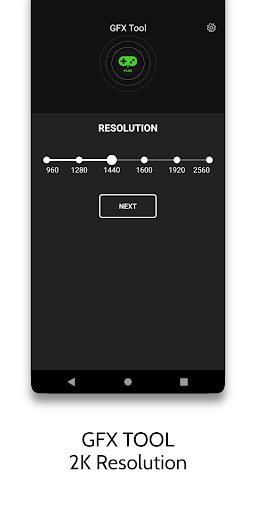
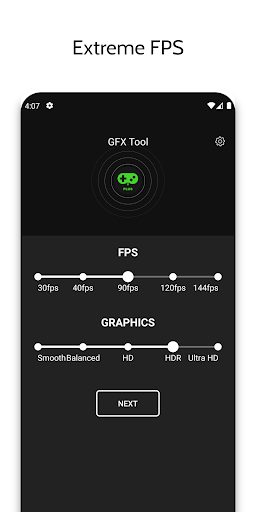
This app boasts an impressive array of features tailored specifically for gamers. Its Game Turbo function applies RAM-free tweaks using artificial intelligence to optimize game performance, enhancing both visual quality and operational fluidity. The GFX Tool allows users to modify game resolution, unlock HDR graphics, adjust FPS levels, and change graphic styles according to their preferences.

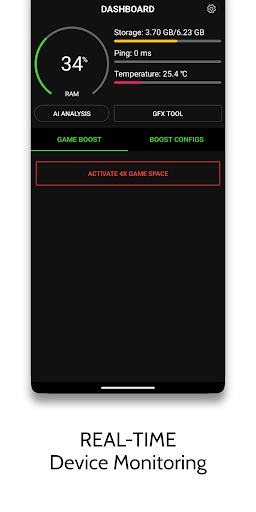
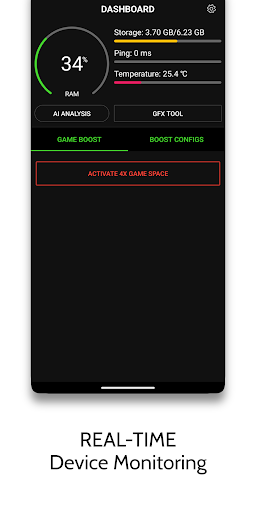
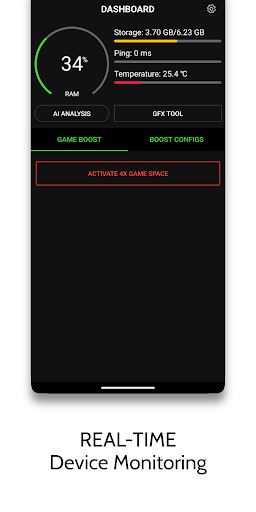
Additionally, the HUD Monitor displays crucial information such as memory load, storage usage, temperature, and network latency in real time. The Zero Lag Mode optimizes game configurations with improved performance settings. Other notable features include Quick Boost for instant game enhancement, Quick Launch for rapid game startup, and customizable gaming settings. These functionalities collectively ensure a seamless and enriched gaming experience across different types of mobile devices.

Core function accuracy & effectiveness

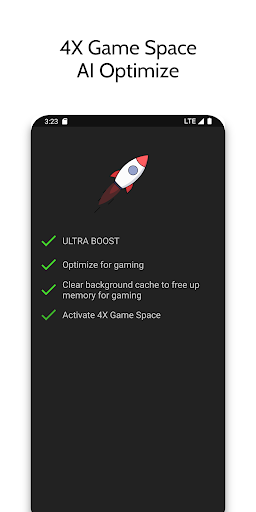
The core function accuracy and effectiveness of Game Booster 4x Faster Pro is demonstrated through its comprehensive suite of optimization tools designed specifically for enhancing gaming performance. At the heart of this application lies its ability to boost gaming experiences with just a single touch, thanks to features like Auto Gaming Mode and Game Turbo. The app employs advanced AI technology to optimize game settings dynamically, ensuring that each gaming session runs as smoothly and efficiently as possible. This includes applying RAM-Free Tweaks to free up memory, enabling HDR picture quality for enhanced visual effects, and making overall gameplay richer and more fluid. Furthermore, the GFX Tool allows users to adjust critical parameters such as resolution, graphics style, and even unlock extreme FPS levels on lower-end devices. These capabilities ensure that games not only load faster but also maintain high frame rates throughout play sessions. For users, this means experiencing significantly reduced lag times and enjoying visually stunning graphics without compromising device performance. Additionally, the Zero Lag Mode optimizes game configurations further by balancing performance with system resources effectively. With these precise optimizations, gamers can achieve maximum FPS while keeping their devices cool, thus extending both battery life and hardware longevity. Overall, Game Booster 4x Faster Pro delivers an unparalleled level of precision in optimizing gaming environments, making it an indispensable tool for any serious gamer looking to elevate their mobile gaming experience.

Interface simplicity & intuitiveness

Game Booster 4x Faster Pro excels in providing an interface that combines simplicity with intuitiveness, ensuring that users of all technical backgrounds can easily navigate and utilize its powerful features. Upon launching the app, users are greeted with a clean and organized layout where key functionalities are prominently displayed. The Quick Boost feature, for instance, is readily accessible, allowing gamers to instantly enhance their game's performance with minimal effort. Similarly, the Quick Launch option streamlines the process of starting games, eliminating unnecessary steps and reducing wait times. Another notable aspect of the interface design is the HUD Monitor, which provides real-time insights into crucial metrics such as Memory Load, Storage Load, Temperature, and Network Latency. This information is presented clearly and concisely, empowering users to make informed decisions about their gaming sessions. Moreover, the inclusion of detailed tips within the app helps guide users through optimal usage practices, ensuring they get the most out of the available features. By maintaining a focus on user-centric design principles, Game Booster 4x Faster Pro ensures that even those unfamiliar with advanced gaming optimizations can benefit from its capabilities without feeling overwhelmed. The straightforward nature of the controls and settings adjustments means that users can quickly adapt the app to suit their specific needs, whether they're tweaking in-game graphics or monitoring system performance. Ultimately, this blend of simplicity and intuitive functionality makes Game Booster 4x Faster Pro an accessible yet powerful solution for anyone seeking to improve their mobile gaming experience effortlessly.

Props

Enhances gaming performance

Easy one-touch operation

AI-based optimization

HDR and FPS customization

Real-time system monitoring

Cons

Limited to specific games

Requires frequent updates

Potential compatibility issues

Internet permission needed

Background app killing

Features and Functions

What is this app and what can I use it for?

An advanced tool to boost mobile gaming performance with features like AI optimization and FPS unlocking

How do I download and install this app on my device?

Visit Google Play Store, search for the app, and tap Install to download and install it on your device

How do I get started after opening the app for the first time?

Open the app, grant necessary permissions, and use the one-touch boost feature to optimize your gaming experience

What are the main features and capabilities of this app?

Key features include Game Turbo, GFX Tool, HUD Monitor, Zero Lag Mode, and customizable gaming settings

How can I customize my experience and adjust preferences?

Adjust preferences through the app's settings menu to customize your gaming experience as needed

How do I save or bookmark my favorite content for later access?

Use the app's Quick Launch feature to save and access your favorite games instantly whenever you want

How can I share content with friends or on social media?

Share your enhanced gaming achievements directly via social media platforms using in-app sharing options

How do I access detailed information and explore more content?

Explore detailed information about your device's performance metrics through the HUD Monitor feature in the app

What permissions does this app need and how do I manage them?

The app needs internet access to load settings from its server and can kill background apps to free up memory

How do I check for updates and keep the app running smoothly?

Regularly check for app updates in the Google Play Store to ensure smooth and optimal performance
Show more

User Reveiws

{{ comment.reviewer_name }}
{{ comment.review_date_formatted}}
{{ comment.review_content }}
{{ tab.name }}
{{ comment.reviewer_name }}
{{ comment.review_date_formatted}}
{{ comment.review_content }}
No reviews with this rating
















