Pro Emulator for Game Consoles

4.40

Information

Category:

Tools

Price:

$ 2.99

Rank:

3

Rating:

4.40

Overview

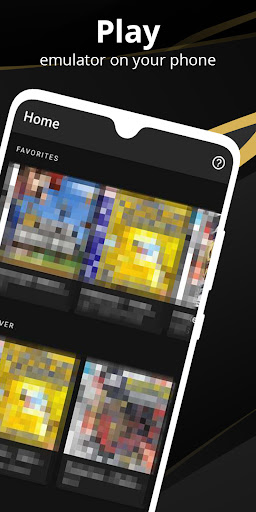
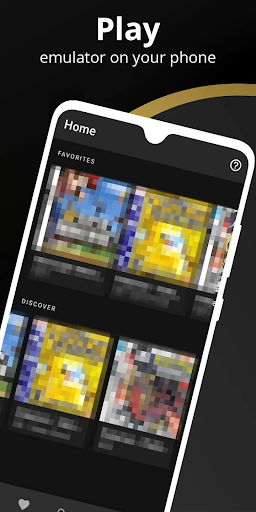
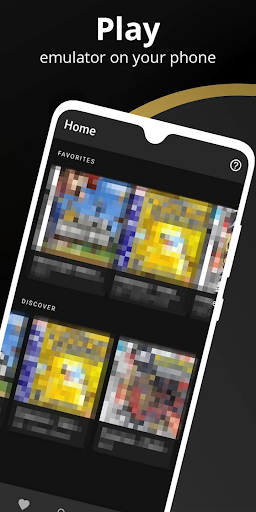
Pro Emulator for Game Consoles is a versatile emulator designed to bring classic gaming experiences to modern Android devices. This powerful tool supports emulation of various game consoles, allowing users to relive the nostalgia of retro gaming on their mobile devices.

The emulator offers advanced features such as automatic save states, quick save/load slots, and lightning-fast processing that conserves device battery. It provides high compatibility with nearly all games, includes innovative link cable emulation, and supports multiple input methods including touch controls, tilt-to-stick, and external controllers.

Whether you're looking to play your favorite retro games on the go or want to experience them on larger screens like TVs, this emulator delivers an authentic and optimized gaming experience across different devices.

Features

Pro Emulator for Game Consoles stands out with its comprehensive feature set tailored for both casual gamers and enthusiasts. The app automatically saves and restores game states, ensuring you never lose progress. Its quick save/load functionality with multiple slots allows for flexible gameplay management.

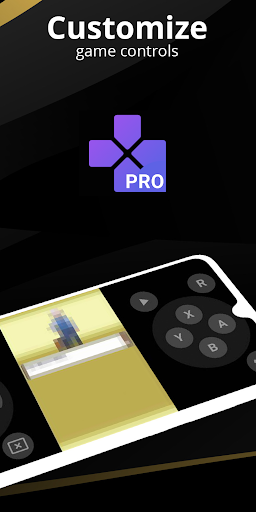
Performance-wise, the emulator is optimized for speed and efficiency, featuring fast-forward capabilities, slow-motion modes, and OpenGL rendering for enhanced graphics. Users can customize touch controls, apply video filters through GLSL shaders, and utilize a powerful screen layout editor to tailor the interface to their preferences.

Additional highlights include support for cloud save synchronization, local multiplayer options, and compatibility with various controllers. The clean user interface seamlessly integrates with Android systems, while advanced functions like BIOS emulation and ROM patching make it a top choice for retro gaming aficionados.

Core function accuracy & effectiveness

The core function accuracy and effectiveness of Pro Emulator for Game Consoles is a critical aspect that ensures users can enjoy a seamless and authentic retro gaming experience on their modern devices. This emulator software has been meticulously designed to replicate the functionalities of various classic game consoles with precision. It achieves this by employing advanced emulation techniques that cover a wide array of systems, ensuring high compatibility with nearly all games from supported platforms. The emulator's ability to automatically save and restore game states, provide quick save/load slots, and emulate link cable connections across devices via Bluetooth or Wi-Fi significantly enhances gameplay continuity and interaction. Furthermore, features like gyroscope tilt solar sensor and rumble emulation alongside high-level BIOS emulation without the need for actual BIOS files contribute to an immersive experience. The inclusion of ROMs scanning indexing support for IPS/UPS zipped ROM patching and optimized touch controls customization allows users to tailor their gaming sessions according to personal preferences while maintaining optimal performance levels. OpenGL rendering backend support for cool video filters through GLSL shaders fast-forward slow down capabilities and multi-touch on-screen keypad functionality further augment the overall gaming experience making it not only enjoyable but also adaptable to different play styles and device capabilities. These comprehensive features collectively ensure that Pro Emulator for Game Consoles delivers accurate responsive and engaging emulation performance which is essential for reliving cherished memories of playing timeless classics on contemporary hardware setups.

Interface simplicity & intuitiveness

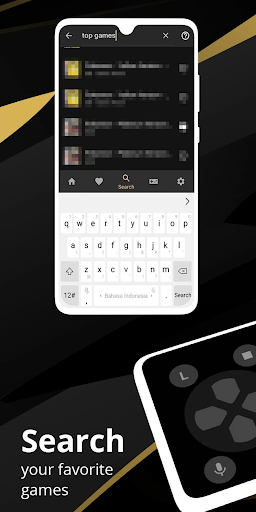
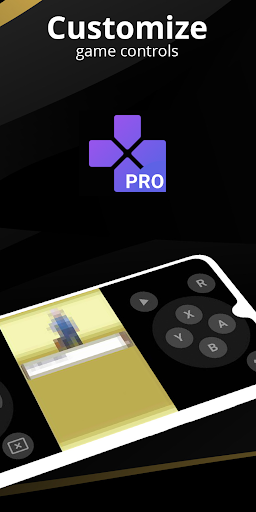
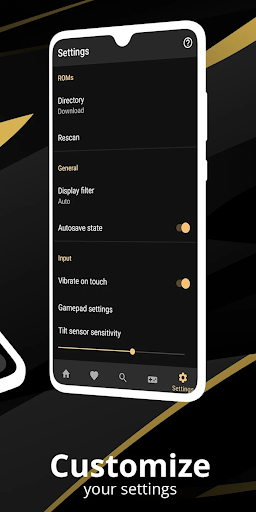
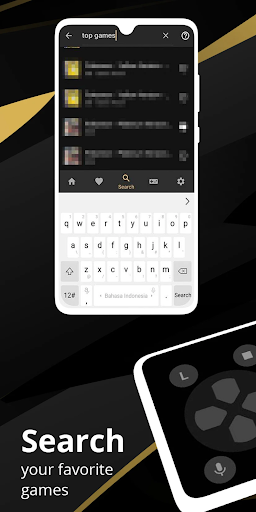
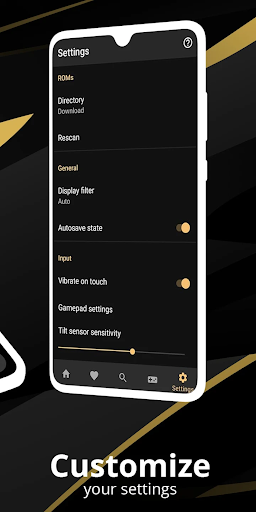
Interface simplicity and intuitiveness are paramount in ensuring that users can effortlessly navigate and utilize the full potential of Pro Emulator for Game Consoles. This emulator boasts a clean and simple yet well-designed user interface that seamlessly integrates with the latest Android operating systems providing an accessible platform for both novice and experienced gamers alike. The intuitive layout allows users to easily access key functionalities such as creating shortcuts to launch favorite games from the desktop managing different key-mapping profiles and customizing touch controls in terms of size and position. Additionally the powerful screen layout editor enables precise adjustments to on-screen controls and game video positioning enhancing the visual clarity and interactive ease during gameplay sessions. Support for external controllers like MOGA controllers and tilt-to-stick functionality further enriches the user experience by offering versatile control options that cater to individual preferences. Moreover features such as local multiplayer cloud save sync display simulation LCD/CRT and fast-forward support are thoughtfully integrated into the interface promoting engagement without overwhelming complexity. By prioritizing straightforward navigation paths clear labeling of functions and streamlined access to advanced settings this emulator ensures that users can focus on enjoying their gaming experiences rather than struggling with cumbersome operational procedures. Ultimately the emphasis on maintaining an uncluttered and logical interface design underscores the commitment to delivering a user-friendly environment where enthusiasts can relive nostalgic gaming moments with minimal hassle and maximum enjoyment.

Props

Wide device compatibility

High game compatibility rate

Advanced save state features

Multiple controller support

Optimized performance

Cons

Powerful device required

No BIOS file included

Complex setup process

Limited newer console support

Potential legal concerns

Features and Functions

What is this app and what can I use it for?

A versatile emulator for playing retro console games on Android devices

How do I download and install this app on my device?

Search for Pro Emulator in Google Play Store and tap Install to download

How do I get started after opening the app for the first time?

Grant necessary permissions and follow the setup wizard to configure basic settings

What are the main features and capabilities of this app?

Offers save states automatic saving and high compatibility with various game titles

How can I customize my experience and adjust preferences?

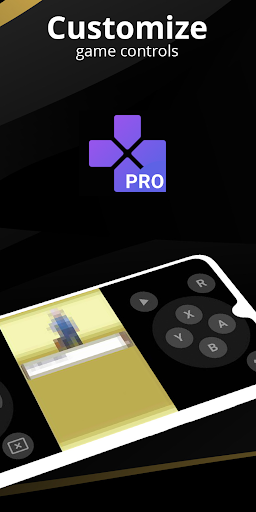
Use the screen layout editor to customize control positions and sizes as needed

How do I save or bookmark my favorite content for later access?

Utilize quick save slots to bookmark game progress for later access

How can I share content with friends or on social media?

Share game screenshots directly through the app's built-in sharing feature

How do I access detailed information and explore more content?

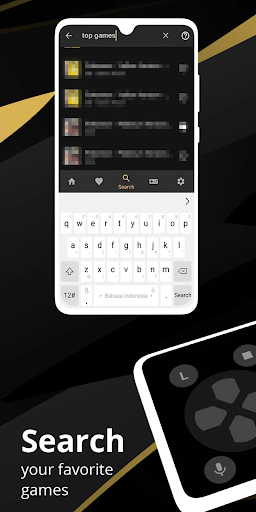
Access detailed game information through the emulator's comprehensive library view

What permissions does this app need and how do I manage them?

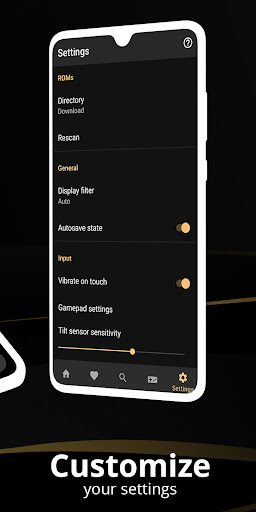
Requires storage and input device permissions managed in system settings

How do I check for updates and keep the app running smoothly?

Enable automatic updates in Google Play Store to keep the app current
Show more

User Reveiws

{{ comment.reviewer_name }}
{{ comment.review_date_formatted}}
{{ comment.review_content }}
{{ tab.name }}
{{ comment.reviewer_name }}
{{ comment.review_date_formatted}}
{{ comment.review_content }}
No reviews with this rating