Zoom Workplace

4.10

Information

Category:

Business

Price:

Free

Rank:

2

Rating:

4.10

Overview

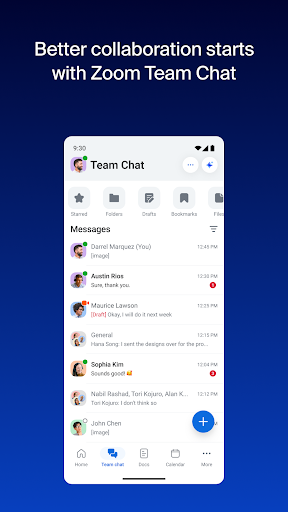
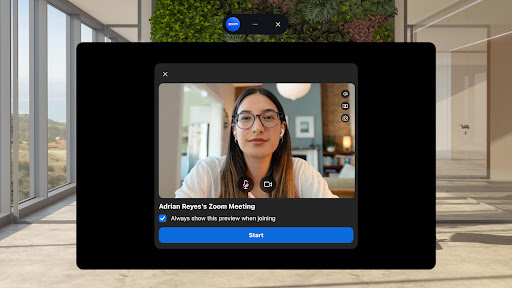
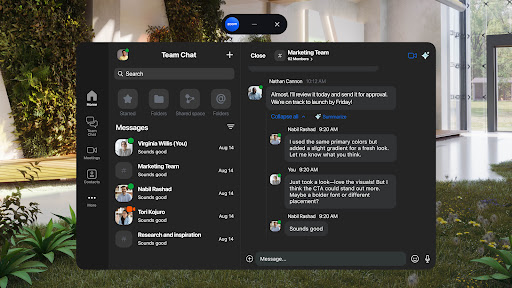
Zoom Workplace is an all-in-one business collaboration platform that integrates team chat, video meetings, phone calls, whiteboard, calendar, mail, and document management. Designed for both free and paid Zoom users, it offers a comprehensive suite of tools to enhance productivity and streamline communication.

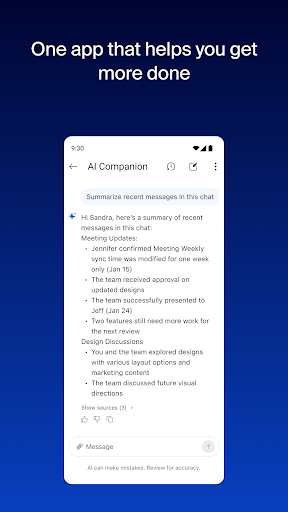
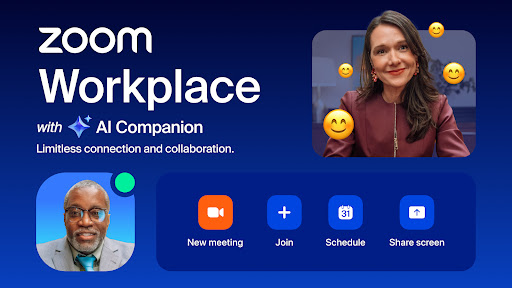
The application's AI Companion feature provides intelligent assistance, helping users catch up on unread messages, draft content, and maintain focused conversations. Available at no extra cost with Pro or Business licenses, this personal assistant ensures you stay productive wherever you are, directly from your mobile device.

Whether you're managing remote teams or coordinating projects across locations, Zoom Workplace enables seamless transitions between devices and supports various work styles through its versatile features.

Features

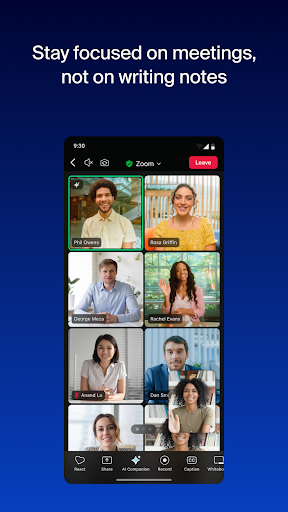
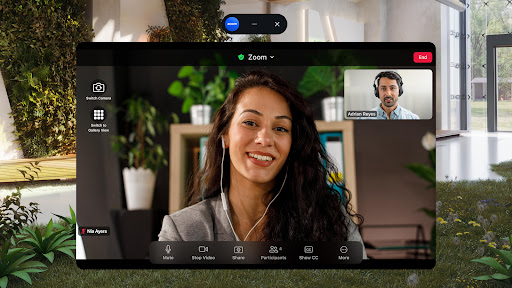
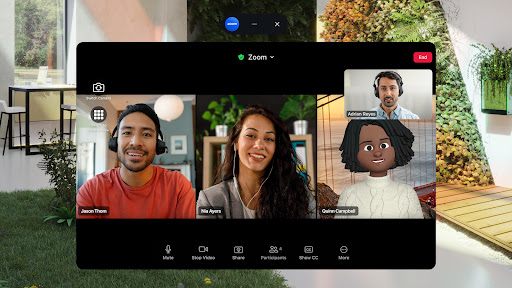
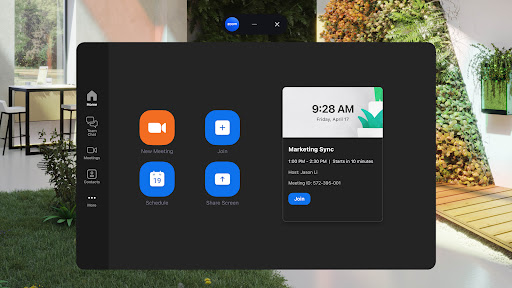
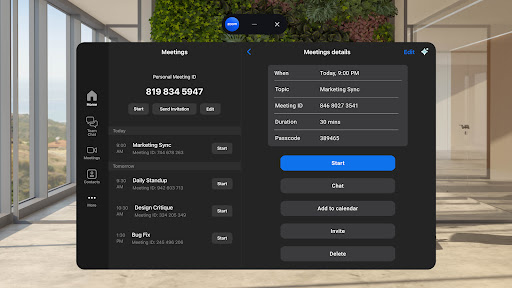
Zoom Workplace stands out with its unified communication approach, combining essential business tools into a single app. The platform allows users to schedule and join video meetings with one tap, facilitating instant connections with colleagues and external contacts.

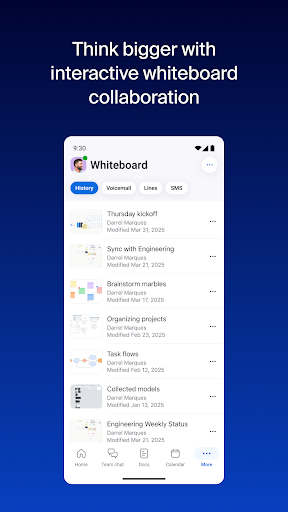
Productivity features include AI-generated meeting summaries, virtual whiteboards for brainstorming sessions, and Zoom Docs for organizing and sharing information efficiently. The AI Companion helps users prepare for meetings quickly and drafts initial content versions.

For professionals on the move, the app supports cross-device functionality, enabling seamless transitions between smartphones, tablets, and desktops. With enterprise-grade security measures and hands-free voice commands, Zoom Workplace ensures safe and convenient mobile working experiences.

Collaborative work features

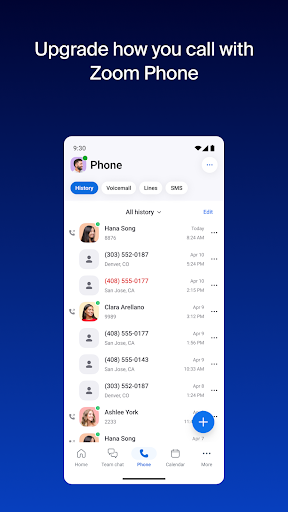
Collaborative work features are essential components of modern business applications enabling teams to work together efficiently regardless of their physical locations In the case of Zoom Workplace this functionality is brought to life through an integration of various tools that cater to different aspects of team collaboration The platform combines team chat meetings phone whiteboard calendar mail and docs into a single cohesive system allowing users to schedule or join video meetings with one tap chat with colleagues and external contacts and even place and receive phone calls or send SMS text messages For users with a Pro or Business Zoom license AI Companion enhances these collaborative capabilities by providing summaries of unread messages helping draft new content and maintaining focus in conversations This AI-driven assistance ensures that teams can quickly get prepared for meetings generate first drafts of content and stay updated with minimal effort The value of these collaborative features lies in their ability to streamline communication and improve overall productivity By integrating multiple communication channels into one platform Zoom Workplace eliminates the need for switching between different apps thereby saving time and reducing complexity Furthermore the ability to move live meetings or calls seamlessly between devices with one tap adds another layer of convenience especially for users who are often on the go Additionally features like virtual whiteboards enable teams to brainstorm and share information effectively enhancing creativity and innovation within projects Overall Zoom Workplace's collaborative work features offer businesses a comprehensive solution to enhance teamwork efficiency and adaptability in an increasingly remote working environment

Task management

Task management is a critical aspect of business applications as it helps teams organize track and execute their work efficiently Zoom Workplace addresses this need by offering a suite of tools designed to improve productivity and ensure that tasks are completed in a timely manner One of the standout features in Zoom Workplace is the AI Companion which plays a significant role in task management by providing automated meeting summaries This allows users to quickly review key points from previous discussions without having to manually sift through notes or recordings Additionally the platform's integration of Zoom Docs enables teams to organize and share information at scale making it easier to manage documents related to specific tasks or projects The ability to assign meeting co-hosts and schedulers further enhances task management by distributing responsibilities and ensuring that meetings run smoothly Another valuable feature is the option to record meetings to the cloud which serves as a reliable way to store important discussions and decisions for future reference These functionalities collectively contribute to a more organized and efficient workflow Users benefit from Zoom Workplace's task management features through improved clarity and accountability within their teams The automated summaries help keep everyone aligned while the document management capabilities ensure that all necessary resources are readily accessible Moreover the platform's seamless integration across devices means that users can manage their tasks from anywhere whether they're using a mobile device or switching between multiple devices during the day This flexibility is particularly beneficial for remote or hybrid teams who require reliable access to their task management tools regardless of location In summary Zoom Workplace offers robust task management features that empower teams to stay organized focused and productive ultimately driving better outcomes for their projects and initiatives

Props

Comprehensive tool integration

AI-powered productivity features

Seamless cross-device functionality

Enterprise-grade security protocols

Intuitive user interface design

Cons

Paid subscription required for advanced features

AI Companion has regional limitations

Some features still in development phase

Occasional connectivity issues reported

Steep learning curve for new users
Features and Functions

What is this app and what can I use it for?

An all-in-one collaboration platform for team communication and productivity

How do I download and install this app on my device?

Search 'Zoom Workplace' in Google Play Store and install from there

How do I get started after opening the app for the first time?

Sign in with your Zoom account and explore the main dashboard

What are the main features and capabilities of this app?

Team chat, video meetings, phone calls, whiteboard, calendar, mail, docs

How can I customize my experience and adjust preferences?

Adjust notification settings and customize workspace preferences

How do I save or bookmark my favorite content for later access?

Use the star icon to bookmark important messages and documents

How can I share content with friends or on social media?

Tap the share button to send content via messaging apps or social media

How do I access detailed information and explore more content?

Access detailed information through the app's search and filter functions

What permissions does this app need and how do I manage them?

Requires camera, microphone, and storage permissions for full functionality

How do I check for updates and keep the app running smoothly?

Enable automatic updates in Google Play Store settings for latest version
Show more

User Reveiws

{{ comment.reviewer_name }}
{{ comment.review_date_formatted}}
{{ comment.review_content }}
{{ tab.name }}
{{ comment.reviewer_name }}
{{ comment.review_date_formatted}}
{{ comment.review_content }}
No reviews with this rating